The illustrated glossary
Inside your appliance. Parts, in plain English.
Learn what a part does before you ring, so you and the technician are talking about the same thing.
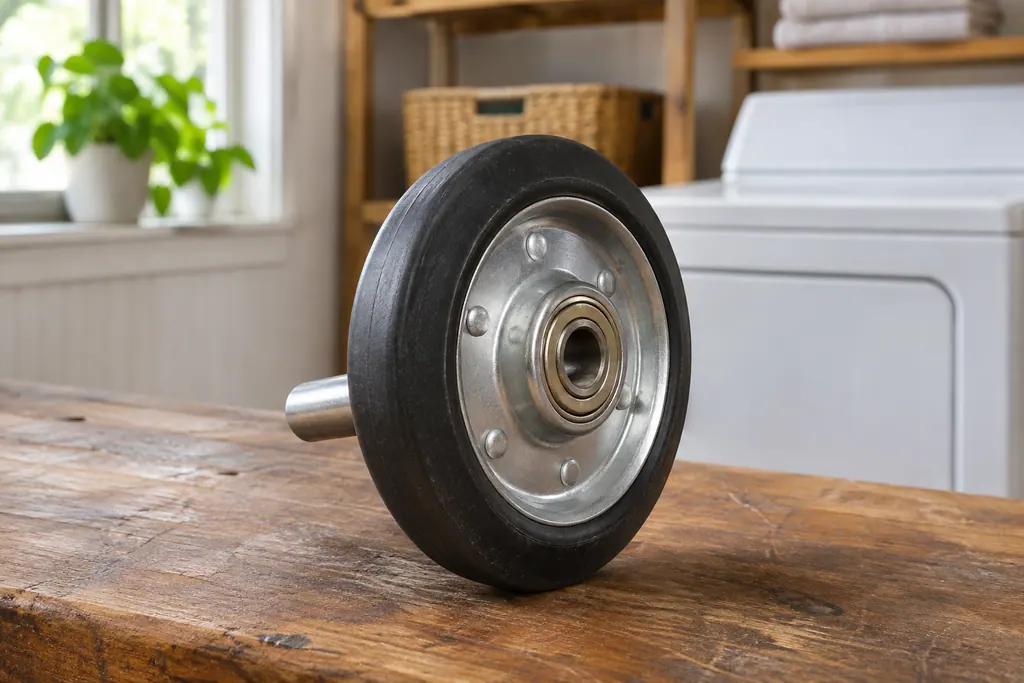
Find a term, A–Z.
 Pump and belt.
Drum and seal.
Laundry parts explained
Meet the parts.
- Washer door lock and door switch (F5E3, F22, F5E1)
- On a Maytag front-load washer, F5E3 means the door is not locking properly and F22 is a front door lock issue. Product Help says to shut the door completely, clear anything from the latch, and wipe soap buildup off the lock. F5E1 names the door switch.
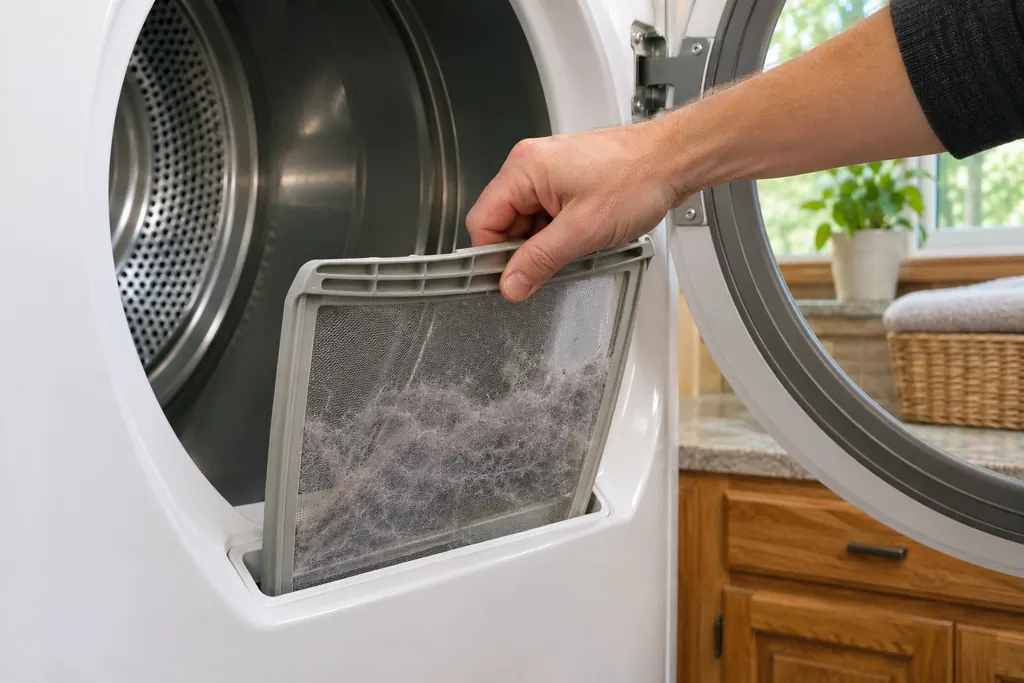
- Dryer lint screen and exhaust vent (F4E3, AF)
- Long dry times on a Maytag dryer often trace to airflow. F4E3, AF and Check Vent all say the lint screen or vent is clogged, crushed, kinked or has too many turns. Product Help wants the lint screen cleaned after every use and the home venting every one to two years.
- Dishwasher fill valve (F8E5, F8E2, H2O)
- F8E5 on a Maytag dishwasher lists a fill valve stuck open, and the page leads with stopping the water. Product Help says to shut the water supply when you can reach it, press Cancel one time to quiet the tone, and close the door. Leave power on unless the water cannot be stopped.
Washer water and door.
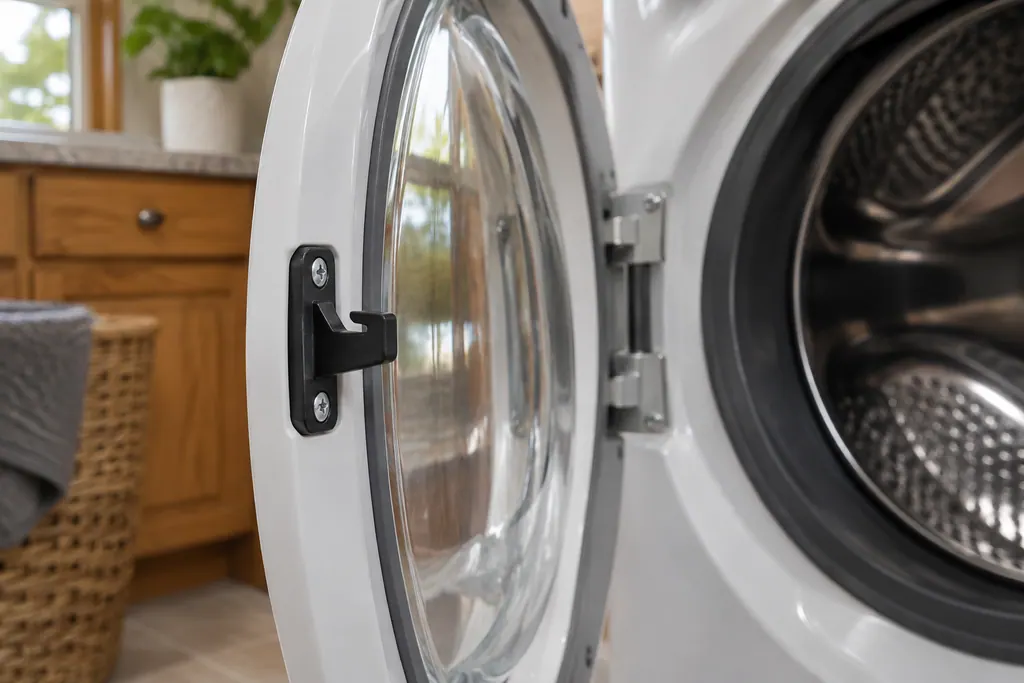
Washer door lock and door switch (F5E3, F22, F5E1)
On a Maytag front-load washer, F5E3 means the door is not locking properly and F22 is a front door lock issue. Product Help says to shut the door completely, clear anything from the latch, and wipe soap buildup off the lock. F5E1 names the door switch.
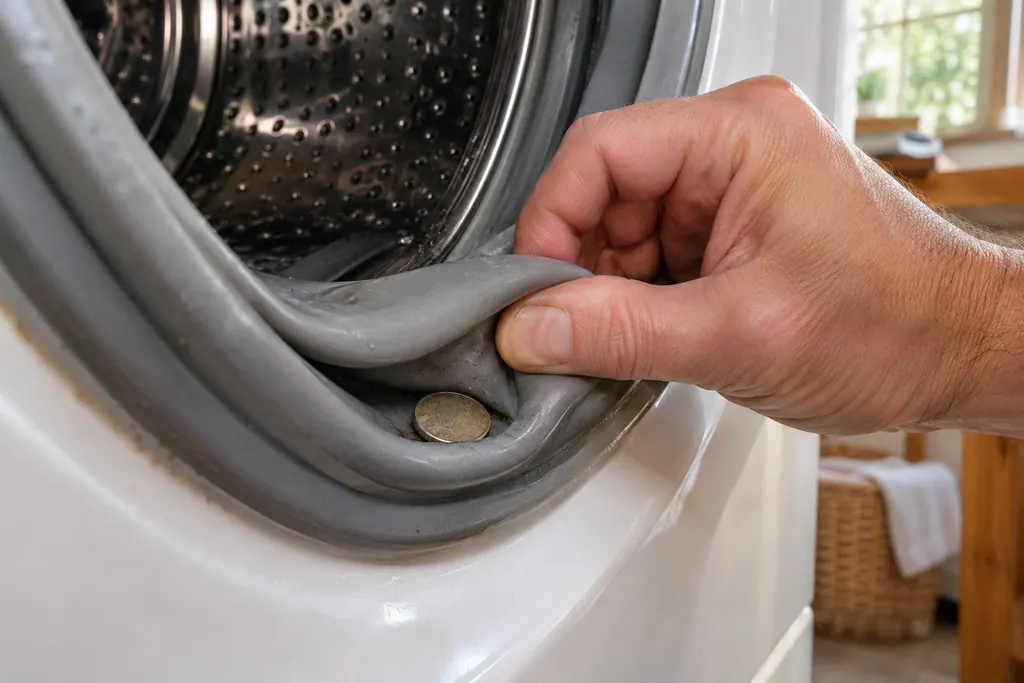
Washer door seal (bellows)
The door seal, or bellows, on a Maytag front-load washer can trap small items, dirt and pet hair, and then hold water. Product Help says to inspect and clean it monthly and to run the Clean Washer cycle monthly. Its small drain holes can clog and slow draining.
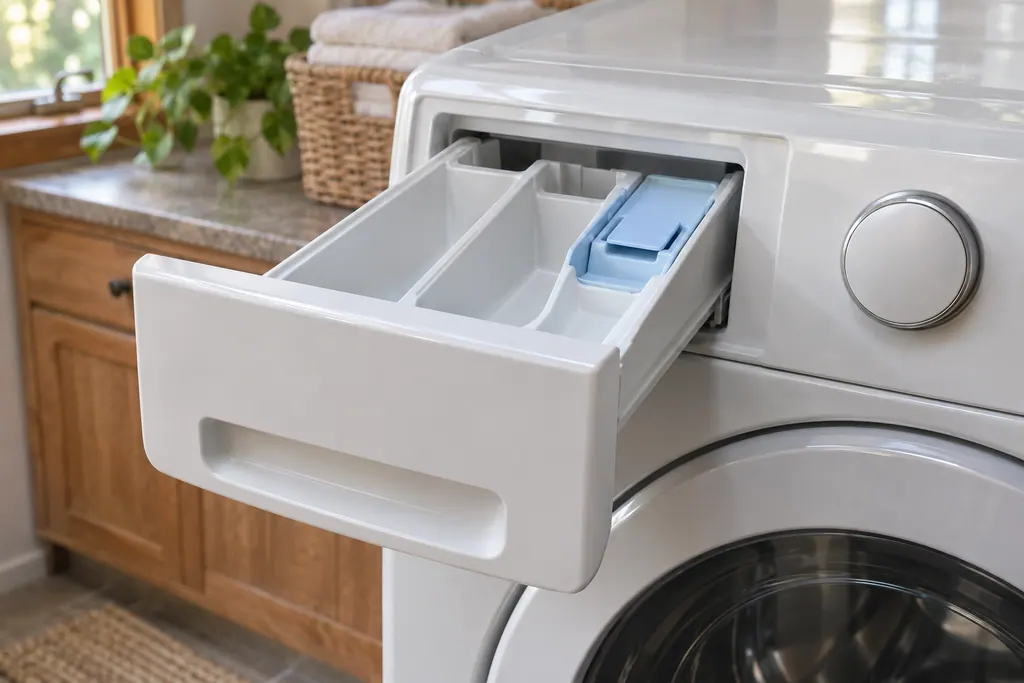
Washer dispenser (F8E2, F3E5, dET)
F8E2 on a Maytag front-load washer is a dispenser system problem, and Product Help wants you to confirm the drawer or cartridge is not clogged with detergent. On top-load models F8E2 is the bulk dispenser and F3E5 the mini dispenser. dET means the cartridge is not detected.

Washer drain hose (F9E1, drn, Ld)
F9E1, drn and Ld all mean a Maytag washer is taking too long to drain. Product Help starts with the drain hose: it should not reach too far into the standpipe, must not be taped to the pipe, and must not kink. Front-load pages give 4.5 inches; the top-load page gives 5 inches.
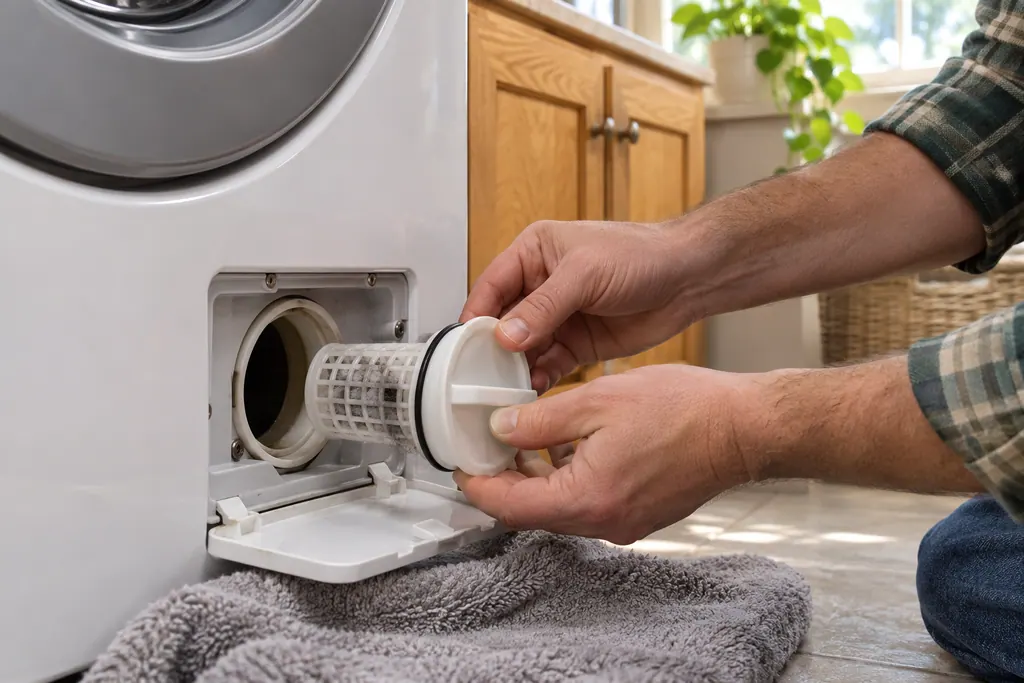
Washer drain pump filter
Many Maytag front-load washers hide a drain pump filter behind the bottom dispenser drawer. Product Help says to clean it occasionally, because a clogged filter makes the washer drain poorly and can lead to F9E1. Catch the water with a flat container and a cloth first.
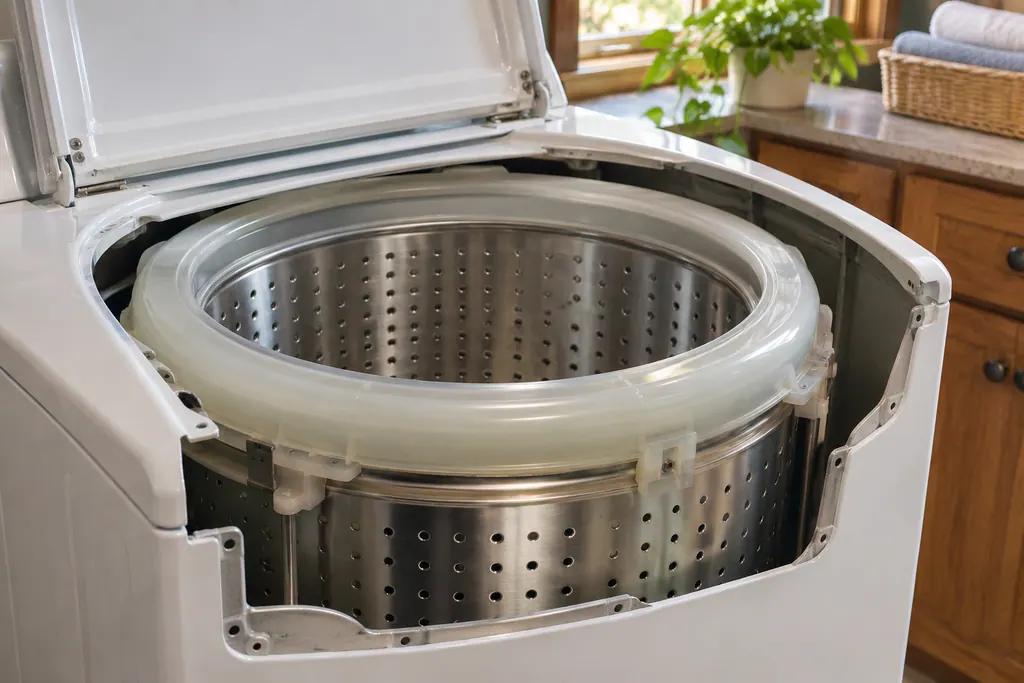
Top-load washer balance ring
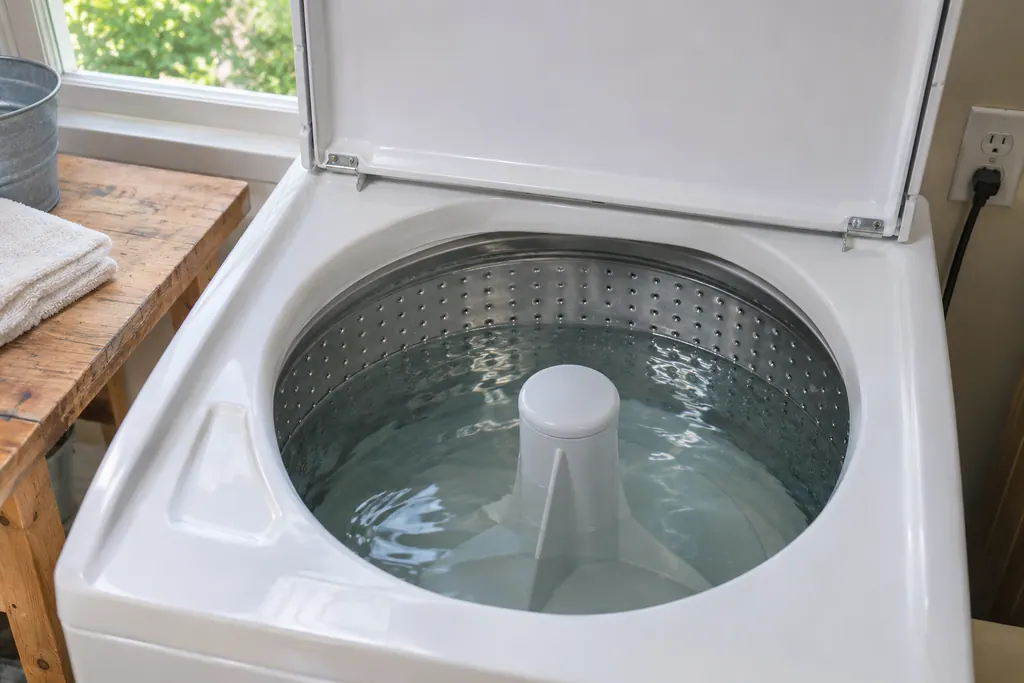
The balance ring on a Maytag top-load washer is a fluid-filled ring at the top of the tub. As a load shifts, the fluid moves to the opposite side to steady the basket and allow faster spins. Product Help says it is the usual cause of water heard but not seen, and it may slosh when you move the washer.
Dryer heat and air.
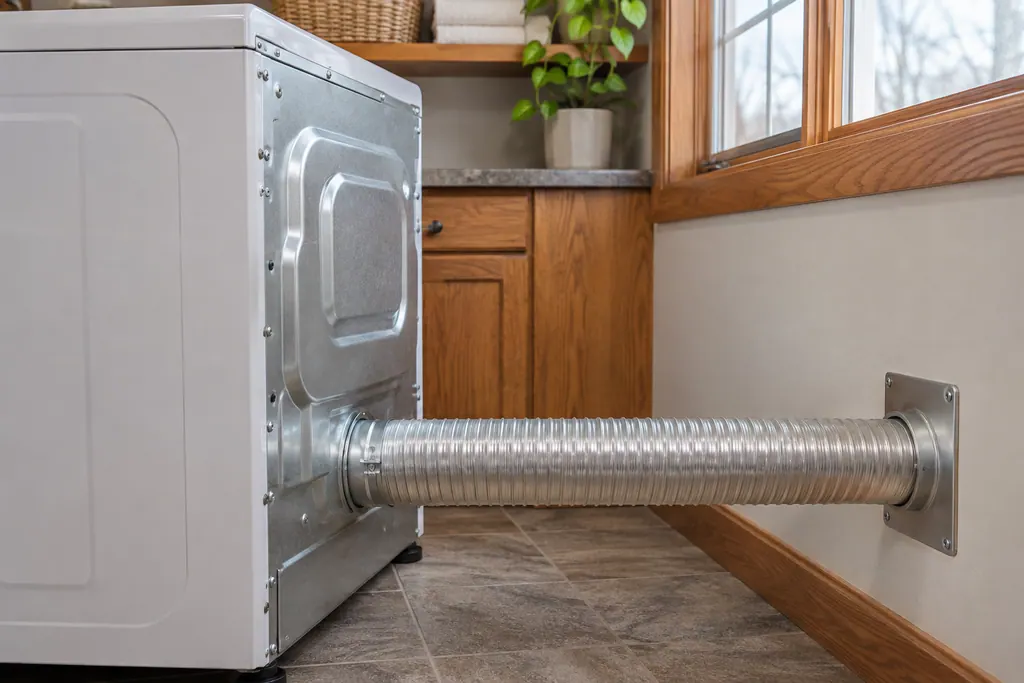
Dryer lint screen and exhaust vent (F4E3, AF)
Long dry times on a Maytag dryer often trace to airflow. F4E3, AF and Check Vent all say the lint screen or vent is clogged, crushed, kinked or has too many turns. Product Help wants the lint screen cleaned after every use and the home venting every one to two years.
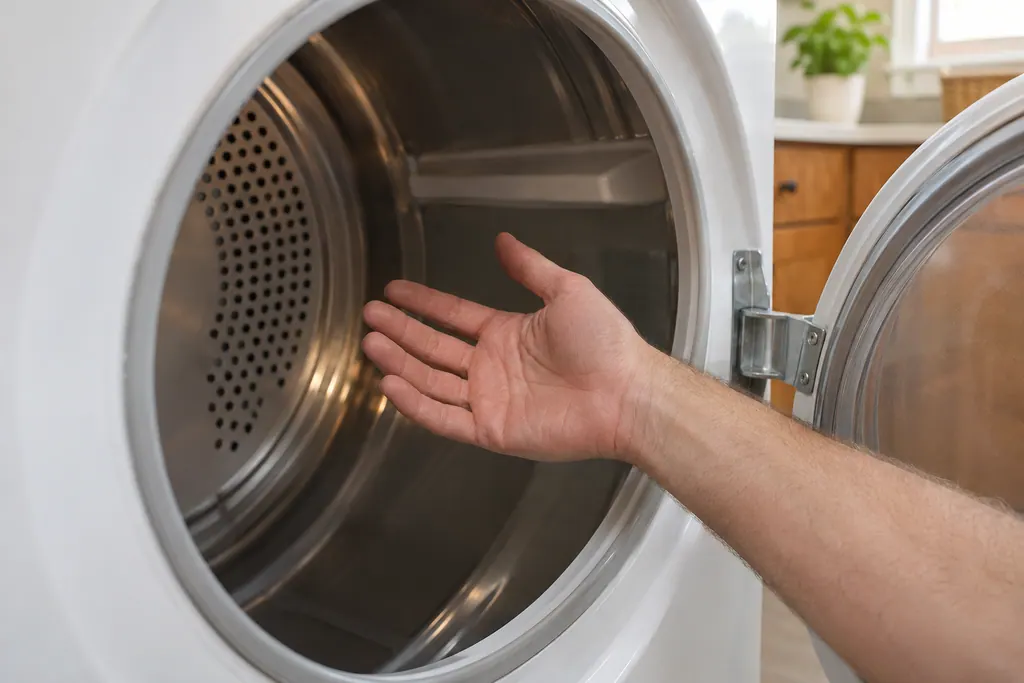
Dryer heater and relays (F4E1)
F4E1 on a Maytag dryer names the heater or the heater relays as the likely problem. Product Help gives a one-minute breaker reset, then a timed dry cycle while you watch the dryer for one minute. For no heat, run a heated timed cycle for five minutes and feel inside.
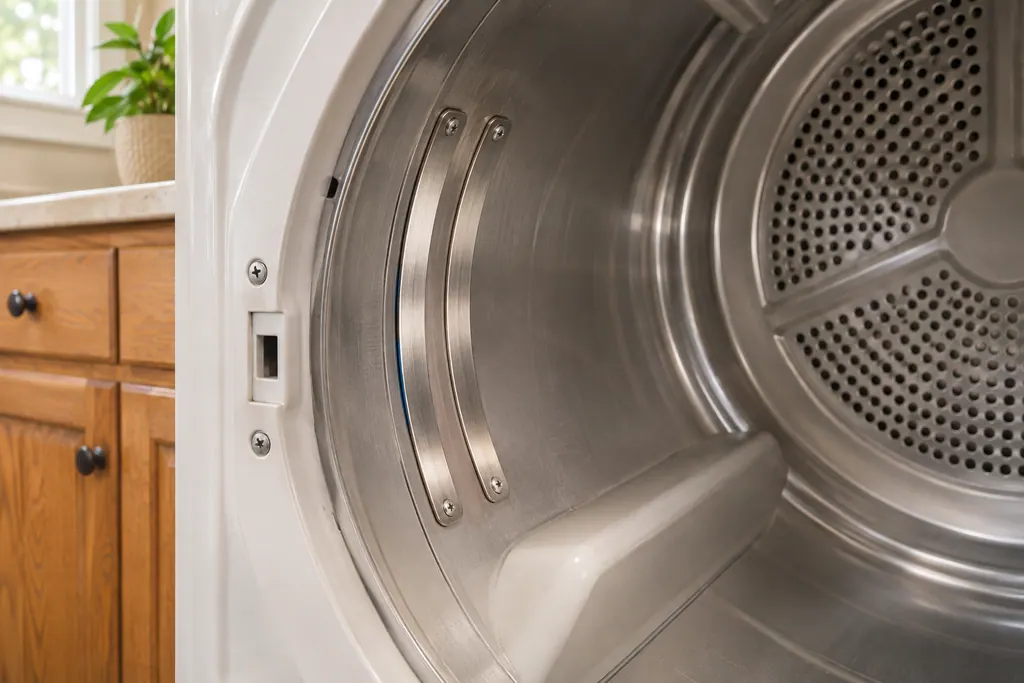
Dryer moisture sensor (F3E2, F3E5)
On a Maytag dryer, F3E2 happens when five loads in a row are dried without the moisture sensor registering data. Press Power to clear it. Product Help asks whether the dryer is level and whether a small load or single item missed the sensors. F3E5 is also listed as a moisture sensor code.
Dishwasher water path.
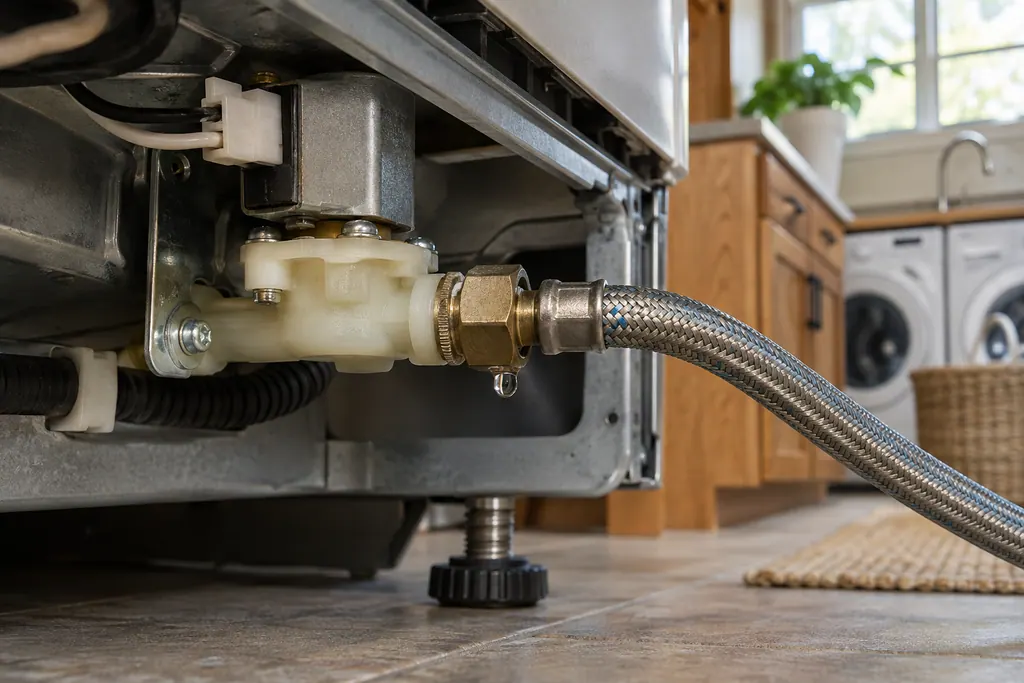
Dishwasher fill valve (F8E5, F8E2, H2O)
F8E5 on a Maytag dishwasher lists a fill valve stuck open, and the page leads with stopping the water. Product Help says to shut the water supply when you can reach it, press Cancel one time to quiet the tone, and close the door. Leave power on unless the water cannot be stopped.
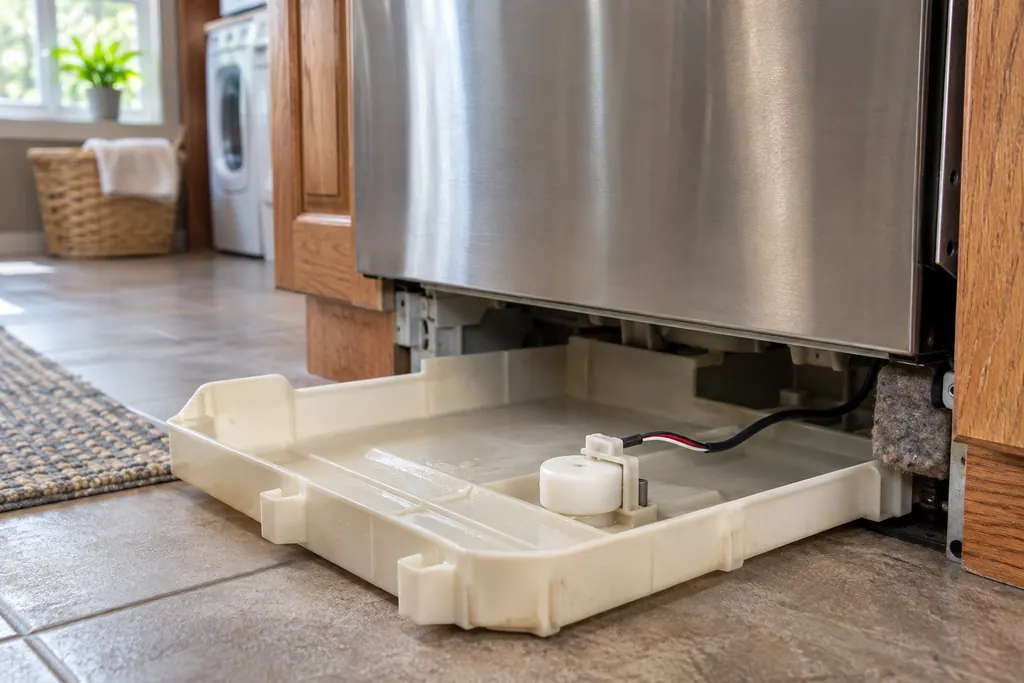
Dishwasher float switch and drip tray (F8E4, F6E4)
F8E4 on a Maytag dishwasher means water was detected in the drip tray. Product Help checks the water connections, whether the float switch is reconnected, and whether the tray holds water that needs to be emptied. F6E4 names the water float switch and asks you to level the dishwasher.
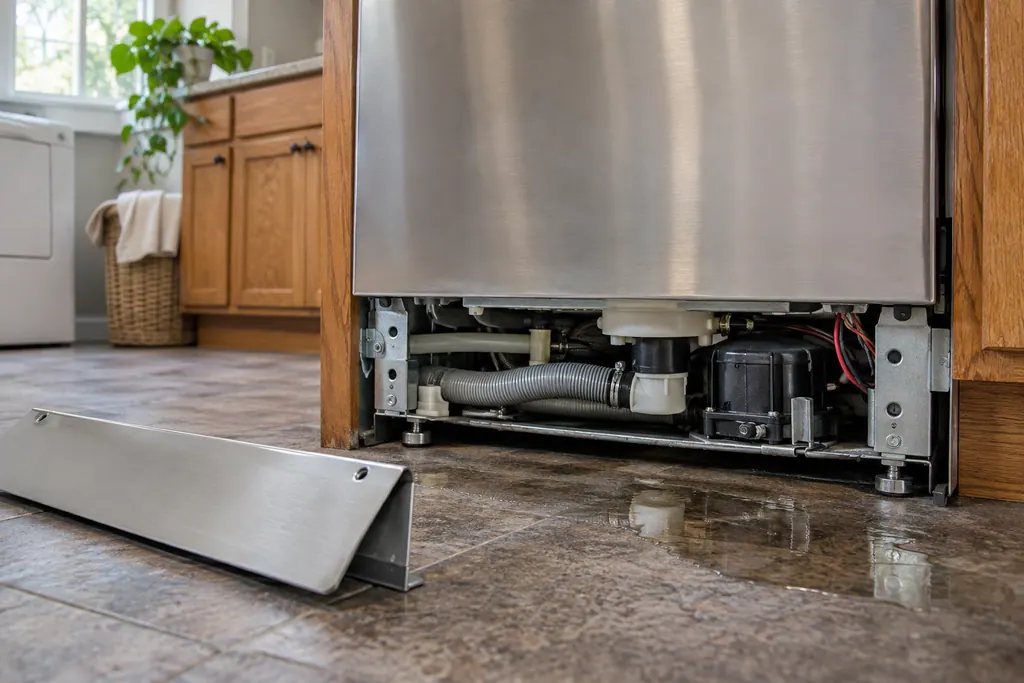
Dishwasher diverter (FAE4, FAE5)
On a Maytag dishwasher, FAE4 lists a diverter valve error and FAE5 lists a diverter leak. For FAE5, Product Help says to check for leaks under the dishwasher, make sure water connections are secure, press Cancel twice and start a new cycle. FAE4 gets a 30-second power reset.
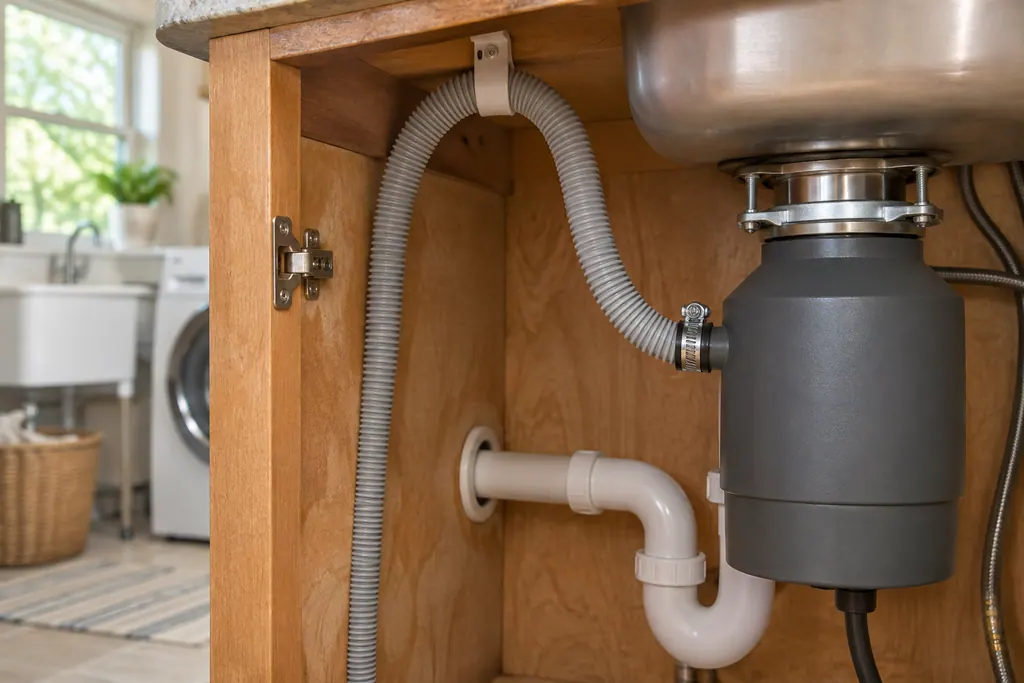
Dishwasher drain system (F9E1, F9E2)
F9E1 on a Maytag dishwasher is a long drain and F9E2 is a drain motor error. Product Help lists the checks: clean the filter under running water, look for a kinked or clogged drain hose, and confirm the garbage disposer knockout plug is out on a new installation.
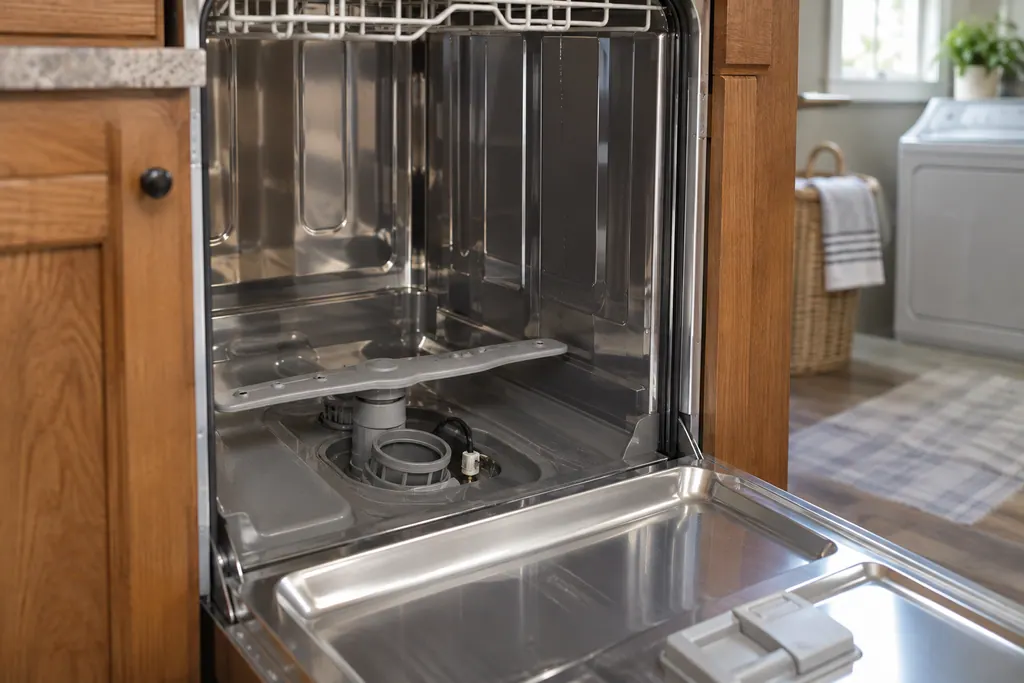
Dishwasher thermistor and OWI sensor (F3E2)
F3E2 on a Maytag dishwasher lists a thermistor or OWI sensor as the potential cause. Product Help offers one home step: cut power to the dishwasher for 30 seconds, by unplugging it or by switching its breaker off. A returning code means scheduling service.
Ovens and cooktops.
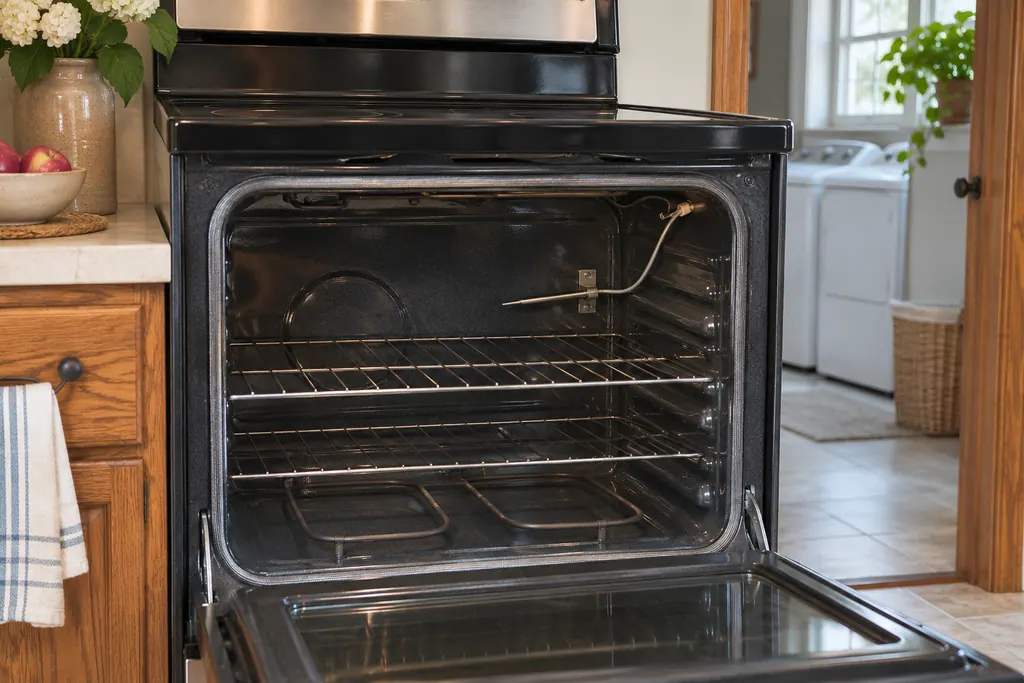
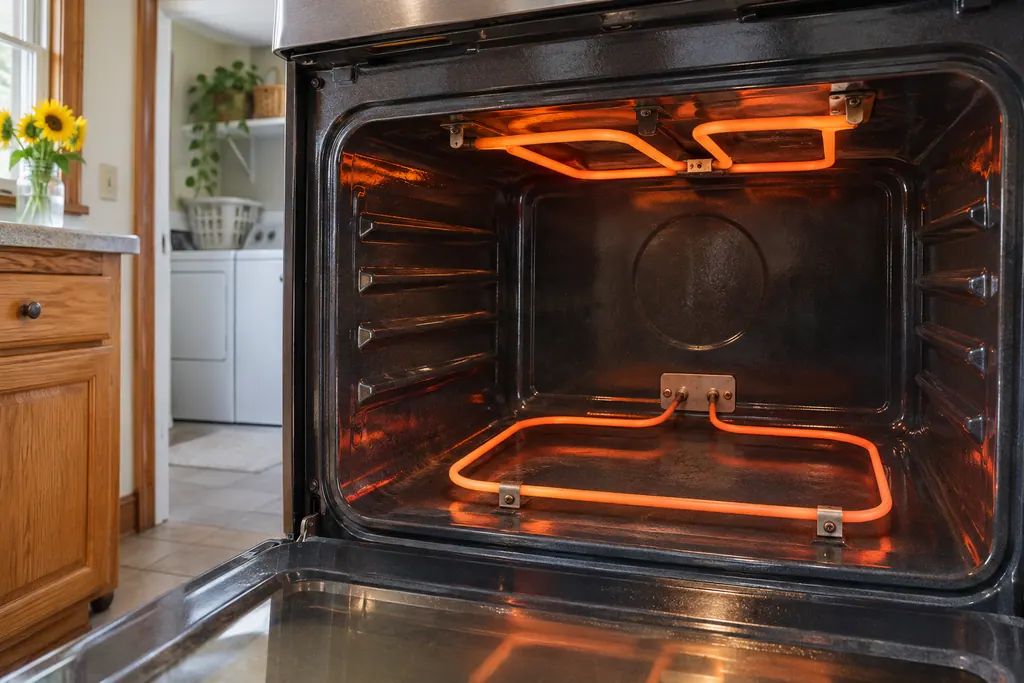
Oven temperature sensor (F1-1, F1-2, F2)
On a Maytag range or wall oven, F1-1, F1-2 and F2 all carry the same wording in Product Help: the sensor in the oven, the control or the wiring could be at issue. The only home step the pages print is a short breaker reset, and they name no other check.
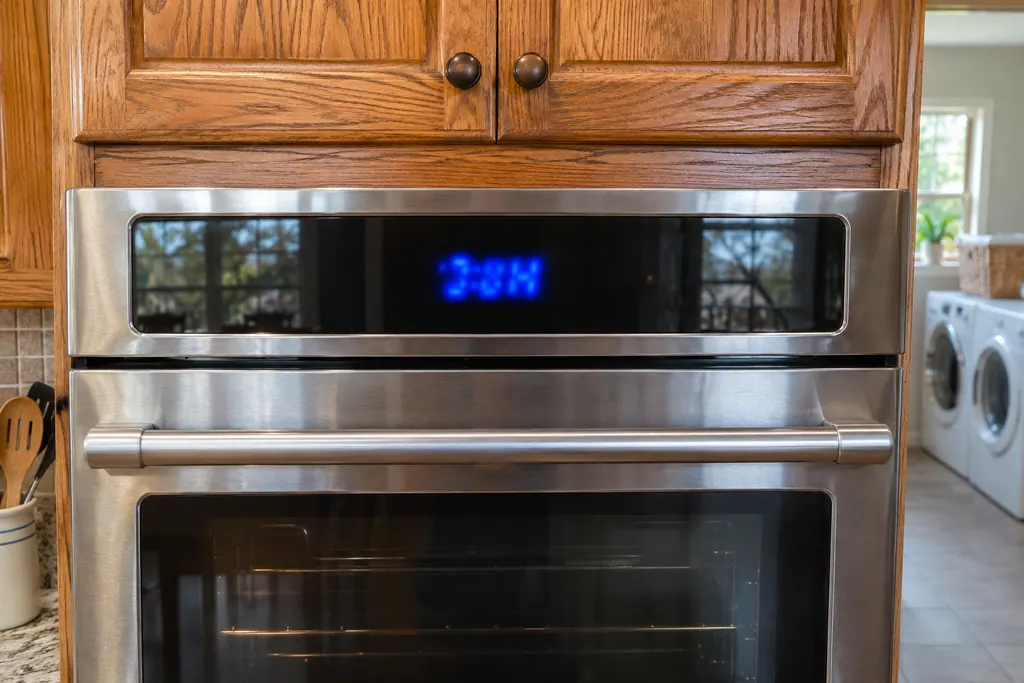
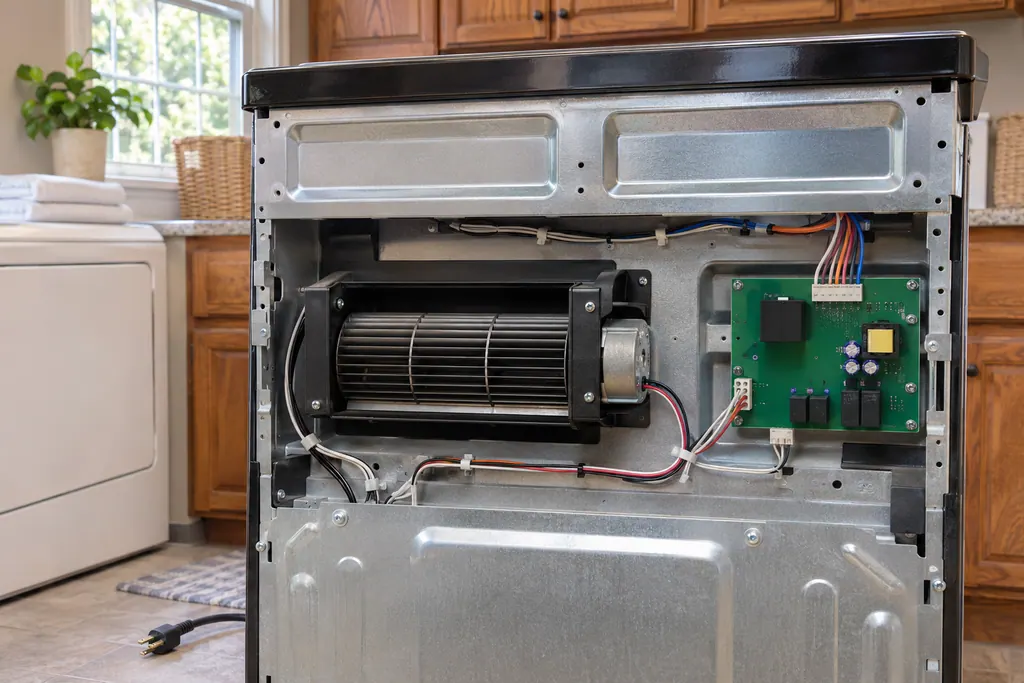
Oven control and user interface (F1-7, F1-8, F3, F6)
Maytag range pages for F1-7, F3 and F6 point at the control board of the oven, or the wiring to it. F1-8 also names the keypad and its interface. The only home step printed is a one-minute breaker reset, followed by watching the oven.
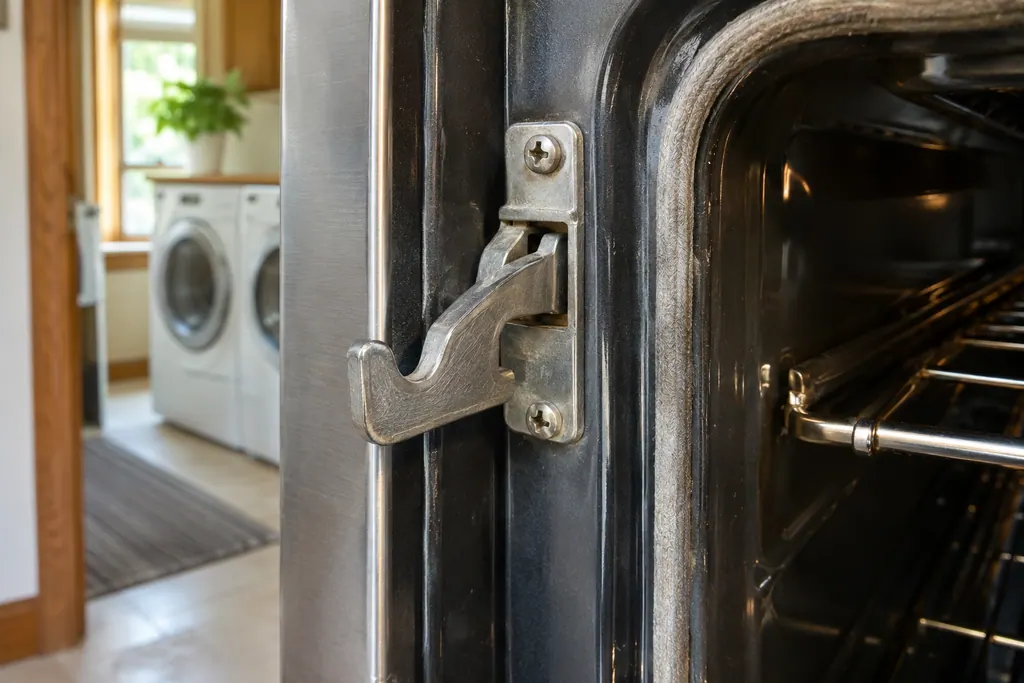
Oven door latch and latch switches (F5)
F5 on a Maytag range or wall oven names the door latch assembly, the latch switches and the wiring as suspects. Product Help gives a one-minute breaker reset and asks you to verify oven operation afterward. A steam oven F5 page lists the reset alone.
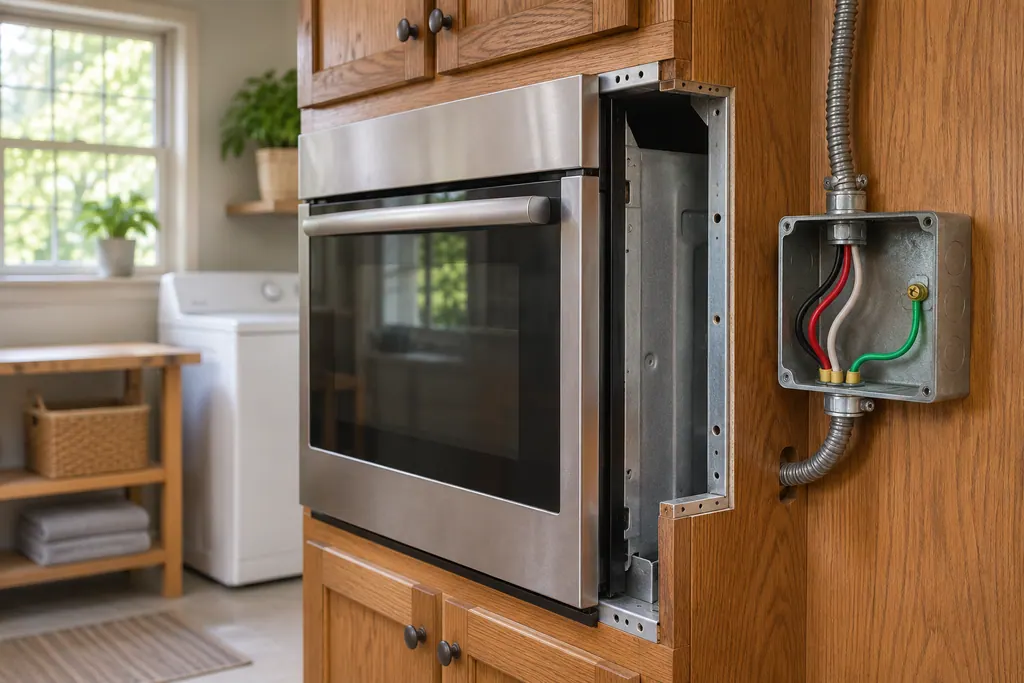
Oven power supply wiring (F9)
Maytag Product Help says F9 or F9 E0 on a wall oven will most often mean the oven is wired incorrectly at the home supply or the hard-wire connection, with L2 and N possibly swapped. A qualified electrician should check the supply. Line noise during an outage can also display F9, F9 E0 or PF.
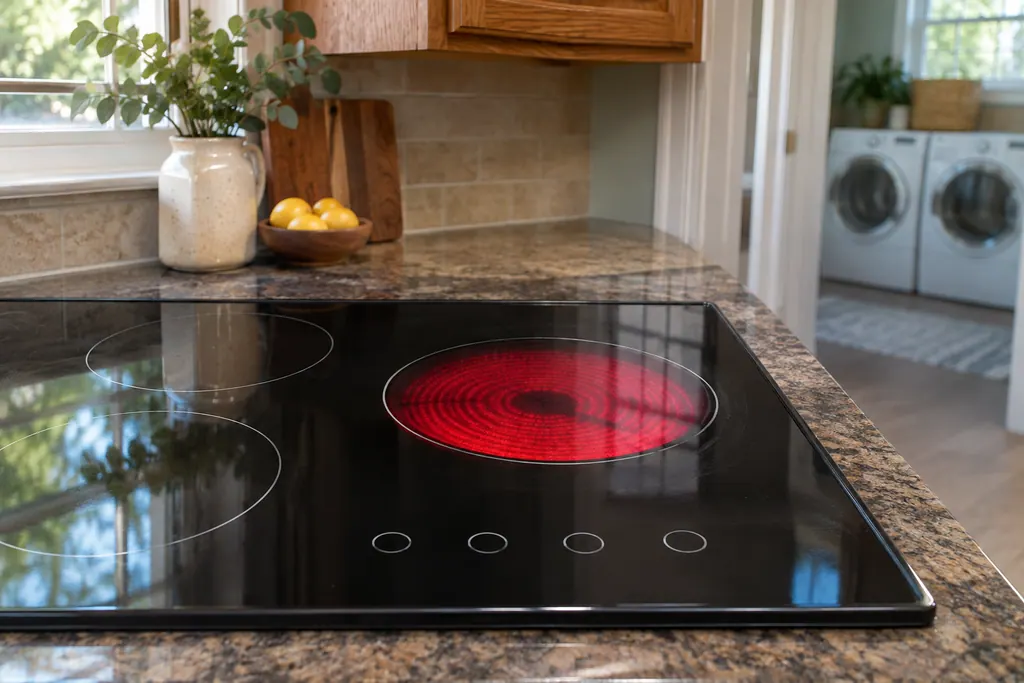
Cooktop hotplate and touch control (F12)
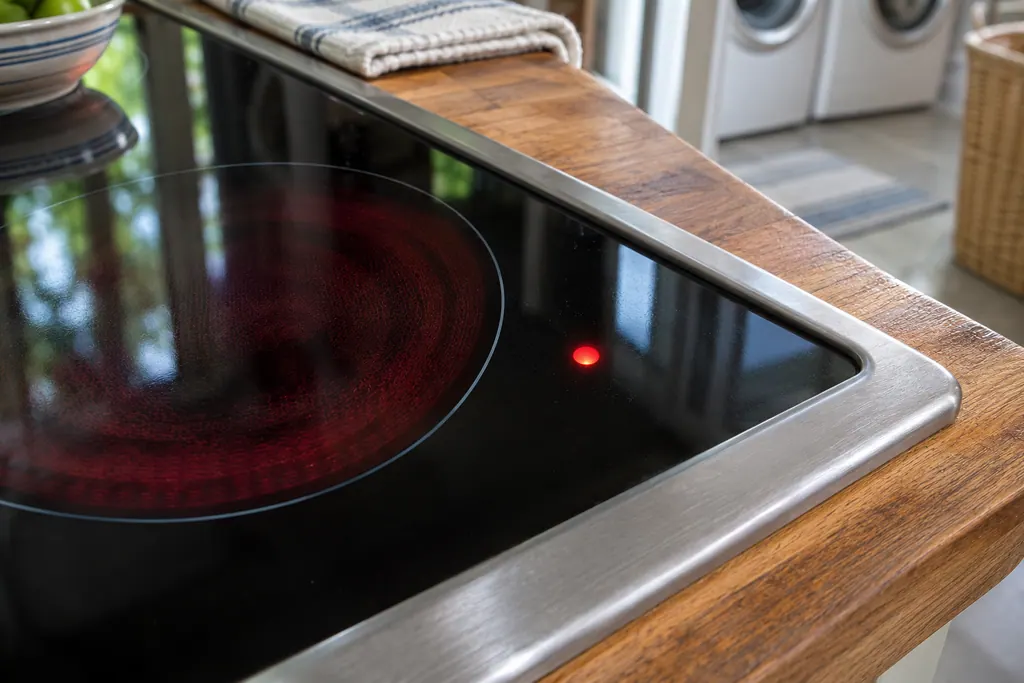
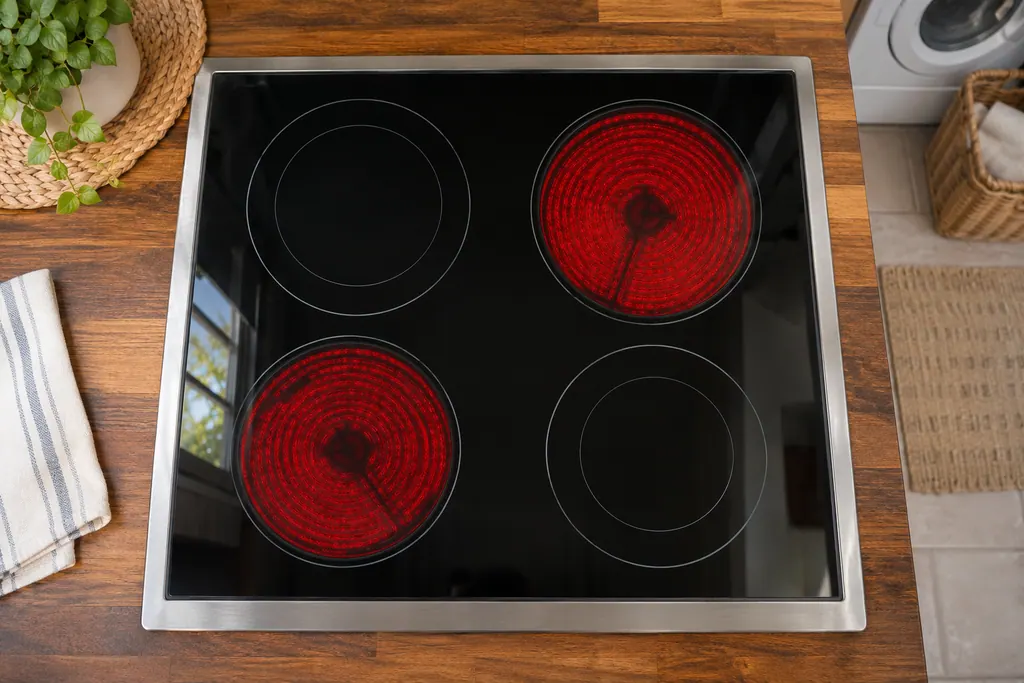
Maytag Product Help prints two meanings for F12 on an electric cooktop. One page points to a hotplate (cooking surface, burner or element) or its wiring. Another says there is an internal communication error on the touch control module. Both give a one-minute breaker reset.
Microwaves and hoods.
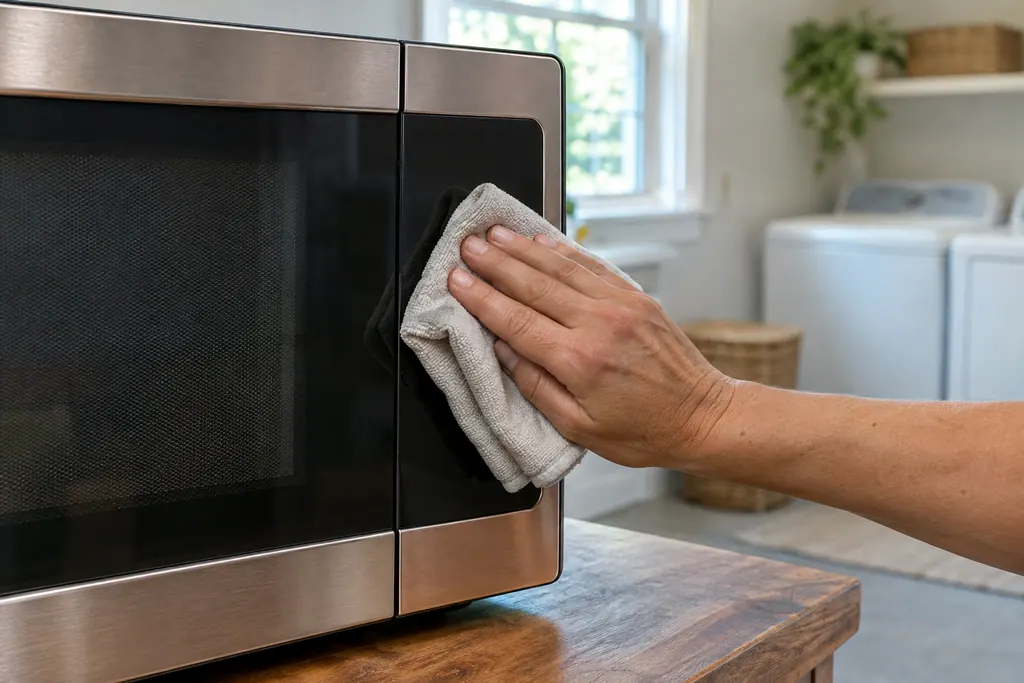
Microwave keypad (SE, F2, F2E1, E03)
On a Maytag over-the-range microwave, SE, F2, F2E1 and E03 all point to the keypad, also called the user interface, or its wiring. Each page prints the same single step: cut power at the breaker for 60 seconds, restore it, wait a minute for a repeat, then run a cycle.
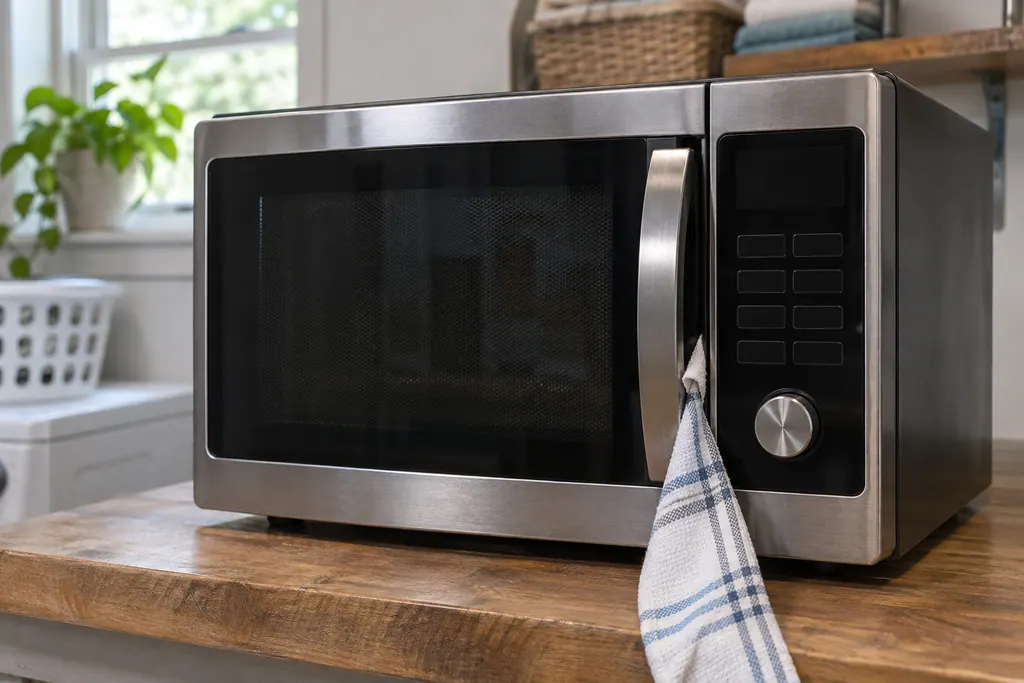
Microwave door message (Door, Open/Close)
On a Maytag countertop microwave, a Door or Open/Close message means the door sat closed for 5 minutes or more with no cycle started. Product Help says to open and close the door, then begin the cycle again. A blocked latch or an unlevel counter can also keep it from closing.
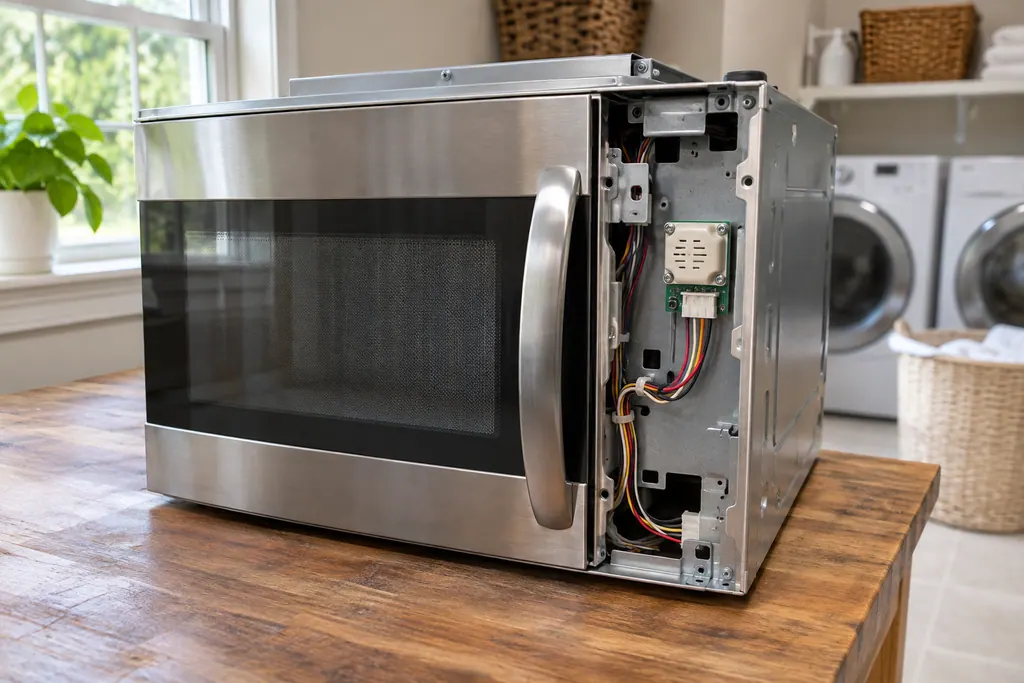
Microwave gas sensor (E11, E12, E24)
On a Maytag over-the-range microwave, E11 and E12 point to the gas sensor or its wiring, and E24 adds a thermal sensor and the control board to that list. The one home step in Product Help is a 60-second power-down at the breaker, then a minute of observation.
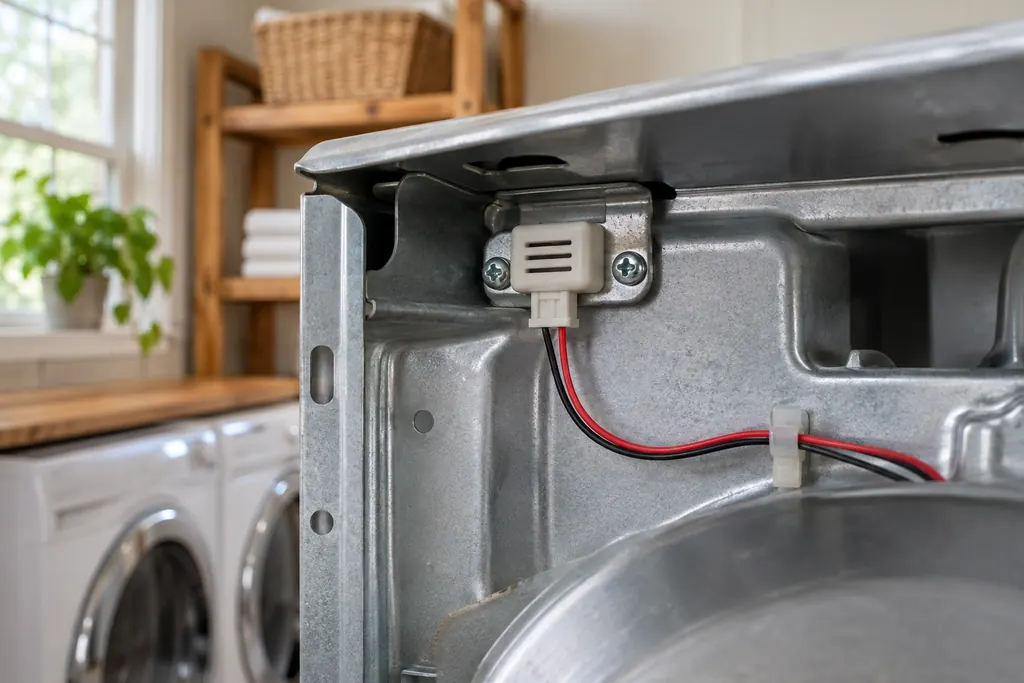
Microwave humidity sensor (F3H1, F3H, F4E4)
On a Maytag over-the-range microwave, F3H1 names the humidity sensor, while F3H and F4E4 name the humidity thermistor, and their wiring. The pages share one step: cut power at the breaker for 60 seconds, restore it, and see whether the code reappears within a minute.
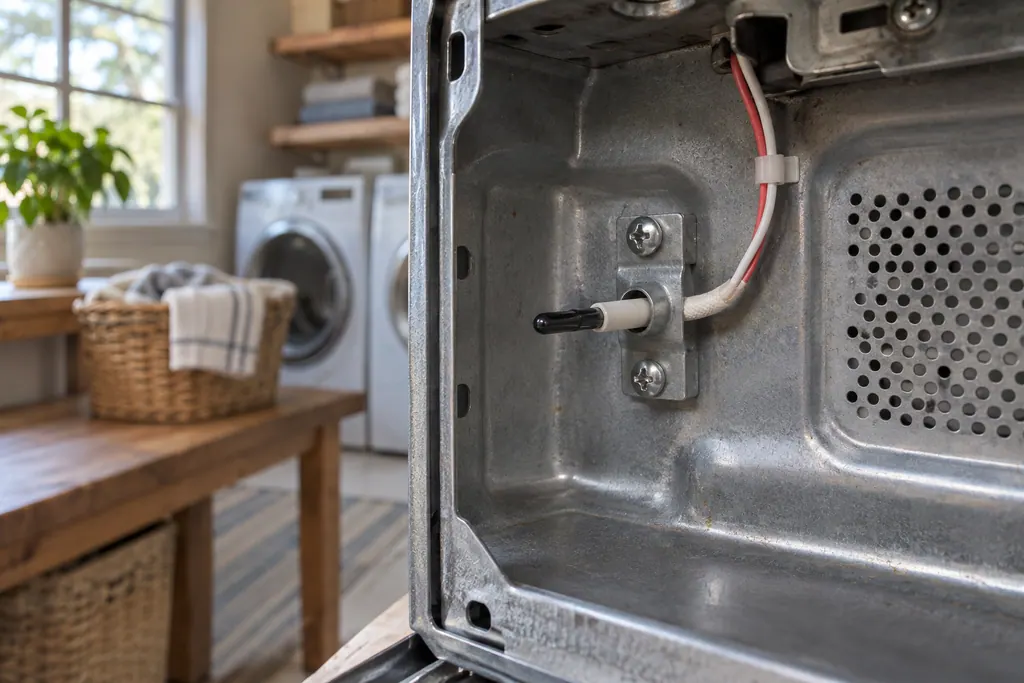
Microwave cavity thermistor (F3C, F4E1)
On a Maytag over-the-range microwave, F3C and F4E1 both name the cavity temperature thermistor or its wiring. The printed step is a 60-second power-down at the breaker, a minute of observation and a test run.
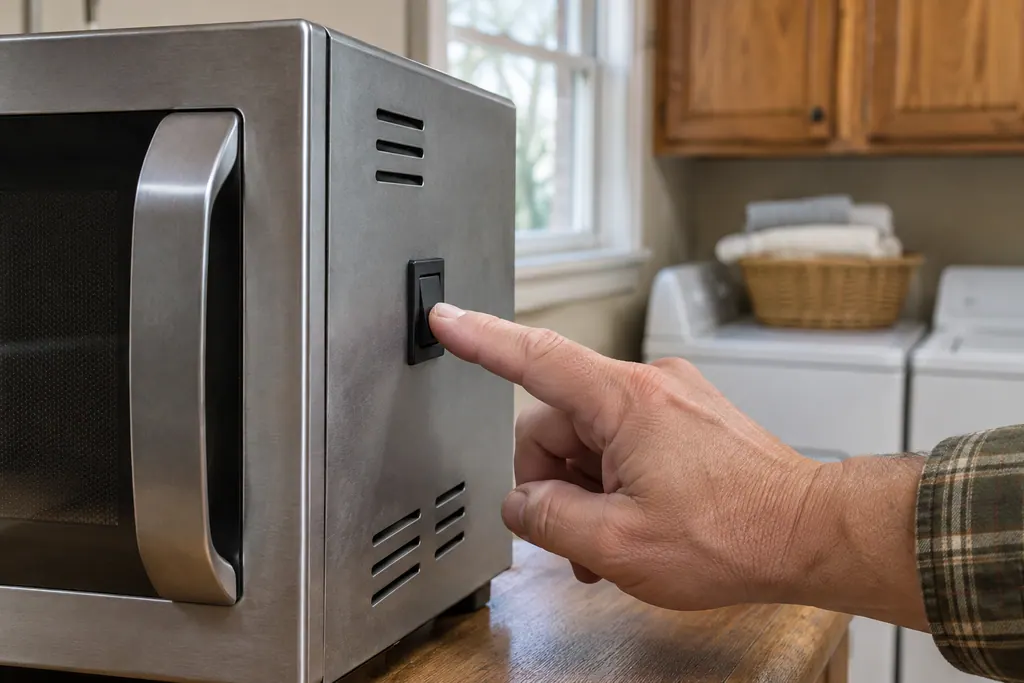
Microwave vent fan and light switch (F2H1, F2H2)
On a Maytag over-the-range microwave, F2H1 and F2H2 name the vent fan and light switch, found on the lower left front side panel, or its wiring. The printed step is a 60-second power-down at the breaker, then restoring power and observing the unit.
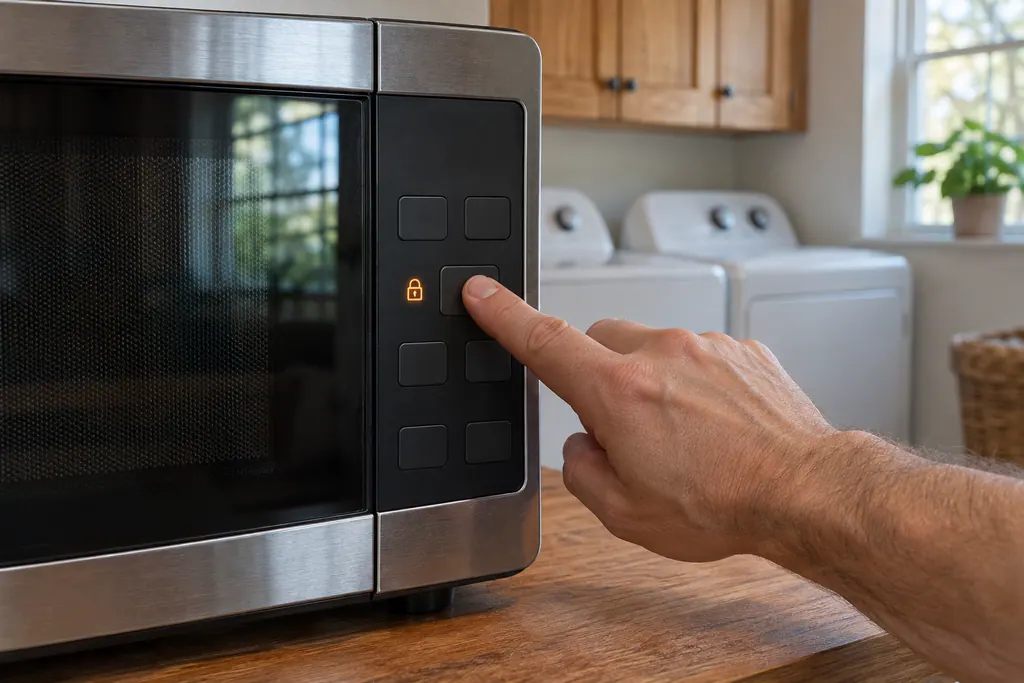
Microwave control lock and 2-step door (LOC, EA:0, D1:0)
On a Maytag countertop microwave, LOC, L or a padlock icon means the control lock is on. Product Help says to hold Cancel for 3 seconds, or Start for 5 seconds, depending on the model. EA and D1 show whether the 2-step door opening is turned on or off.
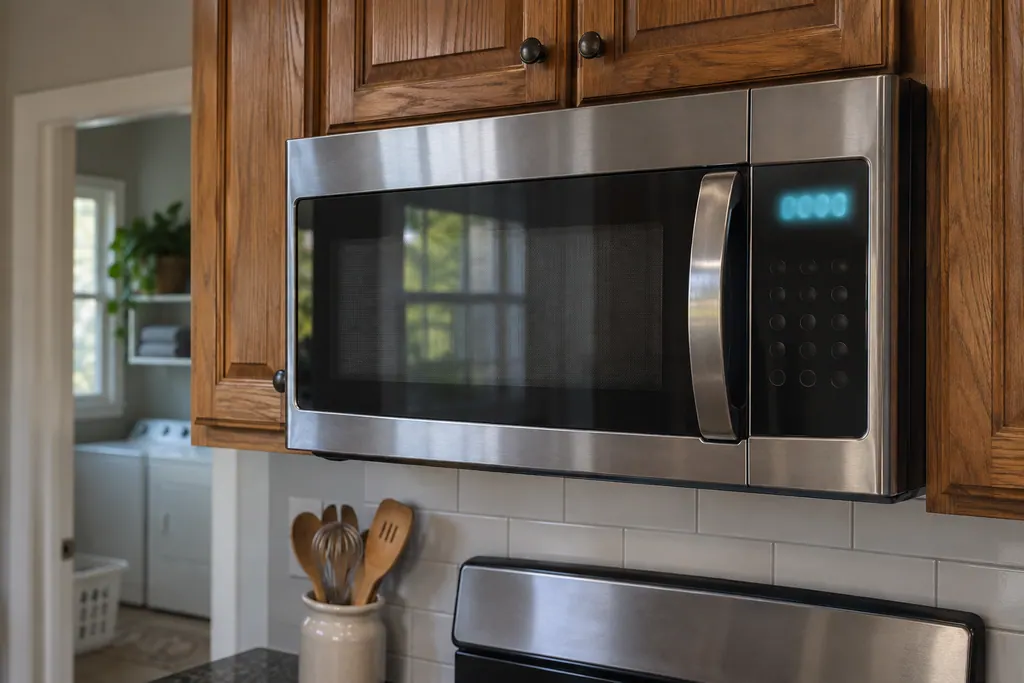
Microwave power failure display (0:00, PF)
On a Maytag microwave, a flashing 0:00 on a countertop model, or a blinking colon or PF on an over-the-range one, means power was lost or the clock is off. Product Help says to touch Cancel, then reset the clock. If it keeps flashing, it says to call a qualified electrician.
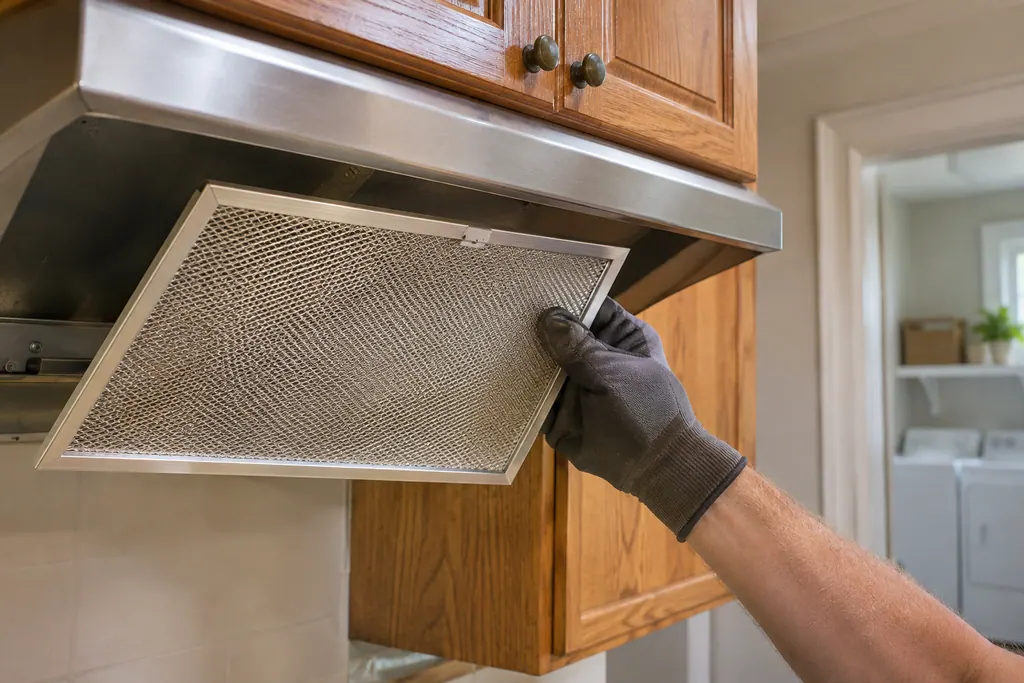
Hood grease filter (F)
On a Maytag vent hood, the display shows F after 30 hours of fan operation, which means the grease filters need washing. Product Help says to wash the metal filter in the dishwasher or hot detergent solution, let it dry thoroughly, then clear the alert by holding FAN for 3 seconds.
Hood charcoal filter (C)
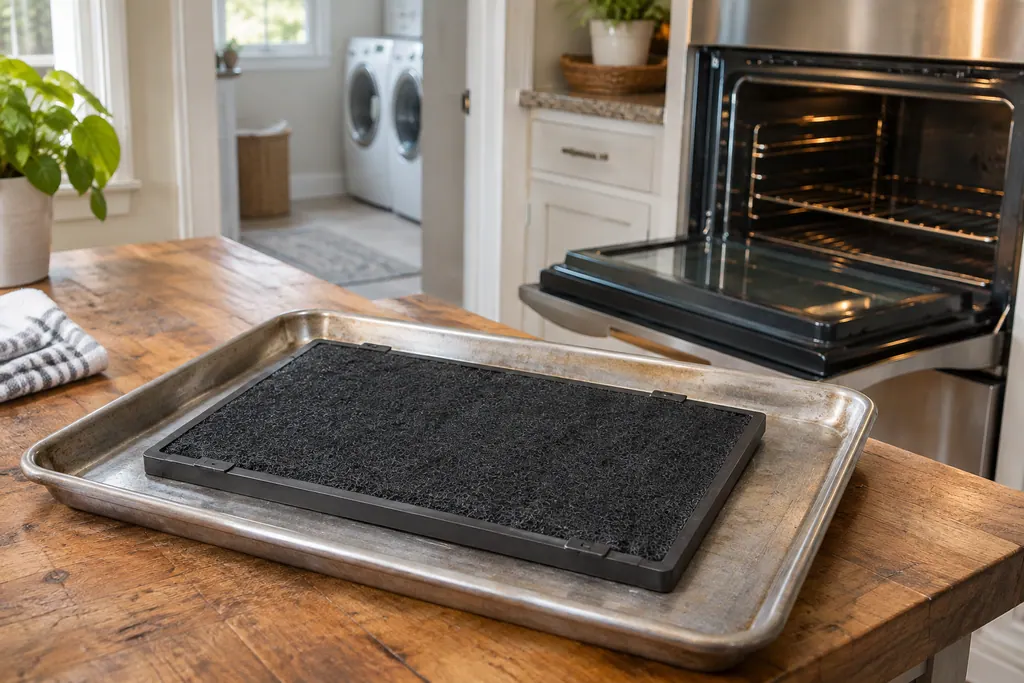
On a Maytag vent hood, C appears after 120 hours of fan operation and means the charcoal filter should be washed. Product Help says to wash it in the dishwasher on the hottest setting, reactivate it in an oven for 10 minutes at up to 210 F, and replace it after about three years.
Refrigerator filters.
Refrigerator water filter (H2O light)
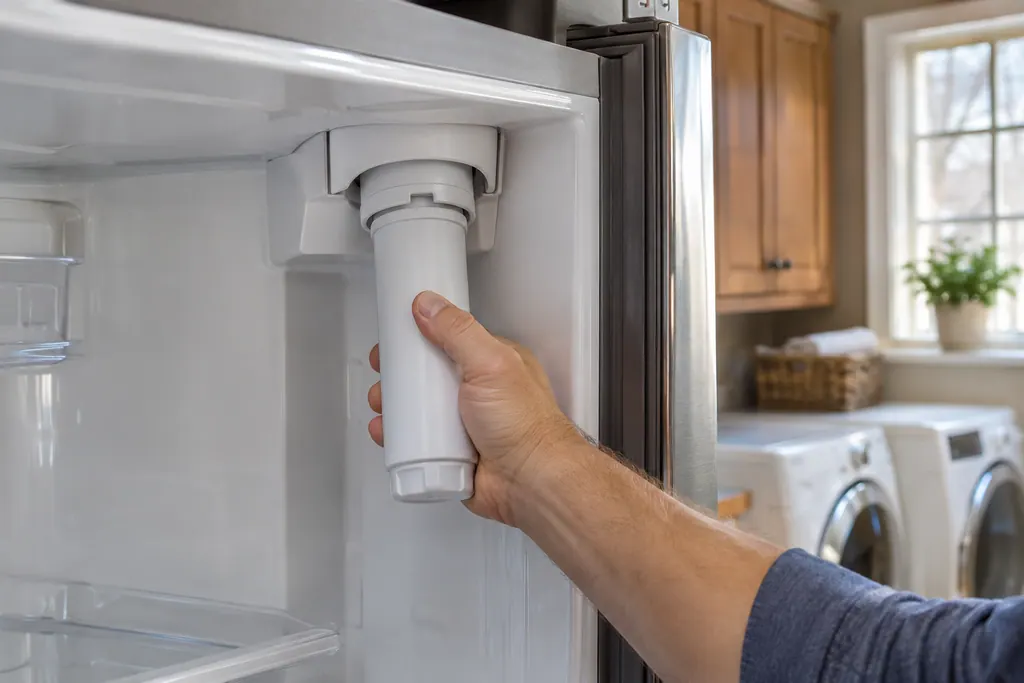
Maytag Product Help sets the water filter in a refrigerator at 6 months, at the indicator light, or as needed. A filter that is clogged or badly installed can cut water flow to the ice maker and dispenser, giving small cubes and slow dispensing. On French door models, reset with LIGHT and ICE TYPE held for 3 seconds.
Refrigerator air filter indicator
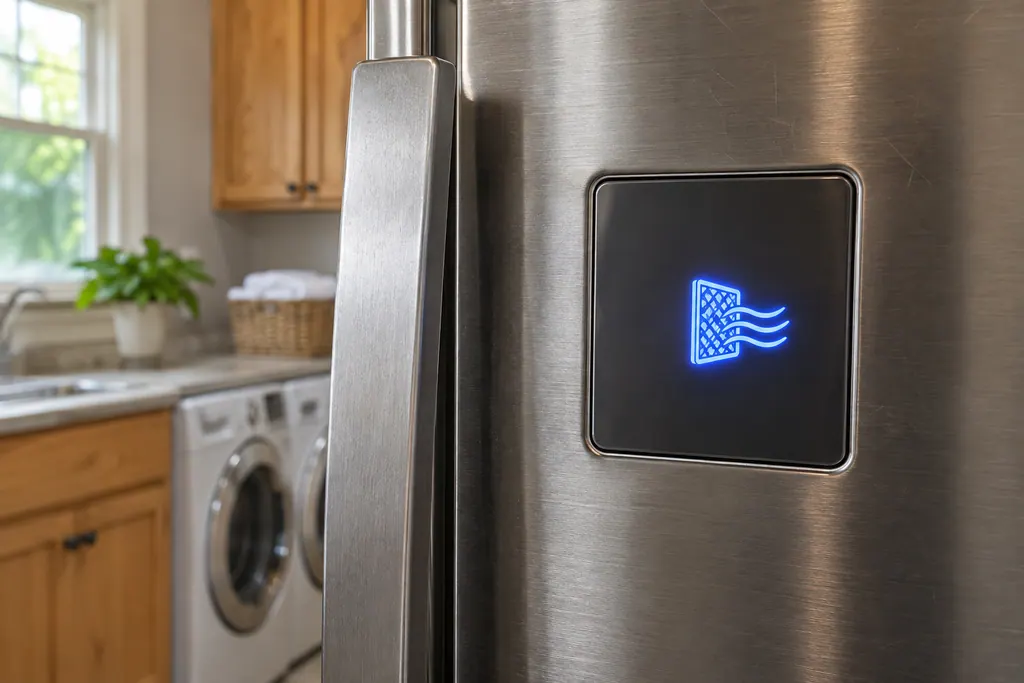
The air filter icon on a Maytag French door refrigerator shows four stages: blue for good, yellow for order a new one, red for replace now, and a flashing message for expired. After fitting a new Freshflow air filter, press and hold AIR FILTER three seconds to reset.
Which part, which problem, which code.
Choose a part to see the trouble it can cause and the codes that mention it.
Freezer
Hood
Microwave
- Microwave door message (Door, Open/Close)microwaveShows up as
- Microwave gas sensor (E11, E12, E24)microwave
- Microwave humidity sensor (F3H1, F3H, F4E4)microwave
- Microwave keypad (SE, F2, F2E1, E03)microwave
- Microwave cavity thermistor (F3C, F4E1)microwave
- Microwave vent fan and light switch (F2H1, F2H2)microwave
- Microwave control lock and 2-step door (LOC, EA:0, D1:0)microwaveShows up as
- Microwave power failure display (0:00, PF)microwave
Refrigerator
Ice-maker
Range
Dishwasher
Washer
- Washer door lock and door switch (F5E3, F22, F5E1)washer
- Washer drain hose (F9E1, drn, Ld)washer
- Washer drain pump filterwasherShows up as
- Washer door seal (bellows)washer
- Washer dispenser (F8E2, F3E5, dET)washer
- Top-load washer balance ringwasherShows up as
 Washer water level sensingwasher
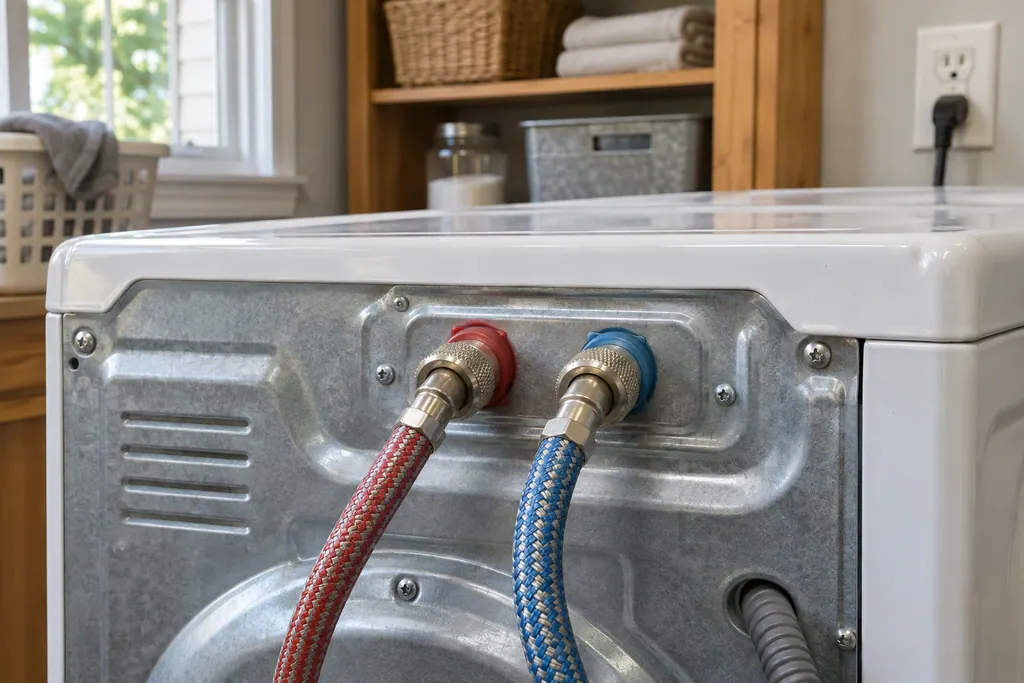 Washer water inlet valve and screenswasher
Dryer
Oven
Cooktop
What does the glossary explain?
Words from Maytag Product Help, like drain pump, inlet valve, door latch and thermistor. Each entry explains the part's role, nothing more.
If a part is listed, does mine need replacing?
No. An entry defines a word. It does not describe your own unit, though it helps with code pages and a technician's notes.
Does an entry tell me what to buy?
We would not. Parts that look alike differ by model, and the match should be confirmed at the machine before anything is bought.
Where do entry links lead?
To code or problem pages that mention the part, which shows where it fits in a real case.
Maytag codes, symptoms, parts and service
From the message to what you do next.
Maytag washer not draining
A Maytag washer that leaves water in the tub usually points to the drain setup before the machine itself: a hose pushed too far into the standpipe, a standpipe under 30 inches, tape sealing the hose, or a clogged drain pump filter. Check those first; if water still stays, book a technician.
Washer repair
Book a diagnostic for your model, done at the machine.
Find your metro
Office details, and the entry information to pass along.