What it means
F3E2 on a Maytag commercial-grade residential dryer is explained as “F3E2 - Moisture Sensor.” Switch the breaker off for a minute, then back on; schedule a visit if the code is still there.
Maytag dryer F3E2 / Sensors
F3E2 on a Maytag commercial-grade residential dryer is explained as “F3E2 - Moisture Sensor.” Switch the breaker off for a minute, then back on; schedule a visit if the code is still there.
Also printed as F3E2
F3E2 on a Maytag commercial-grade residential dryer is explained as “F3E2 - Moisture Sensor.” Switch the breaker off for a minute, then back on; schedule a visit if the code is still there.
Power off before any panel comes off; lint and burnt smells mean stop and leave the dryer off.
F3E2 will not clear after one proper reset.
Your Maytag to-do list, saved here on this device

Power off before any panel comes off; lint and burnt smells mean stop and leave the dryer off.

Check that your appliance is a commercial-grade residential dryer and copy F3E2 exactly as the display shows it.

Breaker off for one full minute, then back on, and look for F3E2.

Give the dryer a minute on screen after the reset; a returning F3E2 means schedule a visit.
Check the lint screen and vent as well.
Note the model and the moment F3E2 showed up; both help us plan.
Give us the model and the checks you have run, then open your request right here.
Book a visit
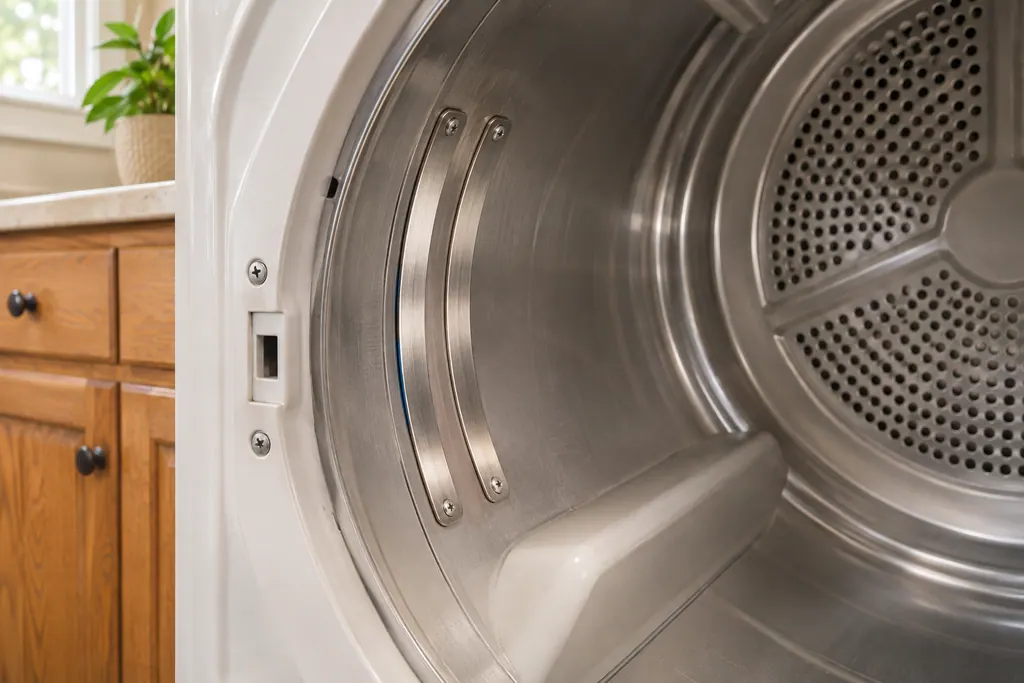
A rough sketch only, because a Maytag is laid out differently from model to model. Click a highlighted part to open its photo and the matching test.
Component reference
On a Maytag dryer, F3E2 happens when five loads in a row are dried without the moisture sensor registering data.
Read the definition
Component reference
The lint screen is the removable screen that catches lint from the air leaving a Maytag dryer.
Read the definitionF3E2 is covered by this wording on the commercial-grade residential dryer page: “F3E2 - Moisture Sensor.”
Read the supporting manualMaytag's reset is a minute at the breaker: off, wait, on. Then leave the dryer in view for another minute and note whether F3E2 returns.
Read the supporting manualF3E1 is a neighbor of F3E2, not a synonym. The reset may overlap; the text does not.
Read the supporting manualWatch the first load, then carry on.
Read the supporting manualManufacturer document
Maytag Product Help (producthelp.maytag.com)
dateModified 2025-10-21; PH 11823 / PH 11823 (commercial-grade residential dryer)
Manufacturer document
Maytag Product Help (producthelp.maytag.com)
dateModified 2026-08-19; PH 12806 / PH 12806 (dryer)
F3E2 comes from Maytag Product Help (PH 11823) for the commercial-grade residential dryer, read in November 2026; the F3E2 entry names no models.
For F3E2 on this commercial-grade residential dryer, the help page states “F3E2 - Moisture Sensor.” Nothing else is added.
Yes, give it the whole minute. If F3E2 is still there afterward, schedule a visit.
Maytag names no part here. Read the message and follow the steps.
Tell us the model, the display wording and when F3E2 first showed up.
Maytag codes, symptoms, parts and service
Maytag’s two F3E1 pages disagree. The standard dryer page says “Exhaust Thermistor” and a one-minute breaker reset; the commercial-grade residential page names no cause and says five minutes without power. Check which dryer you own.
A Maytag dryer that does nothing is usually a power, lock or latch issue before it is a broken part. An electric dryer draws on two breakers or fuses and needs 240 volts, the Control Lock may be on, and the door may look shut without latching. Check these, then book a technician.
On a Maytag dryer, F3E2 happens when five loads in a row are dried without the moisture sensor registering data. Press Power to clear it. Product Help asks whether the dryer is level and whether a small load or single item missed the sensors. F3E5 is also listed as a moisture sensor code.
Book a diagnostic for your model, done at the machine.
Office details, and the entry information to pass along.