Inside the appliance
Dryer lint screen. In plain English.
The lint screen is the removable screen that catches lint from the air leaving a Maytag dryer. Product Help wants it cleaned after every use, because a screen blocked by lint lengthens drying time. A clogged screen or vent is also what the AF, Check Vent and F4 E3 restricted air flow messages describe.
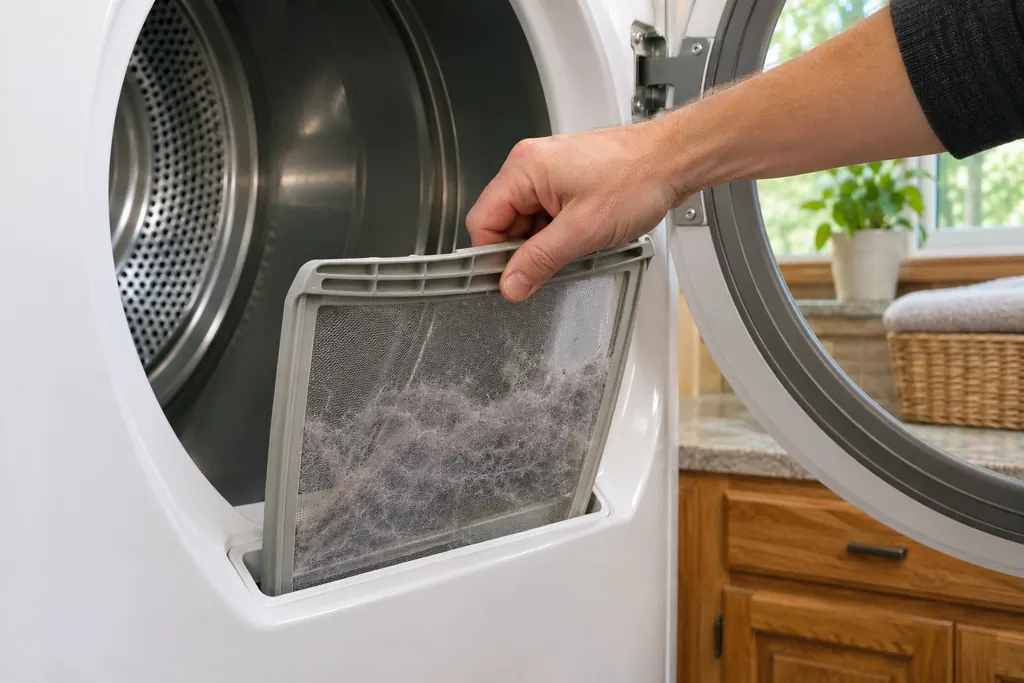
Where it fits.
Dryer lint screen in the appliance
In the door opening or on top of the dryer, depending on the model, as Product Help words it.
This image is an example of the component type. It will not tell you which replacement is right for your model.
How you can tell this system is asking for attention.
Dryer lint screen trouble can show up along with weaker performance or a code that keeps coming back. It takes testing to say whether this component is the reason.
Maytag dryer making noise
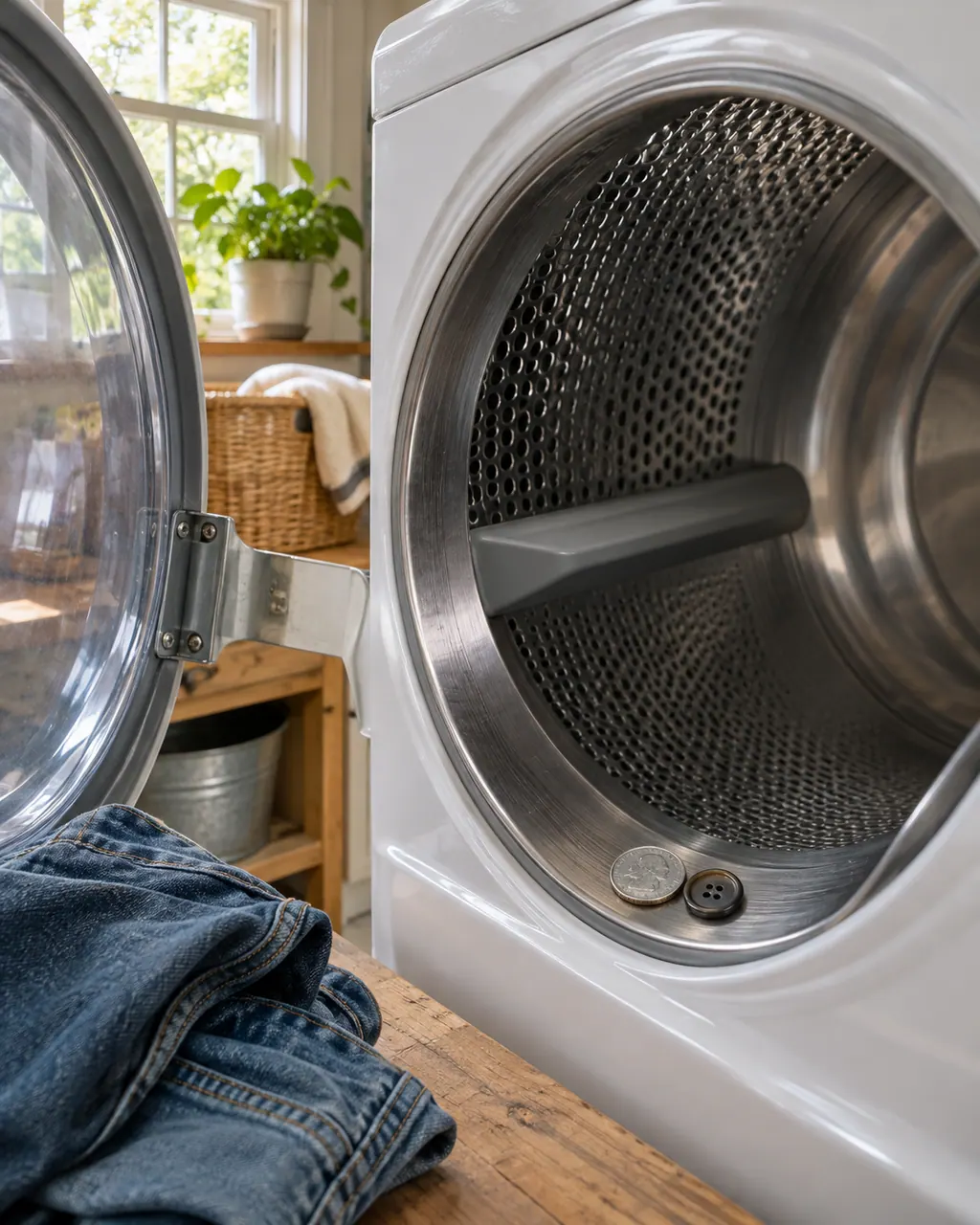
Thumping, buzzing, knocking and squealing each point somewhere different on a Maytag dryer. New rollers and a flat spot after time off thump and fade by themselves. Pockets, items in the lint chute and a washer next door cause the rest. Squealing from an older dryer can mean a worn belt or pulley.
Maytag dryer burning smell
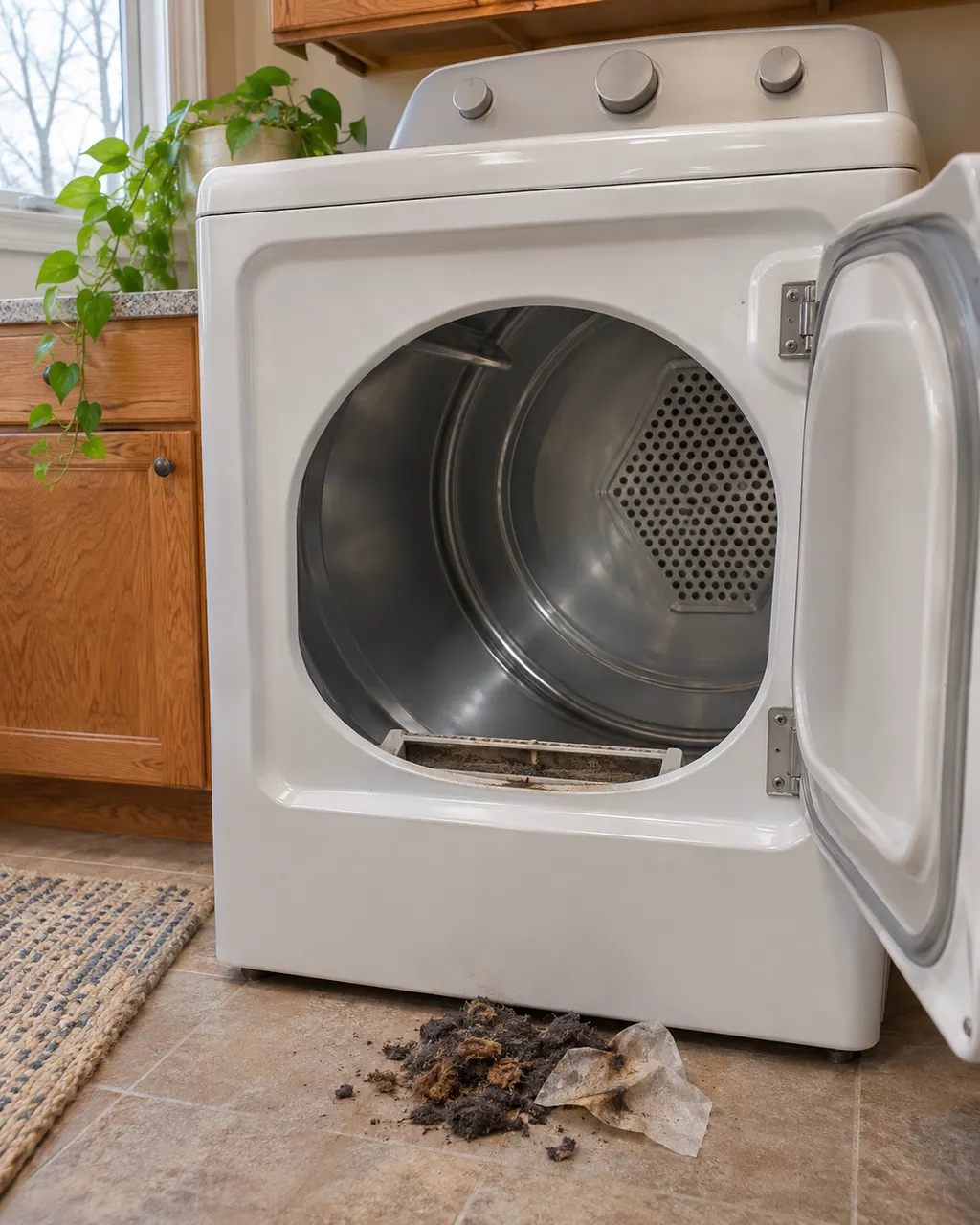
A new Maytag dryer can give off a semi-burning or oily smell, and Product Help says to run it empty for about 15 minutes. Paint fumes in the room and a damp load left sitting are the other named causes. A hot, scorched smell that fits none of these means switch it off and arrange a visit.
Owner care, within the model instructions.
Power the machine down and pull the plug ahead of any check you make yourself. Beware of pooled water and sharp bits of debris. Never handle a wet plug or electrical parts, take off a service panel or go beyond what your model’s owner guide permits.
- 1
Clean it after every load
Pull the screen out and wipe the lint off. Product Help calls this imperative.
- 2
Look for a hidden film
Regular fabric softener use can leave a residue on the screen that is hard to see. The long-dry-times page says to clean it occasionally.
- 3
Run with the screen installed
Product Help recommends always operating the dryer with the lint screen in place.
- 4
Look into the opening
The knocking page says a coin or sock can fall into the lint chute and hit the blower wheel. With the screen out, look inside and remove what you see with a dryer lint brush.
- 5
Test the vent next
If the screen is clean and drying is still slow, the vent run is the next place. Run the dryer 5-10 minutes and feel the air at the outside hood.
Cleaning or replacement?
Leave internal testing to a technician.
AF, Check Vent or F4 E3 returns after the screen and vent are clear.
A coin or object is out of reach in the lint chute.
The dryer is hot to the touch, smells burnt or runs very long after a clean screen.
Arrange a diagnostic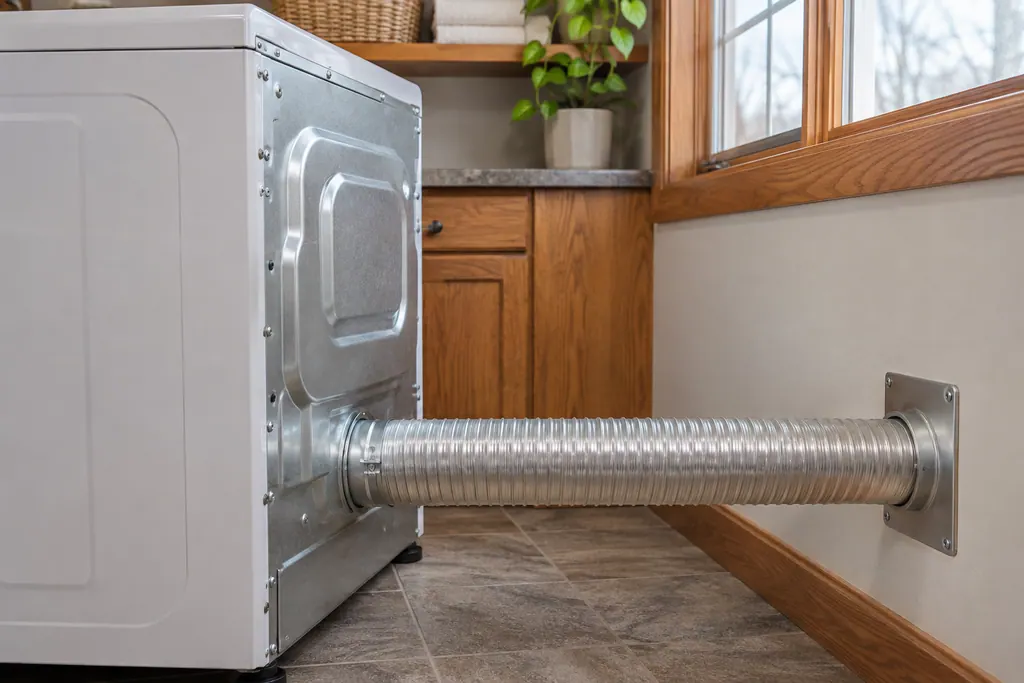
Sources and model boundaries.
These sources stand behind the Dryer lint screen advice. Read the manual for your own model.
- Not Drying - Dryer - Product Help | Maytag
- Long Dry Times - Dryer - Product Help | Maytag
- F4 E3 - Error Code - Dryer - Product Help | Maytag
Follow the guide for your own model, and see how we research these pages.
Where is the lint screen on a Maytag dryer?
Product Help puts it in the door opening or on top of the dryer, depending on the model. Check your own use and care guide for the spot.
How often should I clean it?
After every use. A screen blocked by lint can increase drying time, and softener residue builds up even when it looks clean.
What does AF or Check Vent mean?
Maytag says the lint screen or vent is clogged, crushed, kinked or has too many turns. The dryer keeps running; touch any key to clear it.
Is the lint screen the same as the vent?
No. The screen is inside the dryer. The vent runs from the dryer to the outside, and Product Help says to clean it every one to two years.
What if something fell into the lint chute?
Take the screen out and look inside. Product Help says to use a dryer lint brush on anything you can see, and to call if you cannot reach it.
Maytag codes, symptoms, parts and service
From the message to what you do next.
AF
The Maytag page for AF on a commercial-grade residential dryer states “An AF (Restricted Air Flow) error code indicates that the lint screen or vent is clogged; the vent may be...” Nothing else is printed, so schedule a visit if it repeats.
Maytag dryer will not start
A Maytag dryer that does nothing is usually a power, lock or latch issue before it is a broken part. An electric dryer draws on two breakers or fuses and needs 240 volts, the Control Lock may be on, and the door may look shut without latching. Check these, then book a technician.
Dryer repair
Book a diagnostic for your model, done at the machine.
Find your metro
Office details, and the entry information to pass along.