Maytag dryer AF / Fan and airflow

Maytag dryer
error code AF

Dryer / display referenceAF

The Maytag page for AF on a commercial-grade residential dryer states “An AF (Restricted Air Flow) error code indicates that the lint screen or vent is clogged; the vent may be...” Nothing else is printed, so schedule a visit if it repeats.

Also printed as AF

Last reviewed

Dryer / display referenceAF
Meaning
The Maytag page for AF on a commercial-grade residential dryer states “An AF (Restricted Air Flow) error code indicates that the lint screen or vent is clogged; the vent may be...” Nothing else is printed, so schedule a visit if it repeats.

Who handles it
Owner checks first, then a technician
Related codes
Source
AF - Error Code - Commercial Dryer - Product Help | Maytag

What Maytag dryer AF means.

What it means

The Maytag page for AF on a commercial-grade residential dryer states “An AF (Restricted Air Flow) error code indicates that the lint screen or vent is clogged; the vent may be...” Nothing else is printed, so schedule a visit if it repeats.

What you can safely check

Unplug the dryer or switch off its breaker before opening any panel, clean lint regularly, and if you smell gas leave the house and call your gas utility.

When to call a technician

AF repeats after the reset.

Your Maytag to-do list, saved here on this device

Safe checks, in order.

0 of 6 checks done
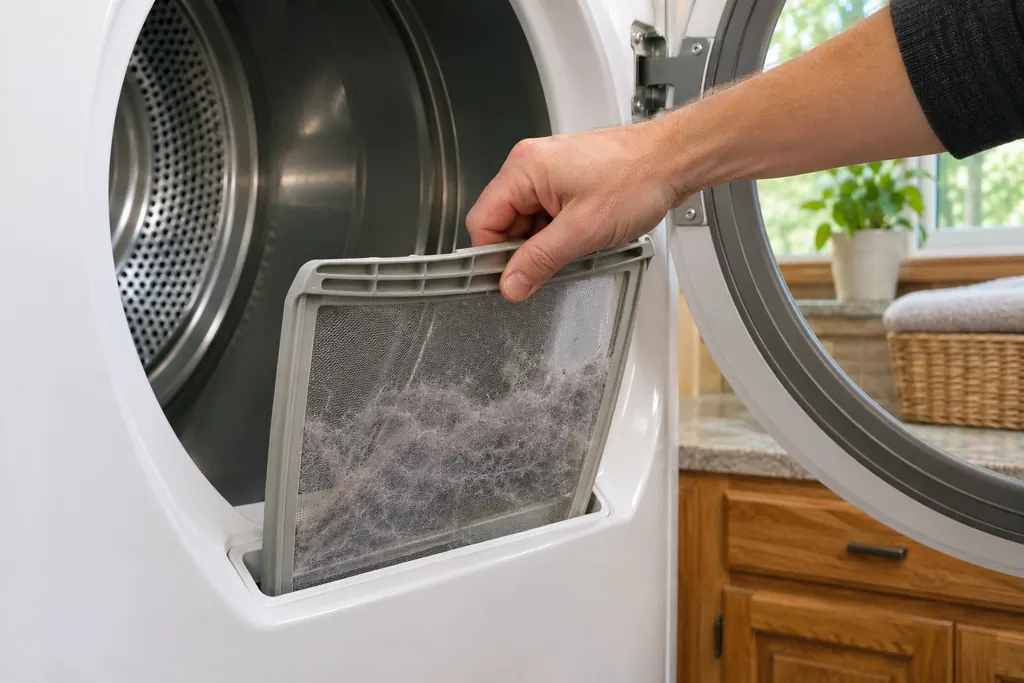
  1. Maytag dryer AF: A hand lifting the lint screen out of a dryer's top slot, a thick gray mat of lint caught on the mesh, towels and a window in the background.
    Illustration. Follow your model’s instructions.
    Before you begin

    Stay safe

    Unplug the dryer or switch off its breaker before opening any panel, clean lint regularly, and if you smell gas leave the house and call your gas utility.

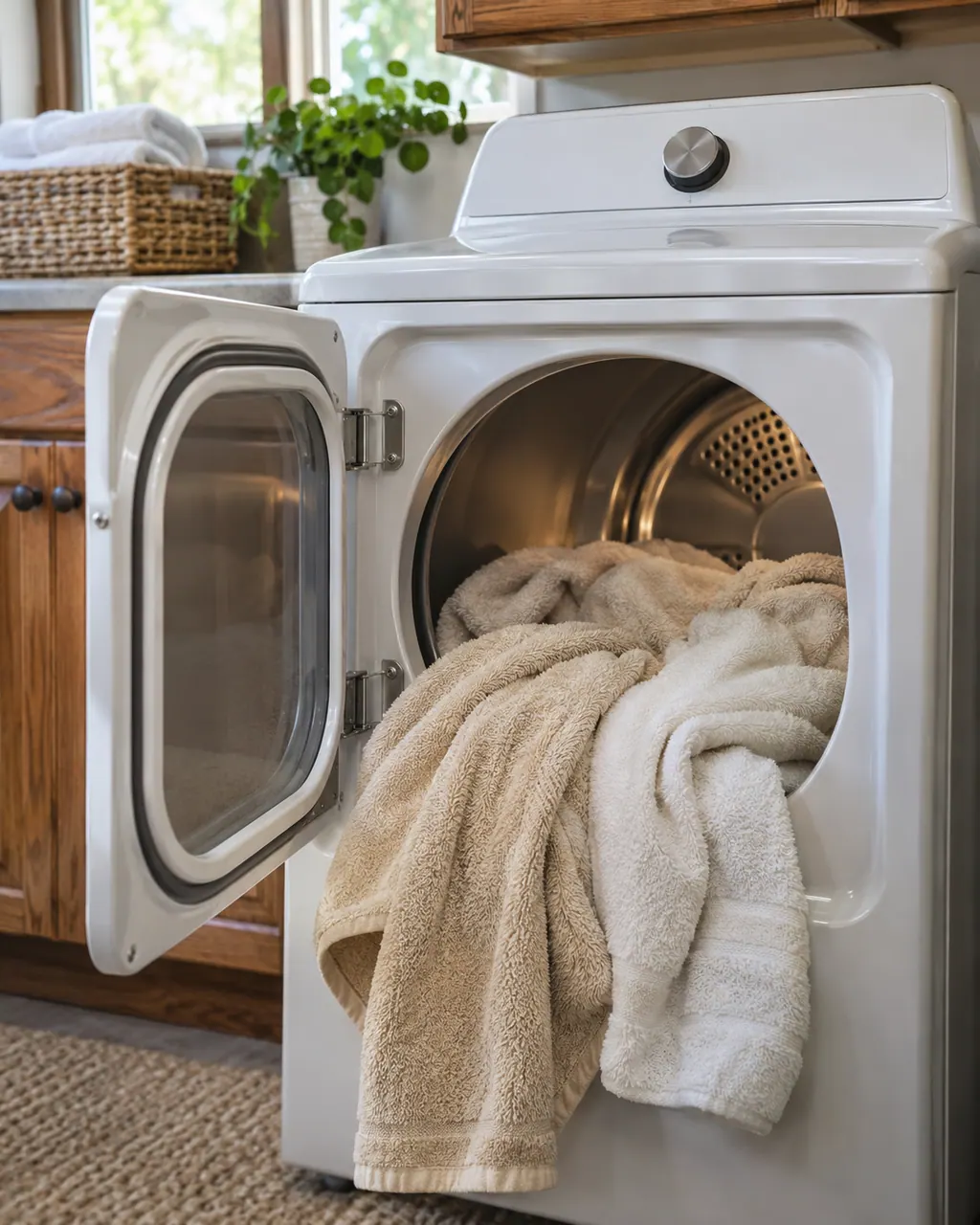
  2. Dryers in a thoughtfully designed home
    Illustration. Follow your model’s instructions.
    Check 2

    Record the code

    Record AF character by character and note the product type: commercial-grade residential dryer.

  3. Close view of a washer control dial and cycle buttons
    Illustration. Follow your model’s instructions.
    Check 3

    Cut the power

    Maytag prints no reset for AF, so record what the dryer does rather than guessing a fix.

  4. Over-the-shoulder view of a technician in a navy shirt holding a tablet with five empty checkboxes, a top-load washer behind
    Illustration. Follow your model’s instructions.
    Check 4

    Retest briefly

    Keep the model number close and note when AF appeared and what the commercial-grade residential dryer was doing.

  5. A technician testing a dryer heating circuit
    Illustration. Follow your model’s instructions.
    Check 5

    Appliance-specific check

    Clean the lint screen on the commercial-grade residential dryer, then look at the vent hose behind it for kinks or crushing.

  6. Illustration. Follow your model’s instructions.
    Check 6

    Gather details

    Note the model and the moment AF showed up; both help us plan.

Does AF keep coming back?

Give us the model and the checks you have run, then open your request right here.

Book a visit

The airflow path.

Conceptual Dryer sectionLint filterBlowerExhaust ductOutside vent1234
  1. 2Blower

A rough sketch only, because a Maytag is laid out differently from model to model. Click a highlighted part to open its photo and the matching test.

Parts behind the message.

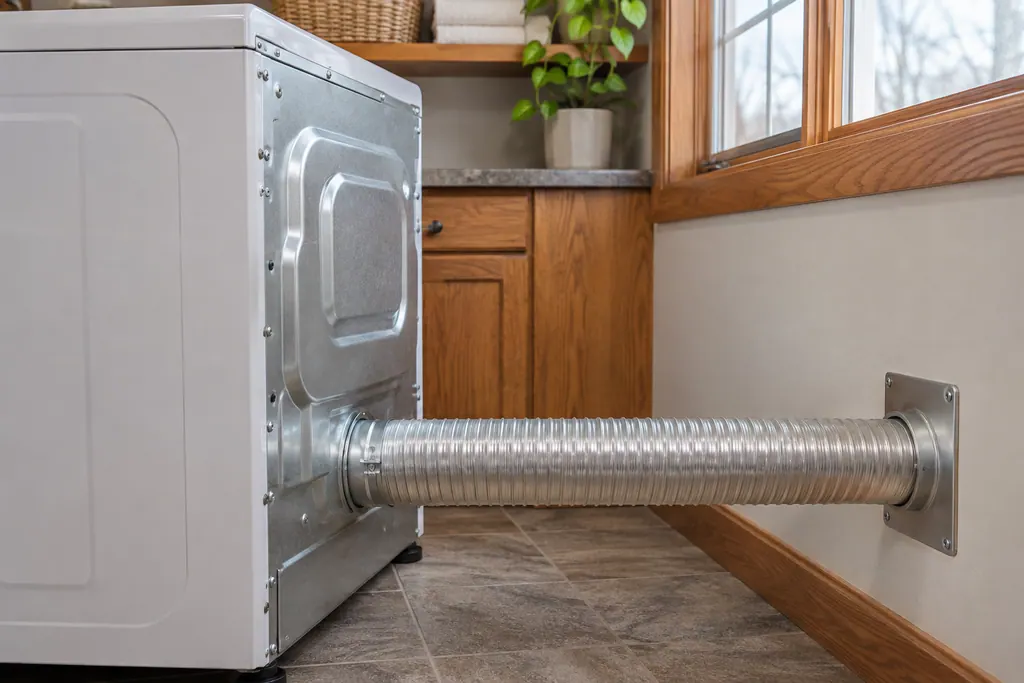
Rear of a white dryer with a flexible silver vent hose running straight to a metal wall plate

Component reference

Dryer lint screen and exhaust vent (F4E3, AF)

Long dry times on a Maytag dryer often trace to airflow.

Read the definition
Hand lifting a mesh lint screen full of gray lint out of its slot below the open dryer drum

Component reference

Dryer lint screen

The lint screen is the removable screen that catches lint from the air leaving a Maytag dryer.

Read the definition

A little more context.

What does AF stand for on a commercial-grade residential dryer?

AF is covered by this wording on the commercial-grade residential dryer page: “An AF (Restricted Air Flow) error code indicates that the lint screen or vent is clogged; the vent may be crushed, kinked or have too many turns.”

Read the supporting manual

Which first steps does Maytag give for AF?

Maytag's page for AF gives no reset or checking steps, so there is no page-approved first move beyond noting exactly what the dryer shows.

Read the supporting manual

Is AF the same as F01 on a commercial-grade residential dryer?

F01 is a neighbor of AF, not a synonym. The reset may overlap; the text does not.

Read the supporting manual

Is the commercial-grade residential dryer fine to use with AF on the display?

Clean the lint screen between loads and keep the vent path short and straight. If AF keeps returning, stop and schedule a visit.

Read the supporting manual

The manual behind the message.

Manufacturer document

AF - Error Code - Commercial Dryer - Product Help | Maytag

Maytag Product Help (producthelp.maytag.com)

dateModified 2025-10-21; PH 11803 / PH 11803 (commercial-grade residential dryer)

AF comes from Maytag Product Help (PH 11803) for the commercial-grade residential dryer, read in November 2026; the AF entry names no models.

Here to help

Good questions.
Clear answers.

Talk to our team
How should I read AF on my commercial-grade residential dryer?

On the commercial-grade residential dryer page the line is “An AF (Restricted Air Flow) error code indicates that the lint screen or vent is clogged; the vent may be crushed, kinked or have too many turns.” No further cause is given.

Is there a reset for AF?

There is no reset on that page. Note what happens and book us if AF persists.

Does AF mean something has failed?

Not by itself; the page stops at the line it prints.

What do you need to know about AF?

The model and serial numbers, the exact display for AF, and what the commercial-grade residential dryer was doing at the time.

Let’s take care of it.

A full hamper waits for no one.
Book the repair.