What it means
F01 on a Maytag commercial-grade residential dryer is explained as “Power unit down by turning off the circuit breaker(s) for 5 minutes.” Cut the power for five minutes, then restore it; schedule a visit if the code is still there.
Maytag dryer F01 / Reset only
F01 on a Maytag commercial-grade residential dryer is explained as “Power unit down by turning off the circuit breaker(s) for 5 minutes.” Cut the power for five minutes, then restore it; schedule a visit if the code is still there.
Also printed as F01
F01 on a Maytag commercial-grade residential dryer is explained as “Power unit down by turning off the circuit breaker(s) for 5 minutes.” Cut the power for five minutes, then restore it; schedule a visit if the code is still there.
Unplug the dryer or switch off its breaker before opening any panel, clean lint regularly, and if you smell gas leave the house and call your gas utility.
F01 will not clear after one proper reset.
Your Maytag to-do list, saved here on this device
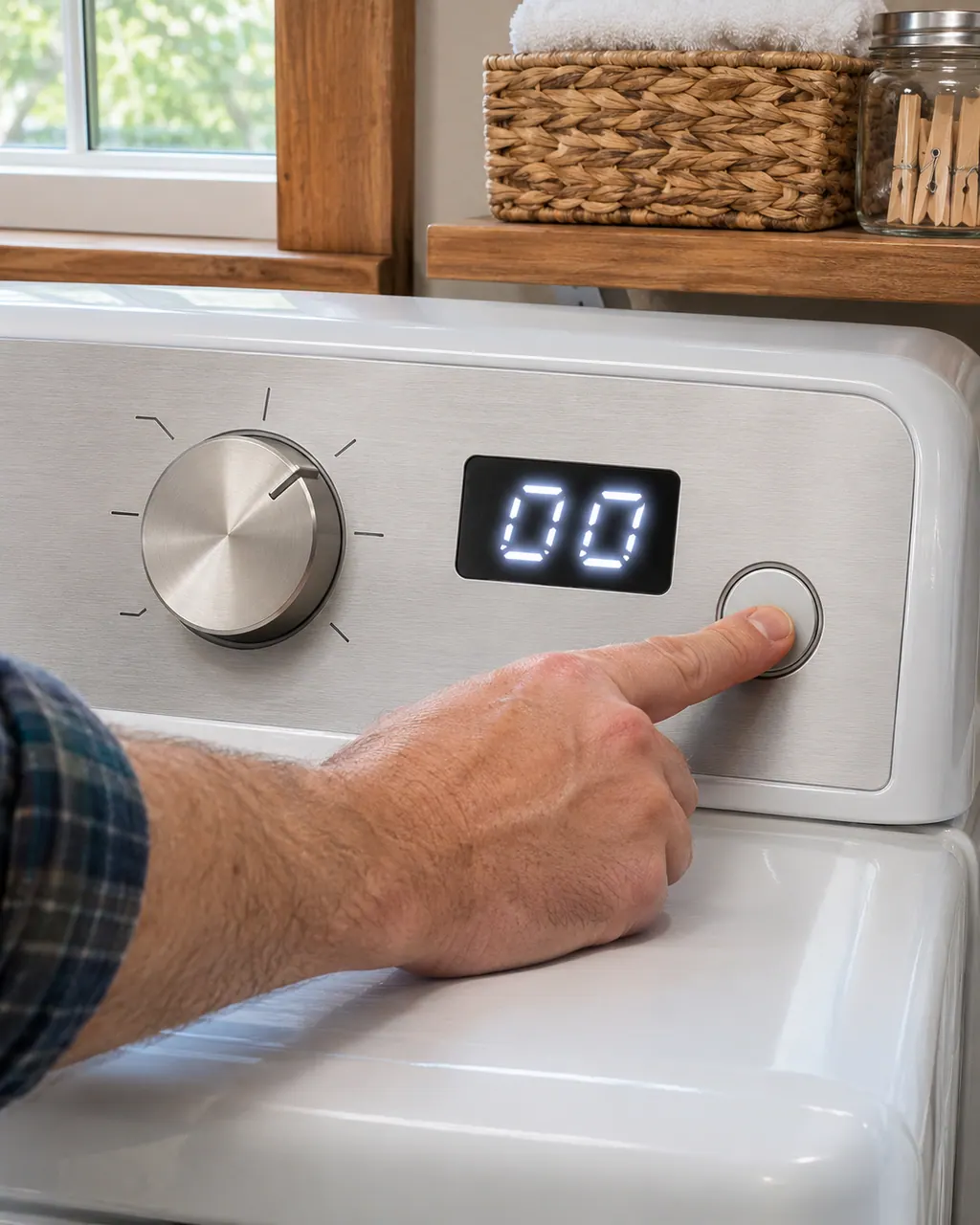
Unplug the dryer or switch off its breaker before opening any panel, clean lint regularly, and if you smell gas leave the house and call your gas utility.
Record F01 character by character and note the product type: commercial-grade residential dryer.

Power off for five full minutes, then on, and look for F01.

Give the dryer a minute on screen after the reset; a returning F01 means schedule a visit.

Check your model manual for what F01 means before treating it as a breakdown.
Note the model and the moment F01 showed up; both help us plan.
Give us the model and the checks you have run, then open your request right here.
Book a visitA rough sketch only, because a Maytag is laid out differently from model to model. Click a highlighted part to open its photo and the matching test.
Maytag's commercial-grade residential dryer page gives F01 a single line: “Power unit down by turning off the circuit breaker(s) for 5 minutes.” It adds nothing about cause.
Read the supporting manualLeave the dryer off power for five full minutes, switch it back on, and check the display for F01.
Read the supporting manualAF is a separate entry from F01 on the commercial-grade residential dryer page, with its own wording.
Read the supporting manualWhen in doubt, switch the commercial-grade residential dryer off. Never open a panel on the commercial-grade residential dryer yourself.
Read the supporting manualManufacturer document
Maytag Product Help (producthelp.maytag.com)
dateModified 2025-10-21; PH 11809 / PH 11809 (commercial-grade residential dryer)
Scope for F01: Maytag commercial-grade residential dryer, PH 11809, checked November 2026. Maytag lists no models on the F01 page.
The commercial-grade residential dryer page reads “Power unit down by turning off the circuit breaker(s) for 5 minutes.” It prints nothing more about cause.
Wait the whole five minutes, not less. If F01 persists, a technician should look.
Not by itself; the page stops at the line it prints.
Tell us the model, the display wording and when F01 first showed up.
Maytag codes, symptoms, parts and service
The Maytag page for AF on a commercial-grade residential dryer states “An AF (Restricted Air Flow) error code indicates that the lint screen or vent is clogged; the vent may be...” Nothing else is printed, so schedule a visit if it repeats.
A Maytag dryer that does nothing is usually a power, lock or latch issue before it is a broken part. An electric dryer draws on two breakers or fuses and needs 240 volts, the Control Lock may be on, and the door may look shut without latching. Check these, then book a technician.
Book a diagnostic for your model, done at the machine.
Office details, and the entry information to pass along.