Inside the appliance
Cooktop touch control (user interface or touchpad). In plain English.
The touch control is the keypad on a Maytag electric cooktop. It is the part you touch to turn cooking areas on and set heat. Product Help calls it the user interface, touchpad or touch control module, and its F22, FC E1 and F6E0 pages point to it. The first step printed is a one-minute breaker reset.
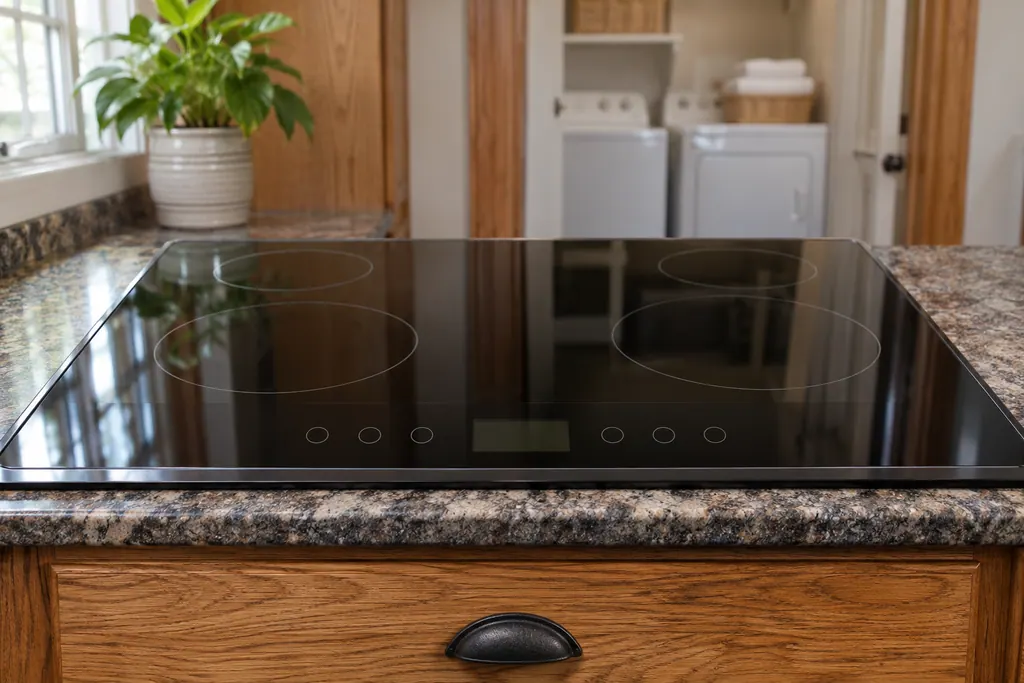
Where it fits.
Cooktop touch control (user interface or touchpad) in the appliance
The keypad sits on the cooktop surface. The module behind it is out of view, and Product Help does not locate it.
This image is an example of the component type. It will not tell you which replacement is right for your model.
How you can tell this system is asking for attention.
Cooktop touch control (user interface or touchpad) trouble can show up along with weaker performance or a code that keeps coming back. It takes testing to say whether this component is the reason.
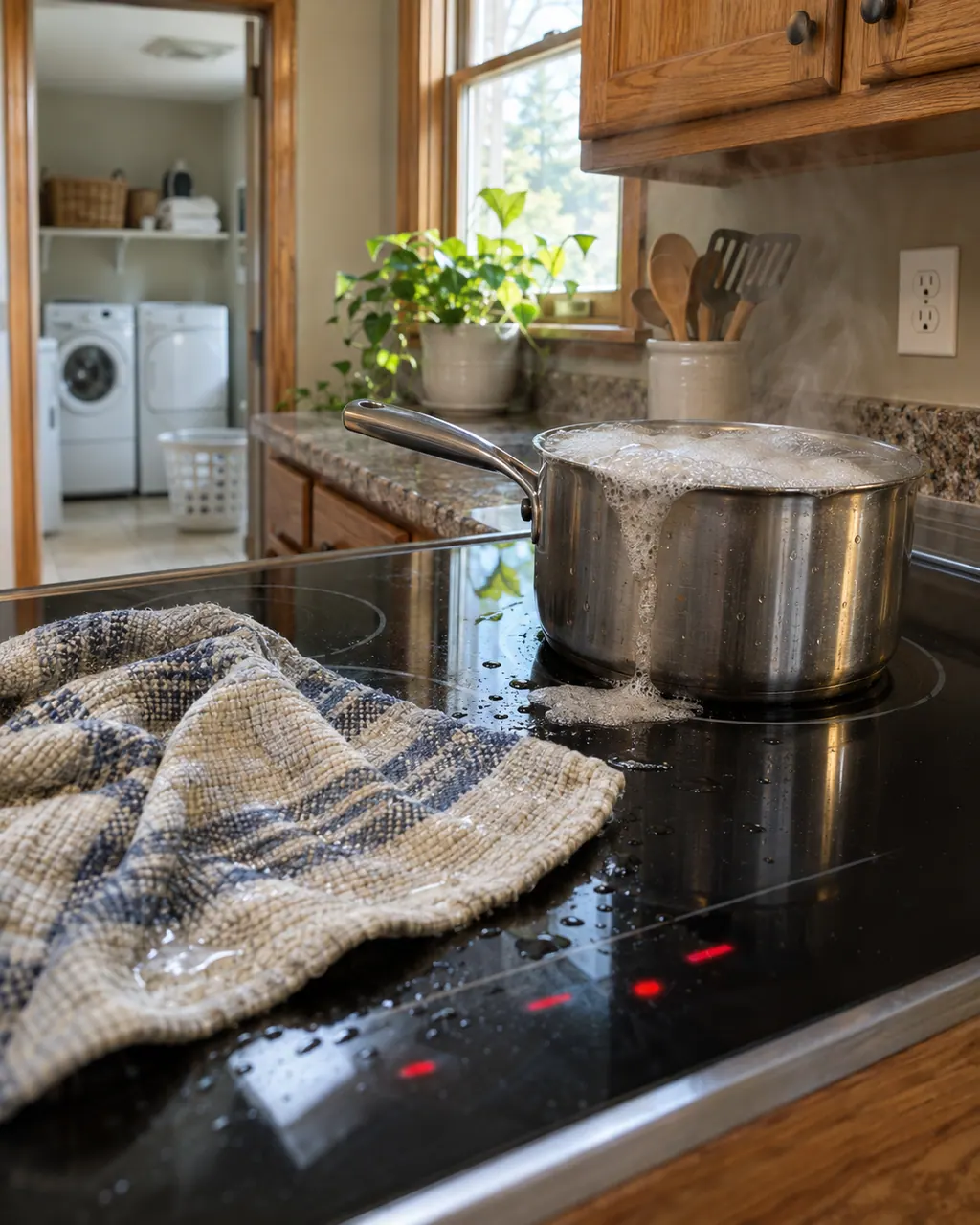
Maytag electric cooktop beeping
A Maytag electric cooktop that keeps beeping may have something on the control area, Control Lock being turned on or off, or a utensil left on an element too long. Clear and wipe the control panel first. Beeping for more than 15 minutes locks the panel and can show F1E0 on some models.
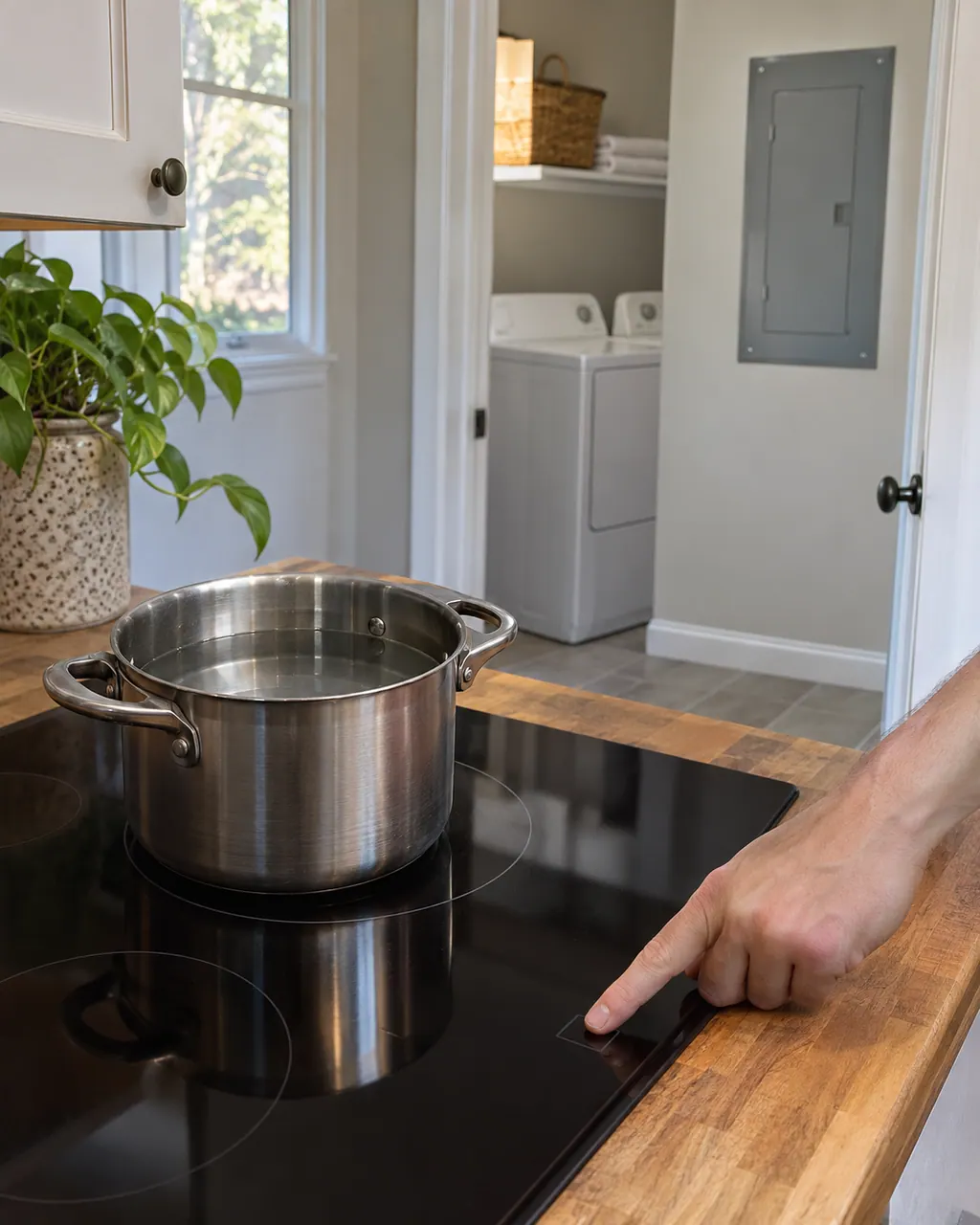
Maytag electric cooktop will not turn on or heat
When a Maytag electric cooktop will not turn on or heat, Product Help points to Control Lock, no pan detected, a pan too close to the controls, the automatic shutoff after long use, or the wrong cookware. Unlock it, recenter a suitable pan, wait for the shutoff to clear, and book a technician if nothing responds.
Owner care, within the model instructions.
Power the machine down and pull the plug ahead of any check you make yourself. Beware of pooled water and sharp bits of debris. Never handle a wet plug or electrical parts, take off a service panel or go beyond what your model’s owner guide permits.
- 1
Match the exact code
F22, FC E1, F6E0 and F64 are separate pages with different wording. Use the characters on your display.
- 2
Clean the keys
The F2 E1 page says food, water or build-up on the keys can hinder the controls. Wash with soap and water and dry with a microfiber towel.
- 3
Use the key lock while wiping
The same page suggests the Key lock so a wipe does not switch an area on. Touch and hold LOCK for 3 seconds to unlock.
- 4
Reset at the breaker
Turn the cooktop's circuit breaker off for one minute, then on, and watch the display for one minute. Do not remove the glass or panel.
- 5
Check for a pan on the panel
The beeping page says an object or liquid pressing on the touchpad can cause tones. Clear the area and wipe it dry.
Cleaning or replacement?
Leave internal testing to a technician.
The code returns after the breaker reset.
Keys do not respond, or beeping and flashing continue with a clean, dry panel.
You see F22, FC E1 or F6E0 more than once.
Arrange a diagnostic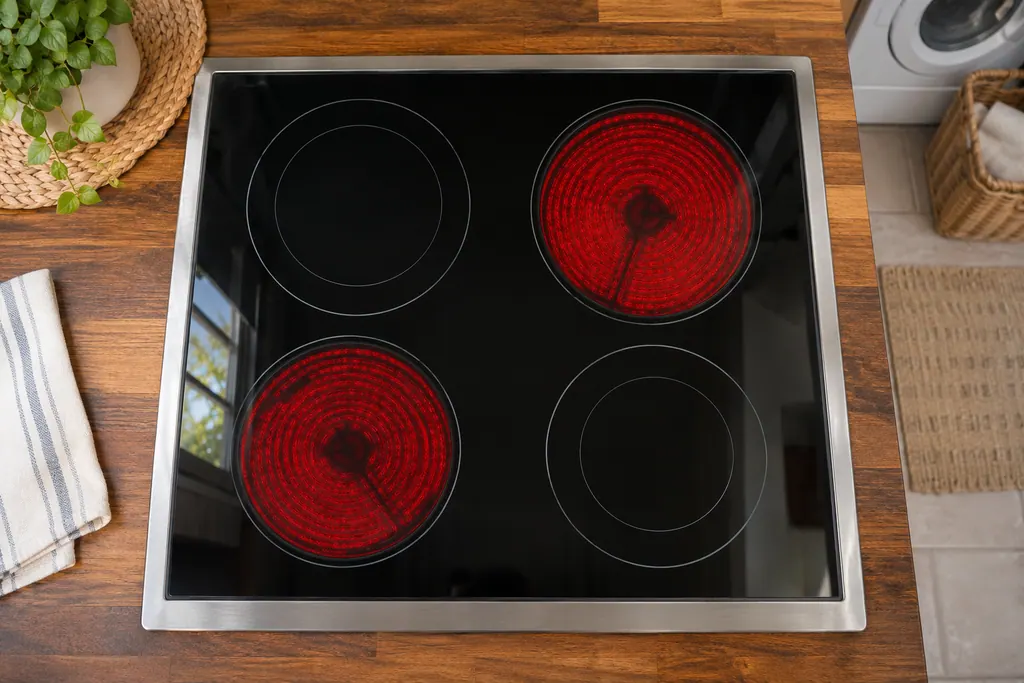
Sources and model boundaries.
These sources stand behind the Cooktop touch control (user interface or touchpad) advice. Read the manual for your own model.
- F22 - Electric Cooktop - Product Help | Maytag
- F2 E1 - Electric Cooktop - Product Help | Maytag
- Lock - Electric and Induction Cooktop - Product Help | Maytag
Follow the guide for your own model, and see how we research these pages.
What is the touch control on a Maytag cooktop?
It is the keypad you touch to run the cooking areas. Maytag Product Help also calls it the user interface, touchpad or touch control module.
What does F22 mean on a Maytag cooktop?
Maytag words F22 as an internal communication error on the touch control module. The printed step is a one-minute breaker reset.
Can a dirty panel cause a code?
Yes. The F2 E1 page says build-up on the keys may hinder responsiveness. Clean with soap and water, dry it, then reset at the breaker.
How do I unlock the cooktop?
Touch and hold LOCK for 3 seconds. Control Lock keeps the cooking areas from switching on by accident; it is not a fault.
Can I open the panel to look at the board?
No. Leave the cooktop closed and book a visit if the code returns after the breaker reset.
Maytag codes, symptoms, parts and service
From the message to what you do next.
F22
Maytag words F22 as “an internal communication error on the touch control module.” Reset at the breaker for one minute and watch the cooktop for one minute. The page names no part, so a code that returns needs a visit.
Maytag electric cooktop beeping
A Maytag electric cooktop that keeps beeping may have something on the control area, Control Lock being turned on or off, or a utensil left on an element too long. Clear and wipe the control panel first. Beeping for more than 15 minutes locks the panel and can show F1E0 on some models.
Cooktop repair
Book a diagnostic for your model, done at the machine.
Find your metro
Office details, and the entry information to pass along.