F2E1 starts with a cleaning question on Maytag’s page: build-up on the keys may hinder the controls’ responsiveness. Clean with soap and water, dry with a microfiber towel, then reset at the breaker. The page then names the control or wiring.
F2E1 starts with a cleaning question on Maytag’s page: build-up on the keys may hinder the controls’ responsiveness. Clean with soap and water, dry with a microfiber towel, then reset at the breaker. The page then names the control or wiring.
F2E1 starts with a cleaning question on Maytag’s page: build-up on the keys may hinder the controls’ responsiveness. Clean with soap and water, dry with a microfiber towel, then reset at the breaker. The page then names the control or wiring.
What you can safely check
Power off at the breaker before any panel comes off; wiring is a technician's job.
When to call a technician
F2E1 returns on a clean, dry, empty panel.
Your Maytag to-do list, saved here on this device
Safe checks, in order.
0 of 5 checks done
Illustration. Follow your model’s instructions.
Before you begin
Use the key lock before you wipe
The page says to use the “Key lock” to avoid accidentally turning the cooktop on while cleaning. Hold LOCK for 3 seconds to unlock again afterwards.
Illustration. Follow your model’s instructions.
Check 2
Soap and water, then a microfiber towel
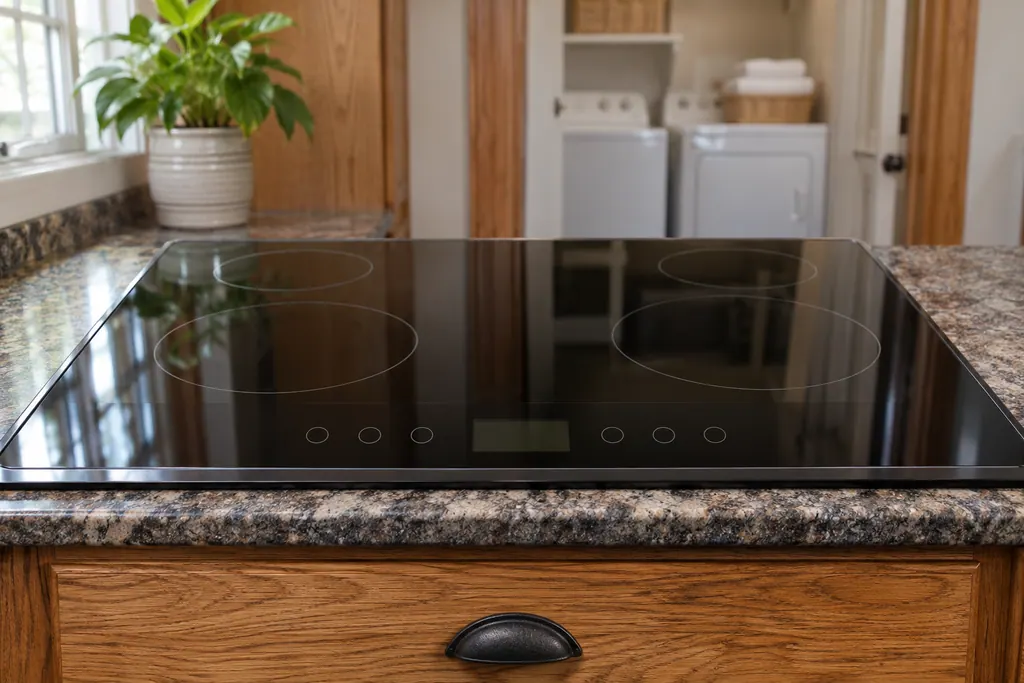
Clean the keys thoroughly with soap and water and dry with a microfiber towel. Food, water and other build-up are the examples given.
Illustration. Follow your model’s instructions.
Check 3
Check that nothing rests on the controls
The sister code F1E0 tells you to clear objects from the control area. [2] The same habit is a sensible first look here.
Illustration. Follow your model’s instructions.
Check 4
Reset only after cleaning
If the code stays on a clean, dry panel, cut the breaker for one minute and restore it.
Illustration. Follow your model’s instructions.
Check 5
Write down what the display does
Note whether F2E1 appears right away or only after touching a key, and tell us.
Does F2E1 keep coming back?
Give us the model and the checks you have run, then open your request right here.
The page asks “Does the area need to be cleaned?” and explains that contamination on keys, such as food, water or other build-up, may hinder the controls’ responsiveness. It then says there may be a problem with the cooktop control or the associated wiring.
Cleaning a touch panel can press keys by accident. The page recommends the “Key lock” while you wipe. The general Control Lock page says that if lock is on while power is on, all keypads except Power and Off are locked out, and that touching and holding LOCK for 3 seconds unlocks the cooktop.
F1E0 says one or more keys are permanently pressed and tells you to turn controls off and clear objects. F2E1 is the one that adds the soap-and-water and microfiber instruction.
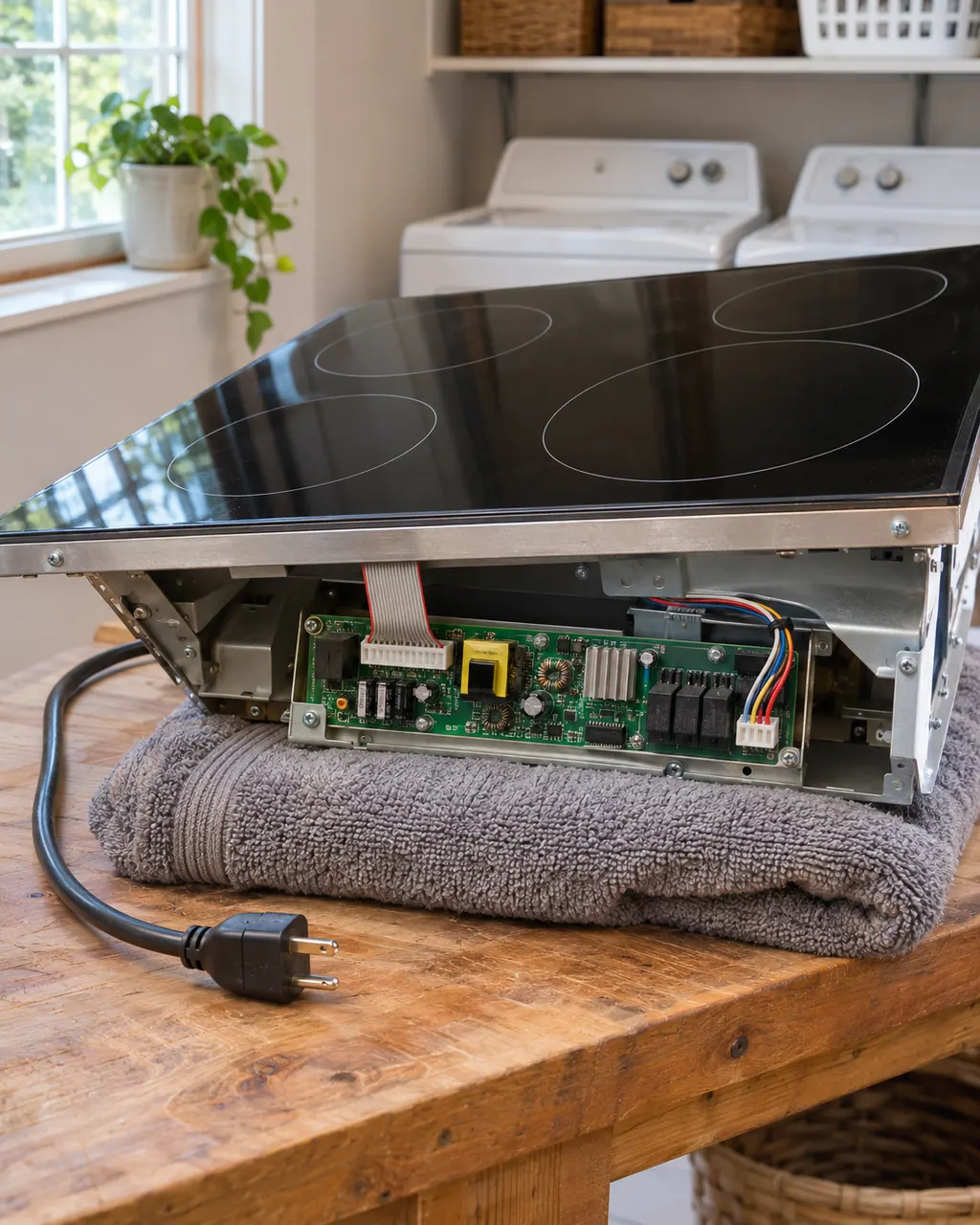
If the code returns on a clean, dry, empty panel, the page’s remaining explanation is the cooktop control or its wiring, which is a job for a technician.
Facts come from the Maytag Product Help electric cooktop page for F2E1, the F1E0 page and the Lock page. Product Help lists no models for this entry, so the text applies to the cooktop type, not to a named model.