What it means
Maytag says F1E0 means one or more keys are permanently pressed; lights may flash and tones may sound. Turn the controls off, clean the touch panel and clear it of objects, then reset at the breaker for one minute.
Maytag cooktop F1E0 / Control board
Maytag says F1E0 means one or more keys are permanently pressed; lights may flash and tones may sound. Turn the controls off, clean the touch panel and clear it of objects, then reset at the breaker for one minute.
Also printed as F1E0
Maytag says F1E0 means one or more keys are permanently pressed; lights may flash and tones may sound. Turn the controls off, clean the touch panel and clear it of objects, then reset at the breaker for one minute.
Turn the breaker off before you touch anything behind a panel, and leave wiring and supply connections to a technician.
F1E0 returns with the panel clean, dry and clear of objects.
Your Maytag to-do list, saved here on this device
Product Help starts with making sure the cooktop controls are off. A stuck key can look like an element that will not shut off, so confirm with the surface lights.

Remove any object left on the control area and wipe debris from the panel. Anything resting on a key, such as a cloth or a spill, can hold it down.

The page opens with “Clean the cooktop touch control panel thoroughly.” Wipe, dry, and let the glass cool before touching anything again.

Only after cleaning: breaker off for one minute, on again, and monitor for one minute.
The page says lights may flash and audio tones may sound. Tell us which happened, since a beeping cooktop has its own Product Help page.
Give us the model and the checks you have run, then open your request right here.
Book a visit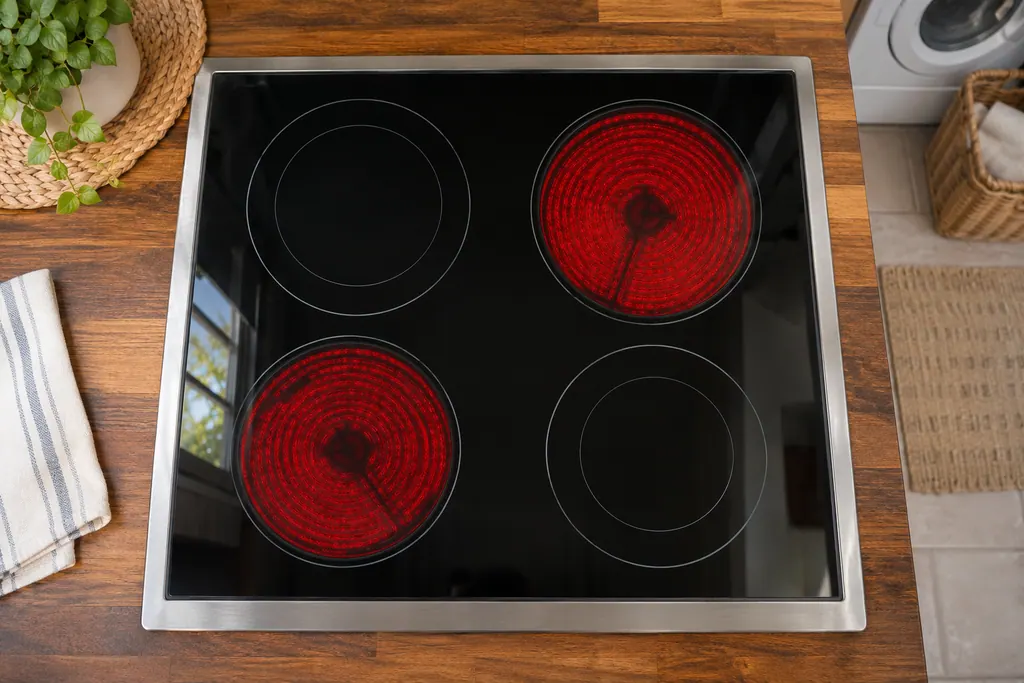
A rough sketch only, because a Maytag is laid out differently from model to model. Click a highlighted part to open its photo and the matching test.
Component reference
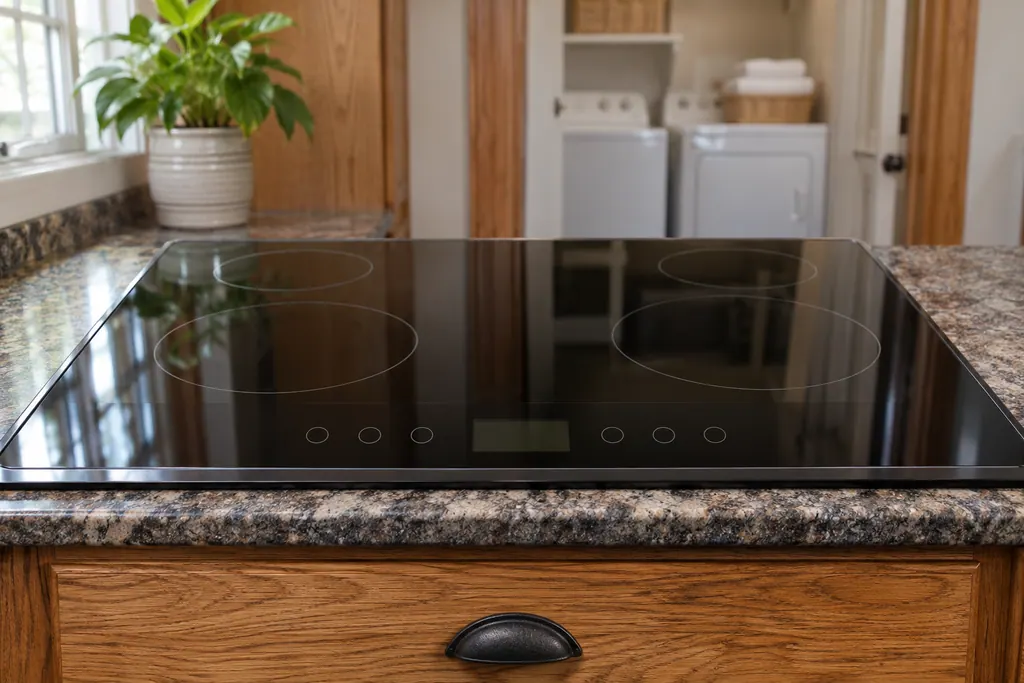
The touch control is the keypad on a Maytag electric cooktop.
Read the definitionThe printed meaning is that one or more keys are permanently pressed. The page adds that lights may flash and beeping or audio tones may sound.
Read the supporting manualThose two codes print only the control-or-wiring sentence and the reset. F1E0 is the one that starts with cleaning the panel and removing objects, so it points at something sitting on the keys.
Read the supporting manualThe page tells you to remove objects and wipe debris because either can press a key. Product Help for continuous beeping blames the same thing: food, liquid, contaminants or an object pressing on the touchpad.
Read the supporting manualF2E1 asks whether the keys need cleaning, says build-up can hinder the controls’ responsiveness, and suggests soap and water, a microfiber towel and the key lock while cleaning.
Read the supporting manualManufacturer document
Maytag Product Help (producthelp.maytag.com)
dateModified 2024-01-22; PH 11974 / PH 11974 (electric cooktop)
Manufacturer document
Maytag Product Help (producthelp.maytag.com)
dateModified 2022-03-24; PH 11960 / PH 11960 (electric cooktop)
Manufacturer document
Maytag Product Help (producthelp.maytag.com)
dateModified 2025-04-07; PH 11985 / PH 11985 (electric cooktop)
Facts come from the Maytag Product Help electric cooktop pages for F1E0 (PH 11974), the beeping page and F2E1. Product Help lists no models for this entry, so the text applies to the cooktop type, not to a named model.
The page lists objects on the control area and debris on the panel. If the panel is clean and clear and F1E0 stays, the control or wiring is the next suspect.
Maytag does not say. With a key held down, treat the cooktop as unreliable and keep the controls off until the code stays away.
It can be. The page says lights may flash and audio tones may sound while keys are stuck.
Before. The printed order is clean the touch panel, make sure the controls are off, remove objects, then reset power for one minute.
Maytag codes, symptoms, parts and service
The Maytag page for F13 on a electric cooktop states “There is an internal communication error on the touch control module .” Try the one-minute breaker reset, and schedule a visit if the code returns.
A Maytag electric cooktop that keeps beeping may have something on the control area, Control Lock being turned on or off, or a utensil left on an element too long. Clear and wipe the control panel first. Beeping for more than 15 minutes locks the panel and can show F1E0 on some models.
The touch control is the keypad on a Maytag electric cooktop. It is the part you touch to turn cooking areas on and set heat. Product Help calls it the user interface, touchpad or touch control module, and its F22, FC E1 and F6E0 pages point to it. The first step printed is a one-minute breaker reset.
Book a diagnostic for your model, done at the machine.
Office details, and the entry information to pass along.