Start from the symptom
Maytag range self-clean cycle not working.
A Maytag range self-clean that will not begin is usually waiting on the oven or the door. Too hot and it will not start: AquaLift needs the cavity under 200 degrees F, steam clean under 170 degrees F. On a high-temperature clean the door must close completely or it will not lock. Check which cycle your range has.
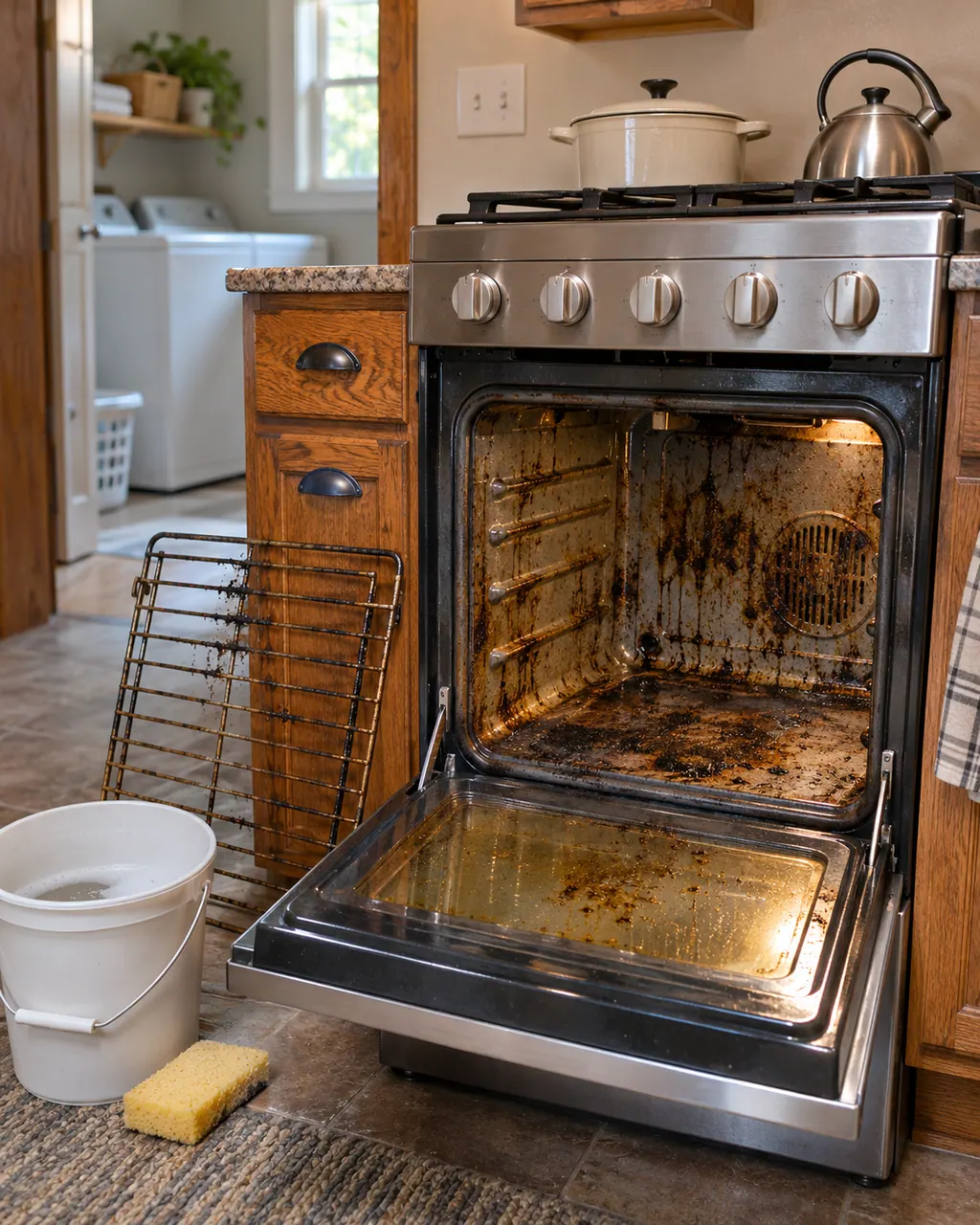
Start with safe observations.
Power the machine down and pull the plug ahead of any check you make yourself. Beware of pooled water and sharp bits of debris. Never handle a wet plug or electrical parts, take off a service panel or go beyond what your model’s owner guide permits.
- 1
Let it cool
Above 200 degrees F (93 C) AquaLift holds off and the display reads Oven Cooling. Steam Clean waits above 170 degrees F (77 C) and reads HOT.
- 2
AquaLift: water and level
Empty the oven, add 2 cups (500 mL) of distilled or filtered water to the bottom, and keep the range level so the whole floor is covered. The cycle takes about 40 minutes.
- 3
Steam Clean: water and time
Remove racks, put 12 oz (355 mL) of filtered or distilled water on the cavity floor, and allow 50 minutes. Keep the door shut, and add no oven cleaner or additives.
- 4
High-temperature clean: close the door
The door must be shut all the way, or it will not lock and the cycle will not begin. Remove racks, foil, plastic on the cooktop and everything in the storage drawer.
- 5
Smoke and soil
Heavy soil means a longer clean and more smoke, so wipe loose soil first. Do not block the oven vents, and keep the kitchen ventilated. Birds are very sensitive to the fumes and should go to another room.
Systems a technician may investigate.
These parts tie in to the symptom. Noticing it does not prove that any single one has worn out.
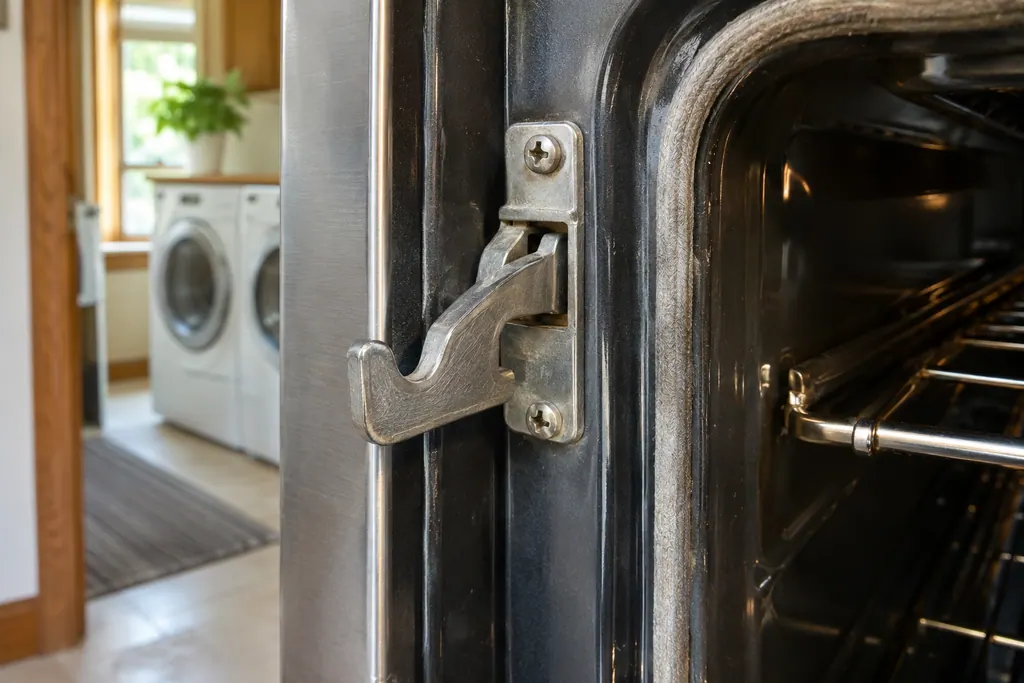
Read the related care guide.
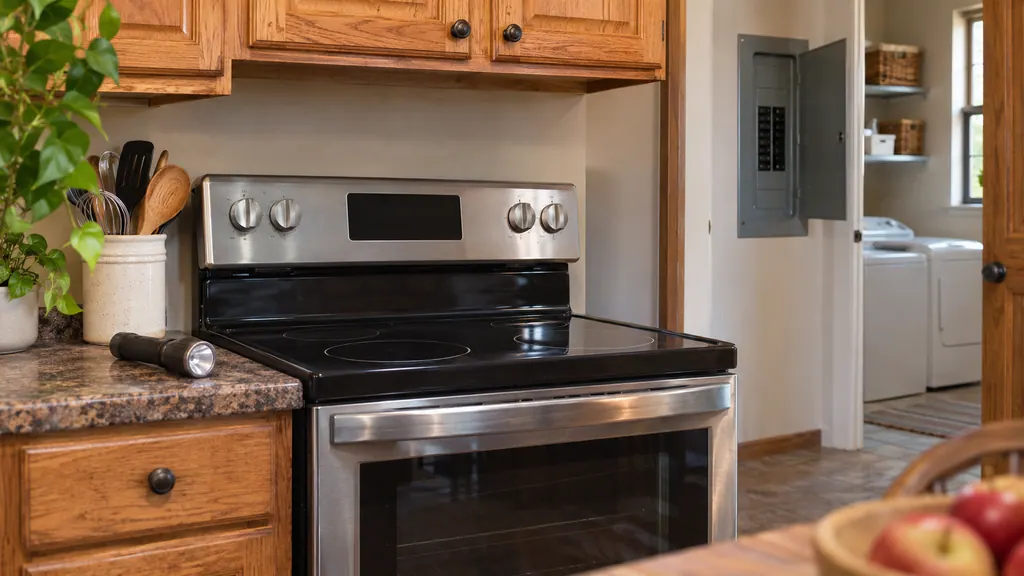
The range quit after the storm or the breaker: what to check, in order.
After a power cut, a Maytag electric range may show F9 or F9 E0 because of noise on the line. Cut the range's breaker for 60 seconds, restore it, and watch for 60 more. If F9 stays, the outlet may be miswired and an electrician should check the supply. If nothing shows at all, check the breaker or fuse, then the lock, demo and delay settings. [1][2][3]
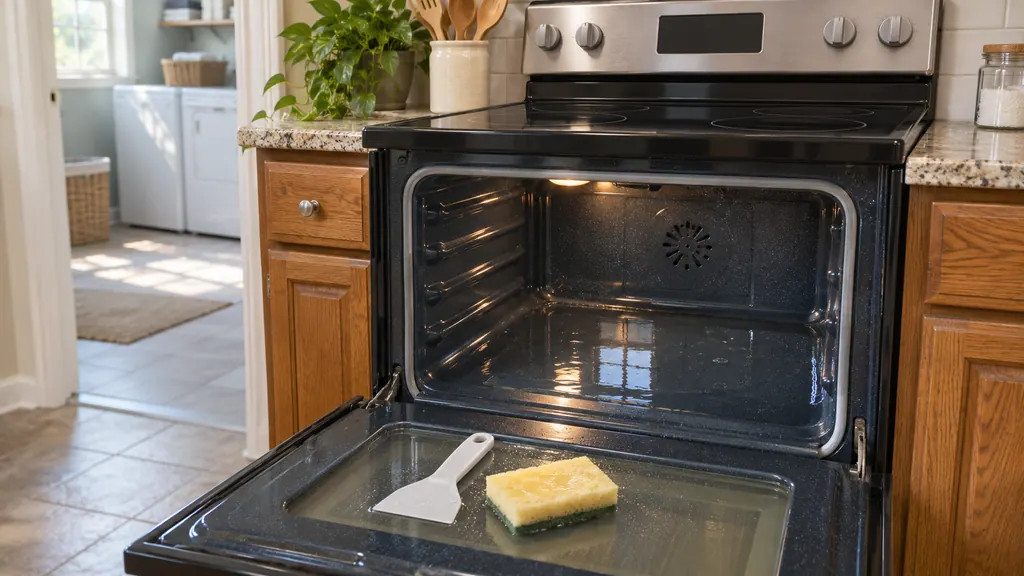
AquaLift: what the water cycle loosens and what you still wipe by hand.
AquaLift loosens soil with low heat and water; it does not remove everything. On an AquaLift Maytag range, start with a cool, empty, level oven, pour in 2 cups of filtered or distilled water, press AQUALIFT SELF CLEAN then START, allow about 40 minutes, then wipe out the softened soil with a non-scratch sponge. Run it again for stubborn spots, and never use oven cleaners. [1][2][3]
When observation becomes a service request.
Leave internal testing to a technician.
The door will not lock even when it is closed all the way.
F5 or another code shows during the clean cycle.
Soil is still there after extra AquaLift cycles, and the oven is level.
Arrange a diagnosticSources and model boundaries.
These sources stand behind the Maytag range self-clean cycle not working advice. Read the manual for your own model.
- Using AquaLift Oven Cleaning Cycle - Range - Product Help | Maytag
- Steam Cleaning the Oven - Product Help | Maytag
- Using High Temperature Clean - Electric Range - Product Help | Maytag
Follow the guide for your own model, and see how we research these pages.
Why will my Maytag oven not start AquaLift?
When the oven is hotter than 200 degrees F (93 C), the display reads Oven Cooling and AquaLift holds off. Wait for room temperature, add 2 cups of distilled or filtered water, then start it.
Can I use oven cleaner with AquaLift or Steam Clean?
No. Neither cycle takes cleaner or additives, and Product Help warns that chemical oven cleaners and metal pads can permanently harm the porcelain.
Why will my self-clean not lock the door?
With a high-temperature clean the door must be shut all the way, or it will not lock and nothing starts. Also look for racks or foil left in the cavity.
Is smoke during a self-clean normal?
More soil, more smoke. Run the cycle before heavy build-up and ventilate the kitchen. Birds react badly to the fumes, so move them to another closed, ventilated room.
Maytag codes, symptoms, parts and service
From the message to what you do next.
Locked
The Maytag page for Locked on a range states “The lock feature shuts down the control pads (buttons) and locks the oven door to avoid unintended use of the...” Switch the breaker off for a minute, then back on; schedule a visit if the code is still there.
Maytag range and oven noises
Most oven noises on a Maytag range are ordinary working sounds. Clicking is the ignitor trying to light the flame, and a fan that runs during and after cooking is the convection or cooling fan. Open the door to tell them apart: the convection fan stops, the cooling fan keeps going.
Oven door latch and latch switches (F5)
F5 on a Maytag range or wall oven names the door latch assembly, the latch switches and the wiring as suspects. Product Help gives a one-minute breaker reset and asks you to verify oven operation afterward. A steam oven F5 page lists the reset alone.
Range repair
Book a diagnostic for your model, done at the machine.
Find your metro
Office details, and the entry information to pass along.