What it means
The Maytag over-the-range microwave entry for F2 names the keypad (user interface) or the wiring. Reset first, then call us in if the code keeps coming back.
Maytag microwave F2 / User interface
The Maytag over-the-range microwave entry for F2 names the keypad (user interface) or the wiring. Reset first, then call us in if the code keeps coming back.
Also printed as F2
The Maytag over-the-range microwave entry for F2 names the keypad (user interface) or the wiring. Reset first, then call us in if the code keeps coming back.
Unplug the microwave or switch off its breaker before any panel comes off, and never open the casing, because it holds charge.
F2 will not clear after one proper reset.
Your Maytag to-do list, saved here on this device
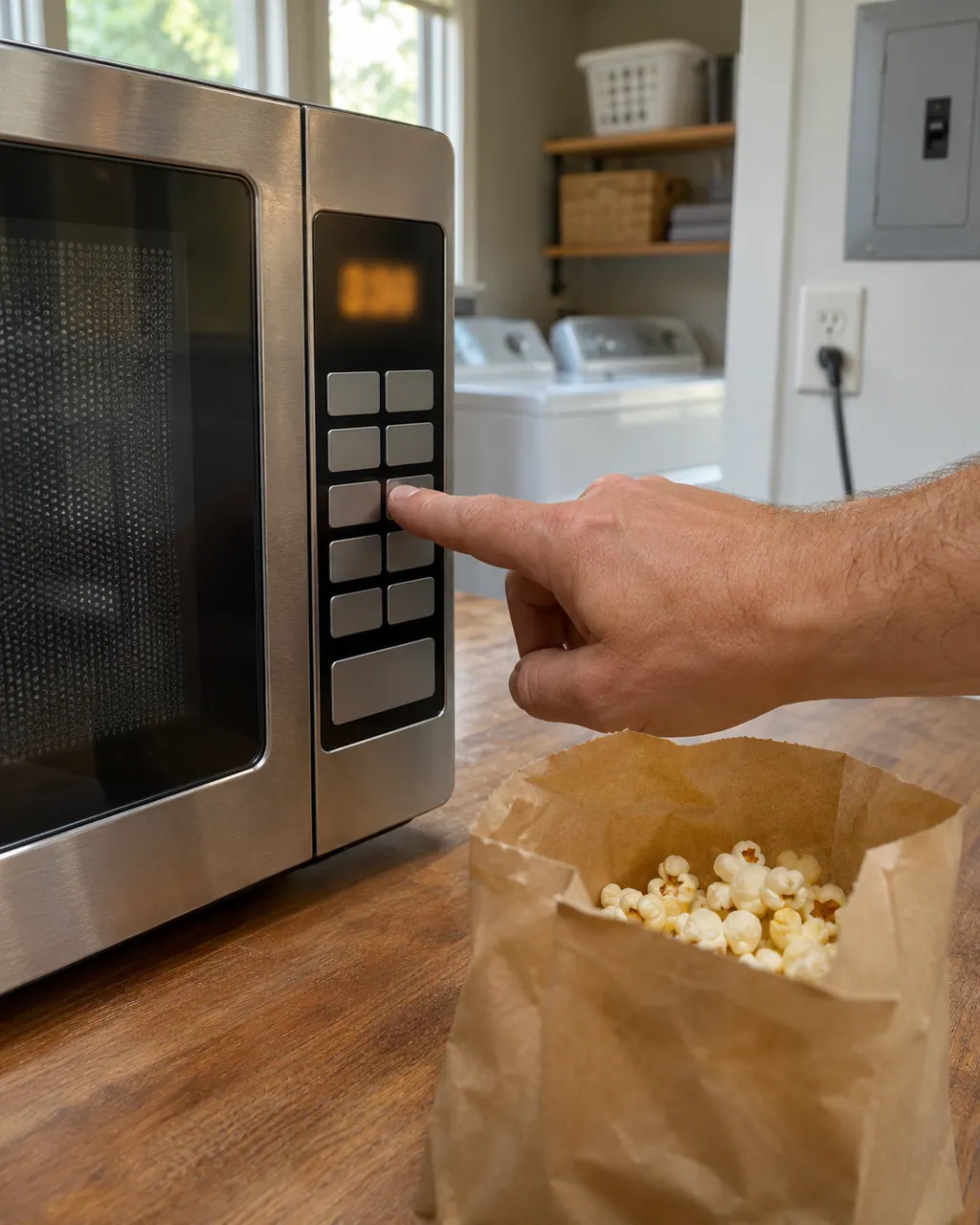
Unplug the microwave or switch off its breaker before any panel comes off, and never open the casing, because it holds charge.

Record F2 character by character and note the product type: over-the-range microwave.

Breaker off for one full minute, then back on, and look for F2.

Give the microwave a minute on screen after the reset; a returning F2 means schedule a visit.
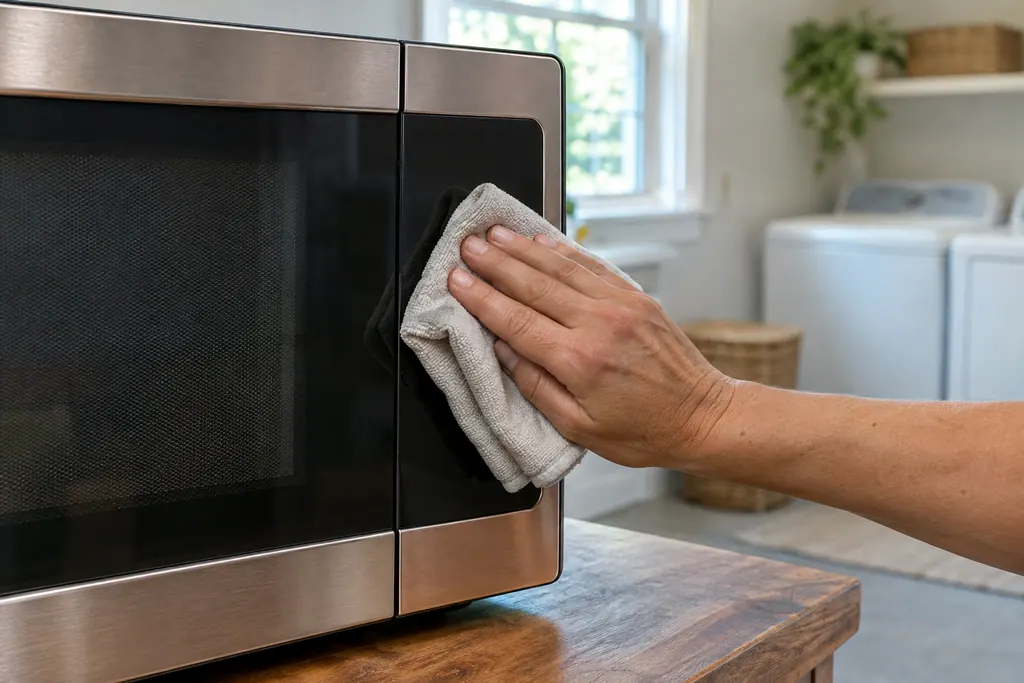
Wipe the panel of the over-the-range microwave with a dry or barely damp cloth; spills and grease upset keys.
Write down the model and serial numbers and the exact F2 wording before you call.
Give us the model and the checks you have run, then open your request right here.
Book a visit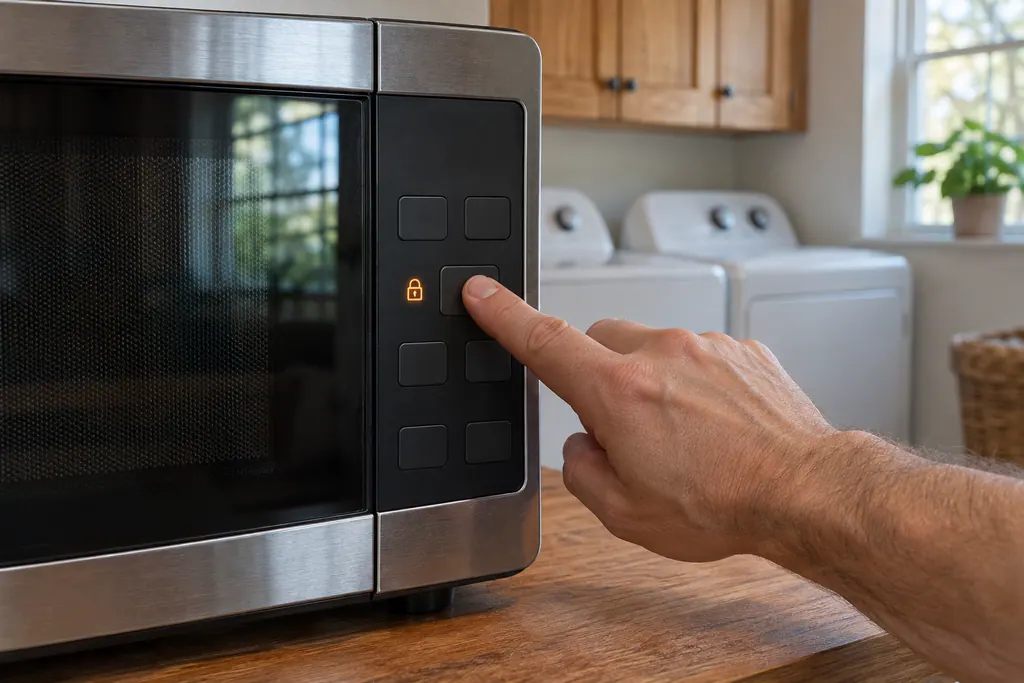
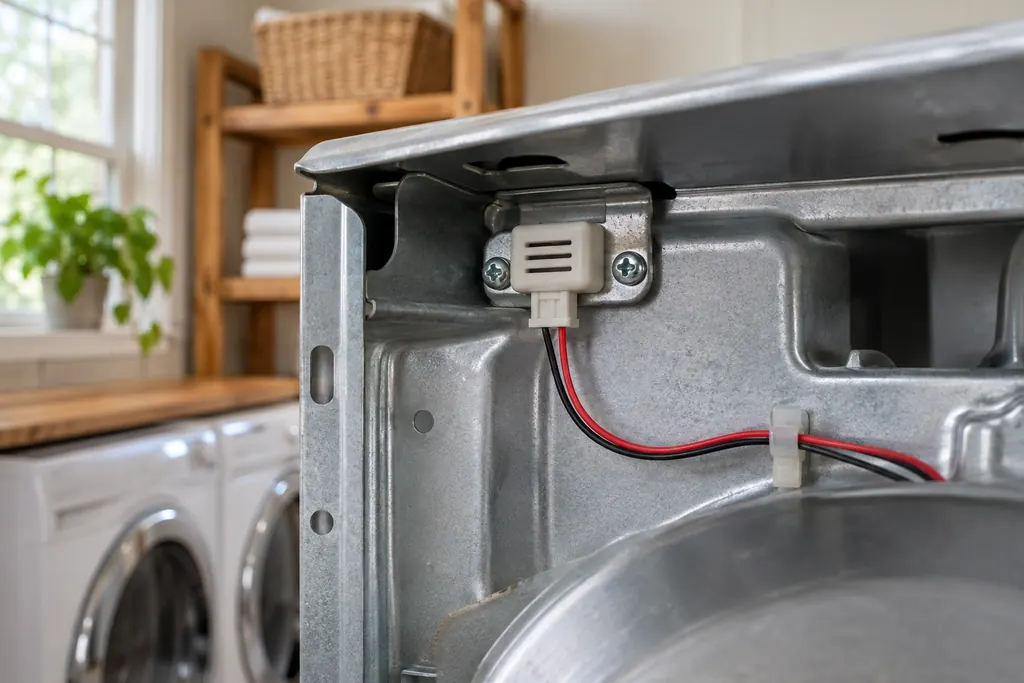
A rough sketch only, because a Maytag is laid out differently from model to model. Click a highlighted part to open its photo and the matching test.
Component reference
On a Maytag over-the-range microwave, SE, F2, F2E1 and E03 all point to the keypad, also called the user interface, or its wiring.
Read the definitionFor F2 the over-the-range microwave entry names the keypad (user interface) or the wiring. Nothing in it says which of them has failed.
Read the supporting manualTurn the microwave's circuit breaker off for one minute, switch it back on, then keep an eye on the microwave for a further minute to see whether F2 comes back.
Read the supporting manualMaytag lists the user interface (touchpad) or the wiring against F2Q1, while the code gets the keypad (user interface) or the wiring. They are neighbors in the over-the-range microwave list but separate entries.
Read the supporting manualIf the display jumps or keys misfire, leave the over-the-range microwave off until a technician has looked.
Read the supporting manualManufacturer document
Maytag Product Help (producthelp.maytag.com)
dateModified 2021-04-29; PH 10355 / PH 10355 (over-the-range microwave)
F2 comes from Maytag Product Help (PH 10355) for the over-the-range microwave, read in November 2026; the F2 entry names no models.
Maytag lists the keypad (user interface) or the wiring. It is a possible-cause list, not a confirmed failure.
It sometimes does. Breaker off for a full minute, then on, then a minute of watching. If F2 returns, schedule a visit.
The list is the keypad (user interface) or the wiring; testing on site settles it.
The model number, what F2 looked like, and whether the reset changed anything.
Maytag codes, symptoms, parts and service
Maytag lists the user interface (touchpad) or the wiring for F2Q1 on the over-the-range microwave. Reset the power first and watch the display; a returning the code is the cue to book us.
If a Maytag microwave will not start, the display usually explains why: a door message, the LOC padlock icon, or Demo Mode. Reopen and reclose the door first, then check the lock and demo settings before you book a visit.
On a Maytag over-the-range microwave, SE, F2, F2E1 and E03 all point to the keypad, also called the user interface, or its wiring. Each page prints the same single step: cut power at the breaker for 60 seconds, restore it, wait a minute for a repeat, then run a cycle.
Book a diagnostic for your model, done at the machine.
Office details, and the entry information to pass along.