Start from the symptom
Maytag microwave will not start.
If a Maytag microwave will not start, the display usually explains why: a door message, the LOC padlock icon, or Demo Mode. Reopen and reclose the door first, then check the lock and demo settings before you book a visit.
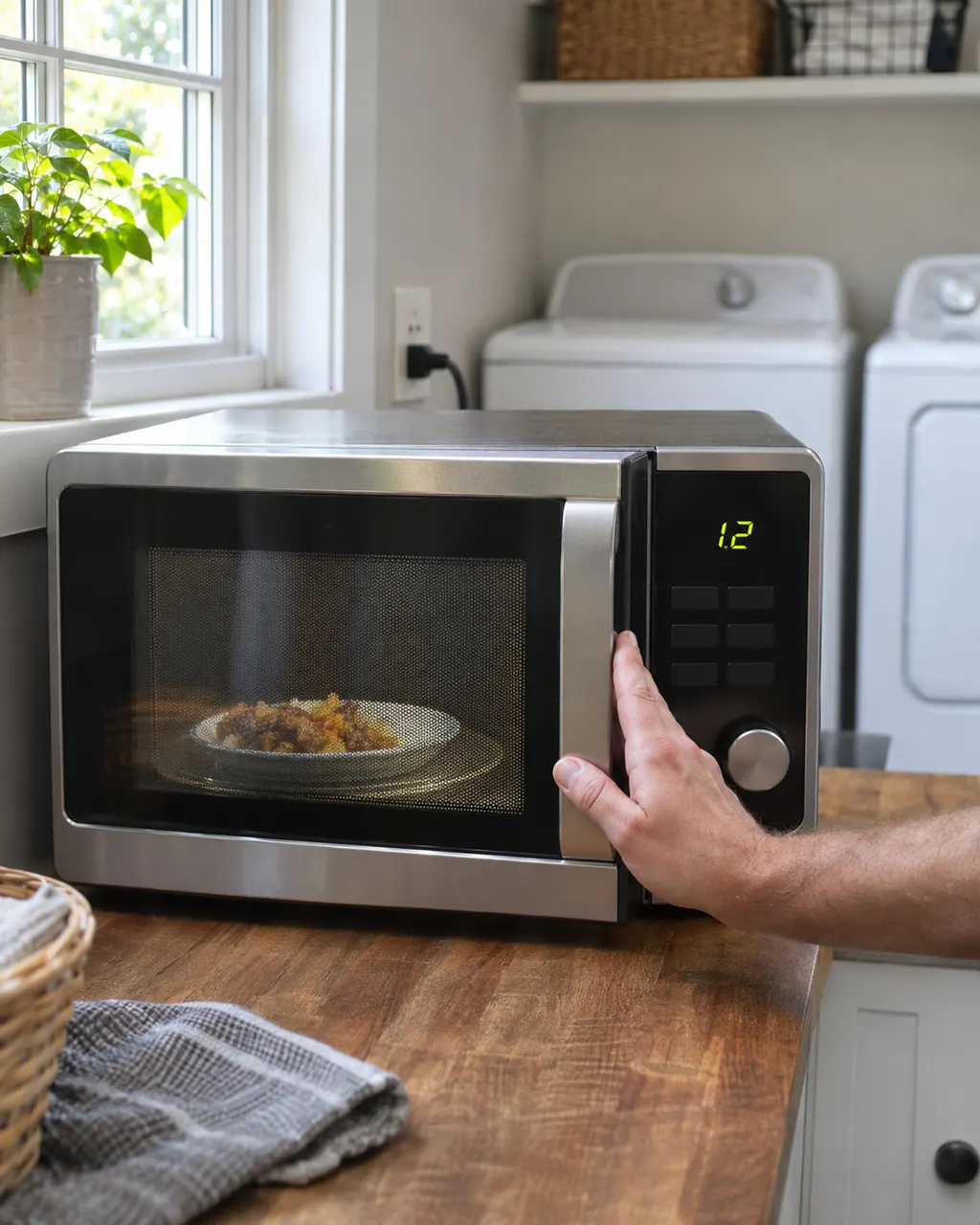
Start with safe observations.
Power the machine down and pull the plug ahead of any check you make yourself. Beware of pooled water and sharp bits of debris. Never handle a wet plug or electrical parts, take off a service panel or go beyond what your model’s owner guide permits.
- 1
Door message
When "Door" or "Open/Close" is displayed, cycle the door open and shut, then run the program.
- 2
Door latch
Look for packing material, an oversized plate or a misplaced rack in the way, then confirm the cabinet is level and wipe the door contact area.
- 3
LOC or padlock
The Control Lock is on. Depending on the model, press and hold Cancel for 3 seconds or Start for 5 seconds.
- 4
2-step door opening
Some models have a 2-step door opening. After you press Start, the Door Lock icon shows; to open, press Stop and then Door Release.
- 5
Demo Mode
On over-the-range models, dOn or dOff may show when demo mode is switched. Repeat the demo procedure to turn it off.
More about this symptom.
Why does a Maytag microwave show Door and not start?#
Five minutes passed with the door shut and no start. Reopen it, push it firmly shut and begin the cycle again. 1 2
What does LOC mean?#
The Control Lock is enabled. Press and hold Cancel for 3 seconds or Start for 5 seconds, depending on the model. 3
Could Demo Mode be on?#
On over-the-range models, dOn or dOff in the display shows demo mode was just switched. Repeat the demo procedure to turn it off. 4
Systems a technician may investigate.
These parts tie in to the symptom. Noticing it does not prove that any single one has worn out.
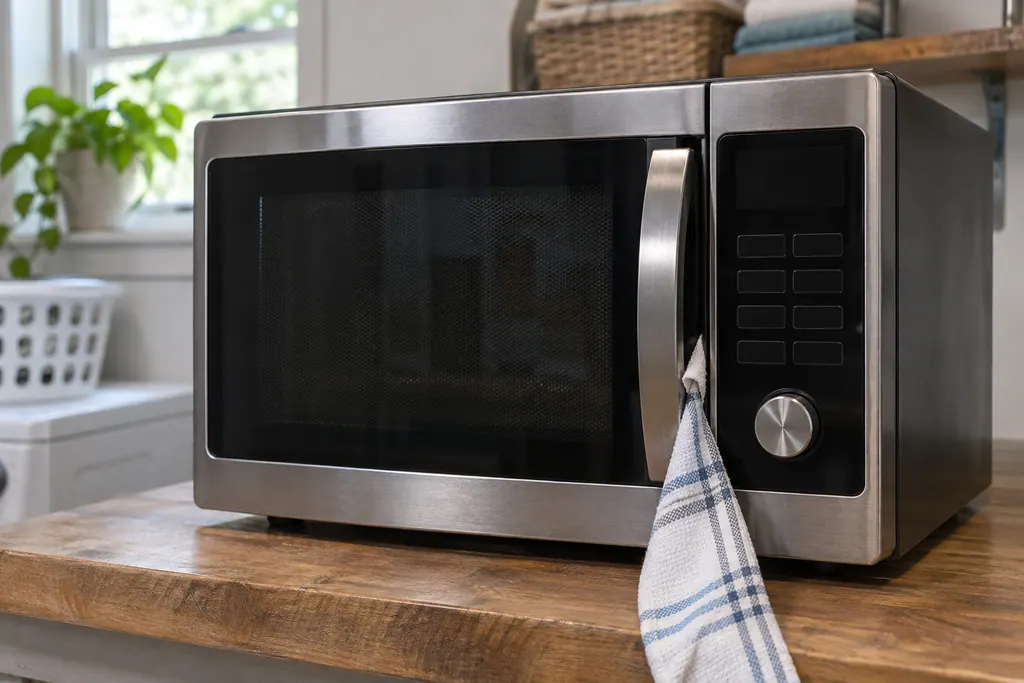
Microwave door message (Door, Open/Close)
On a Maytag countertop microwave, a Door or Open/Close message means the door sat closed for 5 minutes or more with no cycle started. Product Help says to open and close the door, then begin the cycle again. A blocked latch or an unlevel counter can also keep it from closing.
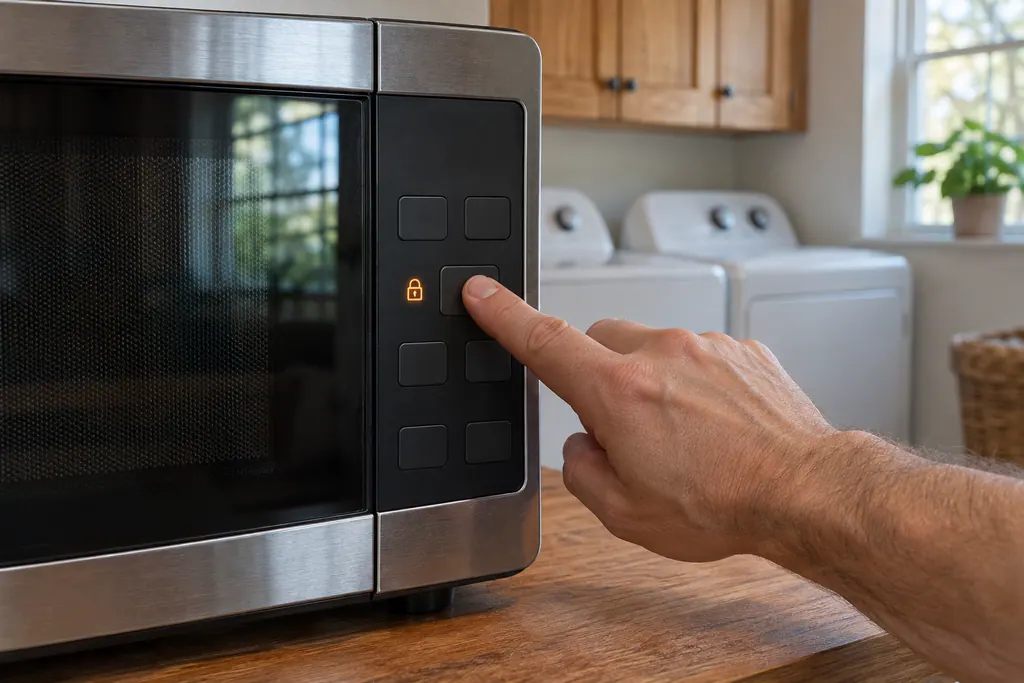
Microwave control lock and 2-step door (LOC, EA:0, D1:0)
On a Maytag countertop microwave, LOC, L or a padlock icon means the control lock is on. Product Help says to hold Cancel for 3 seconds, or Start for 5 seconds, depending on the model. EA and D1 show whether the 2-step door opening is turned on or off.
When observation becomes a service request.
Leave internal testing to a technician.
The door message returns after you check the latch and clean the contact area.
The microwave does not start with the lock and demo settings off.
The display shows other codes after a power reset.
Arrange a diagnosticSources and model boundaries.
These sources stand behind the Maytag microwave will not start advice. Read the manual for your own model.
- "Door" Or "Open/Close" - Error Code - Countertop Microwave - Product Help | Maytag
- Door or Open Door Closed - Error Code - Over-the-Range Microwave - Product Help | Maytag
- LOC or "L" or Padlock Icon - Error Code - Countertop Microwave - Product Help | Maytag
- Demo Mode - Over-the-Range Microwave - Product Help | Maytag
Follow the guide for your own model, and see how we research these pages.
Why does my microwave say Door when it is shut?
The microwave sat with its door closed for five minutes or longer and no start, a built-in guard against unintended starting. Reopen the door and close it, then start.
How do I turn off the control lock?
Depending on the model, press and hold Cancel for 3 seconds or Start for 5 seconds. Your owner manual lists the key for your model.
What is Demo Mode?
On over-the-range models it lets the control run without cooking. dOn or dOff shows when you switch it.
Can a level surface matter?
Yes. For a countertop microwave, Product Help asks whether the unit is on a level surface when the door message shows.
Maytag codes, symptoms, parts and service
From the message to what you do next.
LOC
On a countertop microwave, the entry for LOC says “A new 2-step door-opening feature has been added to some microwaves to help avoid unintended access.” Maytag prints no reset for it; if it keeps appearing, schedule a visit.
Maytag microwave will not start
If a Maytag microwave will not start, the display usually explains why: a door message, the LOC padlock icon, or Demo Mode. Reopen and reclose the door first, then check the lock and demo settings before you book a visit.
Microwave door message (Door, Open/Close)
On a Maytag countertop microwave, a Door or Open/Close message means the door sat closed for 5 minutes or more with no cycle started. Product Help says to open and close the door, then begin the cycle again. A blocked latch or an unlevel counter can also keep it from closing.
Microwave repair
Book a diagnostic for your model, done at the machine.
Find your metro
Office details, and the entry information to pass along.