Before work starts
Your technician checks the washer, dryer or other appliance, then gives you the cost. The repair goes ahead only with your okay.
Independent appliance repair
We repair Maytag over-the-range and countertop microwaves: a display code such as E11 or F3H1, a keypad that will not respond, a door that refuses to shut, or a clock stuck on 0:00. Book a visit and we start with the power supply, then test the unit.
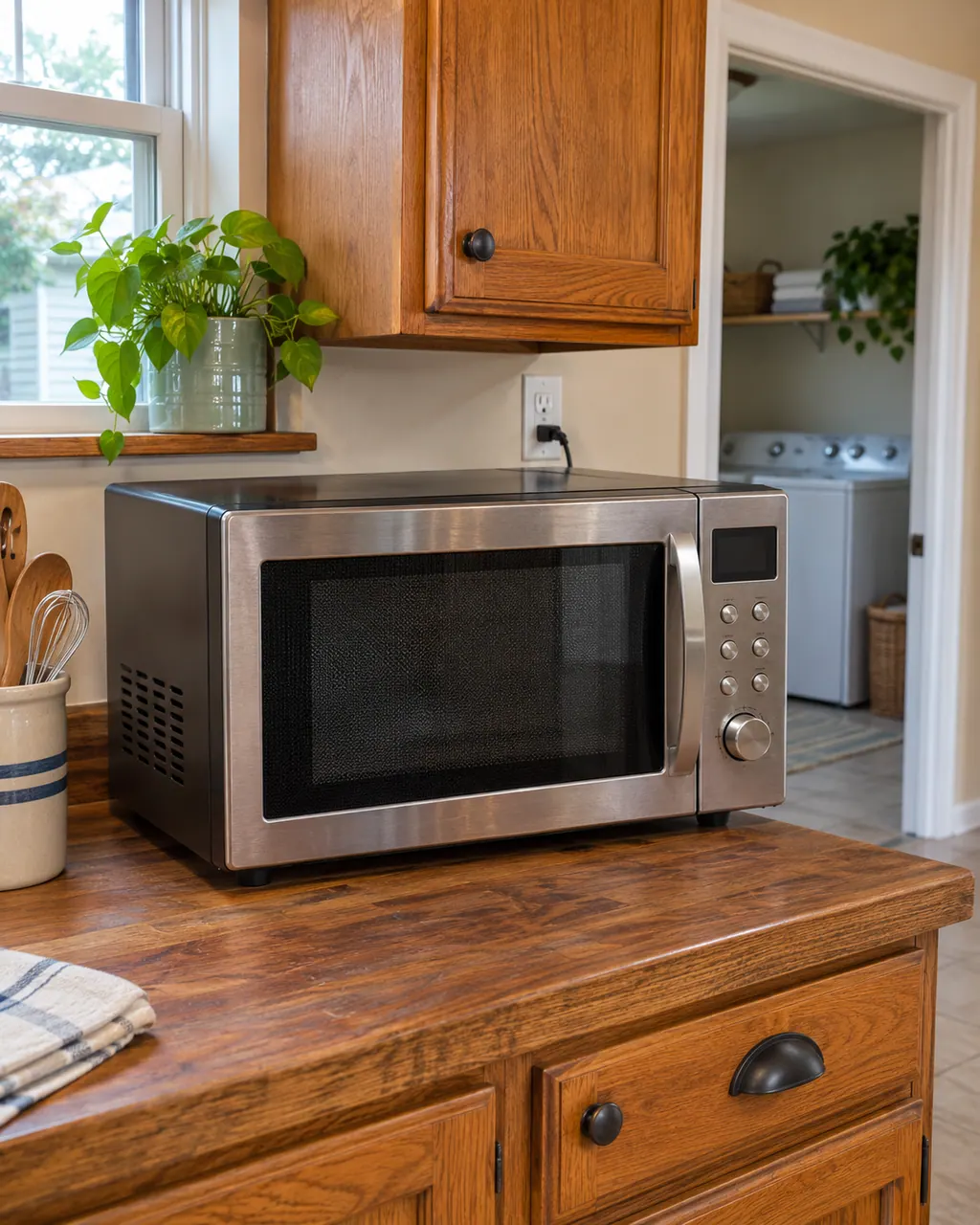
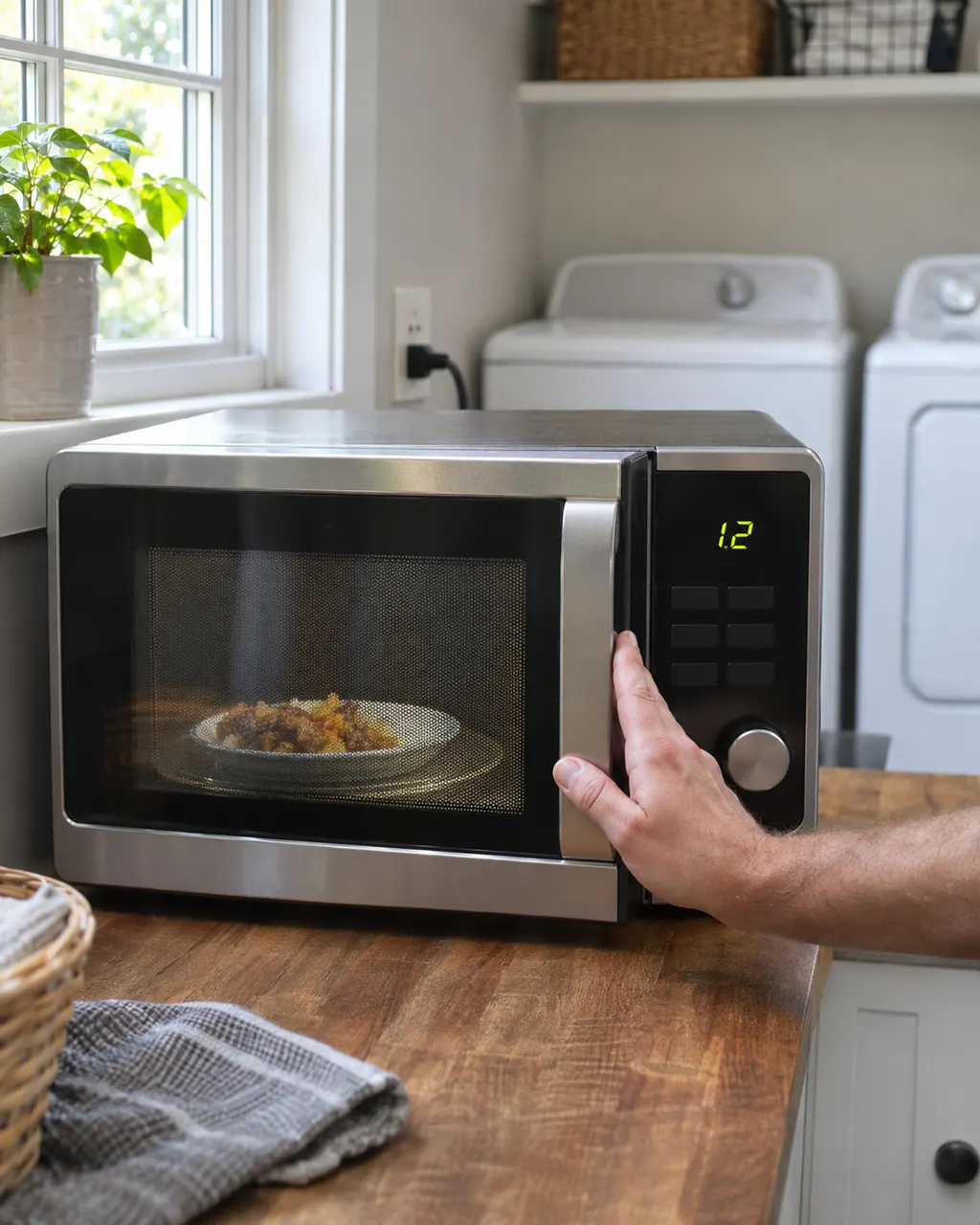
If a Maytag microwave will not start, the display usually explains why: a door message, the LOC padlock icon, or Demo Mode. Reopen and reclose the door first, then check the lock and demo settings before you book a visit.
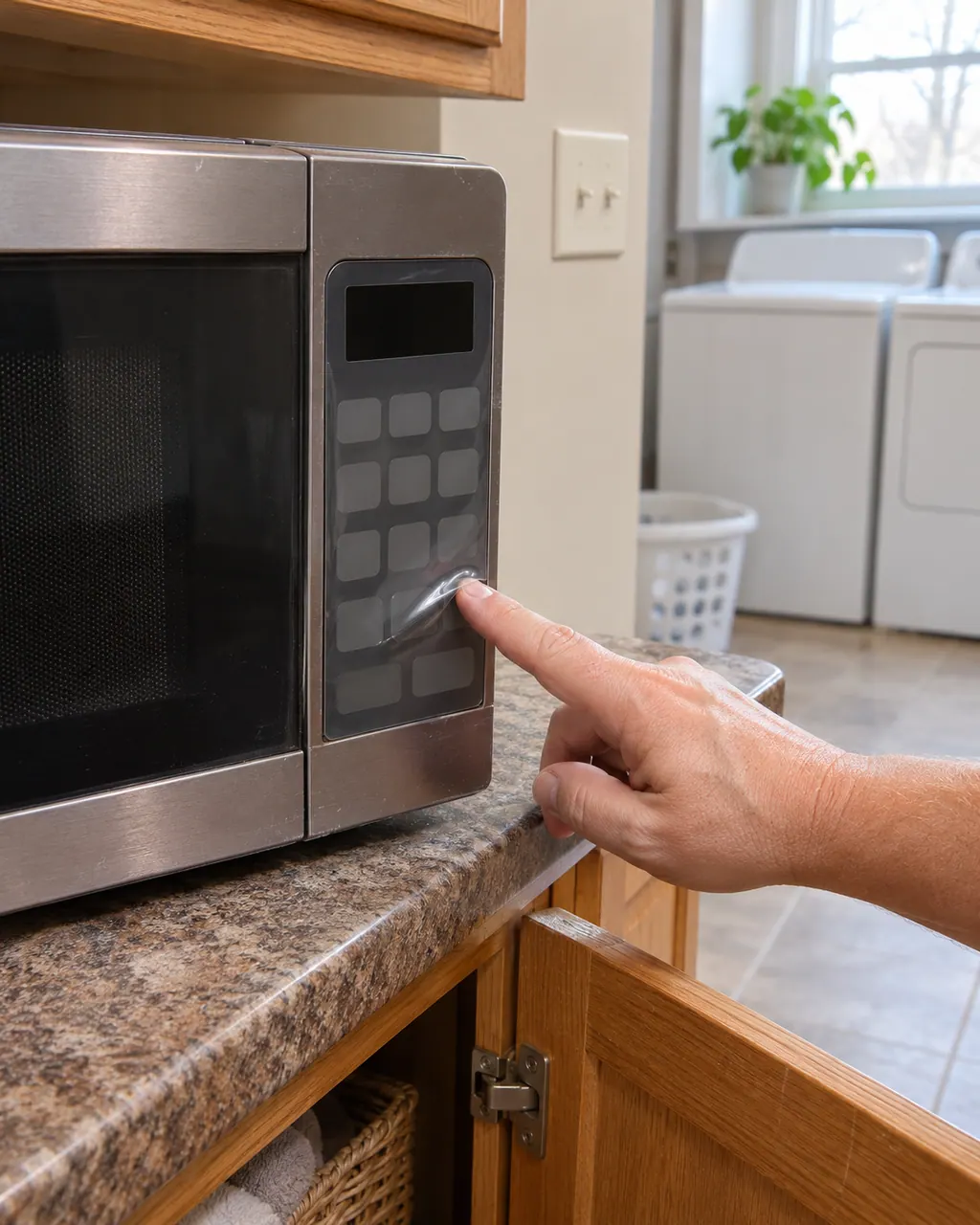
Bubbles on the control panel of a Maytag countertop microwave are usually the clear protective film that ships over the panel. Lift one corner with a fingernail and peel it off; there may be more than one layer. If the panel still looks raised, book a technician.
Maytag says the gas sensor reported a problem to the control board for E11; the problem may be the gas sensor or its wiring. Reset at the breaker for one minute and monitor for one minute. If E11 returns, book a technician.
Maytag words F3H1 as a possible problem with the humidity sensor or its wiring. Reset at the breaker for one minute and monitor the oven for one minute; schedule a technician if F3H1 returns.
Maytag's over-the-range microwave page links SE to the keypad (user interface) or the wiring. It does not say which one, so run the reset below and schedule a visit if the code returns.
Maytag's over-the-range microwave page links F2H1 to the vent fan and light switch (located on the lower left front side panel) or the wiring. It does not say which one, so run the reset below and schedule a visit if the code returns.
We pick the part after we read the model label and test the unit. Nothing is ordered ahead of time, and the quote is yours to approve before any work begins.
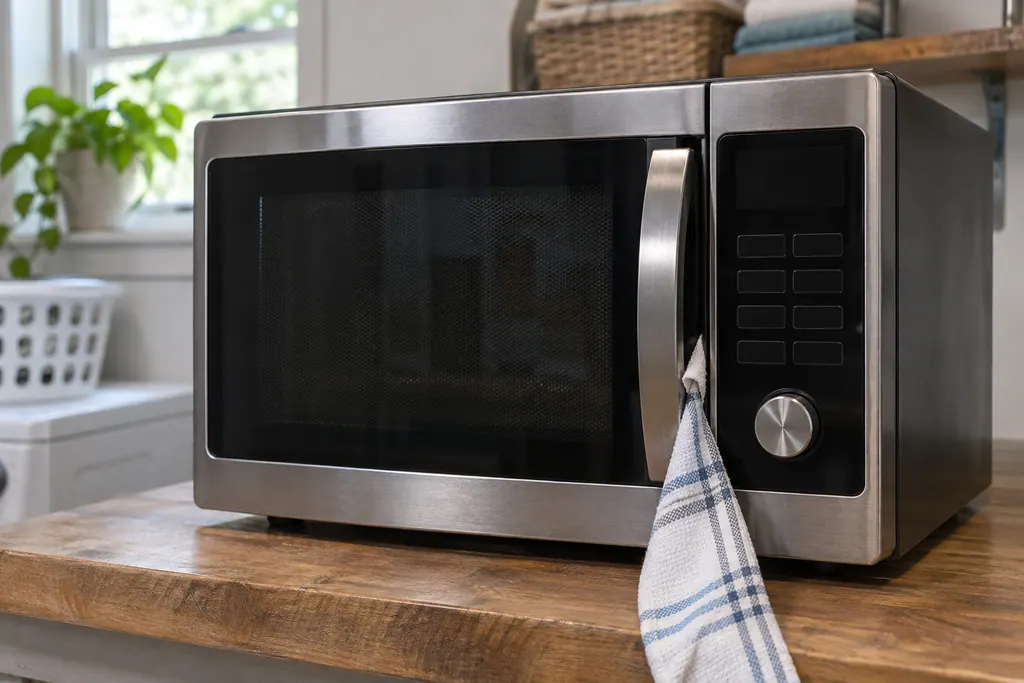
On a Maytag countertop microwave, a Door or Open/Close message means the door sat closed for 5 minutes or more with no cycle started. Product Help says to open and close the door, then begin the cycle again. A blocked latch or an unlevel counter can also keep it from closing.
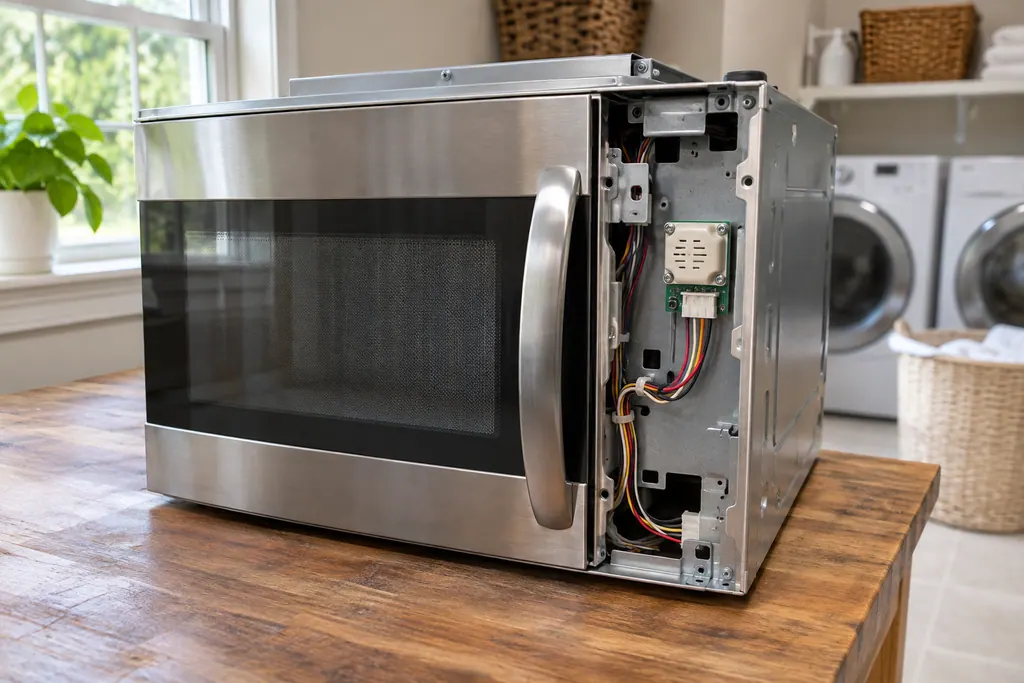
On a Maytag over-the-range microwave, E11 and E12 point to the gas sensor or its wiring, and E24 adds a thermal sensor and the control board to that list. The one home step in Product Help is a 60-second power-down at the breaker, then a minute of observation.
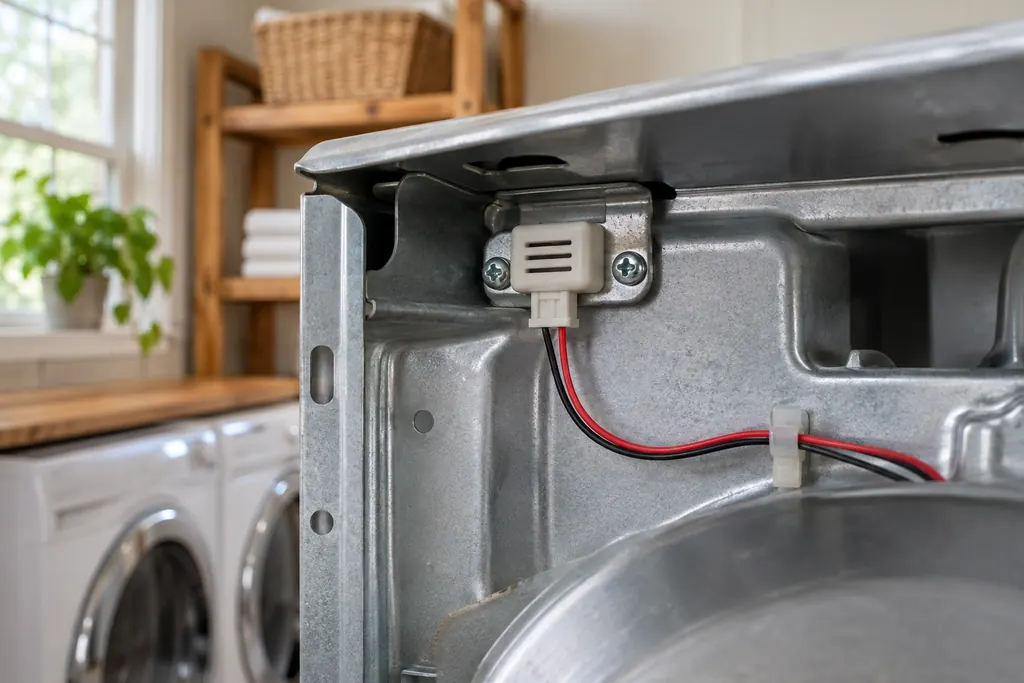
On a Maytag over-the-range microwave, F3H1 names the humidity sensor, while F3H and F4E4 name the humidity thermistor, and their wiring. The pages share one step: cut power at the breaker for 60 seconds, restore it, and see whether the code reappears within a minute.
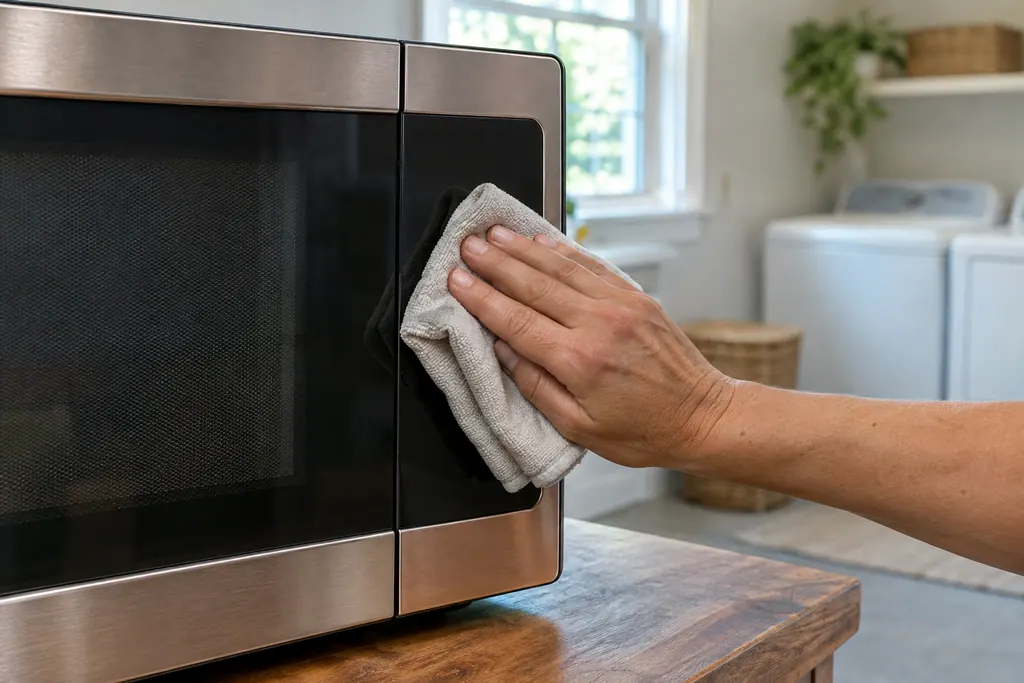
On a Maytag over-the-range microwave, SE, F2, F2E1 and E03 all point to the keypad, also called the user interface, or its wiring. Each page prints the same single step: cut power at the breaker for 60 seconds, restore it, wait a minute for a repeat, then run a cycle.
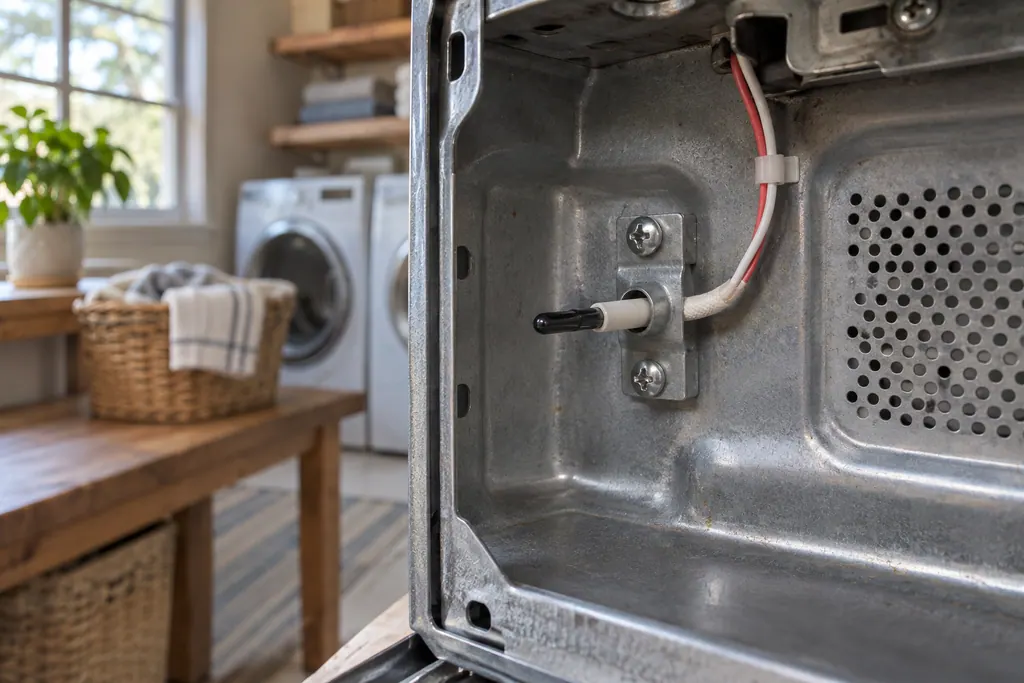
On a Maytag over-the-range microwave, F3C and F4E1 both name the cavity temperature thermistor or its wiring. The printed step is a 60-second power-down at the breaker, a minute of observation and a test run.
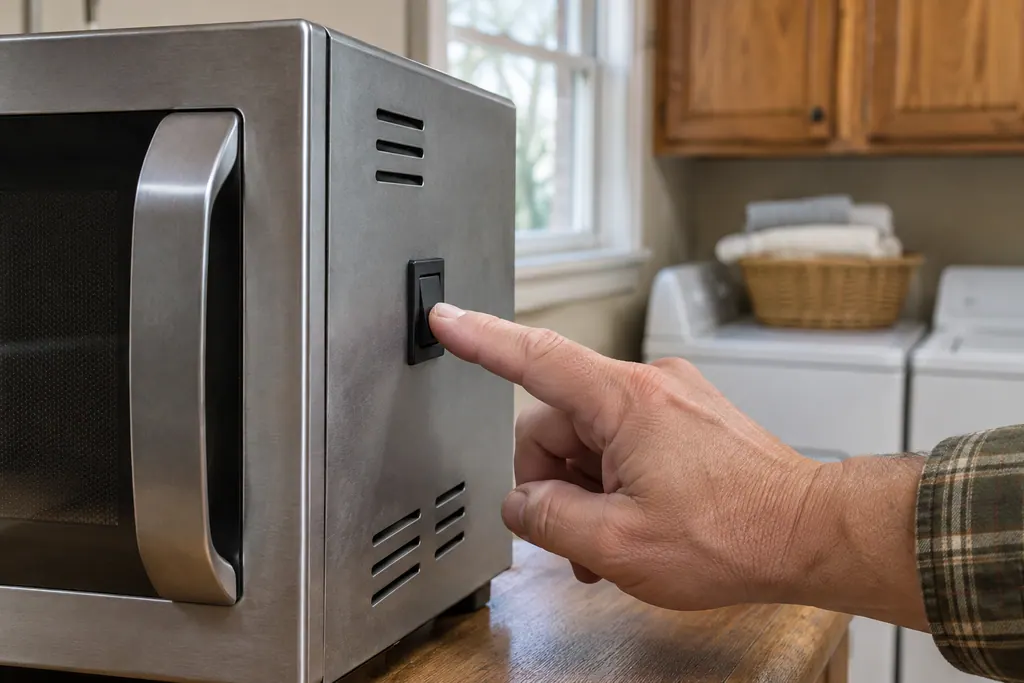
On a Maytag over-the-range microwave, F2H1 and F2H2 name the vent fan and light switch, found on the lower left front side panel, or its wiring. The printed step is a 60-second power-down at the breaker, then restoring power and observing the unit.
Three steps from request to repair.
You stay in the loop the whole way.
Pick washer or dryer and tell us what it does: no spin, no heat, loud thumping. Book online any time.

The technician tests the machine and quotes the work. You approve the price before a tool comes out.
After the repair the technician runs the machine with you and explains what was changed.
Over-the-range models print E, F and FCE pages in Product Help. Countertop models mostly show Door, LOC or 0:00 messages.
Cut power at the breaker for 60 seconds, restore it and observe for a minute. Most code pages print only this.
On a countertop model, remove packing, an oversized plate or a loose rack, and set it on a level surface.
LOC or a padlock icon means the control lock is on. Hold Cancel for 3 seconds or Start for 5, depending on the model.
FCE1 to FCE8 and Registration Error concern the router link and app setup, not the cooking parts.
An E or F code keeps coming back after a breaker reset.
The keypad ignores presses.
The door will not close or release with the cavity clear.
The clock keeps flashing after it has been set.
Arrange a diagnosticYour technician checks the washer, dryer or other appliance, then gives you the cost. The repair goes ahead only with your okay.
Maytag deals with repairs its warranty covers. Every repair we complete is backed by our workmanship warranty.
Yes. Product Help lists about 48 code pages for them, and we book a visit to test whichever one your display shows.
Product Help ties both to the gas sensor or its wiring. The single home step on its pages is cutting power for 60 seconds.
Not necessarily. It means the door was closed 5 minutes or more with no start. Open it, close it, then begin the cycle.
Power was lost, per Product Help. Touch Cancel and set the clock. If it keeps flashing, the supply needs checking.
For a unit still covered by the manufacturer's warranty, the maker takes that repair. After coverage ends, schedule a technician with us and approve the quote first.
Maytag codes, symptoms, parts and service
Maytag says the gas sensor reported a problem to the control board for E11; the problem may be the gas sensor or its wiring. Reset at the breaker for one minute and monitor for one minute. If E11 returns, book a technician.
If a Maytag microwave will not start, the display usually explains why: a door message, the LOC padlock icon, or Demo Mode. Reopen and reclose the door first, then check the lock and demo settings before you book a visit.
On a Maytag countertop microwave, a Door or Open/Close message means the door sat closed for 5 minutes or more with no cycle started. Product Help says to open and close the door, then begin the cycle again. A blocked latch or an unlevel counter can also keep it from closing.
Book a diagnostic for your model, done at the machine.
Office details, and the entry information to pass along.