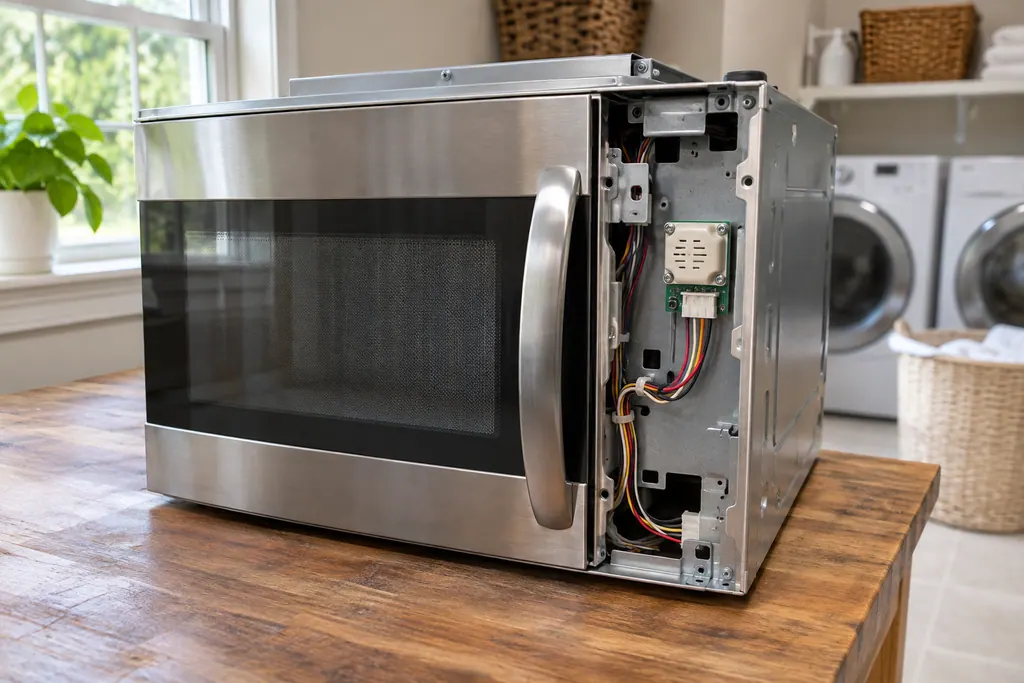
Inside the appliance
Microwave keypad (SE, F2, F2E1, E03). In plain English.
On a Maytag over-the-range microwave, SE, F2, F2E1 and E03 all point to the keypad, also called the user interface, or its wiring. Each page prints the same single step: cut power at the breaker for 60 seconds, restore it, wait a minute for a repeat, then run a cycle.
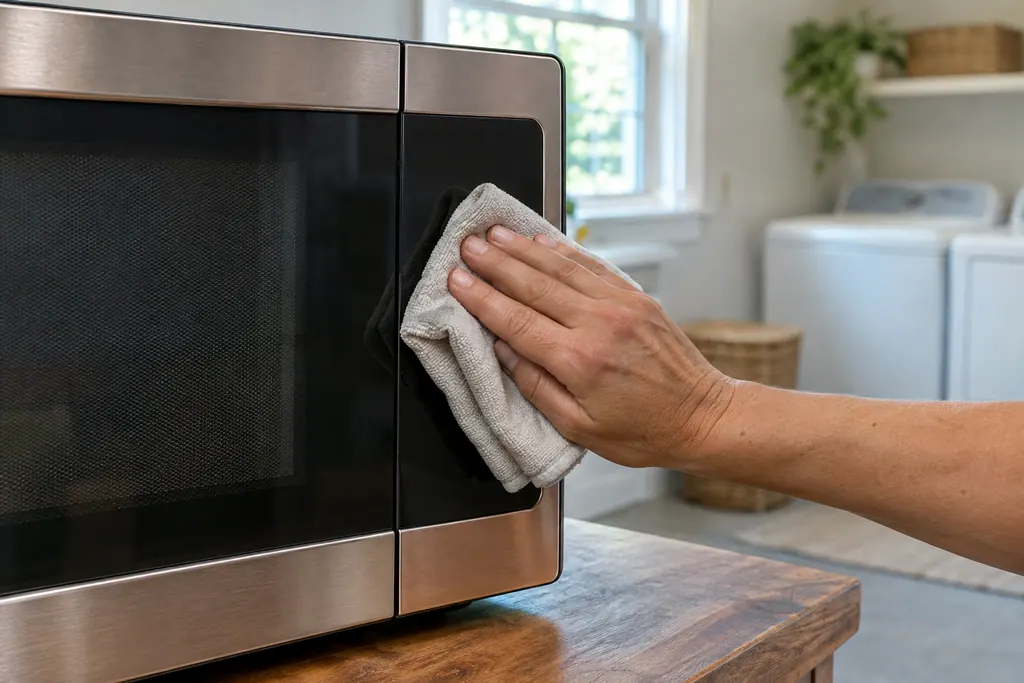
Where it fits.
Microwave keypad (SE, F2, F2E1, E03) in the appliance
On the front control panel, behind the touch surface, wired to the control board.
This image is an example of the component type. It will not tell you which replacement is right for your model.
How you can tell this system is asking for attention.
Microwave keypad (SE, F2, F2E1, E03) trouble can show up along with weaker performance or a code that keeps coming back. It takes testing to say whether this component is the reason.
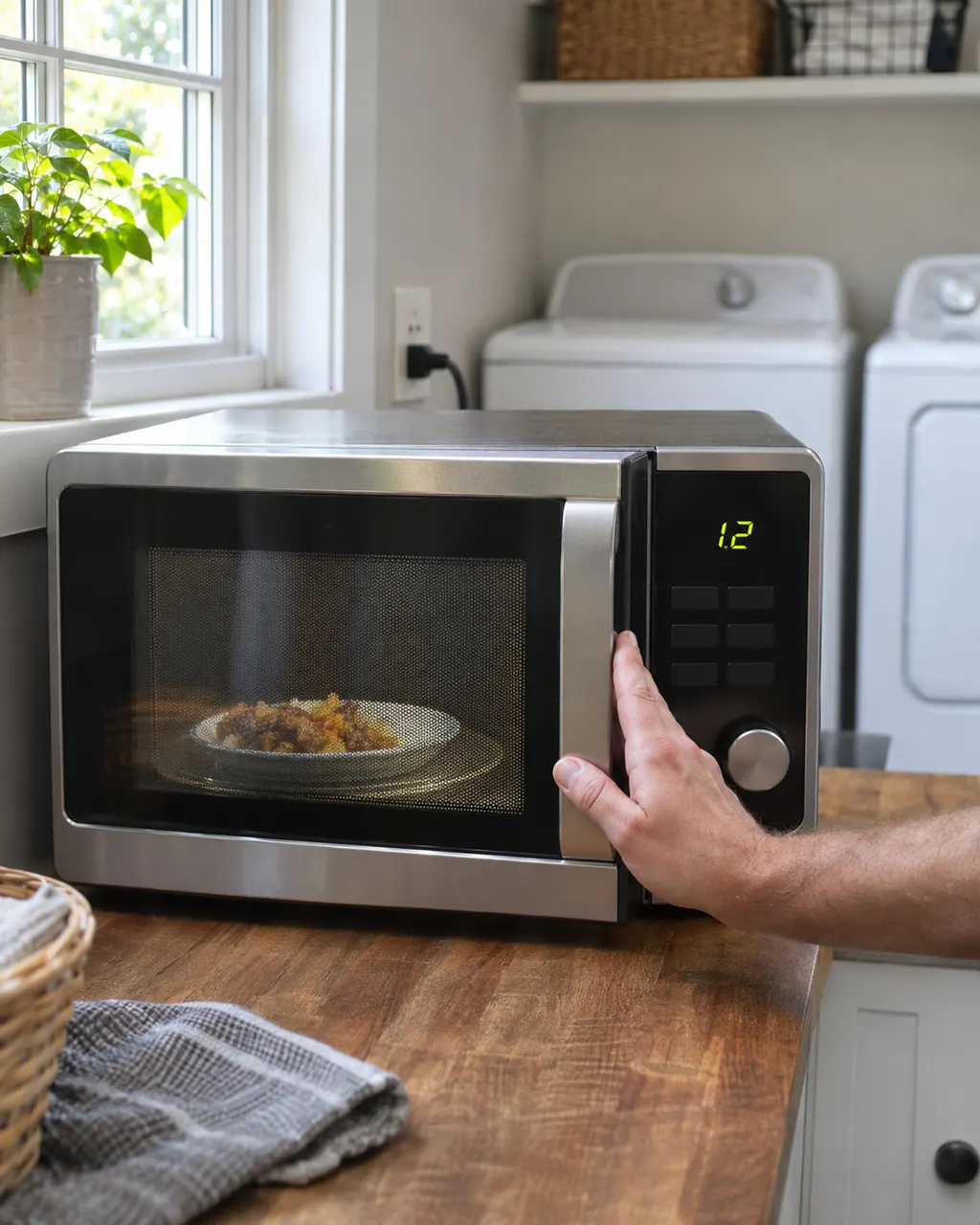
Maytag microwave will not start
If a Maytag microwave will not start, the display usually explains why: a door message, the LOC padlock icon, or Demo Mode. Reopen and reclose the door first, then check the lock and demo settings before you book a visit.
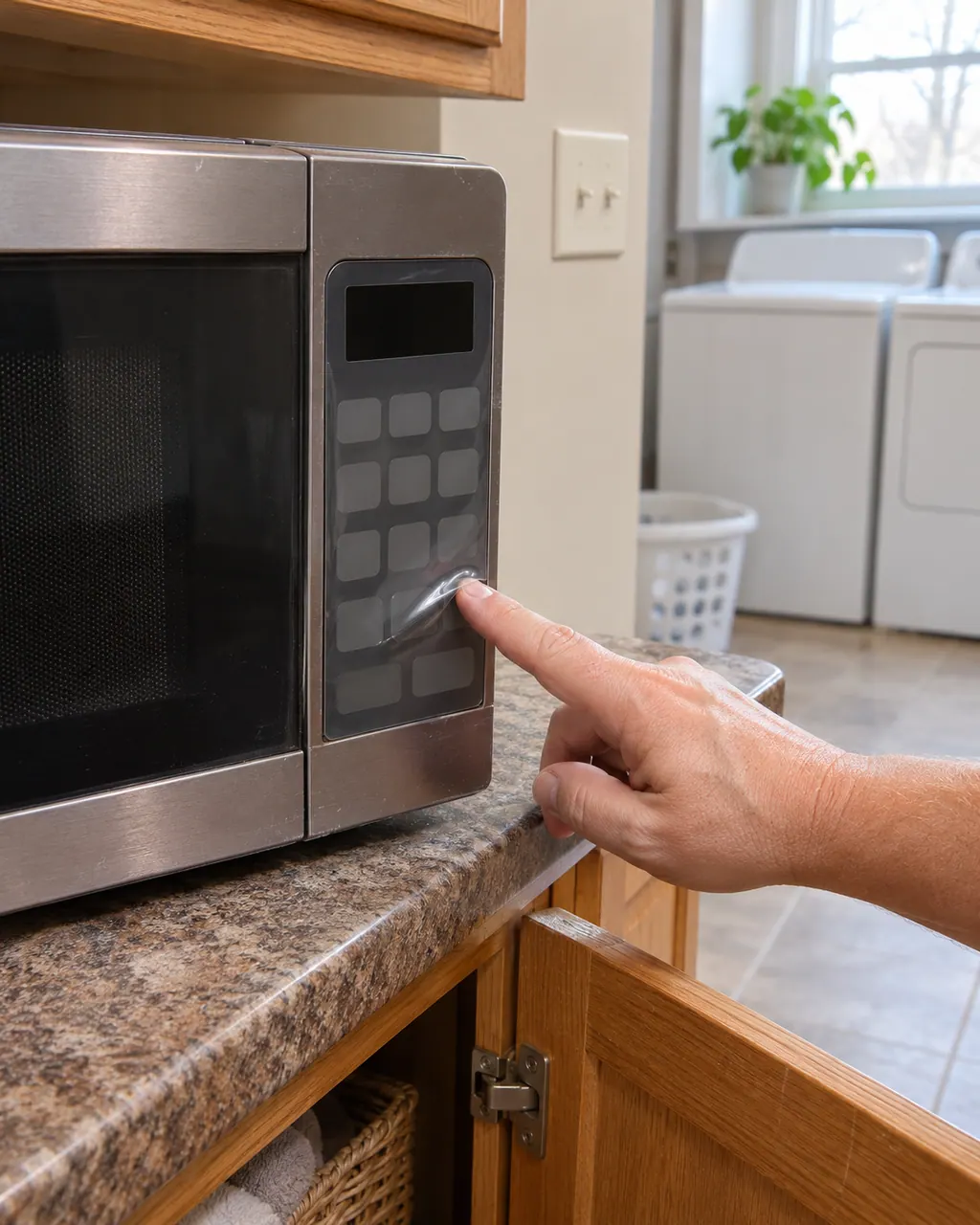
Maytag countertop microwave control panel bubbling
Bubbles on the control panel of a Maytag countertop microwave are usually the clear protective film that ships over the panel. Lift one corner with a fingernail and peel it off; there may be more than one layer. If the panel still looks raised, book a technician.
Owner care, within the model instructions.
Power the machine down and pull the plug ahead of any check you make yourself. Beware of pooled water and sharp bits of debris. Never handle a wet plug or electrical parts, take off a service panel or go beyond what your model’s owner guide permits.
- 1
Read the code
SE, F2, F2E1 and E03 each have their own Product Help page with the same keypad wording.
- 2
Reset at the breaker
Sixty seconds without power, then restore it.
- 3
Watch the display
Stay for a minute and see whether the code returns.
- 4
Press a few keys
Check that the pad responds and a cycle starts.
Cleaning or replacement?
Leave internal testing to a technician.
The same code appears again after the reset.
Some keys do nothing or register twice.
The display is dim or partly missing.
Arrange a diagnosticSee the neighboring components.
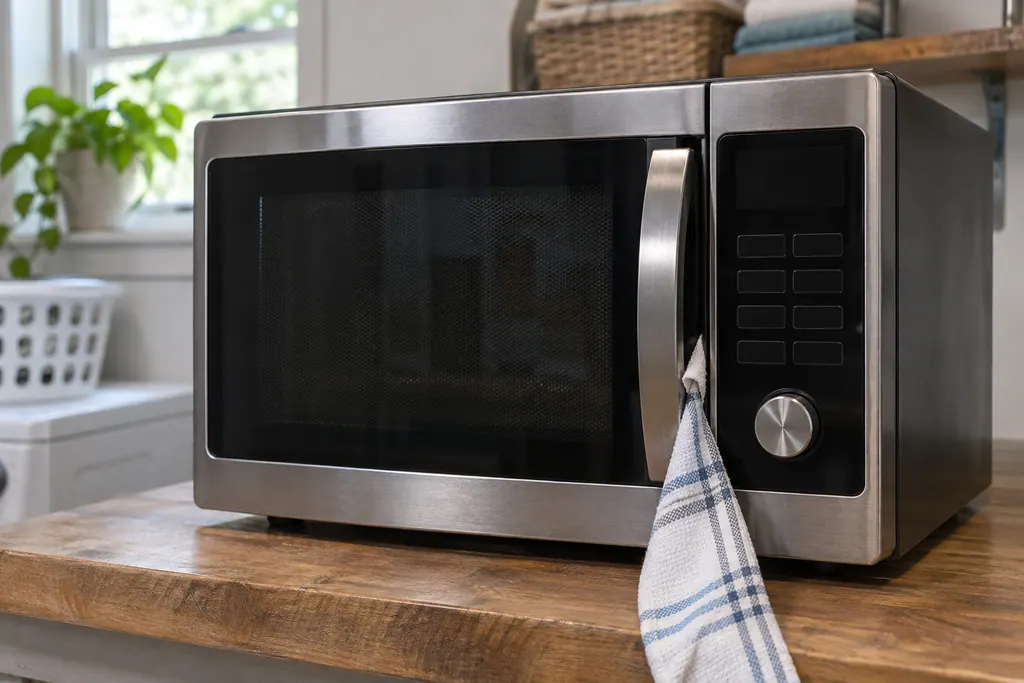
Microwave door message (Door, Open/Close)
On a Maytag countertop microwave, a Door or Open/Close message means the door sat closed for 5 minutes or more with no cycle started. Product Help says to open and close the door, then begin the cycle again. A blocked latch or an unlevel counter can also keep it from closing.
Microwave gas sensor (E11, E12, E24)
On a Maytag over-the-range microwave, E11 and E12 point to the gas sensor or its wiring, and E24 adds a thermal sensor and the control board to that list. The one home step in Product Help is a 60-second power-down at the breaker, then a minute of observation.
Sources and model boundaries.
These sources stand behind the Microwave keypad (SE, F2, F2E1, E03) advice. Read the manual for your own model.
- SE - Error Code - Over-the-Range Microwave - Product Help | Maytag
- F2 - Error Code - Over-the-Range Microwave - Product Help | Maytag
- F2E1 - Error Code - Over-the-Range Microwave - Product Help | Maytag
- E03 - Error Code - Over-the-Range Microwave - Product Help | Maytag
Follow the guide for your own model, and see how we research these pages.
Do SE and F2 mean the same thing?
Both pages blame the keypad (user interface) or its wiring. The wording on F2 adds that the keypad reported to the control board.
Is there anything to try besides the reset?
Product Help prints only the reset. Keep the pad clean and dry while you watch for a repeat.
What is the fix?
The pages give only the reset. If the code stays, the pad or wiring needs testing.
Is E03 a different part?
No. E03 names the same keypad and wiring.
Maytag codes, symptoms, parts and service
From the message to what you do next.
SE
Maytag's over-the-range microwave page links SE to the keypad (user interface) or the wiring. It does not say which one, so run the reset below and schedule a visit if the code returns.
Maytag microwave will not start
If a Maytag microwave will not start, the display usually explains why: a door message, the LOC padlock icon, or Demo Mode. Reopen and reclose the door first, then check the lock and demo settings before you book a visit.
Microwave repair
Book a diagnostic for your model, done at the machine.
Find your metro
Office details, and the entry information to pass along.