Inside the appliance
Oven control and user interface (F1-7, F1-8, F3, F6). In plain English.
Maytag range pages for F1-7, F3 and F6 point at the control board of the oven, or the wiring to it. F1-8 also names the keypad and its interface. The only home step printed is a one-minute breaker reset, followed by watching the oven.
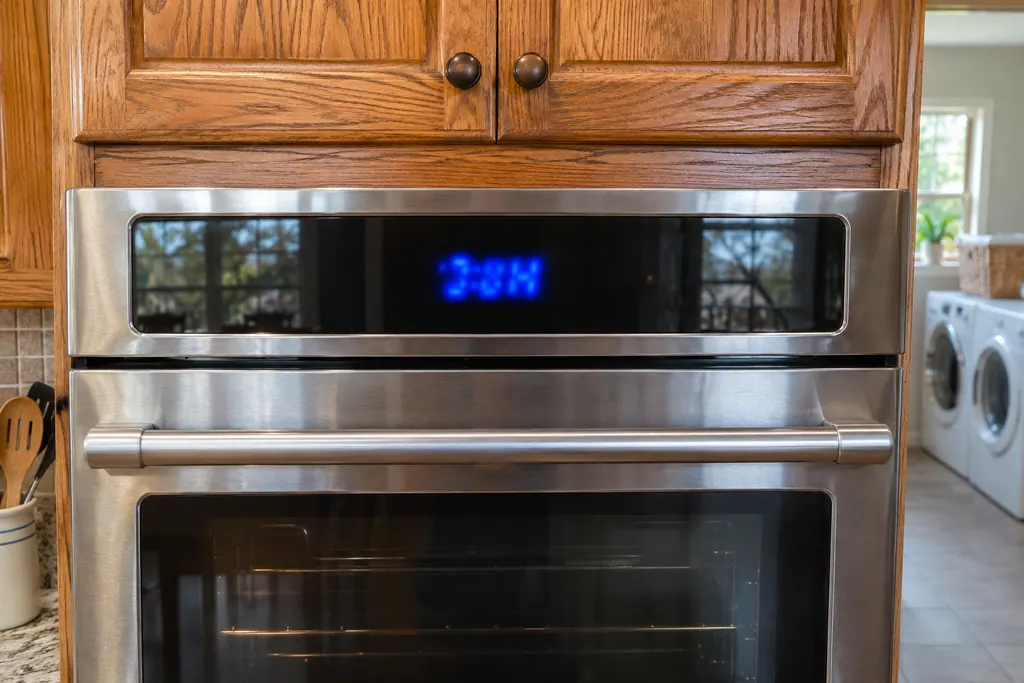
Where it fits.
Oven control and user interface (F1-7, F1-8, F3, F6) in the appliance
Behind the control panel at the top or back of the range or wall oven, out of view. Product Help does not locate it.
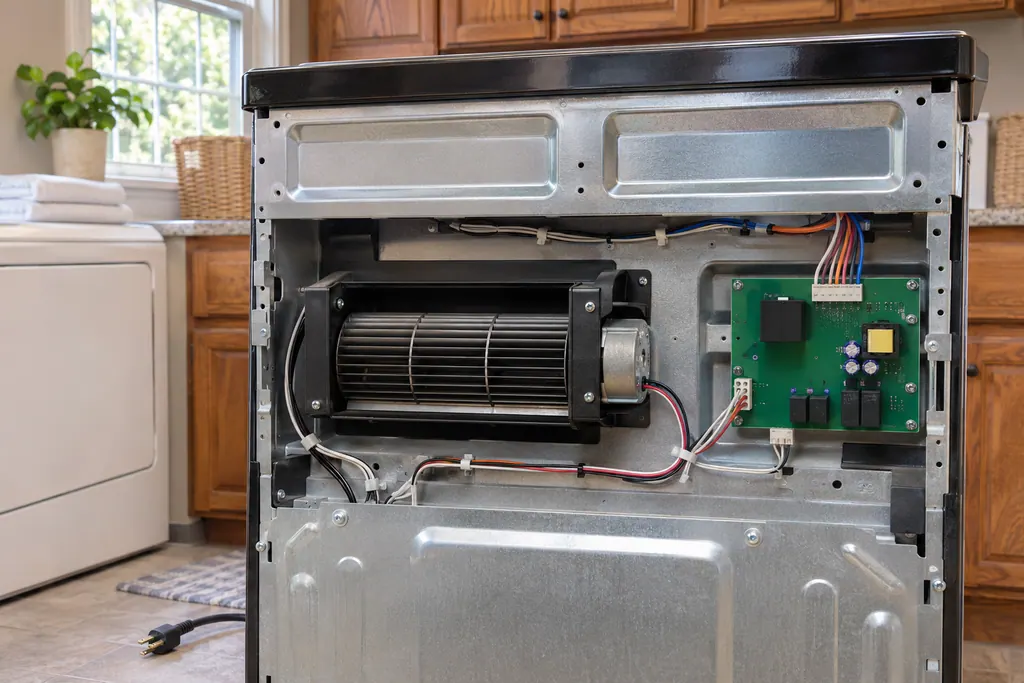
This image is an example of the component type. It will not tell you which replacement is right for your model.
How you can tell this system is asking for attention.
Oven control and user interface (F1-7, F1-8, F3, F6) trouble can show up along with weaker performance or a code that keeps coming back. It takes testing to say whether this component is the reason.
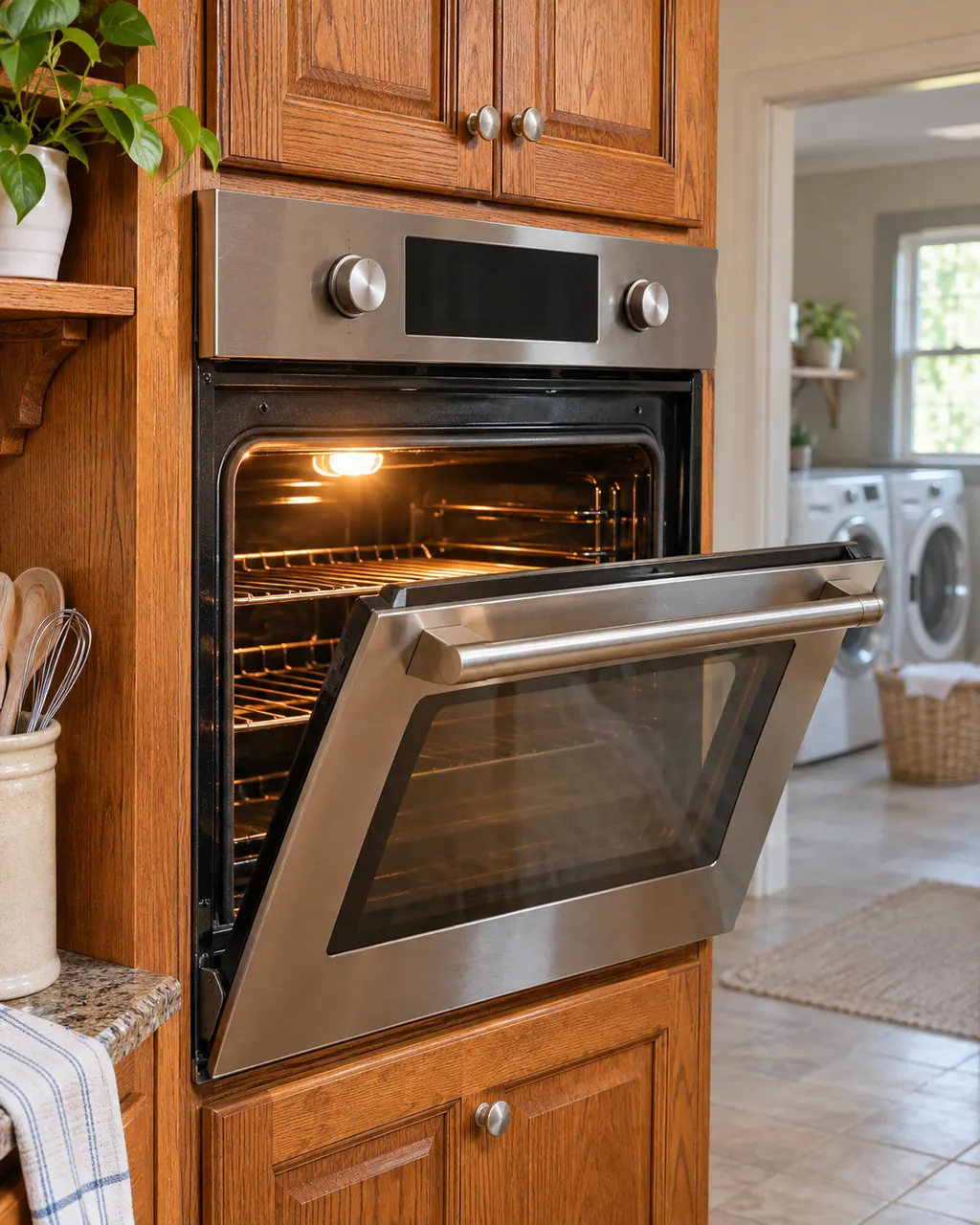
Maytag steam wall oven descale and water container messages
A Maytag steam wall oven asks you to "Empty and Refill Water Container" before each steam cycle, "Descale is needed" when it needs cleaning, and "Please remove and empty container" at the end of a descale. Treat each as a request rather than a breakdown, carry it out, and book a visit if one keeps returning.
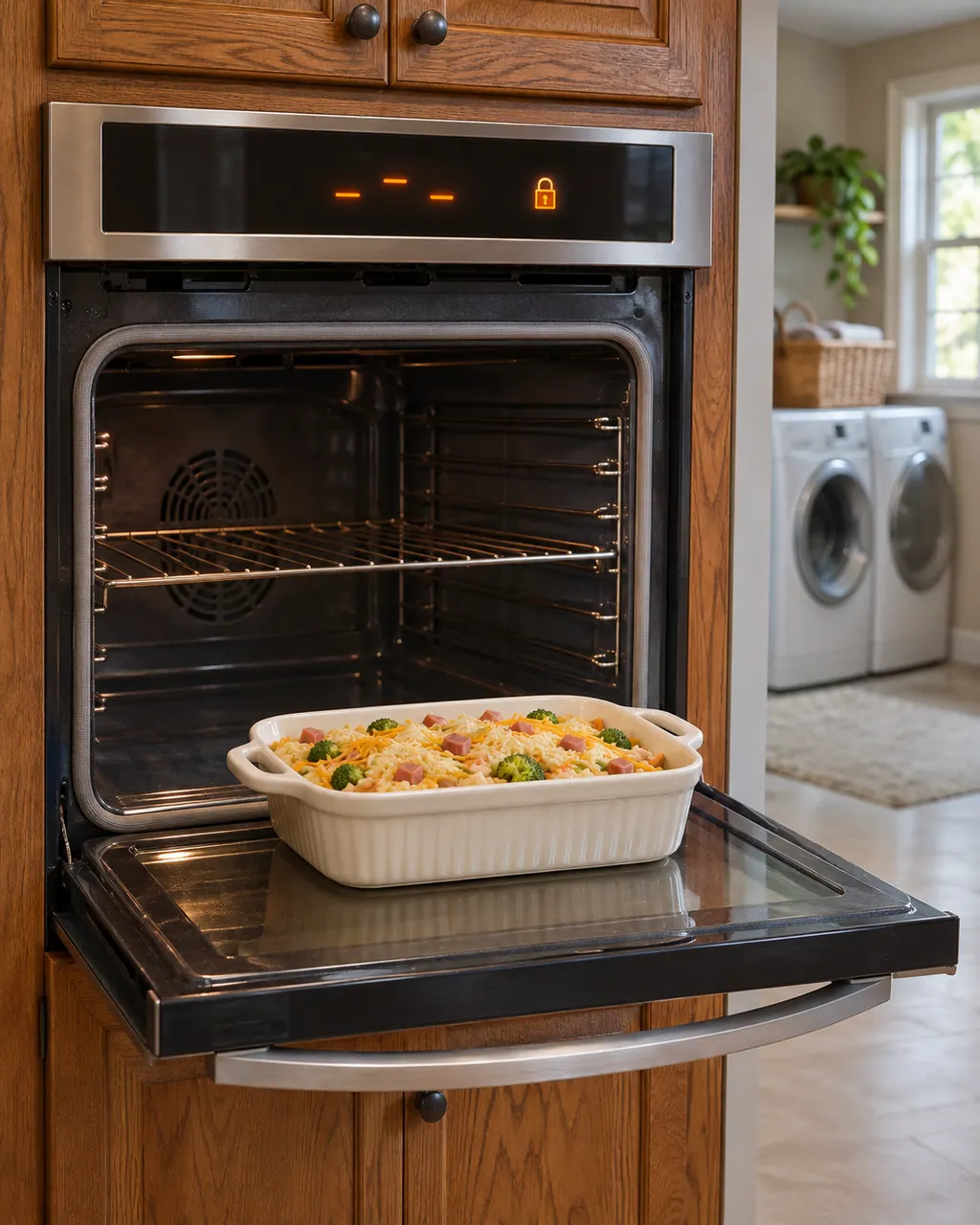
Maytag wall oven locked, in Demo or Sabbath mode, or not responding
A Maytag wall oven that will not heat or will not take commands is often locked, in Demo Mode, in Sabbath Mode, or showing a power-loss clock. Read the display for those first. When Press Cancel to Reset or Call Service appears, cancel and reset the power; should it return, book us for a visit.
Owner care, within the model instructions.
Power the machine down and pull the plug ahead of any check you make yourself. Beware of pooled water and sharp bits of debris. Never handle a wet plug or electrical parts, take off a service panel or go beyond what your model’s owner guide permits.
- 1
Match the string
F1-7, F1-8, F3 and F6 are separate pages. Use the exact characters on your display.
- 2
Reset at the breaker
Off for one minute, then on. Do not open the panel.
- 3
Press a key
F1-8 mentions the keypad. If a key sticks or the panel is wet, note it for the technician.
- 4
Watch and verify
Monitor for a minute, then try a bake setting.
Cleaning or replacement?
Leave internal testing to a technician.
The code returns after the reset.
The screen goes blank, garbled or faint.
Keys beep but nothing starts.
Arrange a diagnosticSee the neighboring components.
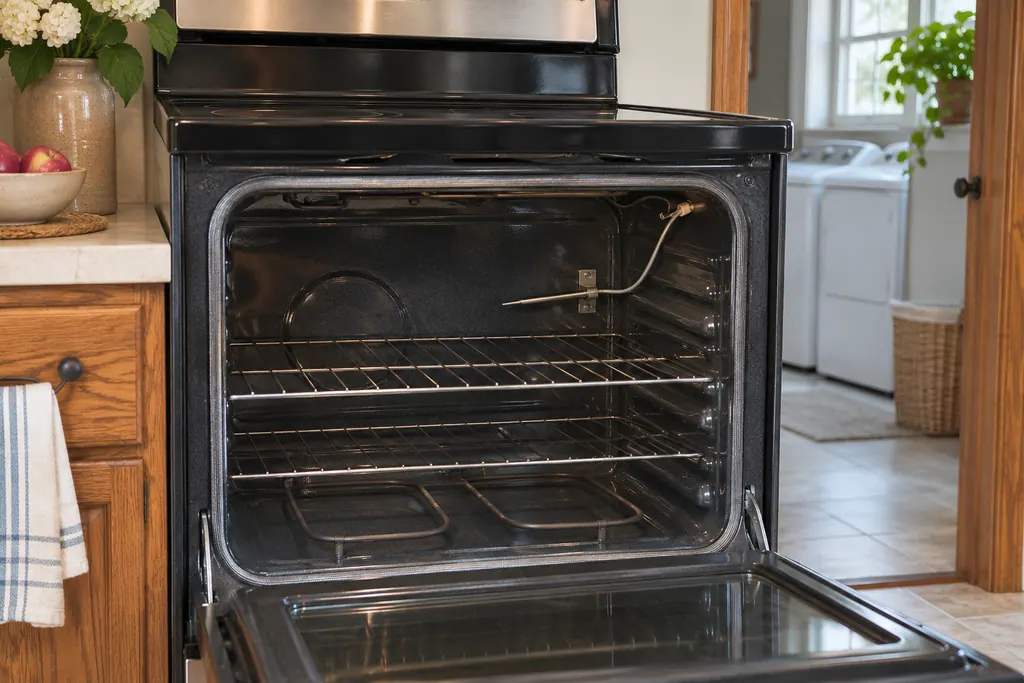
Oven temperature sensor (F1-1, F1-2, F2)
On a Maytag range or wall oven, F1-1, F1-2 and F2 all carry the same wording in Product Help: the sensor in the oven, the control or the wiring could be at issue. The only home step the pages print is a short breaker reset, and they name no other check.
Range oven cooling fan
A Maytag range carries a cooling fan whose job is to protect the oven cavity and electronics from heat during BAKE, BROIL and CLEAN. Product Help says it can keep spinning for a long while after the oven goes off. A Cooling Fan Speed message means its speed is off.
Sources and model boundaries.
These sources stand behind the Oven control and user interface (F1-7, F1-8, F3, F6) advice. Read the manual for your own model.
- F1-7 - Error Code - Range - Product Help | Maytag
- F1-8 - Error Code - Range - Product Help | Maytag
- F3 - Error Code - Range - Product Help | Maytag
- F6 - Error Code - Range - Product Help | Maytag
Follow the guide for your own model, and see how we research these pages.
What does F3 mean on a Maytag oven?
The range and wall oven pages name the oven control and its wiring, nothing more specific.
What does F1-8 add?
It names the user interface or keypad as well as the oven control and the wiring.
Is it safe to open the control panel?
No. Leave the panel closed, reset power at the breaker, and call us if the code stays.
Does F6 mean the same on a wall oven?
Yes for the control and wiring wording. Steam ovens differ: that F6 page lists only a reset.
Maytag codes, symptoms, parts and service
From the message to what you do next.
Maytag oven F1-7 error code
F1-7 on a Maytag range: Maytag's page says the page names these possible trouble spots: oven control together with its wiring. To reset it, leave the circuit breaker off for 1 minute before switching it back on. Should the code return once power is back on, arrange a visit with us.
Maytag steam wall oven descale and water container messages
A Maytag steam wall oven asks you to "Empty and Refill Water Container" before each steam cycle, "Descale is needed" when it needs cleaning, and "Please remove and empty container" at the end of a descale. Treat each as a request rather than a breakdown, carry it out, and book a visit if one keeps returning.
Oven repair
Book a diagnostic for your model, done at the machine.
Find your metro
Office details, and the entry information to pass along.