Start from the symptom
Maytag oven wall oven locked, in Demo or Sabbath mode, or not responding.
A Maytag wall oven that will not heat or will not take commands is often locked, in Demo Mode, in Sabbath Mode, or showing a power-loss clock. Read the display for those first. When Press Cancel to Reset or Call Service appears, cancel and reset the power; should it return, book us for a visit.
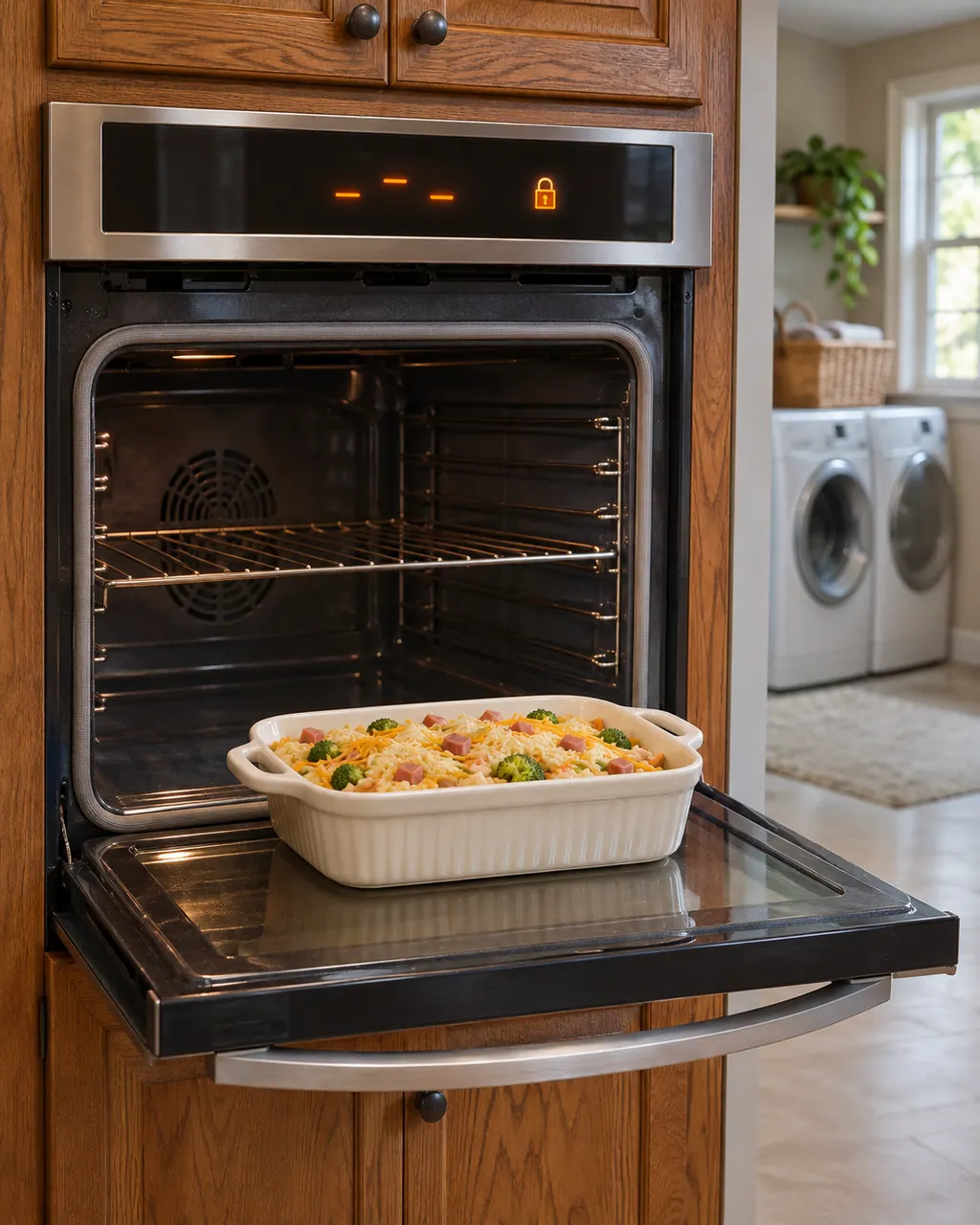
Start with safe observations.
Power the machine down and pull the plug ahead of any check you make yourself. Beware of pooled water and sharp bits of debris. Never handle a wet plug or electrical parts, take off a service panel or go beyond what your model’s owner guide permits.
- 1
Lock
Locked, Lock or Loc means the control pads and oven door are locked. The oven must not be in use to lock or unlock it; see your manual for the keys.
- 2
Demo Mode
Demo Mode lets you explore features while the heating elements stay off. Switch Store Demo Mode to off via Tools, then INFO.
- 3
Sabbath Mode
Sabbath Mode leaves the oven in Bake and disables every other cycle. It is silent, and the display stops showing temperature changes.
- 4
Power loss
Following an outage the display may read 12:00, Time or Power Loss. Press Cancel to clear it, then set the clock.
- 5
Cancel and reset
If Press Cancel to Reset or Call Service shows, press Cancel. If it stays, shut the breaker off, give it a minute, switch it on, start a bake cycle and watch the oven for a minute.
More about this symptom.
Why is my Maytag wall oven not heating?#
Demo Mode turns the demo on without heat, and Sabbath Mode allows only Bake. Check the display and your manual for which mode is active. 2 3
What does Locked or Loc mean on a wall oven?#
The control pads are shut off and the oven door is locked to prevent unintended use. It only locks when the oven is not in use. 1
What should I do for Press Cancel to Reset?#
Press Cancel. If Call Service remains, power the oven down at the breaker for a minute, bring it back, then bake and watch for a minute. 5
Systems a technician may investigate.
These parts tie in to the symptom. Noticing it does not prove that any single one has worn out.
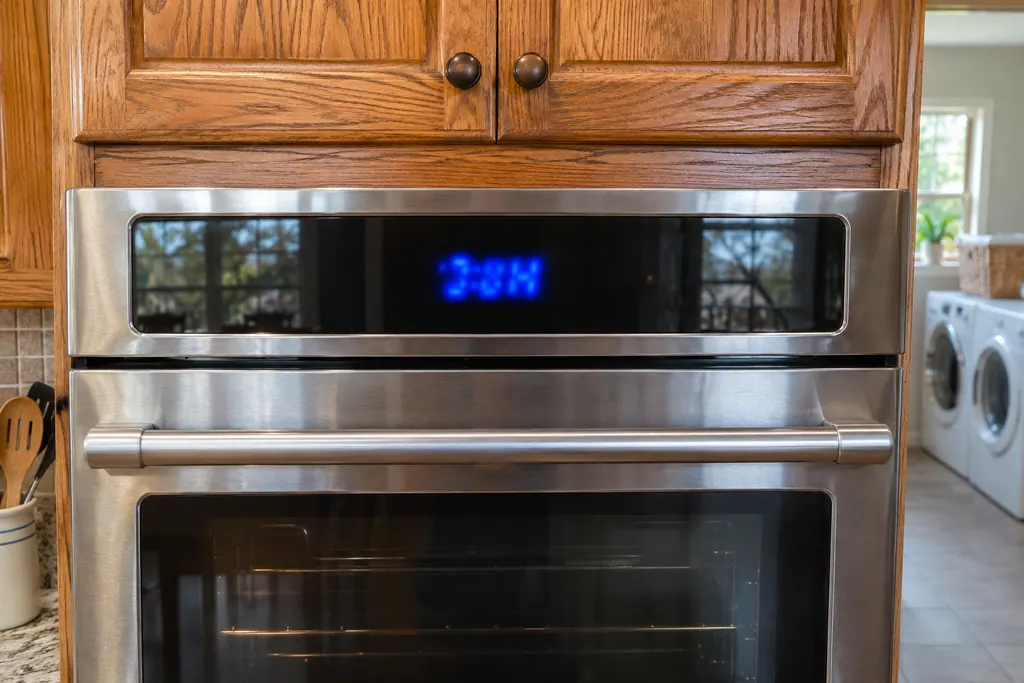
If the display adds a code.
Read the related care guide.
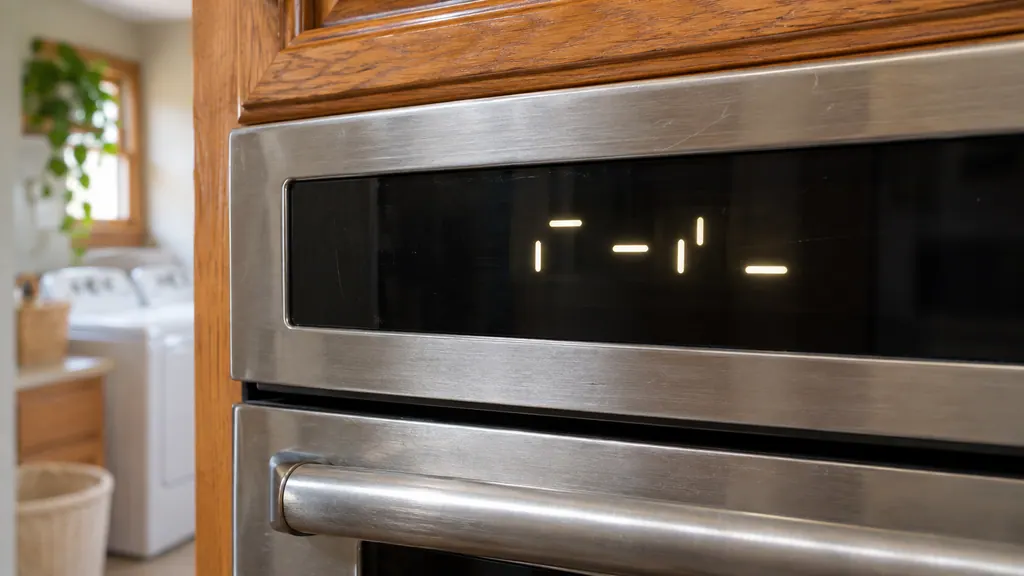
PUSH or Lo on the oven display? Not always a problem.
PUSH, Lo, Pre, LOC, 12:00 or POWER LOSS, Demo Mode and Sabbath are messages Maytag's range and wall oven pages describe as instructions or settings, not errors. Press Start for PUSH, wait for Lo to give way to a temperature, hold Start/Enter for LOC, and press Cancel for a power-loss clock. [1][2][3][5]
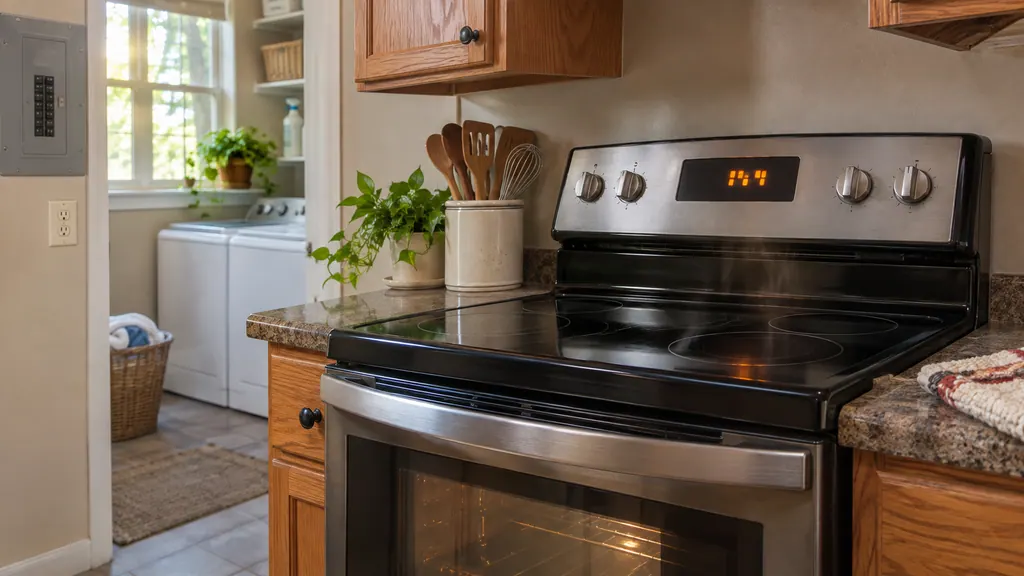
The oven is off but the fan is still going. Normal?
A fan still turning after a Maytag oven is switched off is usually the automatic cooling fan. Maytag says it runs during cooking and after the cycle ends, sometimes for extended periods, to cool the oven cavity and the electronic controls. Open the door: noise that stops is the convection fan, noise that continues is the cooling fan. [1][2]
When observation becomes a service request.
Leave internal testing to a technician.
The error returns after the breaker reset.
Bake will not start with the lock, Demo and Sabbath modes all off.
Call Service stays on the display.
Arrange a diagnosticSources and model boundaries.
These sources stand behind the Maytag wall oven locked, in Demo or Sabbath mode, or not responding advice. Read the manual for your own model.
- Locked, Lock or Loc - Wall Oven - Product Help | Maytag
- Demo Mode - Wall Oven - Product Help | Maytag
- Sabbath Mode - Wall Oven - Product Help | Maytag
- Flashing Time, Clock, 12:00, Power Loss or Enter Time - Wall Oven - Product Help | Maytag
- Press Cancel to Reset - Wall Oven - Product Help | Maytag
Follow the guide for your own model, and see how we research these pages.
Why will my Maytag wall oven not heat?
Demo Mode keeps the heating elements off, and Sabbath Mode runs only Bake. Check which one the display shows.
How do I clear a power-loss display?
Clear it with the Cancel pad, then enter the time of day.
Can I lock the oven while it is cooking?
No. Product Help says that if the oven is in use, the controls and door cannot be locked.
What does Press Cancel to Reset mean?
An error was detected. Press Cancel. If Call Service then appears, power the oven down at the breaker, wait sixty seconds, switch it on and run a bake cycle.
Maytag codes, symptoms, parts and service
From the message to what you do next.
Locked
The Maytag page for Locked on a range states “The lock feature shuts down the control pads (buttons) and locks the oven door to avoid unintended use of the...” Switch the breaker off for a minute, then back on; schedule a visit if the code is still there.
Maytag steam wall oven descale and water container messages
A Maytag steam wall oven asks you to "Empty and Refill Water Container" before each steam cycle, "Descale is needed" when it needs cleaning, and "Please remove and empty container" at the end of a descale. Treat each as a request rather than a breakdown, carry it out, and book a visit if one keeps returning.
Oven control and user interface (F1-7, F1-8, F3, F6)
Maytag range pages for F1-7, F3 and F6 point at the control board of the oven, or the wiring to it. F1-8 also names the keypad and its interface. The only home step printed is a one-minute breaker reset, followed by watching the oven.
Oven repair
Book a diagnostic for your model, done at the machine.
Find your metro
Office details, and the entry information to pass along.