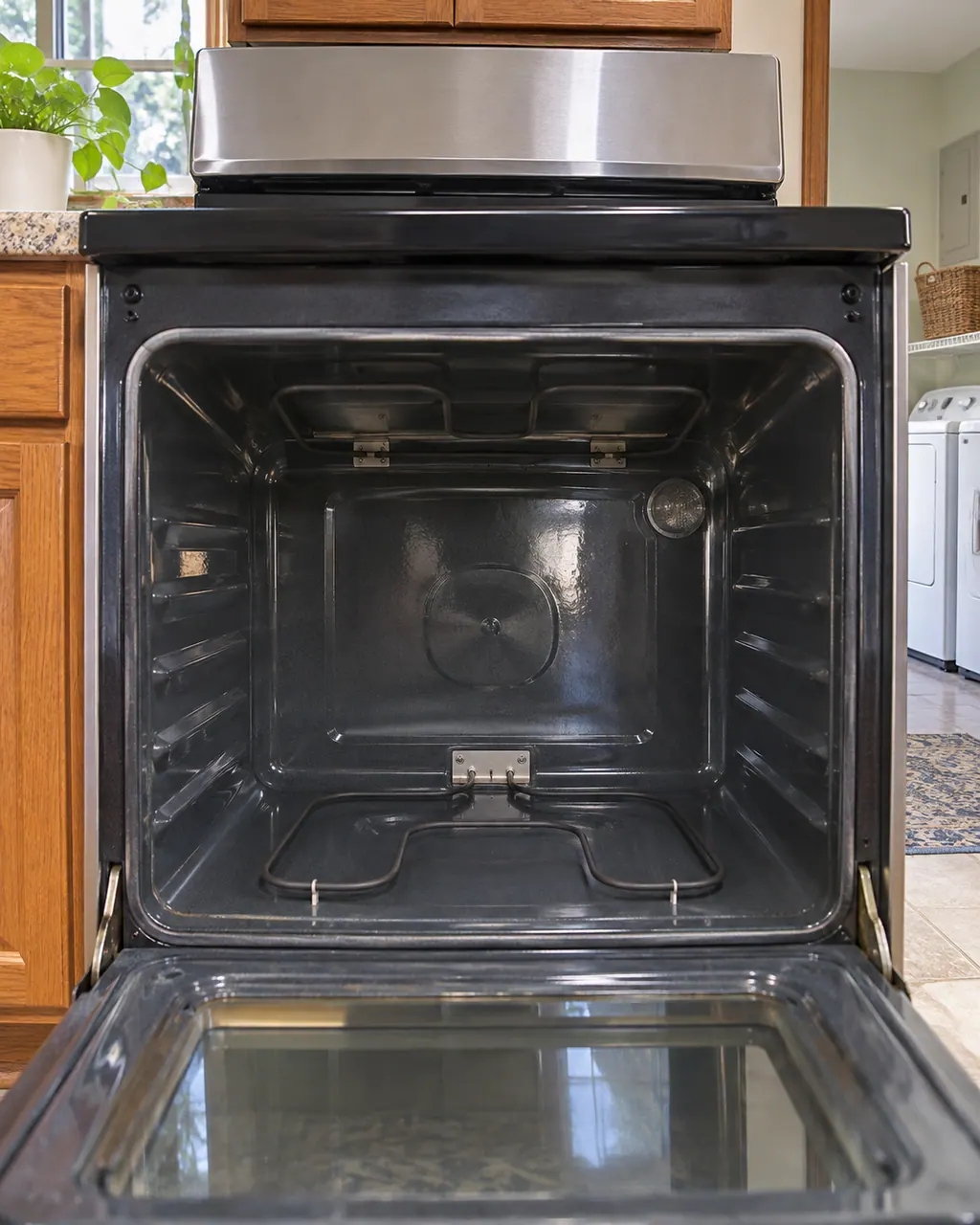
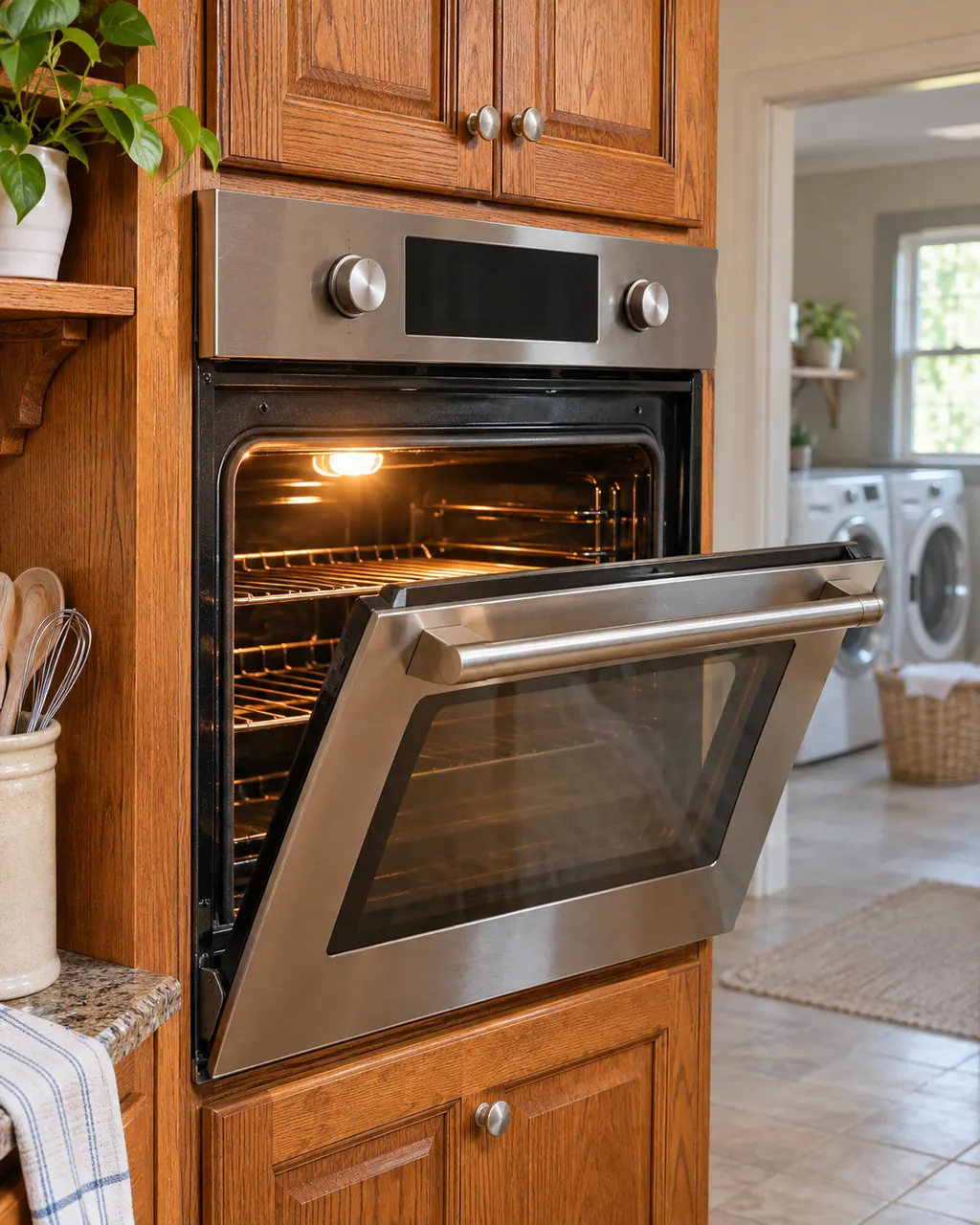
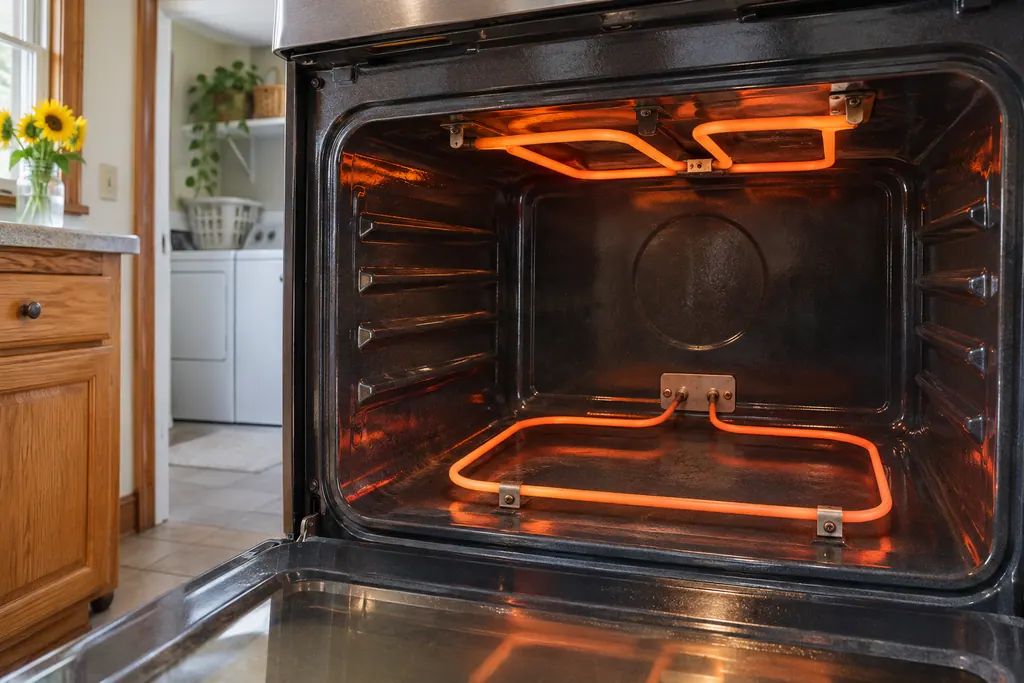
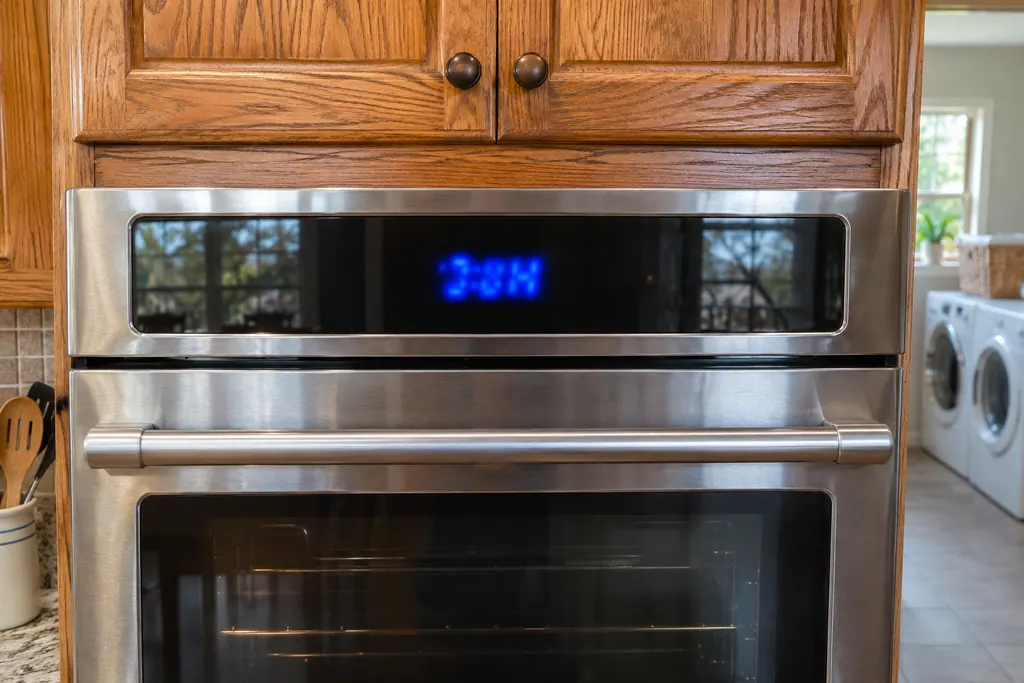
Demo Mode keeps the oven from heating so a control can be shown on a sales floor. Maytag says that while it is on, the oven will not work. Turn it off on the settings screen. The steps differ between a range keypad and a touchscreen wall oven.
Demo Mode keeps the oven from heating so a control can be shown on a sales floor. Maytag says that while it is on, the oven will not work. Turn it off on the settings screen. The steps differ between a range keypad and a touchscreen wall oven.
Demo Mode keeps the oven from heating so a control can be shown on a sales floor. Maytag says that while it is on, the oven will not work. Turn it off on the settings screen. The steps differ between a range keypad and a touchscreen wall oven.
What you can safely check
Turn the breaker off before you touch anything behind a panel.
When to call a technician
The oven will not heat with Demo Mode shown as off.
Your Maytag to-do list, saved here on this device
Safe checks, in order.
0 of 4 checks done
Illustration. Follow your model’s instructions.
Before you begin
Tell the two controls apart
A range with a number keypad uses SETTINGS/CLOCK. A wall oven with a screen uses the Tools keypad and INFO. The Product Help pages give a different route for each.
Illustration. Follow your model’s instructions.
Check 2
Keypad range: find DEMO MODE
Press SETTINGS/CLOCK until "DEMO MODE" shows, read the current setting, and press the "1" keypad to change it. START or CANCEL exits to the time of day.
Illustration. Follow your model’s instructions.
Check 3
Touchscreen oven: turn it off
Try the Product, then Explore, then Tools, then INFO. Pick Store Demo Mode, choose OFF, and answer YES on the confirmation screen.
Illustration. Follow your model’s instructions.
Check 4
Check the oven heats afterward
Set a bake and watch it come on. If it still does not heat, the breaker reset on the range page is the next step.
Does Demo Mode keep coming back?
Give us the model and the checks you have run, then open your request right here.
Product Help says the control is "in demonstration mode" so features can be shown "without the oven turning on." The oven will not work while it is active.
On the range page the example for a keypad control is: press SETTINGS/CLOCK until "DEMO MODE" appears, press "1" to change the setting, then START or CANCEL.
How do I turn it off on a wall oven with a screen?
The wall oven page starts it with Tools, INFO and Store Demo Mode ON. To exit: Try the Product, Explore, Tools, INFO, then Store Demo Mode OFF and YES.
Maytag / Whirlpool Corporation (retailer copy kept by pdf.lowes.com)
W10722063B (11/14); PDF page numbers / pp. 8, 18
Product Help range page PH 13882 and wall oven page PH 14343 (modified June 2025), plus the W10722063B guide for the keypad range. The pages list no models.
It is a store feature. Product Help says it is meant for sales floors on a 120 V connection; it can also be switched on from the settings menu at home.
Does Demo Mode damage anything?
Maytag does not say so. It prints that the control works for show and the oven does not turn on.
The display shows the time but nothing heats. Is that Demo Mode?
It can be. The wall oven page notes the display shows the time while the mode is on. Check Store Demo Mode in the INFO menu.
Where is the setting on a touchscreen oven?
Tools, then INFO, then Store Demo Mode, according to the wall oven page.