Read the whole display
Give the product type (range, wall oven or steam oven) and the exact code, including any dash or space.
Model-specific code library
We decode 178 oven codes and messages from Maytag Product Help: F1, F2, F3, F5, F6 and F9 as pages, plus rows for the F0, F1 E, F7, F8, FC and numeric families and the control messages, each tied to a range, wall oven or steam oven.
Maytag's page on F1-1 for the range says the suspects it lists are control, oven temperature sensor or wiring. To reset it, leave the circuit breaker off for 1 minute before switching it back on. A repeat of the code after the reset is the cue to schedule a visit with us.
Read the F1-1 checks181 researched oven codes. A message can mean something different on each Maytag model, so trust the manual that came with yours.
Maytag's range page links 1c31 to the oven control or the wiring. It does not say which one, so run the reset below and schedule a visit if the code returns.
Reset, then bookMaytag lists the oven control or the wiring for 1c32 on the range. Reset the power first and watch the display; a returning the code is the cue to book us.
Reset, then bookThe Maytag range entry for 1d11 names the oven temperature sensor, the control or the wiring. Reset first, then call us in if the code keeps coming back.
Reset, then bookMaytag's range page links 1d12 to the oven temperature sensor, the control or the wiring. It does not say which one, so run the reset below and schedule a visit if the code returns.
Reset, then bookThe Maytag range entry for 4d11 names the oven door latch assembly, the door switch or the wiring. Reset first, then call us in if the code keeps coming back.
Reset, then book4d12 on a range means Maytag suspects the oven door latch assembly, the door switch or the wiring. Begin with the reset; if the code is back afterward, book a technician.
Reset, then book1c1c on a range means Maytag suspects the user interface/keypad or the wiring. Begin with the reset; if the code is back afterward, book a technician.
Reset, then book1c2c on your range is tied by Maytag to the user interface/keypad or the wiring. One reset costs nothing; if the code survives it, schedule a visit.
Reset, then bookFor 4d21, the Maytag range page points to the airflow restriction, the oven cooling fan or the wiring. Treat that as a shortlist, try the reset, and schedule a visit if the code stays.
Reset, then book4D22 means the cooling fan speed is too low. Maytag names three suspects: an airflow restriction, the oven cooling fan, or the wiring. Check that nothing blocks the vents, then reset the power for one minute.
Reset, then bookFCE1 on a Maytag range is explained as “The appliance could not connect to the router.” Try the one-minute breaker reset, and schedule a visit if the code returns.
Reset, then bookFC E2 means the oven could not connect to your router. Maytag lists connection time-out, poor signal, a failed router, the Wi-Fi module or the wiring. Restart the router, then the oven, and move the router or add a signal extender if the signal is weak.
Reset, then book3D31 is a probe-related entry: Maytag says verify the meat probe is securely inserted in the meat probe receptacle, then reset the power. The page names no failed part. A probe that is pushed in fully, and a breaker reset, are the whole at-home fix.
Reset, then book3D32 uses the same Maytag wording as 3D31 and 3D41: verify the meat probe is securely inserted in its receptacle, then reset the power. If the code survives that, no further cause is printed, so book a visit.
Reset, then bookES is not an error. Maytag Product Help says the range is in Energy Save mode, a sleep mode that blanks the display after 5 idle minutes. Press any key or open the oven door to wake it. Reset the power only if "ES" will not clear.
Information onlyMaytag's range page words Lo like this: “On some models, once the temperature reaches 170° F, the display will show the temperature and will increase...” Nothing else is printed, so schedule a visit if it repeats.
Information onlyOn a range, the entry for C81 says “The surface cooking area has overheated and the automatic shutoff was activated.” Cut the power for five minutes, then restore it; schedule a visit if the code is still there.
Reset, then bookC82 shares one Maytag range page with C81 and C83. It says the surface cooking area overheated and automatic shutoff was activated. Turn off the oven if running, wait 5 minutes, turn the cooktop back on, and reset the breaker if the code stays.
Reset, then bookC83 is on the same Maytag range page as C81 and C82: the surface cooking area overheated and automatic shutoff was activated. Wait 5 minutes with the controls off, switch the cooktop back on, then do the one-minute breaker reset if it persists.
Reset, then bookDemo Mode keeps the oven from heating so a control can be shown on a sales floor. Maytag says that while it is on, the oven will not work. Turn it off on the settings screen. The steps differ between a range keypad and a touchscreen wall oven.
Reset, then bookFor FEE6, the Maytag range page points to the main cavity bake element or the wiring. Treat that as a shortlist, try the reset, and schedule a visit if the code stays.
Reset, then bookMaytag's range page links FEE7 to the main cavity broil element or the wiring. It does not say which one, so run the reset below and schedule a visit if the code returns.
Reset, then bookMaytag lists the microwave appliance manager, the microwave power relay or the wiring for F1E4 on the wall oven. Reset the power first and watch the display; a returning the code is the cue to book us.
Reset, then bookF9 reads differently by product type: the wall oven page states the usual reason is a wiring mistake where the unit joins the home supply, at the supply itself or at the hard-wire joint; the steam oven page offers a reset and nothing more.
Electrician firstMaytag's range page words Flashing Time, Clock, 12:00, Power Loss or Enter Time like this: “When power is first supplied to the oven, after a power interruption or failure, the 'Time', or '12:00', or...” Maytag prints no reset for it; if it keeps appearing, schedule a visit.
Owner checks firstF1-6 and a bare F7 are printed nowhere. The same string, such as F9, names different things on a wall oven and a range, and the steam oven pages print reset steps only. Seventy of the shared strings differ between product trees, and each is scoped.
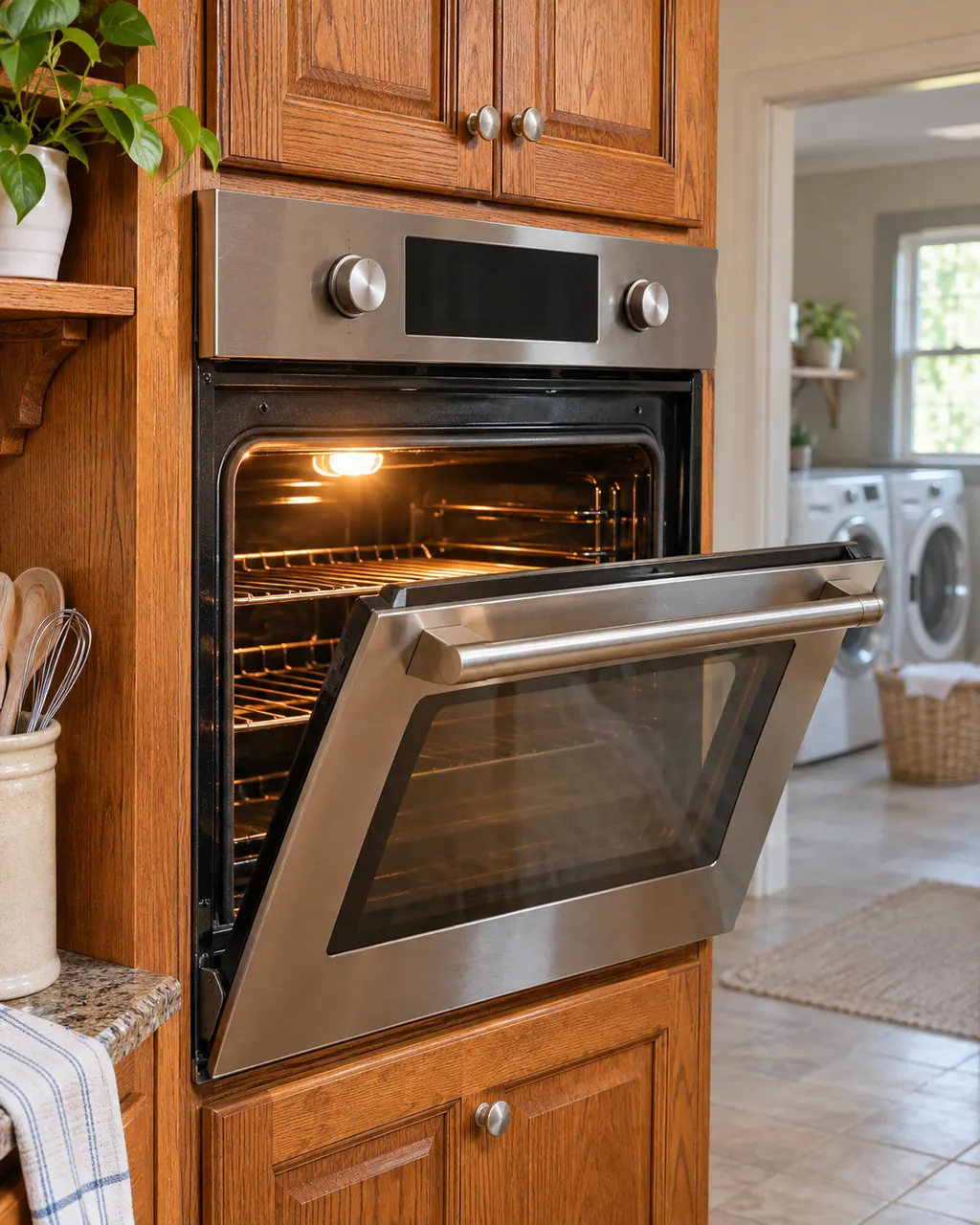
We decode 178 oven codes and messages from Maytag Product Help: F1, F2, F3, F5, F6 and F9 as pages, plus rows for the F0, F1 E, F7, F8, FC and numeric families and the control messages, each tied to a range, wall oven or steam oven.
F1-6 and a bare F7 are printed nowhere. The same string, such as F9, names different things on a wall oven and a range, and the steam oven pages print reset steps only. Seventy of the shared strings differ between product trees, and each is scoped.
Give the product type (range, wall oven or steam oven) and the exact code, including any dash or space.
Ovens run on household voltage and may be hard-wired. Switch the breaker off before anything beyond a reset, and leave supply wiring to an electrician. If you smell gas, leave and call your gas supplier from outside.
A Maytag steam wall oven asks you to "Empty and Refill Water Container" before each steam cycle, "Descale is needed" when it needs cleaning, and "Please remove and empty container" at the end of a descale. Treat each as a request rather than a breakdown, carry it out, and book a visit if one keeps returning.
A Maytag wall oven that will not heat or will not take commands is often locked, in Demo Mode, in Sabbath Mode, or showing a power-loss clock. Read the display for those first. When Press Cancel to Reset or Call Service appears, cancel and reset the power; should it return, book us for a visit.
Follow the guide for your own model, and see how we research these pages.
F1-6 and a bare F7 are printed nowhere. The same string, such as F9, names different things on a wall oven and a range, and the steam oven pages print reset steps only. Seventy of the shared strings differ between product trees, and each is scoped.
Take a picture of the full oven display and the model label. Say what the machine was in the middle of when the message came up, and do not lean on an explanation written for a different appliance.
An old search phrase is not proof from the manufacturer. If our oven documents say nothing about a message, we still list it by name and send you toward help, without blaming any part.
Open any manufacturer document in this oven library and check the model on its cover against the label on your machine. Another model has its own owner’s guide.