Model-specific code library
Maytag oven Wi-Fi and registration codes
10 printed codes in this group: FCE1, FCE2, FCE3, FCE4, FCE5, FCE6, FCE7, FCE8, FCE9, Registration Error.
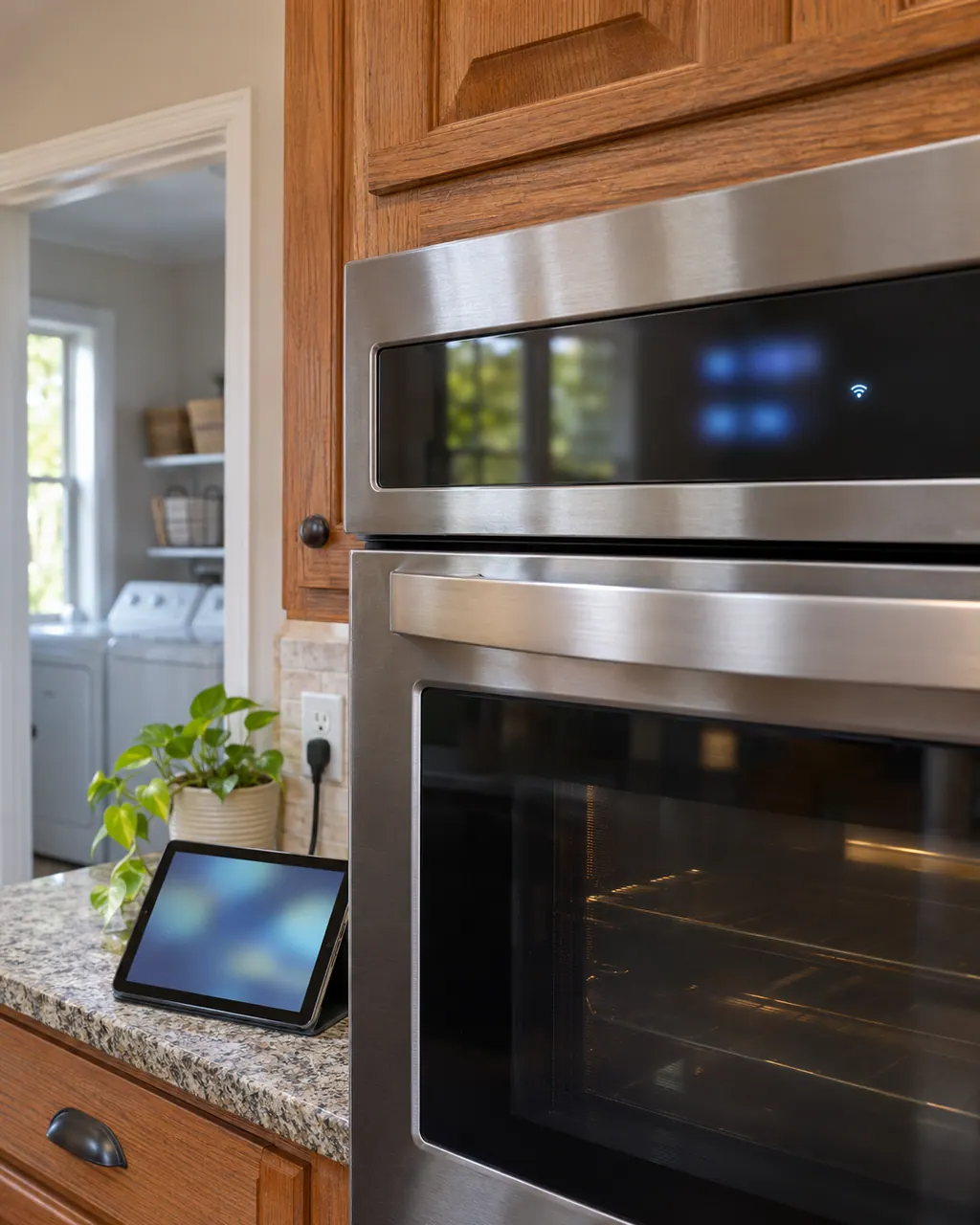
Wi-Fi and registration codes
FCE1 on a Maytag range is explained as “The appliance could not connect to the router.” Try the one-minute breaker reset, and schedule a visit if the code returns.
Reset, then bookFC E2 means the oven could not connect to your router. Maytag lists connection time-out, poor signal, a failed router, the Wi-Fi module or the wiring. Restart the router, then the oven, and move the router or add a signal extender if the signal is weak.
Reset, then bookThe Maytag page for FCE3 on a range states “The appliance could not connect to the router.” Switch the breaker off for a minute, then back on; schedule a visit if the code is still there.
Reset, then bookThe Maytag range entry for FCE4 names the wi-fi antenna or the wiring. Reset first, then call us in if the code keeps coming back.
Reset, then bookMaytag lists the wi-fi antenna or the wiring for FCE5 on the range. Reset the power first and watch the display; a returning the code is the cue to book us.
Reset, then bookFor FCE6, the Maytag range page points to the wi-fi power module or the wiring. Treat that as a shortlist, try the reset, and schedule a visit if the code stays.
Reset, then bookFC E7 means the oven did not connect to your router. Maytag's steps: breaker off for one minute, on, start a cycle, watch for a minute, and reset your wireless router. The page says there is no link between the Wi-Fi module and the internet.
Information onlyThe Maytag page for FCE8 on a range states “At the beginning of the registration process, the appliance type and model number needs to be selected.” Maytag prints no reset for it; if it keeps appearing, schedule a visit.
Information onlyFCE9 on a range means Maytag suspects the wi-fi power module or the wiring. Begin with the reset; if the code is back afterward, book a technician.
Reset, then bookRegistration Error on a Maytag wall oven is explained as “In order to register your appliance, your Smartphone or Tablet must be connected to the internet.” No reset is printed for it, so schedule a visit if it keeps appearing.
Information only