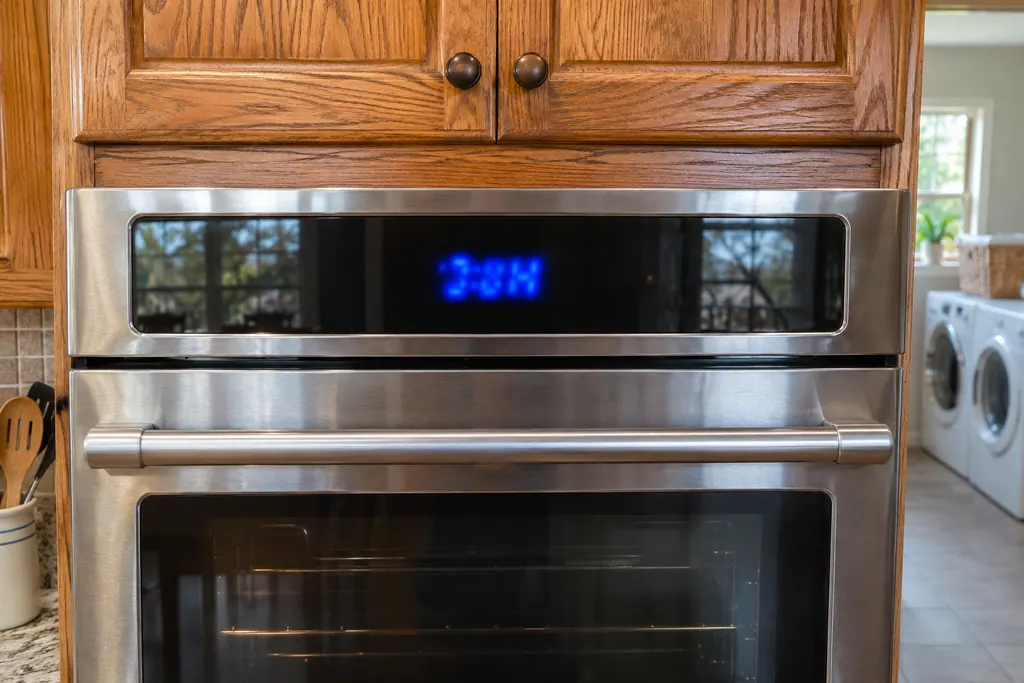
Maytag oven FCE2 / Wi-Fi and registration

Maytag oven
error code FCE2

Oven / display referenceFCE2

FC E2 means the oven could not connect to your router. Maytag lists connection time-out, poor signal, a failed router, the Wi-Fi module or the wiring. Restart the router, then the oven, and move the router or add a signal extender if the signal is weak.

Also printed as FCE2

Last reviewed

Oven / display referenceFCE2
Meaning
FC E2 means the oven could not connect to your router. Maytag lists connection time-out, poor signal, a failed router, the Wi-Fi module or the wiring. Restart the router, then the oven, and move the router or add a signal extender if the signal is weak.
Who handles it
Reset, then book
Related codes
Source
FC E2 - Error Code - Range - Product Help | Maytag

What Maytag oven FCE2 means.

What it means

FC E2 means the oven could not connect to your router. Maytag lists connection time-out, poor signal, a failed router, the Wi-Fi module or the wiring. Restart the router, then the oven, and move the router or add a signal extender if the signal is weak.

What you can safely check

Turn the breaker off before you touch anything behind a panel.

When to call a technician

FC E2 stays after the router and oven restarts.

Your Maytag to-do list, saved here on this device

Safe checks, in order.

0 of 4 checks done
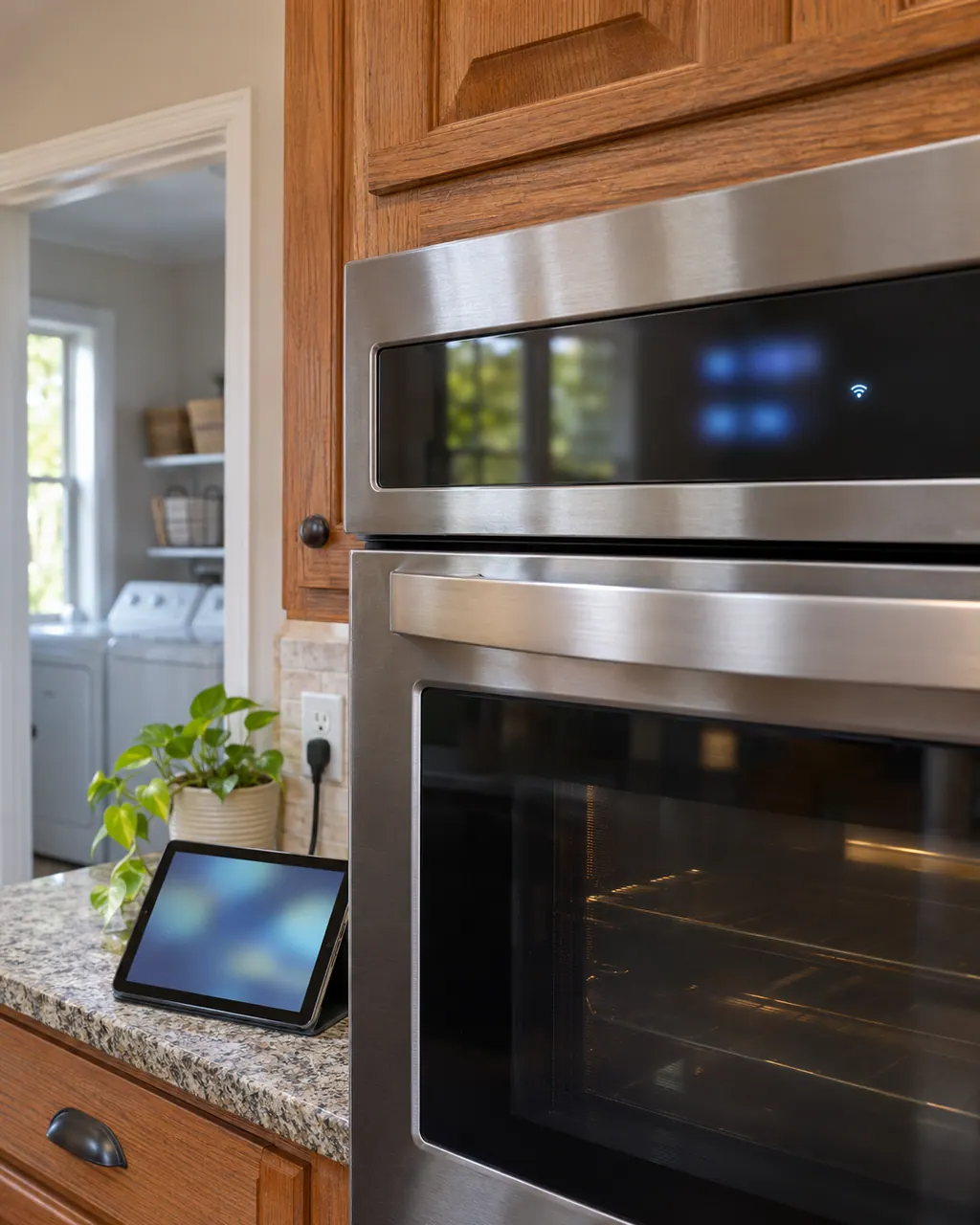
  1. Maytag oven FCE2: Wall oven control strip with a small lit Wi-Fi symbol beside glowing blue segments, and a tablet standing on the granite counter below.
    Illustration. Follow your model’s instructions.
    Before you begin

    Test another device at the oven

    Take a phone or tablet to the oven and see whether it works there.

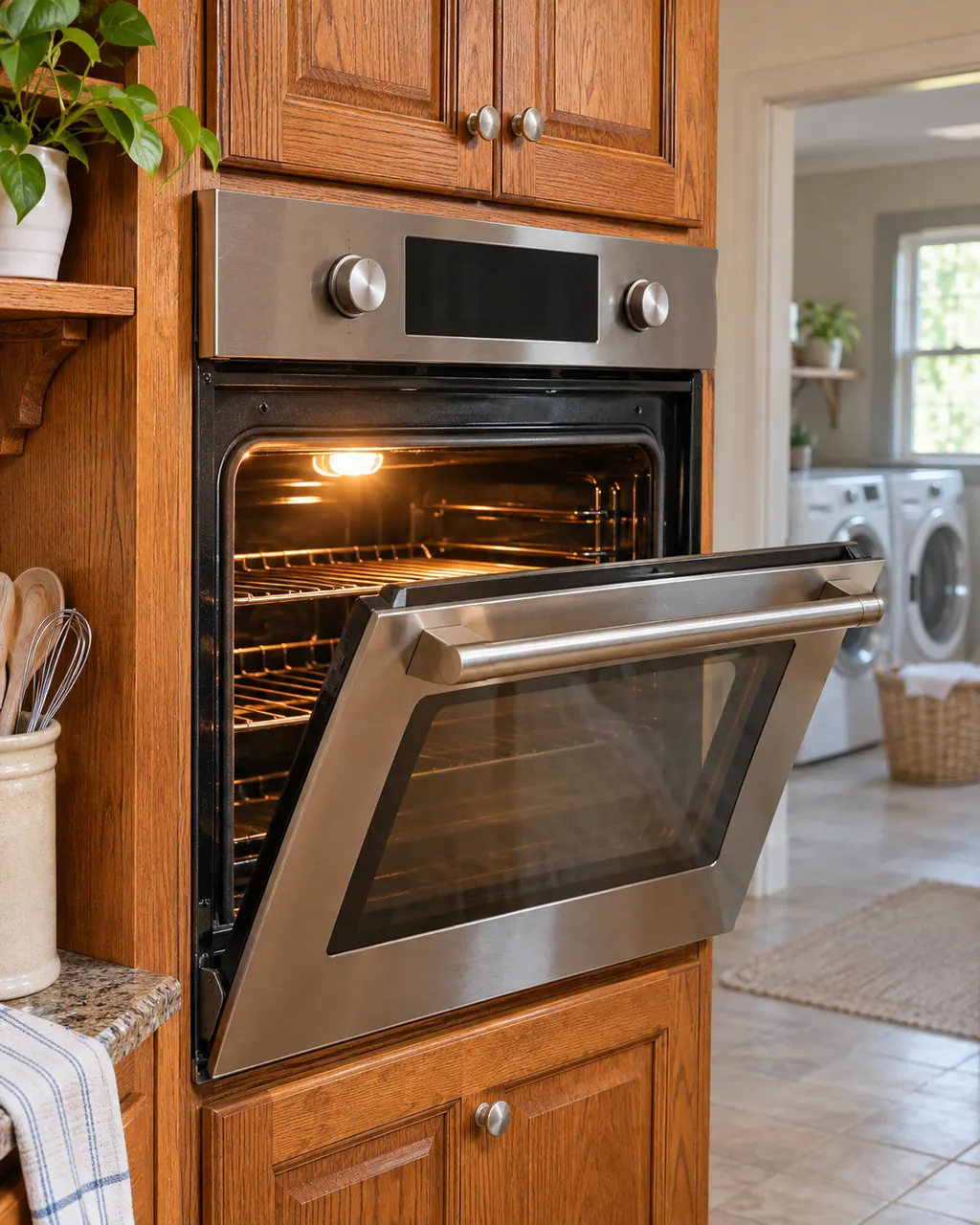
  2. Ranges & ovens in a thoughtfully designed home
    Illustration. Follow your model’s instructions.
    Check 2

    Restart the router

    Unplug it for 2 minutes, then plug it back in.

  3. Close view of a washer control dial and cycle buttons
    Illustration. Follow your model’s instructions.
    Check 3

    Restart the oven

    Cut power to the appliance for 2 minutes, then restore it.

  4. Over-the-shoulder view of a technician in a navy shirt holding a tablet with five empty checkboxes, a top-load washer behind
    Illustration. Follow your model’s instructions.
    Check 4

    Improve the signal

    Move the router, or add a compatible signal extender.

Does FCE2 keep coming back?

Give us the model and the checks you have run, then open your request right here.

Book a visit

The touch panel and control.

Conceptual Range / oven sectionKeypad / touch panelControl boardElement wiring123
  1. 1Keypad / touch panel
  2. 3Element wiring

A rough sketch only, because a Maytag is laid out differently from model to model. Click a highlighted part to open its photo and the matching test.

A little more context.

What does FC E2 say?

The appliance could not connect to the router, with possible causes: connection time-out, poor signal strength, a failed router, the Wi-Fi module, or the wiring.

Read the supporting manual

What do the router steps say?

Reset your wireless router. If another Wi-Fi device works at the appliance, unplug the router for 2 minutes, then restore power, then cut power to the appliance for 2 minutes.
Read the supporting manual

What if the signal is weak?

Move the router to a different spot, obtain a compatible signal extender, or contact your Internet Service Provider.

Read the supporting manual

The manual behind the message.

Manufacturer document

FC E2 - Error Code - Range - Product Help | Maytag

Maytag Product Help (producthelp.maytag.com)

dateModified 2024-08-16; PH 13803 / PH 13803 (range)

Manufacturer document

FC E2 - Wall Oven - Product Help | Maytag

Maytag Product Help (producthelp.maytag.com)

dateModified 2024-11-08; PH 14333 / PH 14333 (wall oven)

Manufacturer document

FC E3 - Error Code - Range - Product Help | Maytag

Maytag Product Help (producthelp.maytag.com)

dateModified 2024-08-16; PH 13804 / PH 13804 (range)

Product Help range page PH 13803 and wall oven page PH 14333, with PH 13804 and PH 13802.

Here to help

Good questions.
Clear answers.

Talk to our team
Does FC E2 mean the oven is broken?

Not necessarily. The page lists connection time-out, poor signal and a failed router before the oven's own Wi-Fi module.

Do FC E1, FC E2 and FC E3 differ?

Maytag prints the same text on all three pages.

What if other devices connect fine?

Then follow the 2-minute router and oven restart on the page.

Does a weak signal matter?

Yes. The page lists poor signal strength and suggests moving the router or adding a signal extender.

Let’s take care of it.

A full hamper waits for no one.
Book the repair.