Start from the symptom
Maytag oven steam wall oven descale and water container messages.
A Maytag steam wall oven asks you to "Empty and Refill Water Container" before each steam cycle, "Descale is needed" when it needs cleaning, and "Please remove and empty container" at the end of a descale. Treat each as a request rather than a breakdown, carry it out, and book a visit if one keeps returning.
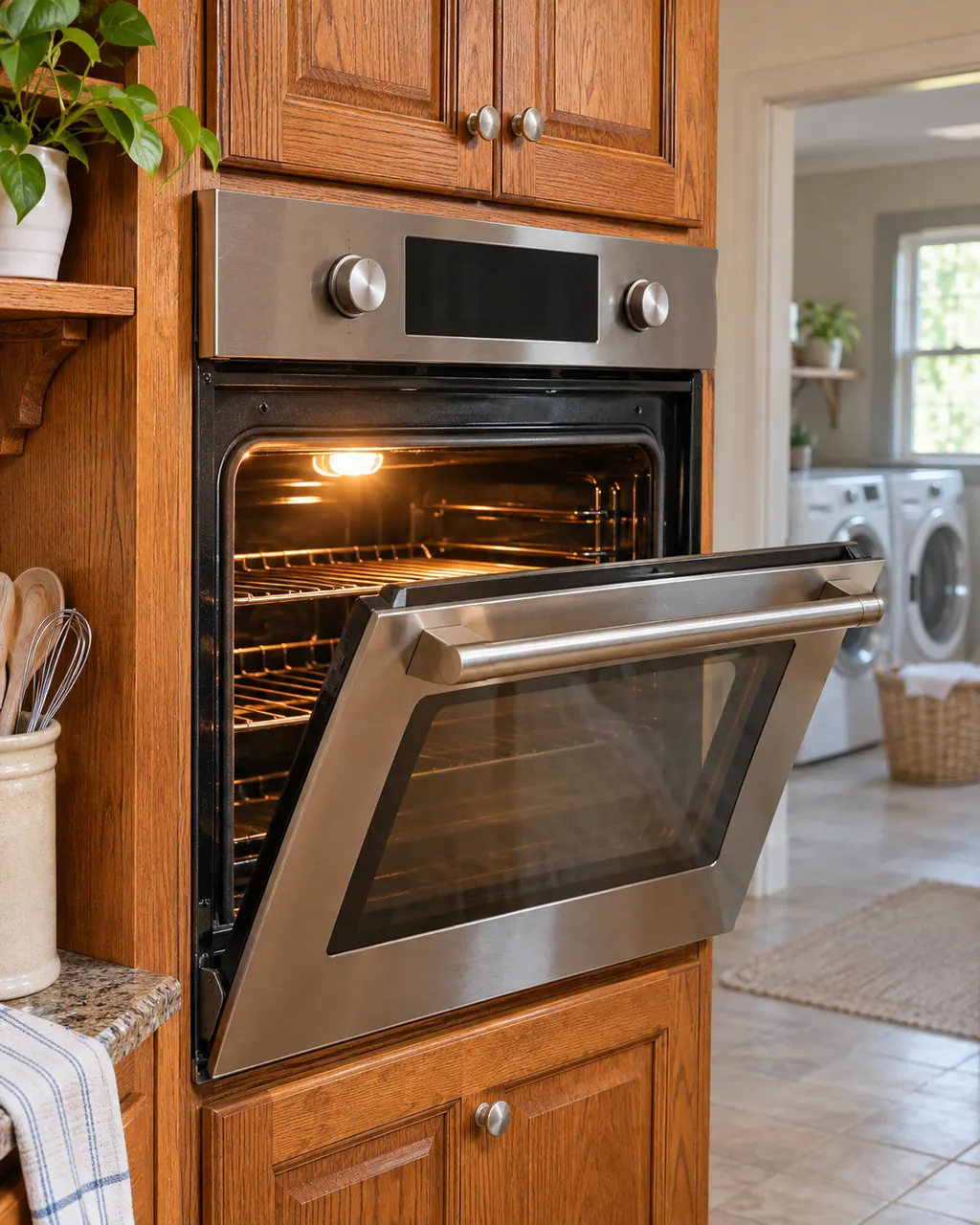
Start with safe observations.
Power the machine down and pull the plug ahead of any check you make yourself. Beware of pooled water and sharp bits of debris. Never handle a wet plug or electrical parts, take off a service panel or go beyond what your model’s owner guide permits.
- 1
Empty and refill
Before a steam cycle, empty the water container and refill it with fresh tap or still bottled water to the MAX mark. Never use distilled water or other liquids.
- 2
Removing the container
The container is behind the oven door. Lift it slowly and keep it level so water drains from the valve seat.
- 3
Seating the container
Push it to the back until it engages the contact point and sits firmly.
- 4
Descaling
When "Descale is needed" shows, empty the oven, choose Maintenance then Descaling, and fill the container with 34 oz of water mixed with 8.5 oz of descaler or white vinegar. Do not stop the cycle once it starts.
- 5
Finish
At the end, empty the container, put it back and press OK before you close the door.
More about this symptom.
What does "Empty and Refill Water Container" mean?#
It appears before every steam cycle as a reminder. Empty the container, refill it with tap or still bottled water to MAX and restart. 1
What does "Descale is needed" mean?#
The oven needs to be cleaned and descaled. Run the Descaling function under Maintenance with the water and descaler or white vinegar mix, and do not interrupt it. 2
What is the "Please remove and empty container" message?#
It shows at the end of the descale cycle. Empty the container, return it to its compartment, close the door and press OK. 2 3
Systems a technician may investigate.
We pick the part after we read the model label and test the unit. Nothing is ordered ahead of time, and the quote is yours to approve before any work begins.
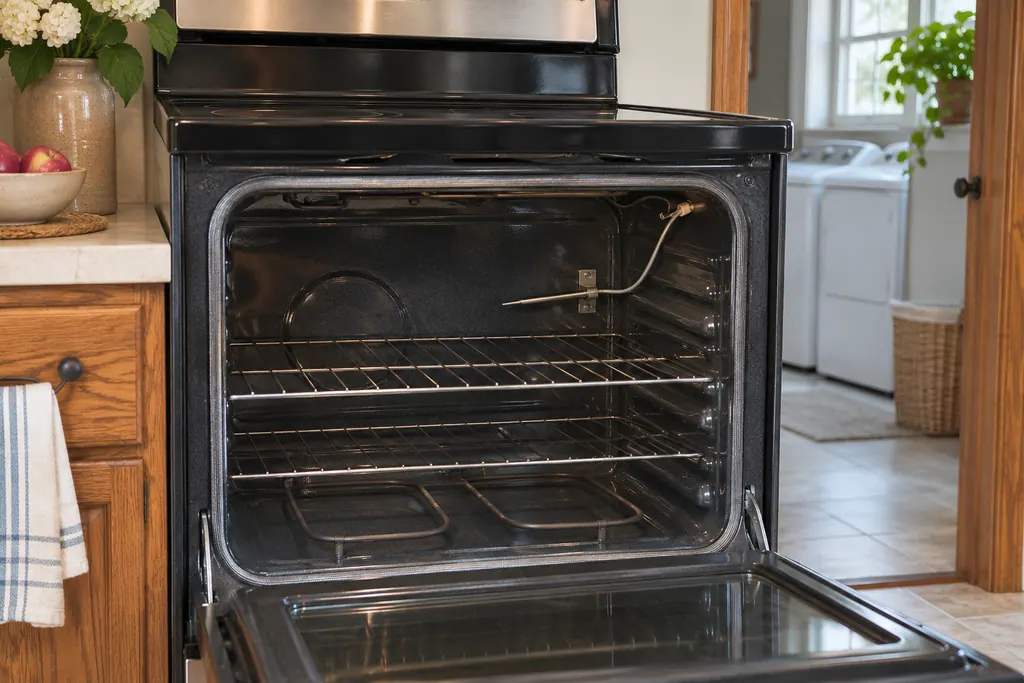
Oven temperature sensor (F1-1, F1-2, F2)
On a Maytag range or wall oven, F1-1, F1-2 and F2 all carry the same wording in Product Help: the sensor in the oven, the control or the wiring could be at issue. The only home step the pages print is a short breaker reset, and they name no other check.
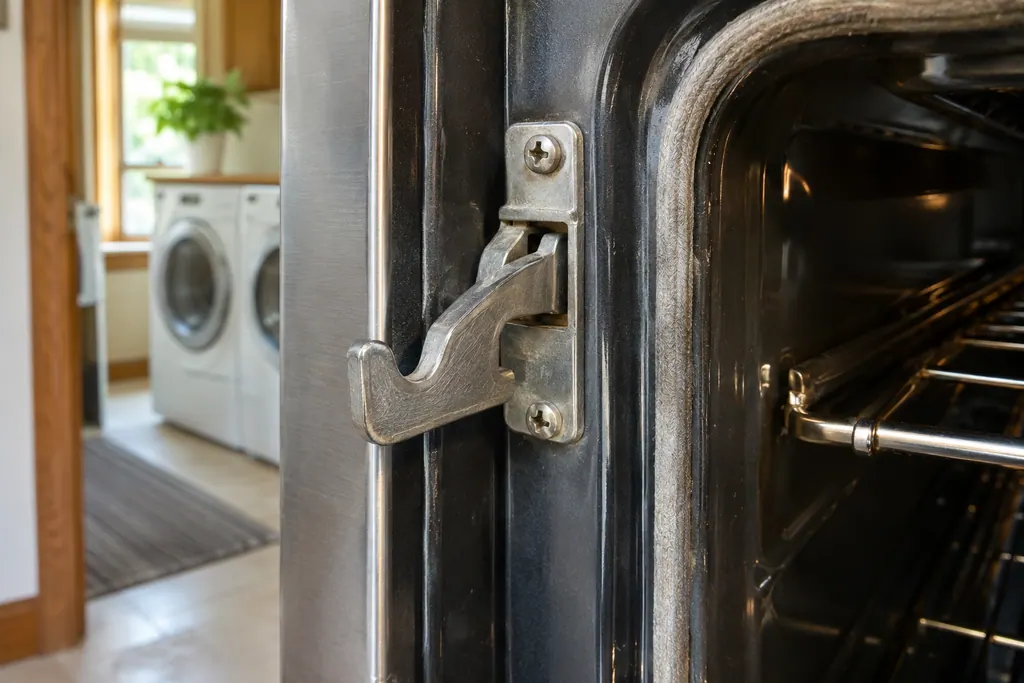
Oven door latch and latch switches (F5)
F5 on a Maytag range or wall oven names the door latch assembly, the latch switches and the wiring as suspects. Product Help gives a one-minute breaker reset and asks you to verify oven operation afterward. A steam oven F5 page lists the reset alone.
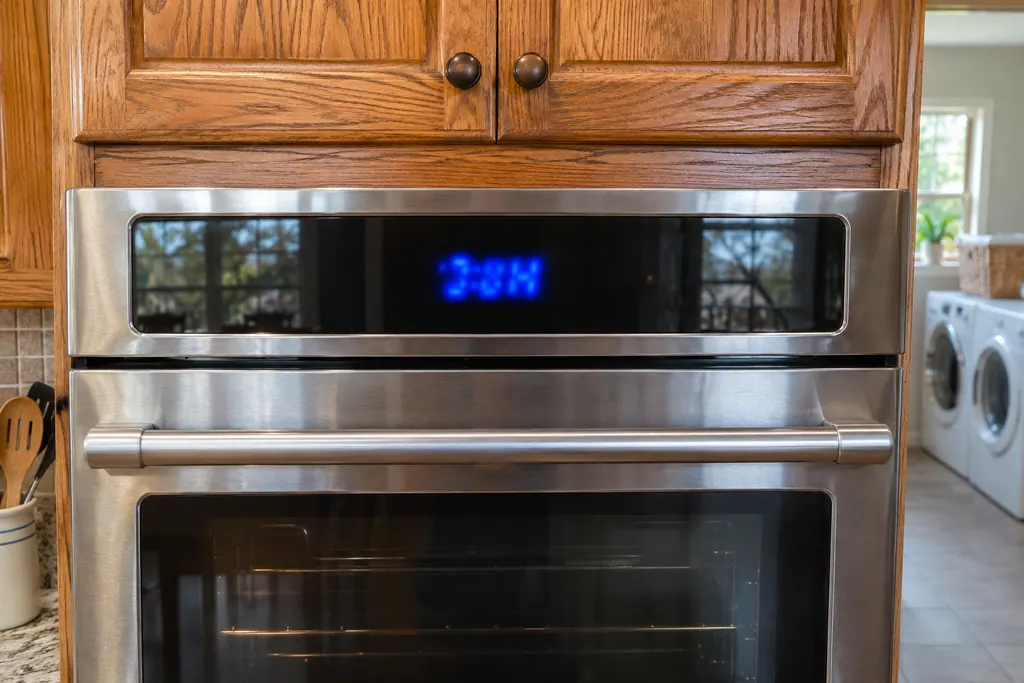
Oven control and user interface (F1-7, F1-8, F3, F6)
Maytag range pages for F1-7, F3 and F6 point at the control board of the oven, or the wiring to it. F1-8 also names the keypad and its interface. The only home step printed is a one-minute breaker reset, followed by watching the oven.
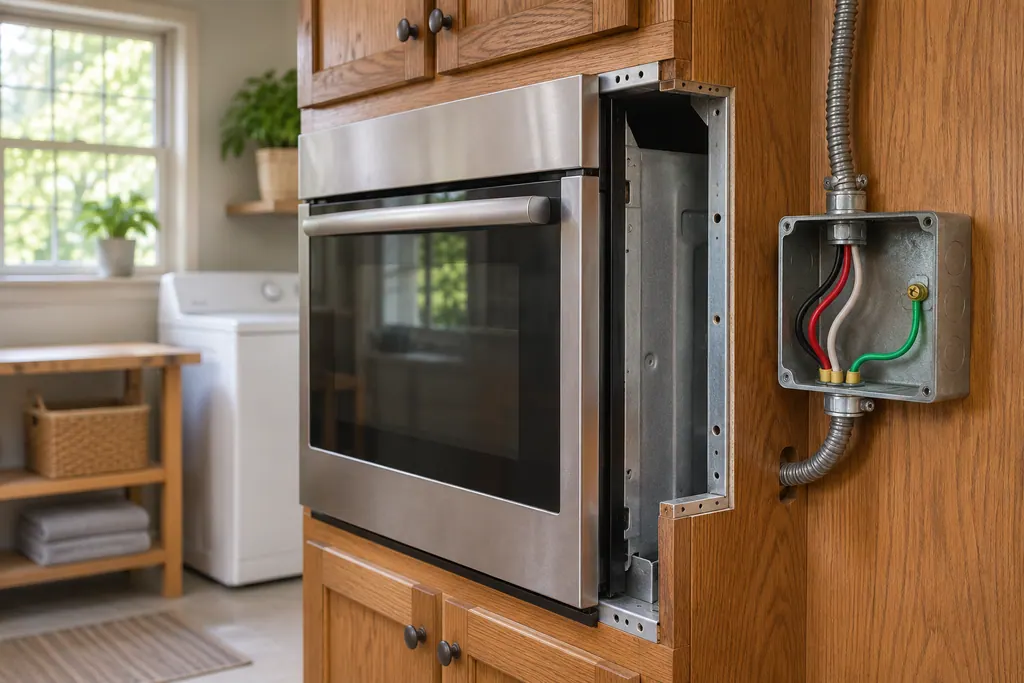
Oven power supply wiring (F9)
Maytag Product Help says F9 or F9 E0 on a wall oven will most often mean the oven is wired incorrectly at the home supply or the hard-wire connection, with L2 and N possibly swapped. A qualified electrician should check the supply. Line noise during an outage can also display F9, F9 E0 or PF.
If the display adds a code.
This topic has no code of its own.
We have linked no other researched dishwasher code to this topic. Compare the exact message with your model’s manual and do not borrow another code from the library.
See the research statusRead the related care guide.
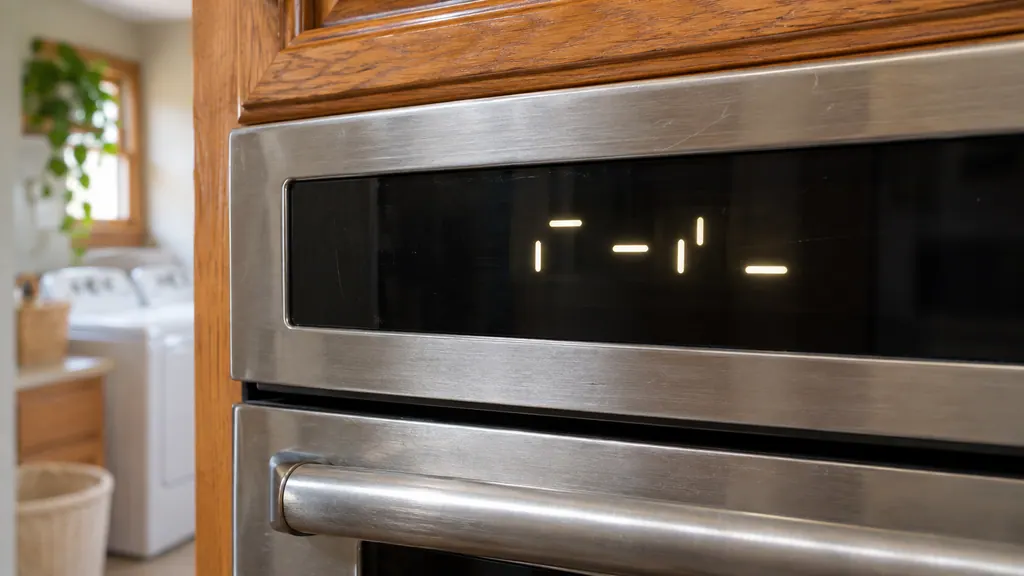
PUSH or Lo on the oven display? Not always a problem.
PUSH, Lo, Pre, LOC, 12:00 or POWER LOSS, Demo Mode and Sabbath are messages Maytag's range and wall oven pages describe as instructions or settings, not errors. Press Start for PUSH, wait for Lo to give way to a temperature, hold Start/Enter for LOC, and press Cancel for a power-loss clock. [1][2][3][5]
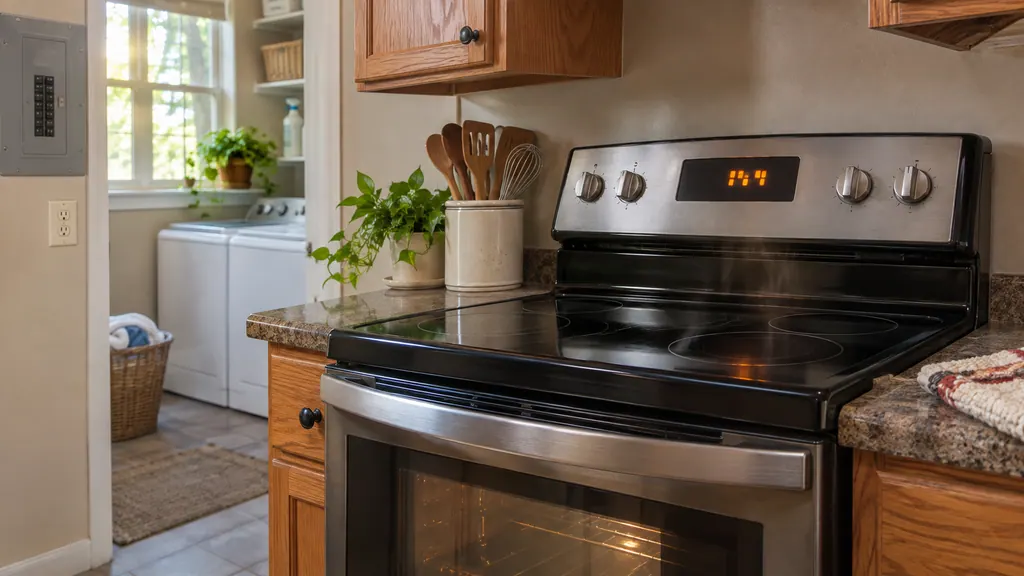
The oven is off but the fan is still going. Normal?
A fan still turning after a Maytag oven is switched off is usually the automatic cooling fan. Maytag says it runs during cooking and after the cycle ends, sometimes for extended periods, to cool the oven cavity and the electronic controls. Open the door: noise that stops is the convection fan, noise that continues is the cooling fan. [1][2]
When observation becomes a service request.
Leave internal testing to a technician.
The descale message returns right after a full descale.
The oven will not accept the container or does not engage it.
Water or residue is still present after the cycle.
Arrange a diagnosticSources and model boundaries.
These sources stand behind the Maytag steam wall oven descale and water container messages advice. Read the manual for your own model.
- Empty and Refill Water Container - Wall Oven - Product Help | Maytag
- Descale is needed - Wall Oven - Product Help | Maytag
- Please Remove and Empty Container - Wall Oven - Product Help | Maytag
Follow the guide for your own model, and see how we research these pages.
What water does a Maytag steam oven use?
Fresh tap water or still bottled water, filled to the MAX mark. Product Help says not to use distilled water or other liquids.
What do I mix for descaling?
34 oz of water with 8.5 oz of descaler or white vinegar in the water container.
Can I stop a descale cycle halfway?
No. Product Help says that once the cycle has begun, it must be completed.
Why empty the container after every use?
To keep condensation from building up inside the oven.
Maytag codes, symptoms, parts and service
From the message to what you do next.
Maytag steam wall oven descale and water container messages
A Maytag steam wall oven asks you to "Empty and Refill Water Container" before each steam cycle, "Descale is needed" when it needs cleaning, and "Please remove and empty container" at the end of a descale. Treat each as a request rather than a breakdown, carry it out, and book a visit if one keeps returning.
Oven repair
Book a diagnostic for your model, done at the machine.
Find your metro
Office details, and the entry information to pass along.