On this page
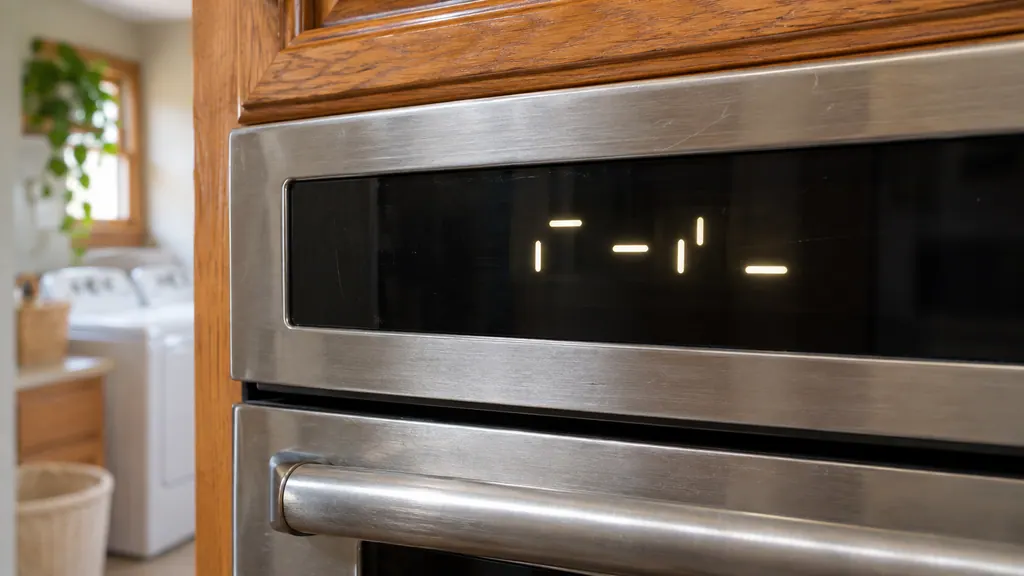
- PUSH or PSH appears when Start was not pressed within 5 seconds of choosing a function. 1
- Lo or Pre means the oven is below 170 degrees F or preheating. 2
- Hold Start/Enter for 5 seconds to lock or unlock; LOC also shows when a key is pressed while locked. 3
- Demo Mode is a sales-floor setting; the oven does not heat while it is on. 4
- Press Cancel to Reset and Call Service are the errors: Cancel first, then a one-minute power pause. 89
Which oven messages are only instructions?#
PUSH, Lo, Pre, LOC, a flashing time, Demo Mode and Sabbath are all described on Maytag's range pages as prompts or settings. The two true error messages on the same list are Press Cancel to Reset and Call Service. The table sorts the ones people ask about. 12345689
A Maytag range works hard in a family kitchen, and the control talks to you in very short words. Most of them mean "waiting for you" or "a setting is on."
| Display | Meaning | Your move |
|---|---|---|
| PUSH or PSH | Start was not pressed within 5 seconds 1 | Press Start |
| Lo or Pre | Oven is below 170 degrees F or preheating 2 | Wait for a temperature to appear |
| LOC, Lock or Locked | Control lock is on 3 | Hold Start/Enter 5 seconds |
| 12:00, Time or POWER LOSS | Power was supplied or restored 5 | Press Cancel, set the time |
| Demo Mode | Display-only setting; oven does not heat 4 | Turn Demo Mode off |
| Sabbath, Sab, 5Ab, 5A7 | Sabbath mode is on 610 | Cancel it as the manual describes |
| Probe or Insert Probe | Control expects the meat probe 7 | Seat the probe in its jack |
| Press Cancel to Reset, Call Service | An error was detected 89 | Cancel, then a one-minute power pause |
Why does PUSH show before the oven starts?#
The oven is waiting for Start. After you select a function, you have 5 seconds to press Start before PUSH or PSH appears, and one minute before the oven drops the selection and goes back to showing the time. 1
So the sequence is: choose the function and temperature, press Start, and see the display change. If PUSH keeps coming back even though you pressed Start, the same page lists a one-minute breaker pause as a reset: switch it off for a minute, restore it, then keep watching the display for 60 seconds. 1 Our PUSH entry keeps the same text for range and wall oven models.
What do Lo and Pre mean on the display?#
The oven is under 170 degrees F or still preheating. Nothing is wrong. On some models, once 170 is reached the display shows the real temperature, rising in 5 degree steps, and a tone sounds at the set temperature. 2
That explains the common worry that "Lo" is a low-heat error. It is just the starting reading. Give the oven its preheat before you judge it. If the display never moves on to a temperature, that is the time to book a visit. The Lo entry lists the page.
How do I unlock an oven that shows LOC?#
Keep Start/Enter pressed for 5 seconds. A tone sounds and LOC leaves the display. With the lock on, the control pads stop responding and the door stays latched, and LOC shows up each time a key is pressed in that state. 3
- 1
- 2
- 3
- 4
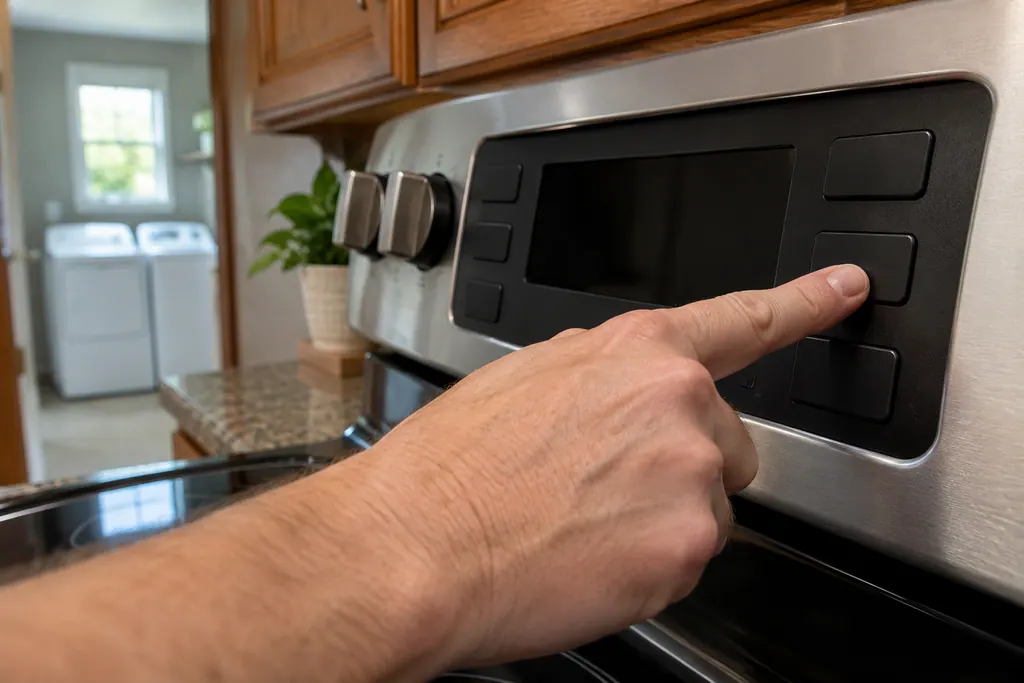
The lock feature comes from the factory unlocked, so a locked control means the lock was switched on at some point. 3 See the Locked entry for the page text.
Why does the clock flash 12:00 or POWER LOSS?#
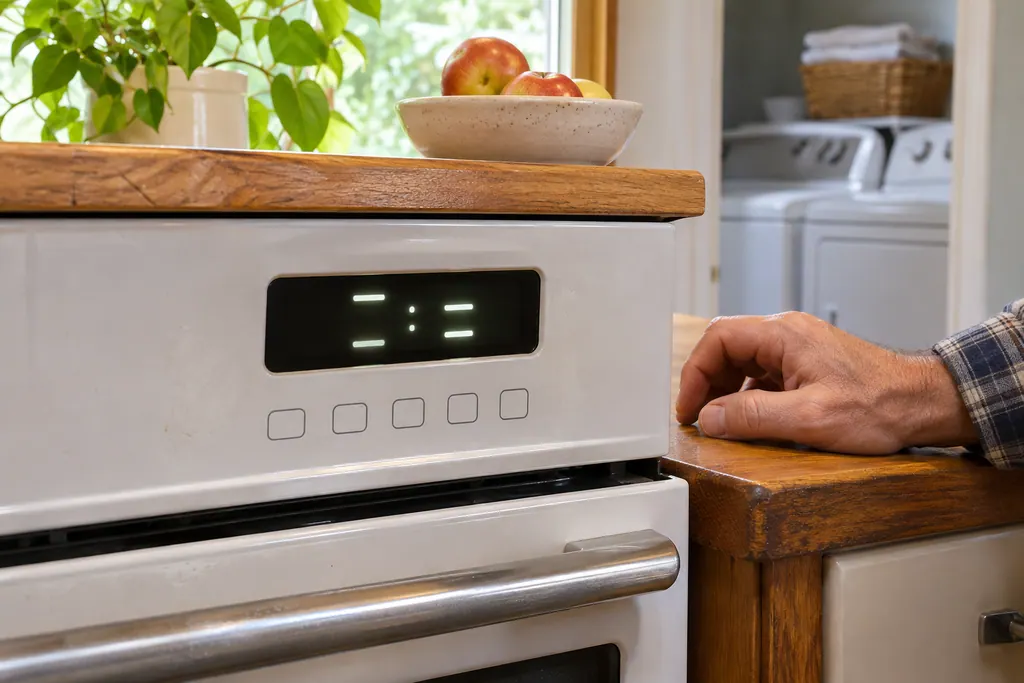
The oven has just received power, either for the first time or after an outage. Until you press Cancel and enter the correct time, the display blinks POWER LOSS, a bare 12:00 or the word Time. 5
Nothing needs repair for this message alone. If food was in the oven when the power dropped, check on it, because the cycle will not have carried on by itself. The flashing time entry holds the text for ranges.
What is Demo Mode, and why is my oven cold?#
Demo Mode is a sales-floor setting. Maytag says it lets the control features be shown without the oven turning on, and that the oven will not work while it is active. It is meant for a 120 volt connection in a showroom. 4
If the oven was just installed and shows DEMO MODE, turn it off. On one control style, press SETTINGS/CLOCK until DEMO MODE appears, press the 1 key to change the setting, then press START or CANCEL to leave. On a touchscreen style, choose TRY THE PRODUCT, EXPLORE, the Tools key, INFO, then STORE DEMO MODE, select OFF and confirm with YES. The steps for your particular model are in its Owner's Manual. 4
What does the Sabbath display mean?#
Sabbath mode is on. The oven stays in a bake setting until it is turned off, no tones sound, and the display does not show temperature changes. The control may read Sabbath, Sab, 5Ab or 5A7 on a range and Sabbath, Sab, 5A6 or 5Ab on a wall oven. 610
Maytag lists what the mode turns off: the 12 hour shutoff, tones and chimes, every cooking and cleaning mode except Bake, the timers, cooktop lockout, and Energy Save on select models. Only the START, CANCEL and OFF keys stay active. The oven is shipped with the mode disabled; the Owner's Manual shows how to enable or disable it. 6
The light and the heating elements also react slowly when the door opens, which is why the oven can seem unresponsive. 610 Our Sabbath entry has the table.
Do wall ovens use the same words?#
Maytag keeps wall-oven pages with matching titles for PUSH or PSH, Locked, Demo Mode, Probe, a flashing clock and Sabbath Mode. This guide follows the range text, so for a built-in oven check your Owner's Manual for model-specific wording, and the range and wall-oven entries in our code library. 13410
The wall-oven Sabbath page, for example, lists the display words as Sabbath, Sab, 5A6 and 5Ab, a slightly different set from the range page. 610 A combination wall oven has one further message, a door message for the microwave section, which is left out here.
When is a message a real error?#
Press Cancel to Reset and Call Service are the pair Maytag treats as errors. The page says an error was detected and asks you to press Cancel. If Call Service shows afterward, cut the breaker for a minute, restore it, run a bake cycle and watch the display for 60 seconds. 89
The Probe message sits in between: the control is looking for the meat probe, so push the probe fully into its jack or insert it into the food. If the oven still shows it after the probe is seated, the page lists the same one-minute pause. 7
Freestanding ranges and built-in wall ovens are covered on our range page and our oven page.
Sources#
- PUSH or PSH - Range - Product Help | MaytagMaytag Product Help (producthelp.maytag.com) · dateModified 2024-11-07; PH 13883 · article text, Possible Solutions
- Lo or Pre - Range - Product Help | MaytagMaytag Product Help (producthelp.maytag.com) · dateModified 2024-11-07; PH 13885 · article text, Possible Solutions
- Locked, Lock or Loc - Range - Product Help | MaytagMaytag Product Help (producthelp.maytag.com) · dateModified 2024-11-07; PH 13886 · article text, Possible Solutions
- Demo Mode - Range - Product Help | MaytagMaytag Product Help (producthelp.maytag.com) · dateModified 2024-11-07; PH 13882 · article text, Possible Solutions
- Flashing Time, Clock, 12:00, Power Loss or Enter Time - Range - Product Help | MaytagMaytag Product Help (producthelp.maytag.com) · dateModified 2025-04-14; PH 13887 · article text, Possible Solutions
- Sabbath, Sab, 5Ab, or 5A7- Range - Product Help | MaytagMaytag Product Help (producthelp.maytag.com) · dateModified 2025-06-02; PH 13662 · article text, Possible Solutions
- Probe or Insert Probe - Range - Product Help | MaytagMaytag Product Help (producthelp.maytag.com) · dateModified 2024-11-07; PH 13884 · article text, Possible Solutions
- Press Cancel to Reset - Range - Product Help | MaytagMaytag Product Help (producthelp.maytag.com) · dateModified 2024-11-07; PH 13888 · article text, Possible Solutions
- Call Service - Product Help | MaytagMaytag Product Help (producthelp.maytag.com) · dateModified 2024-11-07; PH 13880 · article text, Possible Solutions
- Sabbath Mode - Wall Oven - Product Help | MaytagMaytag Product Help (producthelp.maytag.com) · dateModified 2025-06-02; PH 14352 · article text, Possible Solutions