What it means
The Maytag page for FCE3 on a range states “The appliance could not connect to the router.” Switch the breaker off for a minute, then back on; schedule a visit if the code is still there.
Maytag oven FCE3 / Wi-Fi and registration
The Maytag page for FCE3 on a range states “The appliance could not connect to the router.” Switch the breaker off for a minute, then back on; schedule a visit if the code is still there.
Also printed as FCE3
The Maytag page for FCE3 on a range states “The appliance could not connect to the router.” Switch the breaker off for a minute, then back on; schedule a visit if the code is still there.
Power off at the breaker before any panel comes off; a gas smell means getting out and calling the gas utility from outside.
FCE3 returns, or the range behaves oddly around the code.
Your Maytag to-do list, saved here on this device
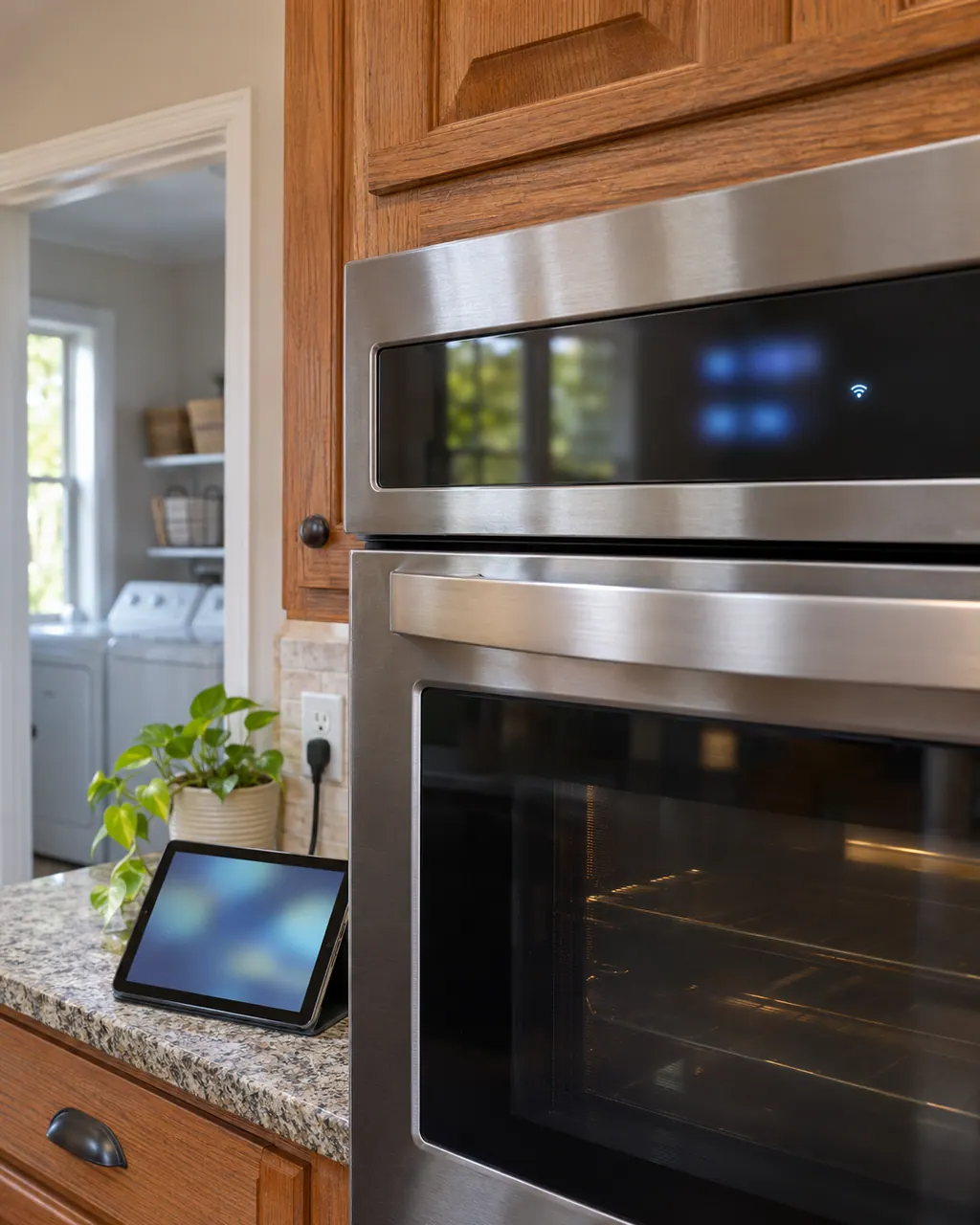
Power off at the breaker before any panel comes off; a gas smell means getting out and calling the gas utility from outside.
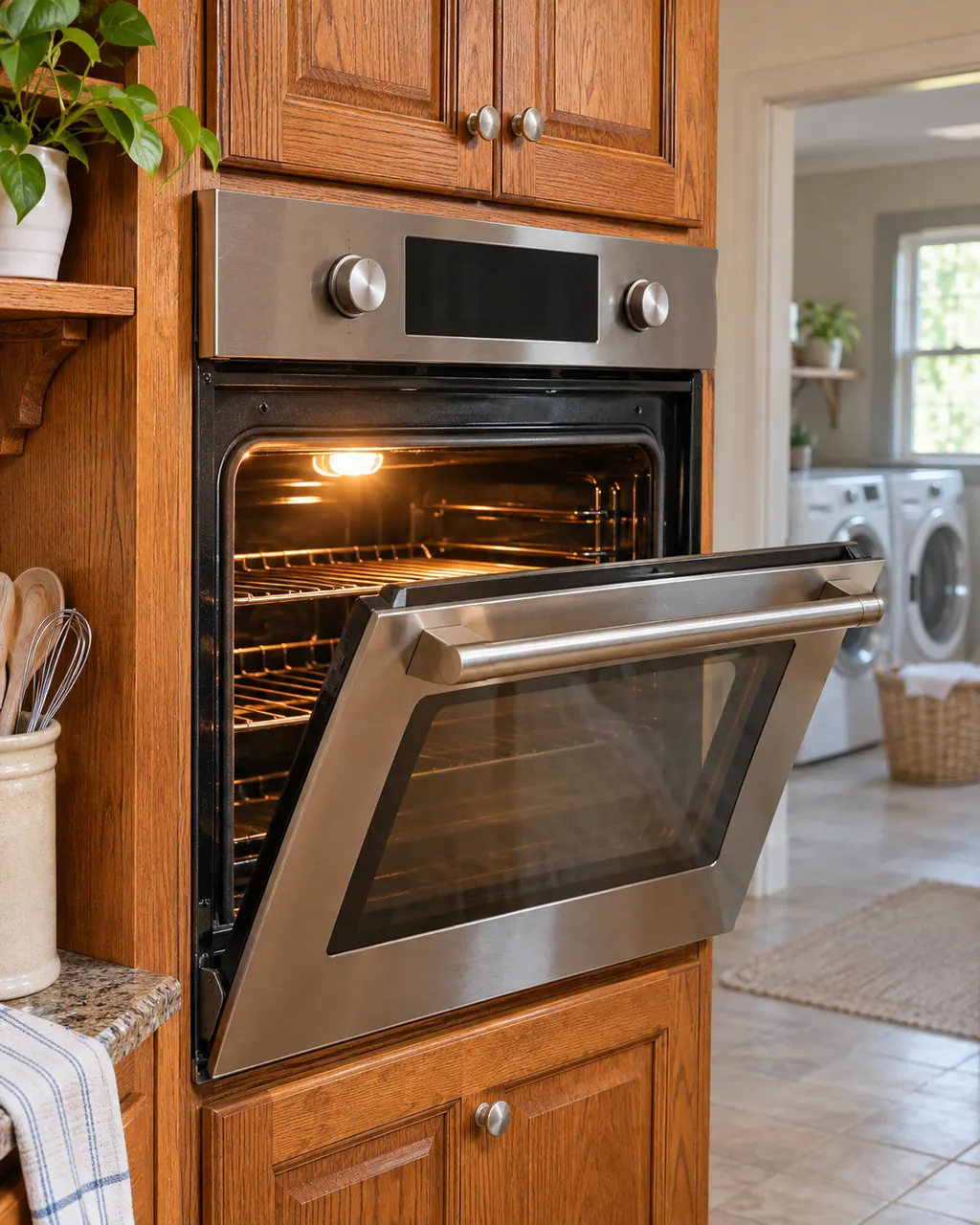
Check that your appliance is a range and copy FCE3 exactly as the display shows it.

Leave the breaker off a whole minute before checking for FCE3 again.

Give the oven a minute on screen after the reset; a returning FCE3 means schedule a visit.

See whether other devices on your home Wi-Fi work, and how strong the signal is where the range stands.
Note the model and the moment FCE3 showed up; both help us plan.
Give us the model and the checks you have run, then open your request right here.
Book a visit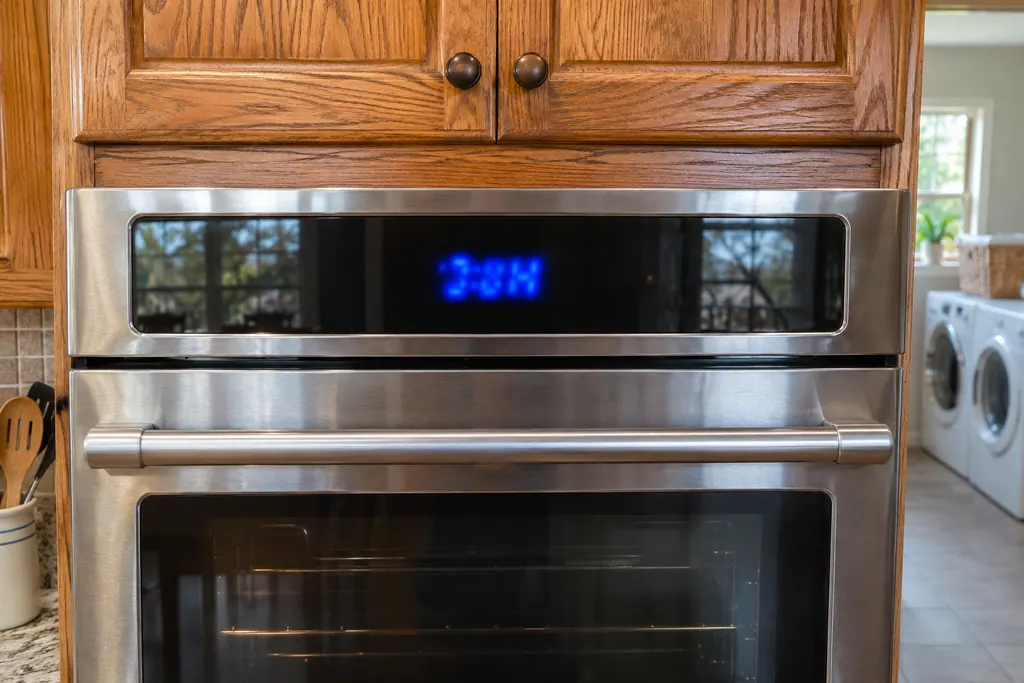
A rough sketch only, because a Maytag is laid out differently from model to model. Click a highlighted part to open its photo and the matching test.
Here is what Maytag prints for FCE3 on a range: “The appliance could not connect to the router.”
Read the supporting manualTurn the oven's circuit breaker off for one minute, switch it back on, then keep an eye on the oven for a further minute to see whether FCE3 comes back.
Read the supporting manualThe range list prints FCE2 next to FCE3, but with a different line. Look up the one on your display.
Read the supporting manualThe range cooks or runs as usual without Wi-Fi; only the connected features pause. If FCE3 keeps returning, stop and schedule a visit.
Read the supporting manualManufacturer document
Maytag Product Help (producthelp.maytag.com)
dateModified 2024-08-16; PH 13804 / PH 13804 (range)
Manufacturer document
Maytag Product Help (producthelp.maytag.com)
dateModified 2024-11-08; PH 14334 / PH 14334 (wall oven)
Scope for FCE3: Maytag range, PH 13804, checked November 2026. Maytag lists no models on the FCE3 page.
On the range page the line is “The appliance could not connect to the router.” No further cause is given.
Try it first: one minute off, one minute on screen. If FCE3 persists, a technician should look.
No part is named for FCE3; the page gives only the wording above.
The model number, what FCE3 looked like, and whether the reset changed anything.
Maytag codes, symptoms, parts and service
FC E2 means the oven could not connect to your router. Maytag lists connection time-out, poor signal, a failed router, the Wi-Fi module or the wiring. Restart the router, then the oven, and move the router or add a signal extender if the signal is weak.
A Maytag steam wall oven asks you to "Empty and Refill Water Container" before each steam cycle, "Descale is needed" when it needs cleaning, and "Please remove and empty container" at the end of a descale. Treat each as a request rather than a breakdown, carry it out, and book a visit if one keeps returning.
Book a diagnostic for your model, done at the machine.
Office details, and the entry information to pass along.