Model-specific code library
Maytag oven User interface codes
21 printed codes in this group: 1c1c, 1c2c, Beeping or Audio Tones, F1-5, F1-8, F1E0, F1E2, F2E0, F2E1, F2E2 and 11 more.
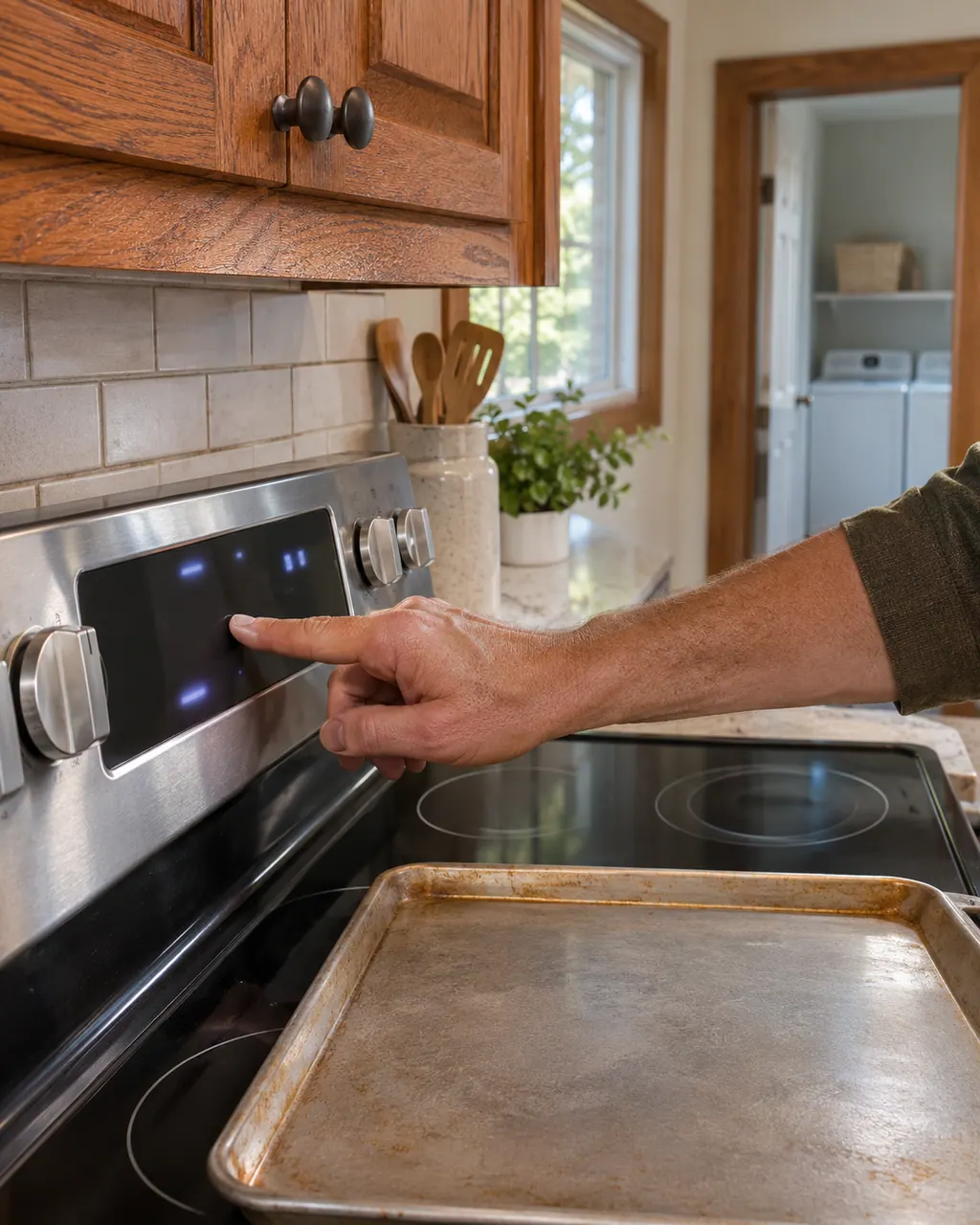
User interface codes
1c1c on a range means Maytag suspects the user interface/keypad or the wiring. Begin with the reset; if the code is back afterward, book a technician.
Reset, then book1c2c on your range is tied by Maytag to the user interface/keypad or the wiring. One reset costs nothing; if the code survives it, schedule a visit.
Reset, then bookFor a range showing Beeping or Audio Tones, Maytag prints “A tone will sound, and a lock will be displayed.” Maytag prints no reset for it; if it keeps appearing, schedule a visit.
Owner checks firstThe Maytag range entry for F1-5 names the oven control, the user interface, the keypad or the wiring. Reset first, then call us in if the code keeps coming back.
Reset, then bookFor a Maytag range, Maytag's page for F1-8 says the possible trouble spots it lists are oven control, user interface, keypad or wiring. To reset it, leave the circuit breaker off for 1 minute before switching it back on. Arrange a technician visit with us if the display shows it again after the reset.
Reset, then bookF1 E0 is read differently on the two Maytag trees. The range page names the oven control or its wiring. On Maytag's wall oven list the suspects are the user interface (touchpad), the control or the wiring. Reset the breaker for one minute and note whether the keys respond.
Reset, then bookF1 E2 is a conflict between trees. The Maytag range page names the oven control or the wiring. The wall oven page names the microwave user interface, which only a combination wall oven has. Reset the power and tell us which oven you have.
Reset, then bookThe Maytag range entry for F2E0 names the user interface, the keypad, the control or the wiring. Reset first, then call us in if the code keeps coming back.
Reset, then bookMaytag lists the user interface, the keypad, the control or the wiring for F2E1 on the range. Reset the power first and watch the display; a returning the code is the cue to book us.
Reset, then bookMaytag's range page links F2E2 to the user interface, the keypad, the control or the wiring. It does not say which one, so run the reset below and schedule a visit if the code returns.
Reset, then bookF2E3 on your range is tied by Maytag to the user interface, the keypad, the control or the wiring. One reset costs nothing; if the code survives it, schedule a visit.
Reset, then bookF2E4 on your range is tied by Maytag to the user interface, the keypad, the control or the wiring. One reset costs nothing; if the code survives it, schedule a visit.
Reset, then bookMaytag's range page links F2E5 to the user interface, the keypad, the control or the wiring. It does not say which one, so run the reset below and schedule a visit if the code returns.
Reset, then bookF2E6 on a range means Maytag suspects the user interface, the keypad, the control or the wiring. Begin with the reset; if the code is back afterward, book a technician.
Reset, then bookF6 E5 names the user interface on a range and the control panel assembly on a wall oven, each with its wiring. Switch the breaker off for one minute and back on, press the keys once, and book a visit if the code returns or keys do not respond.
Reset, then bookF6 EA names the user interface on a range. The wall oven page is more specific: the user interface control sensing an over temperature condition, or the wiring. Let the oven cool, switch the breaker off for one minute and back on, then book a visit if it returns.
Reset, then bookF8EA on a range means Maytag suspects the user interface or the wiring. Begin with the reset; if the code is back afterward, book a technician.
Reset, then bookThe Maytag page for H on a range states “An H will display in the heat setting window when any surface cooking area is too hot to touch, even after...” Try the one-minute breaker reset, and schedule a visit if the code returns.
Reset, then bookOn a Maytag range, a flashing indicator can point to two things. Product Help says on a smoothtop cooktop that one or more keys read as permanently pressed: turn the controls off, clear the panel and clean it. The guide says flashing lights can follow a power loss.
Information onlyMaytag's range page words Indicator or Hot Light On like this: “A Cooktop Control is still on or an Element(Burner) is still too hot to touch safely.” Switch the breaker off for a minute, then back on; schedule a visit if the code is still there.
Information onlyMaytag's range page words PUSH like this: “If start is not pressed within 1 minute after pressing a keypad, the function is canceled and the time of day...” Switch the breaker off for a minute, then back on; schedule a visit if the code is still there.
Reset, then book