What it means
ES is not an error. Maytag Product Help says the range is in Energy Save mode, a sleep mode that blanks the display after 5 idle minutes. Press any key or open the oven door to wake it. Reset the power only if "ES" will not clear.
Maytag oven ES / Display and signals
ES is not an error. Maytag Product Help says the range is in Energy Save mode, a sleep mode that blanks the display after 5 idle minutes. Press any key or open the oven door to wake it. Reset the power only if "ES" will not clear.
Also printed as ES
ES is not an error. Maytag Product Help says the range is in Energy Save mode, a sleep mode that blanks the display after 5 idle minutes. Press any key or open the oven door to wake it. Reset the power only if "ES" will not clear.
Turn the breaker off before you touch anything behind a panel.
The display stays blank after a key press, the door opening and a breaker reset.
Your Maytag to-do list, saved here on this device
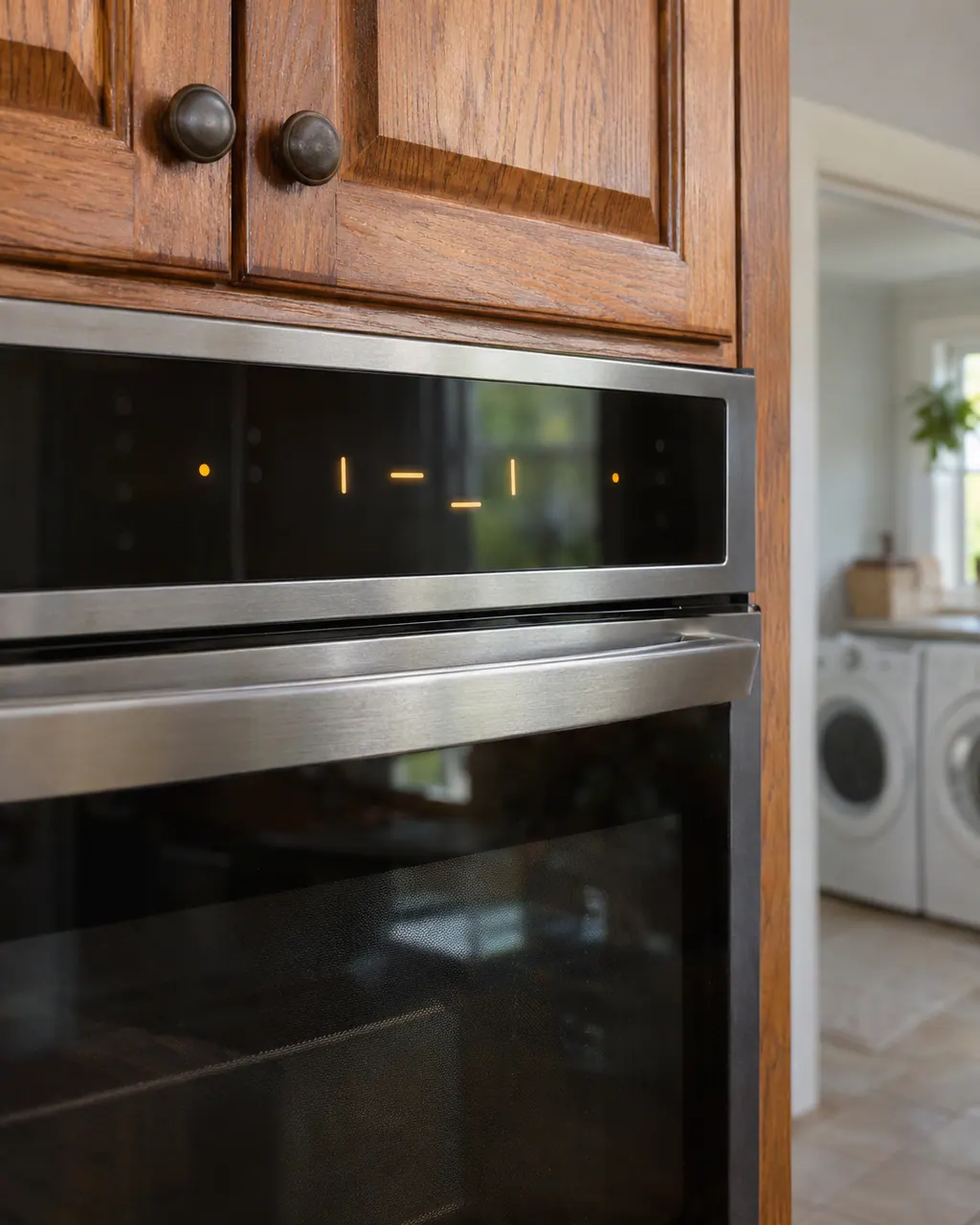
Press a control key such as Bake or Broil, or open the oven door. Product Help says the display stays blank until one of those happens, then the control answers key presses as usual.
"ES" followed by "On" twice means the mode is active. The same page says the mode is left with "ES" followed by "Off" twice.

Product Help: with the oven idle and the time of day shown, press and hold CLOCK for 10 seconds. The control beeps and shows ES Off.

If "ES" does not clear after that, the page asks for the breaker off for one minute, then on, and a minute of watching the oven.
Give us the model and the checks you have run, then open your request right here.
Book a visit
A rough sketch only, because a Maytag is laid out differently from model to model. Click a highlighted part to open its photo and the matching test.
Product Help says "The product is in Energy Save mode." It puts the control and clock to sleep and darkens the display when the range is not in use.
Read the supporting manualProduct Help gives one method, and the use and care guide gives another. They disagree, so use the one that matches your display and keys.
Read the supporting manualA blank display with Energy Save on is normal. The guide lists it under "Nothing will operate": press any keypad to show the time of day.
Read the supporting manualIf "ES" returns right after you turned the mode off, or the keys do nothing, the breaker reset on the Product Help page is the next step.
Read the supporting manualManufacturer document
Maytag Product Help (producthelp.maytag.com)
dateModified 2024-08-16; PH 13813 / PH 13813 (range)
Manufacturer document
Maytag / Whirlpool Corporation (retailer copy kept by pdf.lowes.com)
W10722063B (11/14); PDF page numbers / pp. 7, 18
Product Help range page PH 13813 (ES or E5) plus the W10722063B electric range guide, which describes Energy Save on a freestanding range with SETTINGS/CLOCK. Models are not listed on the page.
No. Maytag words it as a mode message: Energy Save is active. The display sleeps when the range is idle.
Product Help says the control shows "ES On" after the oven has been idle for 5 minutes with only the time of day showing.
Product Help says hold CLOCK for 10 seconds; the W10722063B guide says hold SETTINGS/CLOCK for 3 seconds. Models differ, so try the key that is printed on your panel.
Yes. Product Help says the display stays blank until a control key is pressed or the oven door is opened.
The Product Help page is titled "ES or E5" and describes only Energy Save. It prints nothing more about E5.
Maytag codes, symptoms, parts and service
The Maytag page for H on a range states “An H will display in the heat setting window when any surface cooking area is too hot to touch, even after...” Try the one-minute breaker reset, and schedule a visit if the code returns.
A Maytag steam wall oven asks you to "Empty and Refill Water Container" before each steam cycle, "Descale is needed" when it needs cleaning, and "Please remove and empty container" at the end of a descale. Treat each as a request rather than a breakdown, carry it out, and book a visit if one keeps returning.
Book a diagnostic for your model, done at the machine.
Office details, and the entry information to pass along.