What it means
Maytag's countertop microwave page words EA:1 like this: “EA: _ 0 or EA: _ 1 will be displayed to indicate if the 2-step door function operation is enabled or disabled.” Nothing else is printed, so schedule a visit if it repeats.
Maytag microwave EA:1 / Door and lid
Maytag's countertop microwave page words EA:1 like this: “EA: _ 0 or EA: _ 1 will be displayed to indicate if the 2-step door function operation is enabled or disabled.” Nothing else is printed, so schedule a visit if it repeats.
Also printed as EA:1
Maytag's countertop microwave page words EA:1 like this: “EA: _ 0 or EA: _ 1 will be displayed to indicate if the 2-step door function operation is enabled or disabled.” Nothing else is printed, so schedule a visit if it repeats.
Microwaves keep a charge when unplugged, so the casing stays shut.
EA:1 will not clear after one proper reset.
Your Maytag to-do list, saved here on this device
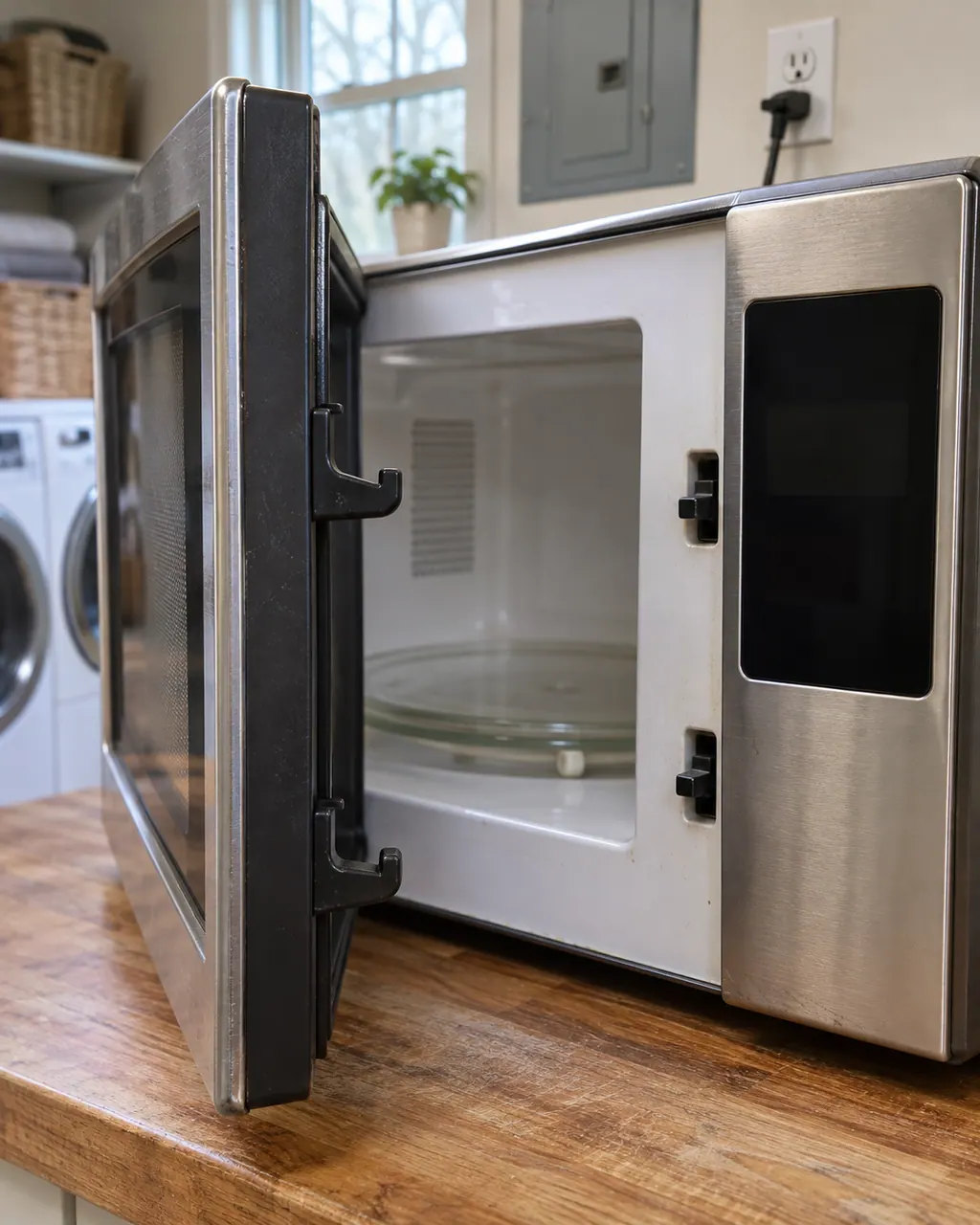
Microwaves keep a charge when unplugged, so the casing stays shut.

Check that your appliance is a countertop microwave and copy EA:1 exactly as the display shows it.

Maytag prints no reset for EA:1, so record what the microwave does rather than guessing a fix.

Note the model and the moment EA:1 showed up; both help us plan.
Write down the exact words or symbols the countertop microwave shows before you do anything.
Keep the model number close and note when EA:1 appeared and what the countertop microwave was doing.
Give us the model and the checks you have run, then open your request right here.
Book a visitA rough sketch only, because a Maytag is laid out differently from model to model. Click a highlighted part to open its photo and the matching test.
Here is what Maytag prints for EA:1 on a countertop microwave: “EA: 0 or EA: 1 will be displayed to indicate if the 2-step door function operation is enabled or disabled.”
Read the supporting manualMaytag's page for EA:1 gives no reset or checking steps, so there is no page-approved first move beyond noting exactly what the microwave shows.
Read the supporting manualThe countertop microwave list prints Colon Flashing next to EA:1, but with a different line. Look up the one on your display.
Read the supporting manualWhen in doubt, switch the countertop microwave off. If EA:1 keeps returning, stop and schedule a visit.
Read the supporting manualManufacturer document
Maytag Product Help (producthelp.maytag.com)
dateModified 2025-05-12; PH 14640 / PH 14640 (countertop microwave)
Scope for EA:1: Maytag countertop microwave, PH 14640, checked November 2026. Maytag lists no models on the EA:1 page.
On the countertop microwave page the line is “EA: _ 0 or EA: _ 1 will be displayed to indicate if the 2-step door function operation is enabled or disabled.” No further cause is given.
Nothing is printed for it, so record the display and schedule us if EA:1 continues.
Nothing about replacing parts is printed for EA:1.
Model and serial numbers plus a note of what happened when EA:1 appeared.
Maytag codes, symptoms, parts and service
D1:0 on a Maytag countertop microwave is explained as “D1: _ 0 or D1: _ 1 will be displayed to indicate if the 2-step door function operation is enabled or disabled.” No reset is printed for it, so schedule a visit if it keeps appearing.
If a Maytag microwave will not start, the display usually explains why: a door message, the LOC padlock icon, or Demo Mode. Reopen and reclose the door first, then check the lock and demo settings before you book a visit.
Book a diagnostic for your model, done at the machine.
Office details, and the entry information to pass along.