What it means
For F47, the Maytag electric cooktop page points to the cooktop power control board, the user interface (touchpad) or the wiring. Treat that as a shortlist, try the reset, and schedule a visit if the code stays.
Maytag cooktop F47 / User interface
For F47, the Maytag electric cooktop page points to the cooktop power control board, the user interface (touchpad) or the wiring. Treat that as a shortlist, try the reset, and schedule a visit if the code stays.
Also printed as F47
For F47, the Maytag electric cooktop page points to the cooktop power control board, the user interface (touchpad) or the wiring. Treat that as a shortlist, try the reset, and schedule a visit if the code stays.
Power off at the breaker before any panel comes off; wiring is a technician's job.
F47 returns, or the electric cooktop behaves oddly around the code.
Your Maytag to-do list, saved here on this device

Power off at the breaker before any panel comes off; wiring is a technician's job.

Record F47 character by character and note the product type: electric cooktop.

Breaker off for one full minute, then back on, and look for F47.
Give the cooktop a minute on screen after the reset; a returning F47 means schedule a visit.
Make sure every control of the electric cooktop is off, then wipe the glass and touch area dry before the reset.
Note the model and the moment F47 showed up; both help us plan.
Give us the model and the checks you have run, then open your request right here.
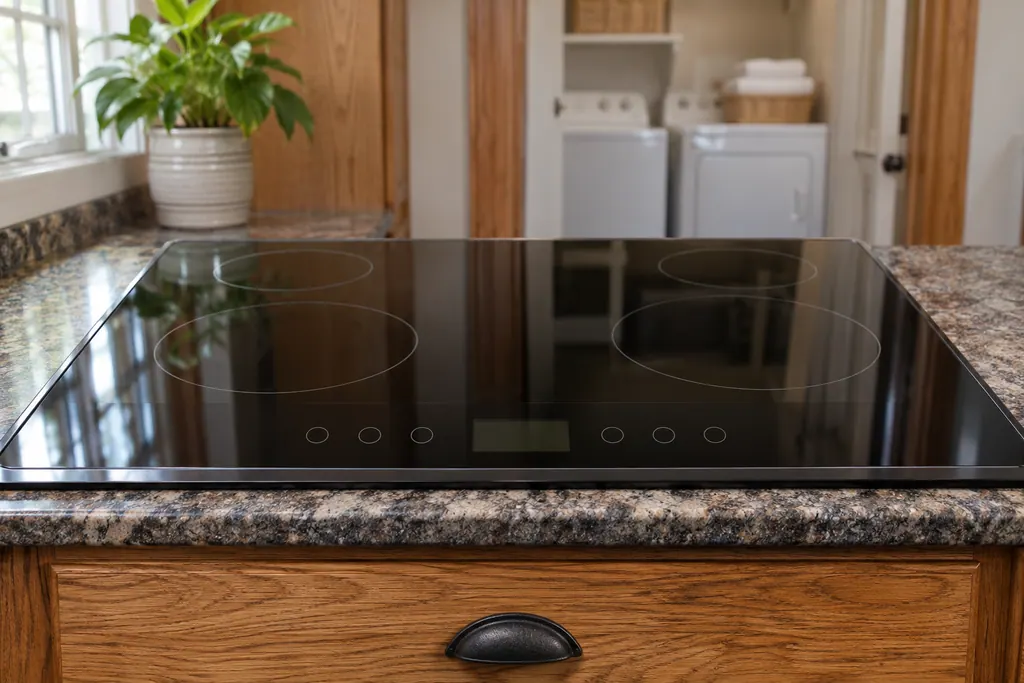
Book a visitA rough sketch only, because a Maytag is laid out differently from model to model. Click a highlighted part to open its photo and the matching test.
Component reference
The touch control is the keypad on a Maytag electric cooktop.
Read the definition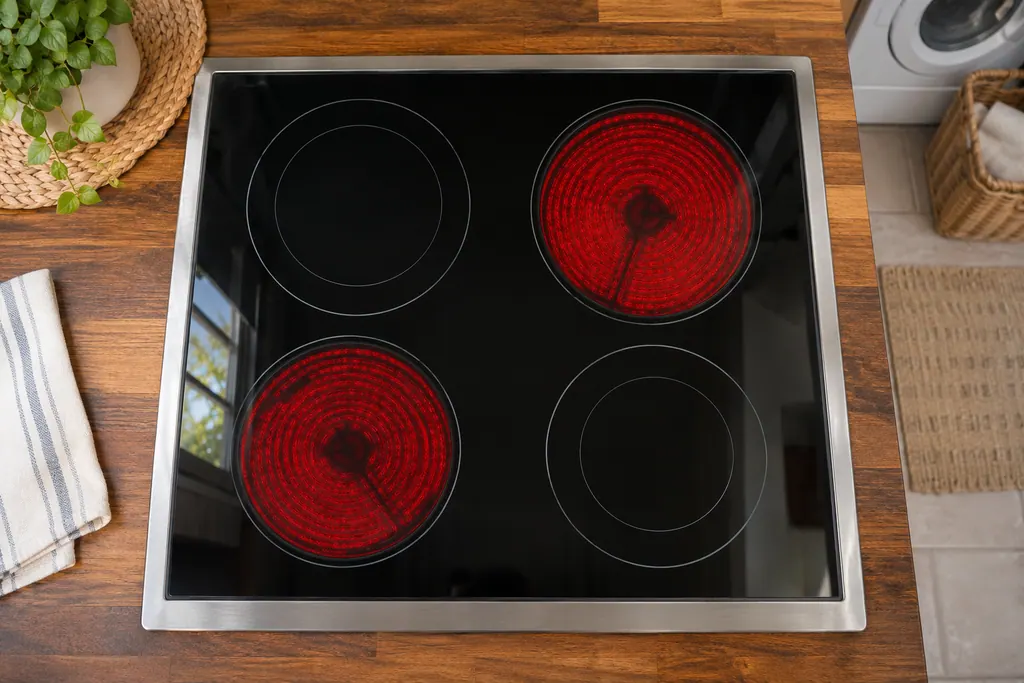
Component reference
The power control board, called the power control module on some pages, is the cooktop part that Maytag Product Help names for F40, F42, F43, F47, F58 and F64.
Read the definitionMaytag's electric cooktop page says F47 may come from the cooktop power control board, the user interface (touchpad) or the wiring. It stops there; no test and no ranking is given.
Read the supporting manualTake the cooktop off power at the breaker for a full minute. Put it back on and give it a minute of watching; if F47 stays away, the reset did its job.
Read the supporting manualMaytag lists the cooktop power control board or the wiring against F43, while F47 gets the cooktop power control board, the user interface (touchpad) or the wiring. They are neighbors in the electric cooktop list but separate entries.
Read the supporting manualIf any area heats without being set, turn off the breaker and schedule a visit.
Read the supporting manualManufacturer document
Maytag Product Help (producthelp.maytag.com)
dateModified 2024-01-22; PH 12856 / PH 12856 (electric cooktop)
Manufacturer document
Maytag Product Help (producthelp.maytag.com)
dateModified 2022-03-24; PH 11991 / PH 11991 (electric cooktop)
Scope for F47: Maytag electric cooktop, PH 12856, checked November 2026. Maytag lists no models on the F47 page.
Maytag lists the cooktop power control board, the user interface (touchpad) or the wiring. It is a possible-cause list, not a confirmed failure.
It is the page's first step and costs nothing. A returning F47 afterward means schedule us.
No. the cooktop power control board, the user interface (touchpad) or the wiring are all candidates and the page gives no way to choose.
Tell us the model, the display wording and when F47 first showed up.
Maytag codes, symptoms, parts and service
For F43, the Maytag electric cooktop page points to the cooktop power control board or the wiring. Treat that as a shortlist, try the reset, and schedule a visit if the code stays.
A Maytag electric cooktop that keeps beeping may have something on the control area, Control Lock being turned on or off, or a utensil left on an element too long. Clear and wipe the control panel first. Beeping for more than 15 minutes locks the panel and can show F1E0 on some models.
The touch control is the keypad on a Maytag electric cooktop. It is the part you touch to turn cooking areas on and set heat. Product Help calls it the user interface, touchpad or touch control module, and its F22, FC E1 and F6E0 pages point to it. The first step printed is a one-minute breaker reset.
Book a diagnostic for your model, done at the machine.
Office details, and the entry information to pass along.