What it means
F5E1 is a door switch code on both Maytag washer trees. Make sure the door is completely closed and nothing, such as clothing or shipping material, blocks the switch. Then reset for 5 minutes.
Maytag washer F5E1 / Door and lid
F5E1 is a door switch code on both Maytag washer trees. Make sure the door is completely closed and nothing, such as clothing or shipping material, blocks the switch. Then reset for 5 minutes.
Also printed as F5E1
F5E1 is a door switch code on both Maytag washer trees. Make sure the door is completely closed and nothing, such as clothing or shipping material, blocks the switch. Then reset for 5 minutes.
Power and water off before any panel comes off; towels down for spills.
F5E1 returns with the door closed and unblocked.
Your Maytag to-do list, saved here on this device
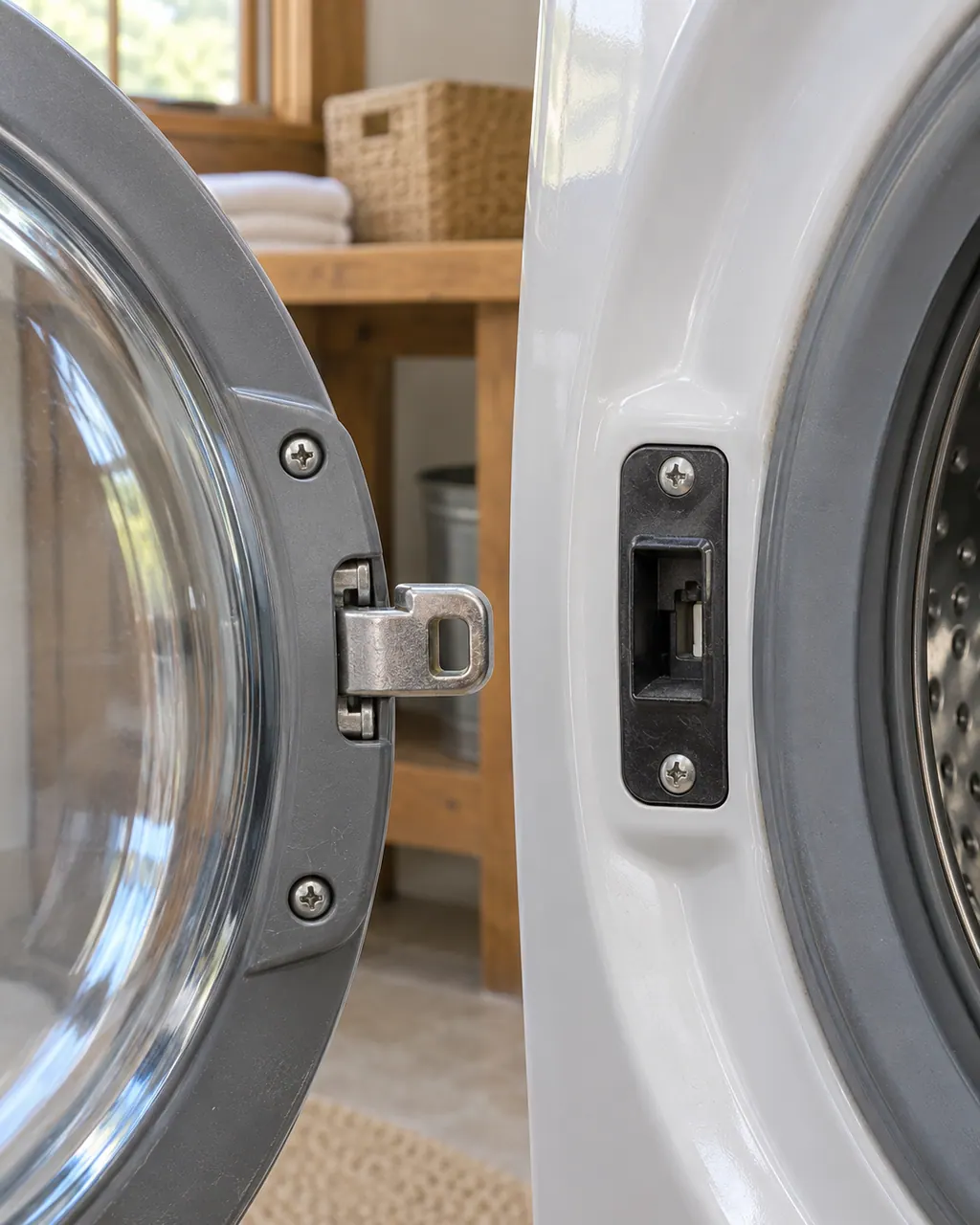
The front-load manual’s first reason a washer will not run is a door not closed completely. [3]
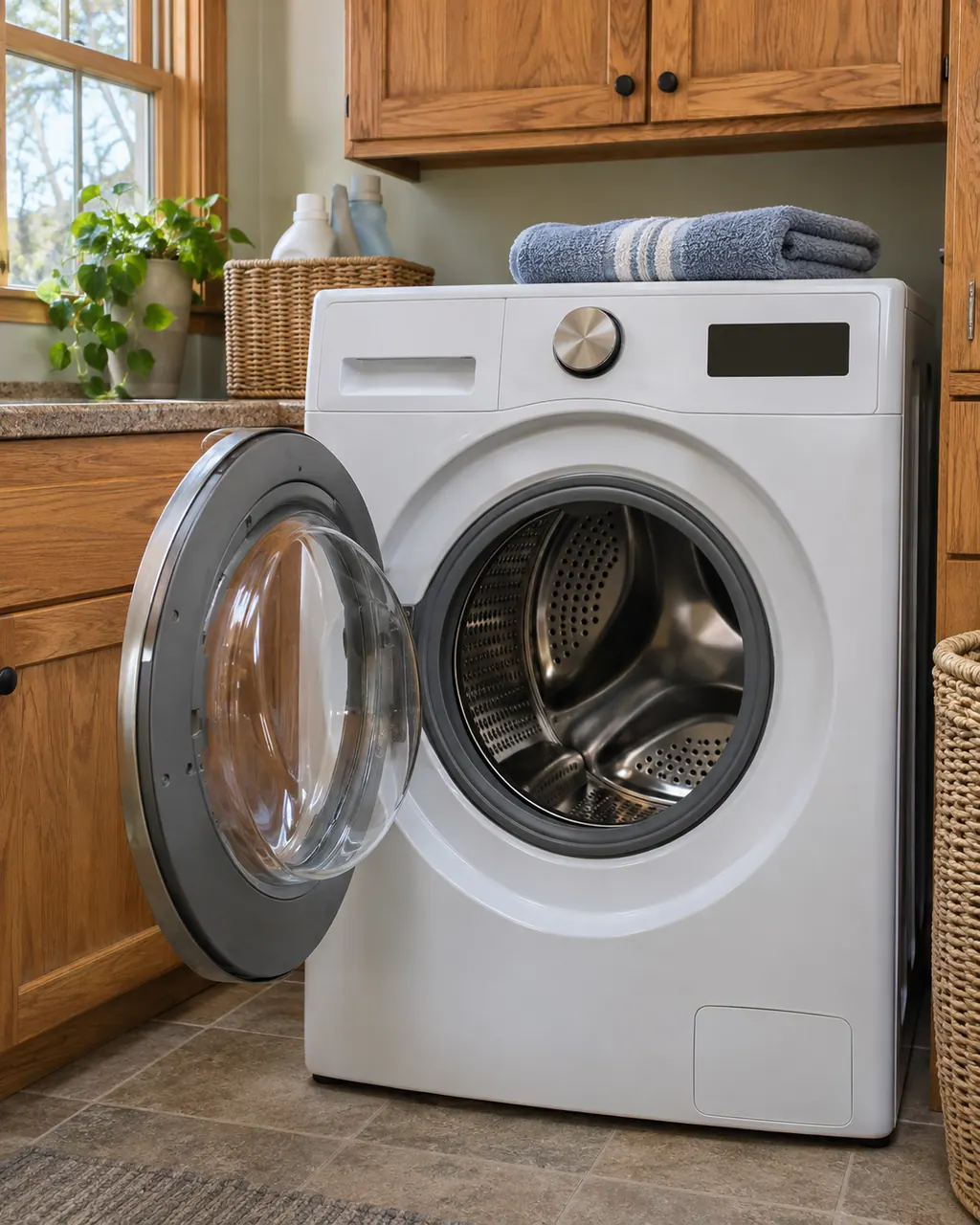
Clothing or shipping materials can sit in the door switch area.

Unplug the washer for 5 minutes, or switch off its breaker for 5 minutes, then restore power.

The manual says to press and hold START/PAUSE for 2 to 5 seconds. [3]

F5E3 is the door lock code; the latch is what it names. [4]
Give us the model and the checks you have run, then open your request right here.
Book a visitA rough sketch only, because a Maytag is laid out differently from model to model. Click a highlighted part to open its photo and the matching test.
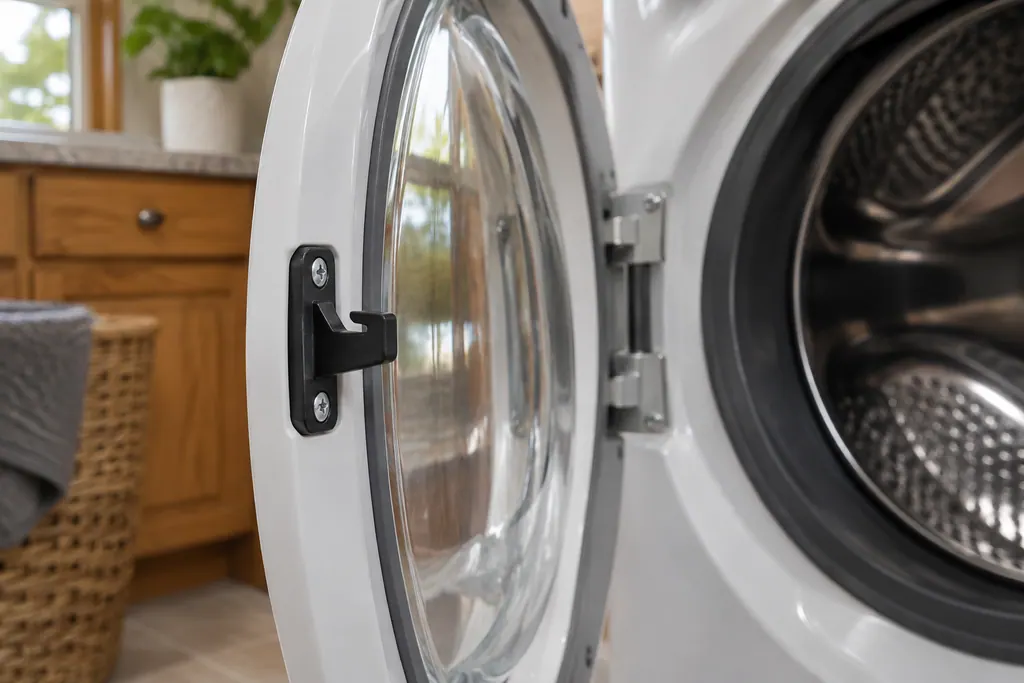
Component reference
On a Maytag front-load washer, F5E3 means the door is not locking properly and F22 is a front door lock issue.
Read the definitionThe pages are headed “Door Switch” and tell you to ensure the door is completely closed and nothing is blocking the door switch, such as clothing or shipping material.
Read the supporting manualF5E3 says the door is not locking properly and names the latch. F5E1 names the switch.
Read the supporting manualThe front-load manual lists a door not closed completely and a START/PAUSE button not pressed firmly as causes of a washer that will not run.
Read the supporting manualYes, apart from small wording differences.
Read the supporting manualManufacturer document
Maytag Product Help (producthelp.maytag.com)
dateModified 2025-11-19; PH 14610 / PH 14610 (front-load washer)
Manufacturer document
Maytag Product Help (producthelp.maytag.com)
dateModified 2025-05-27; PH 13442 / PH 13442 (top-load washer)
Manufacturer document
Maytag / Whirlpool Corporation (retailer copy of the Use & Care Guide, pdf.lowes.com)
W10254443A; PDF page numbers; retailer copy / PDF p. 18, Troubleshooting, “Washer will not run”
Manufacturer document
Maytag Product Help (producthelp.maytag.com)
dateModified 2025-11-19; PH 14612 / PH 14612 (front-load washer)
The Product Help pages list no models, so the text applies to the washer type, not to a named model. Sources: Product Help PH 14610 (front-load), PH 13442 (top-load), PH 14612 and Use & Care Guide W10254443A page 18.
Yes, the page lists clothing as something that can block the door switch, along with shipping material. Check the door opening and the area around the switch before you reset.
They are packing left in the washer from delivery. The page says they can block the door switch, so check the door area on a new washer.
Five minutes. Unplug the washer, or switch off its breaker, for 5 minutes, then restore power.
If it returns with the door completely closed and nothing blocking the switch, book a visit. The page leaves further checks to a technician.
Maytag codes, symptoms, parts and service
On a top-load washer, F3E5 is headed “Mini Dispenser” with the note “Please add detergent manually.” The front-load page prints only a reset. Add detergent by hand, reset for 5 minutes, and book a visit if it returns.
A Maytag washer that leaves water in the tub usually points to the drain setup before the machine itself: a hose pushed too far into the standpipe, a standpipe under 30 inches, tape sealing the hose, or a clogged drain pump filter. Check those first; if water still stays, book a technician.
On a Maytag front-load washer, F5E3 means the door is not locking properly and F22 is a front door lock issue. Product Help says to shut the door completely, clear anything from the latch, and wipe soap buildup off the lock. F5E1 names the door switch.
Book a diagnostic for your model, done at the machine.
Office details, and the entry information to pass along.