Read the whole display
Count the flashes of the Clean light, F then E, or note the exact code on the display.
Model-specific code library
We decode 26 dishwasher entries: 19 F#E# and H2O codes and 7 light patterns, with F8E4, F8E5, F9E1 and F3E2 as pages.
For a Maytag dishwasher, Maytag's page for F8E5 says the potential cause it lists is: the fill valve has stuck in the open position. Close the water line to the dishwasher, keep the door shut, then schedule a visit with us.
Read the F8E5 checks26 researched dishwasher codes. A message can mean something different on each Maytag model, so trust the manual that came with yours.
Maytag's dishwasher page words All Cycle And Option Lights flashing like this: “Firmly close the door until it latches.” Try the 30-second power-off reset, and schedule a visit if the code returns.
Information onlyMaytag's dishwasher page words Clean Light Flashing like this: “Maytag dishwashers use a two-part flashing sequence to communicate specific errors.” No reset is printed for it, so schedule a visit if it keeps appearing.
Information onlyControl Light Flashing on a Maytag dishwasher is explained as “The light will flash three times if any buttons are pressed while the controls are locked.” Try the 30-second power-off reset, and schedule a visit if the code returns.
Information onlyF1E1 on a Maytag dishwasher is explained as “Potential Cause: Control Module.” Cut the power for 30 seconds, then restore it; schedule a visit if the code is still there.
Reset, then bookMaytag Product Help gives F1E2 one line: “Potential Cause: Main Control Communication Error.” Cycle power for 30 seconds. If the code returns, schedule service. F1E1 and F2E2 are different pages with different wording.
Reset, then bookMaytag Product Help prints F2E1 as “Potential Cause: Stuck Key oe Console Error,” typo included. Cycle power for 30 seconds, and book a visit if F2E1 comes back. The only key-related check is that nothing is pressing the console.
Reset, then bookMaytag Product Help prints F2E2 as “Potential Cause: Main Control Communication Error,” the same line it uses for F1E2. Cycle power for 30 seconds and schedule service if F2E2 returns.
Reset, then bookMaytag's page on F3E2 for the dishwasher says the potential cause it lists is: the trouble is in the thermistor or the OWI sensor. To reset it, leave the circuit breaker off for 30 seconds before switching it back on. A repeat of the code after the reset is the cue to schedule a visit with us.
Reset, then bookMaytag Product Help prints F4E2 as “Potential Cause: Heating System.” Cycle power for 30 seconds, and schedule service if the code comes back. F4E3 is a neighboring page worded “Heating Error.”
Reset, then bookMaytag Product Help prints F4E3 as “Potential Cause: Heating Error.” Cycle power for 30 seconds; if the error code returns, schedule service. F4E2 reads “Heating System” and has the same remedy.
Reset, then bookMaytag prints F6E1 as “Potential Cause: User Interface Error, Main Control” on two pages, the six-flash pattern page and the error code page. Cycle power for 30 seconds; if the code remains, call for service.
Reset, then bookOn a dishwasher, the entry for F6E3 says “Potential Cause: Excessive Suds.” Nothing else is printed, so schedule a visit if it repeats.
Technician visitMaytag Product Help prints F6E4 as “Potential Cause: Water Float Switch,” and its first question is whether the dishwasher is level. An unlevel dishwasher can trip the overfill or floater switch. Level it, then cycle power.
Reset, then bookMaytag Product Help prints F7E2 as “Potential Cause: Wash Motor Error,” and its Reading error codes page lists the same row. Cycle power; if the error code returns, schedule service.
Reset, then bookMaytag Product Help prints F8E2 as “Potential Cause: Fill Valve Electric Error.” Remove the drip tray and inspect the inlet valve connection for leaks, then cycle power. If F8E2 returns, schedule service.
Reset, then bookF8E4 on a Maytag dishwasher: Maytag's reading table gives water in the drip tray as the cause, while the F8E4 pages print install checks and safety steps. Close the water line, leave the door latched and schedule a visit with us.
Water off firstFor a Maytag dishwasher, Maytag's page for F8E5 says the potential cause it lists is: the fill valve has stuck in the open position. Close the water line to the dishwasher, keep the door shut, then schedule a visit with us.
Water off firstFor a Maytag dishwasher, Maytag's page for F9E1 says the potential cause it lists is: the drain takes too long. To reset it, leave the circuit breaker off for 30 seconds before switching it back on. Arrange a technician visit with us if the display shows it again after the reset.
Reset, then bookMaytag's dishwasher page words F9E2 like this: “Potential Cause: Drain motor error.” No reset is printed for it, so schedule a visit if it keeps appearing.
Technician visitMaytag Product Help prints FAE4 or F10E4 as “Potential Cause: Diverter Valve Error,” with one step: cycle power. Its leak-check steps belong to the next code, FAE5. If FAE4 returns, book a technician.
Reset, then bookMaytag prints FAE5 or F10E5 as “Potential Cause: Diverter Leak.” Check for leaks under the dishwasher, make sure the water connections are secure, press Cancel twice and try a new cycle. If the error returns, schedule service.
Technician visitThe Maytag page for Front Status Lights on a dishwasher states “The status light on the front of the dishwasher will help you determine the cycle progress.” Maytag prints no reset for it; if it keeps appearing, schedule a visit.
Information onlyMaytag's dishwasher page words Front Status Lights Not Illuminated like this: “The status light on the front of the dishwasher will help you determine the cycle progress.” Try the 30-second power-off reset, and schedule a visit if the code returns.
Information onlyGlowing Red on a Maytag dishwasher is explained as “The Sani Rinse indicator glows at the end of the cycle if the Sani Rinse option is successfully completed.” Cut the power for 30 seconds, then restore it; schedule a visit if the code is still there.
Information onlyMaytag Product Help prints H2O as “Not Detecting Water”: make sure the water supply is on, check for kinks in the supply hose, then press Start and the dishwasher will try to fill and resume. The page also lists it as F8E1 or H20.
Technician visitFor a dishwasher showing Sanitize Light Flashing, Maytag prints “The Sani LED will flash if the dishwasher detects the temperature requirements for sanitization were not met.” Cut the power for 30 seconds, then restore it; schedule a visit if the code is still there.
Information onlyF7E1, F6E2, F6E8, F5E2, FAE1 and FAE3 are not printed in any Maytag page we read; they share one page that says so. F8E4 pages print install checks and safety steps, and its cause comes from the reading page.
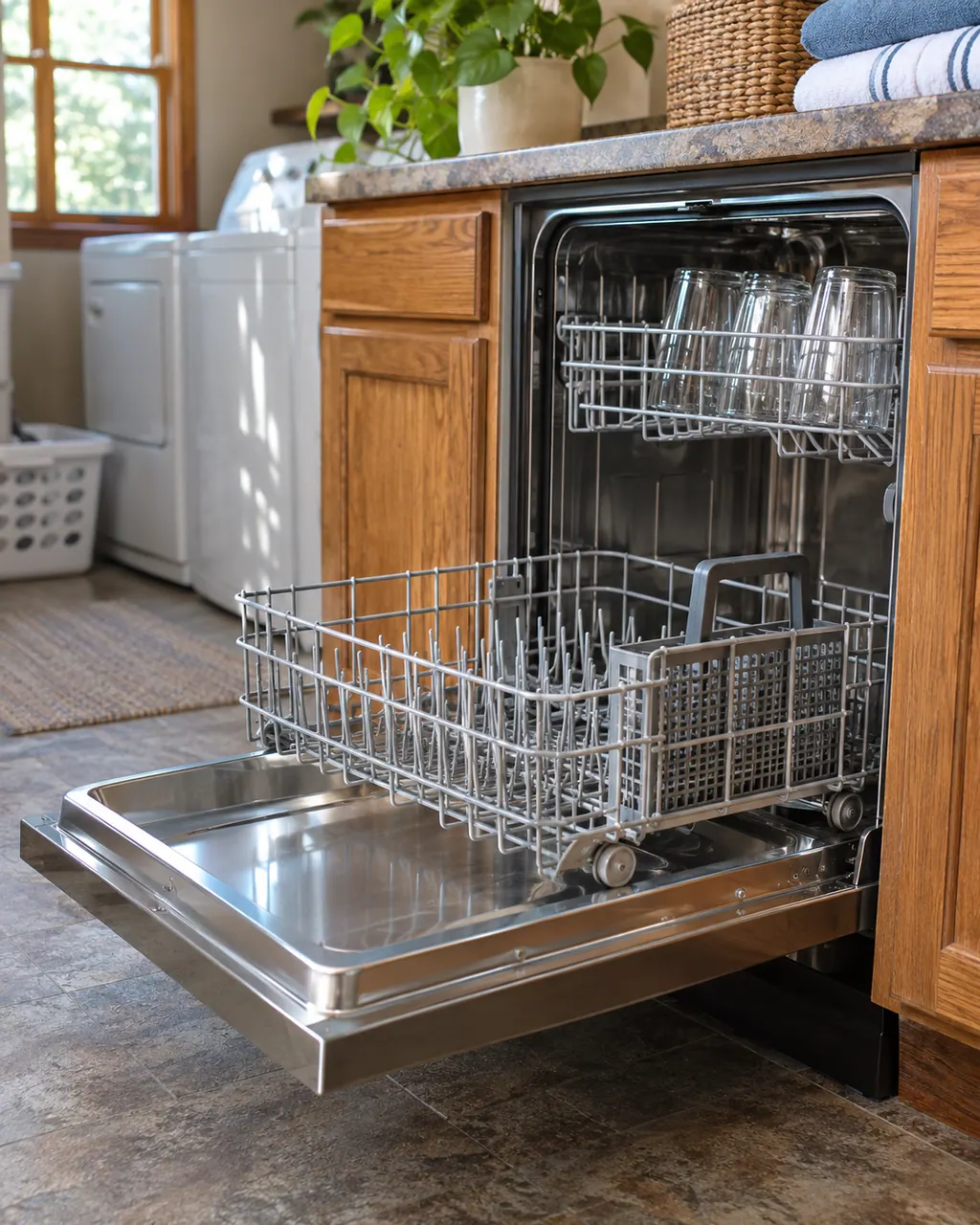
We decode 26 dishwasher entries: 19 F#E# and H2O codes and 7 light patterns, with F8E4, F8E5, F9E1 and F3E2 as pages.
F7E1, F6E2, F6E8, F5E2, FAE1 and FAE3 are not printed in any Maytag page we read; they share one page that says so. F8E4 pages print install checks and safety steps, and its cause comes from the reading page.
Count the flashes of the Clean light, F then E, or note the exact code on the display.
If the page asks for the water to be turned off, do that first and keep the door closed. Switch the breaker off before opening any panel.
Follow the guide for your own model, and see how we research these pages.
F7E1, F6E2, F6E8, F5E2, FAE1 and FAE3 are not printed in any Maytag page we read; they share one page that says so. F8E4 pages print install checks and safety steps, and its cause comes from the reading page.
Take a picture of the full dishwasher display and the model label. Say what the machine was in the middle of when the message came up, and do not lean on an explanation written for a different appliance.
An old search phrase is not proof from the manufacturer. If our dishwasher documents say nothing about a message, we still list it by name and send you toward help, without blaming any part.
Open any manufacturer document in this dishwasher library and check the model on its cover against the label on your machine. Another model has its own owner’s guide.