Model-specific code library
Maytag washer Door and lid codes
13 printed codes in this group: Add Garment Light On, Cycle Complete Light On, dLO, dU, F22, F5E1, F5E2, F5E3, F5E4, LdL and 3 more.
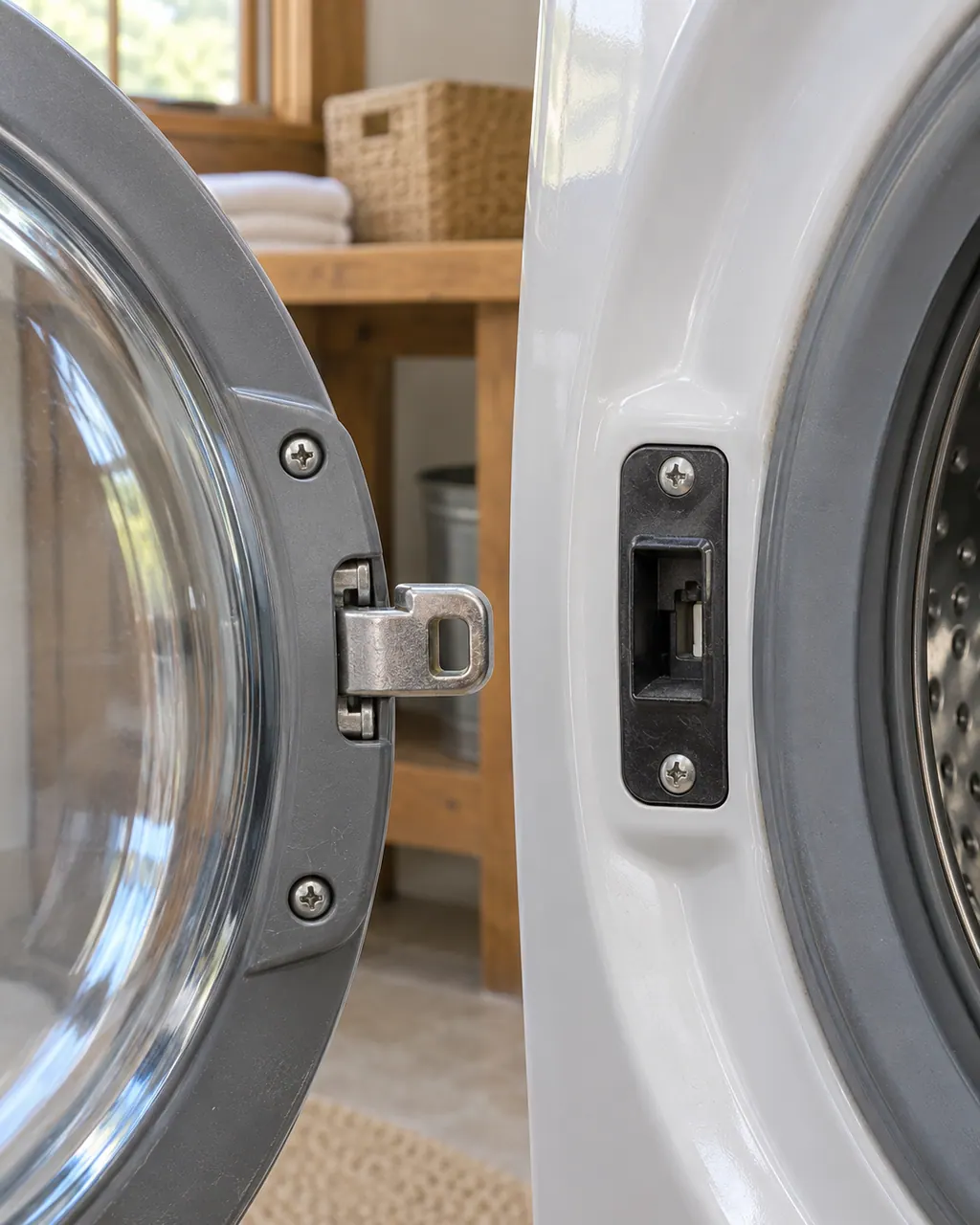
Door and lid codes
For a top-load washer showing Add Garment Light On, Maytag prints “When Add Garment is lit, you may pause the cycle, open the lid, and add items.” Maytag prints no reset for it; if it keeps appearing, schedule a visit.
Information onlyFor a top-load washer showing Cycle Complete Light On, Maytag prints “It will remain on until the lid is opened or cancel is pressed.” Nothing else is printed, so schedule a visit if it repeats.
Information onlyMaytag's top-load washer page words dLO like this: “If dL (lid lock will not lock or lid lock failure) appears in the display, the lid is not locking.” No reset is printed for it, so schedule a visit if it keeps appearing.
Owner checks firstMaytag's top-load washer page words dU like this: “If dU (Lid cannot unlock) appears in display, the washer detects that there are objects on washer lid...” Maytag prints no reset for it; if it keeps appearing, schedule a visit.
Information onlyThe Maytag page for F22 on a front-load washer states “F22 indicates a front door lock issue.” No reset is printed for it, so schedule a visit if it keeps appearing.
Technician visitF5E1 is a door switch code on both Maytag washer trees. Make sure the door is completely closed and nothing, such as clothing or shipping material, blocks the switch. Then reset for 5 minutes.
Reset, then bookFor a front-load washer showing F5E2, Maytag prints “This error code indicates that the door is not locking properly.” Try the five-minute power-off reset, and schedule a visit if the code returns.
Reset, then bookOn a front-load washer, F5E3 means the door is not locking properly. Close it completely and clear the latch of clothing or shipping material, then reset for 5 minutes. The top-load page is headed Door Lock with a reset.
Reset, then bookMaytag's front-load washer page words F5E4 like this: “The F5 E4 error code indicates that the washer has run for three consecutive cycles without opening the door.” Try the five-minute power-off reset, and schedule a visit if the code returns.
Reset, then bookLdL on a Maytag top-load washer is explained as “If LdL (lid lock will not lock or lid lock failure) appears in the display, the lid is not locking.” No reset is printed for it, so schedule a visit if it keeps appearing.
Owner checks firstMaytag's top-load washer page words LdU like this: “If LdU (Lid cannot unlock) appears in the display, the washer detects that objects on the washer lid are...” Nothing else is printed, so schedule a visit if it repeats.
Information onlyLid on a Maytag top-load washer is explained as “Is the lid open?” Nothing else is printed, so schedule a visit if it repeats.
Owner checks firstLid Light Flashing on a Maytag top-load washer is explained as “Your previous washer may have filled and washed with the lid open.” Maytag prints no reset for it; if it keeps appearing, schedule a visit.
Information only