Model-specific code library
Maytag oven Control board codes, F3 to Press Cancel to Reset
41 printed codes in this group: F3, F4, F4E0, F4E8, F4E9, F6, F6E0, F6E1, F6E2, F6E3 and 7 more.
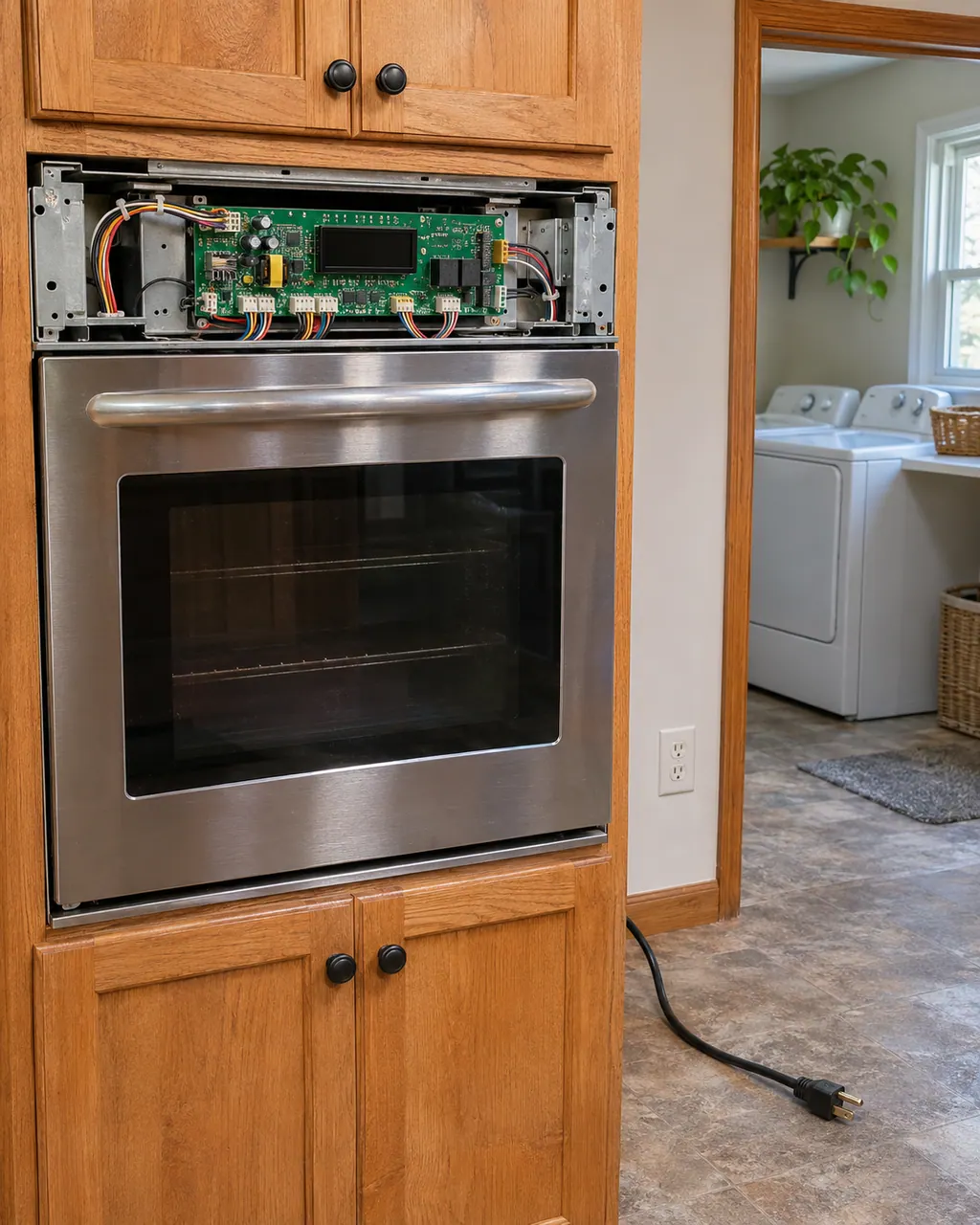
Control board codes
Maytag's pages split on F3: the pages for the range and wall oven state the page names these possible trouble spots: oven control together with its wiring; the steam oven page offers a reset and nothing more. To reset it, leave the circuit breaker off for 1 minute before switching it back on.
Reset, then bookMaytag's wall oven page links F4 to the oven cavity control or the wiring. It does not say which one, so run the reset below and schedule a visit if the code returns.
Reset, then bookF4 E0 is a wall oven code for combination models. Maytag names the microwave inverter or the wiring, and publishes no range page for it. Switch the breaker off for one minute and back on, then book a visit if it returns.
Reset, then bookF4E8 on a wall oven means Maytag suspects the microwave inverter or the wiring. Begin with the reset; if the code is back afterward, book a technician.
Reset, then bookThe Maytag wall oven entry for F4E9 names the microwave inverter or the wiring. Reset first, then call us in if the code keeps coming back.
Reset, then bookMaytag's page on F6 for the range and wall oven says the suspects it lists are oven control together with its wiring. To reset it, leave the circuit breaker off for 1 minute before switching it back on. A repeat of the code after the reset is the cue to schedule a visit with us.
Reset, then bookFor F6E0, the Maytag range page points to the oven control, the appliance manager or the wiring. Treat that as a shortlist, try the reset, and schedule a visit if the code stays.
Reset, then bookMaytag's range page links F6E1 to the appliance manager or the wiring. It does not say which one, so run the reset below and schedule a visit if the code returns.
Reset, then bookF6E2 on your wall oven is tied by Maytag to the appliance manager control, the converter control or the wiring. One reset costs nothing; if the code survives it, schedule a visit.
Reset, then bookF6 E3 names the Appliance Manager and its wiring on a range, and the wall oven page adds the Converter Control. Both pages say there are a variety of reasons it may happen. Switch the breaker off for one minute and back on; book a visit if it returns.
Reset, then bookMaytag's range page links F6E4 to the oven appliance manager, the oven control or the wiring. It does not say which one, so run the reset below and schedule a visit if the code returns.
Reset, then bookMaytag's wall oven page links F6E6 to the upper oven appliance manager control or the wiring. It does not say which one, so run the reset below and schedule a visit if the code returns.
Reset, then bookF6 E7 names the microwave appliance manager or its wiring, and appears only on Maytag's wall oven pages. Switch the breaker off for one minute and back on. If F6 E7 comes back, book a visit; the page names the part but gives no owner fix.
Reset, then bookF6 E8 names the "Microwave Appliance Manger Control" or its wiring, with Maytag's own spelling of "Manger". It appears only on the wall oven tree. Switch the breaker off for one minute and back on; book a visit if the code returns.
Reset, then bookFor F6E9, the Maytag wall oven page points to the lower oven appliance manager or the wiring. Treat that as a shortlist, try the reset, and schedule a visit if the code stays.
Reset, then bookOn a range, the entry for Feature Not Available or Fault Detected says a line saying the control has detected a problem Switch the breaker off for a minute, then back on; schedule a visit if the code is still there.
Information only"Press Cancel to Reset" is a plain instruction: press the Cancel button or pad. Maytag says the message appears when a fault or error has been detected. If Call Service then shows, do the one-minute breaker reset and start a bake cycle.
Reset, then book