What it means
Maytag words F1E4 as “The oven could not execute the function,” with a possible problem in the appliance control board or the wiring. Reset at the breaker for one minute; book a technician if it returns.
Maytag microwave F1E4 / Information
Maytag words F1E4 as “The oven could not execute the function,” with a possible problem in the appliance control board or the wiring. Reset at the breaker for one minute; book a technician if it returns.
Also printed as F1E4
Maytag words F1E4 as “The oven could not execute the function,” with a possible problem in the appliance control board or the wiring. Reset at the breaker for one minute; book a technician if it returns.
Microwaves keep a charge when unplugged, so the casing stays shut.
F1E4 returns after the one-minute breaker reset.
Your Maytag to-do list, saved here on this device
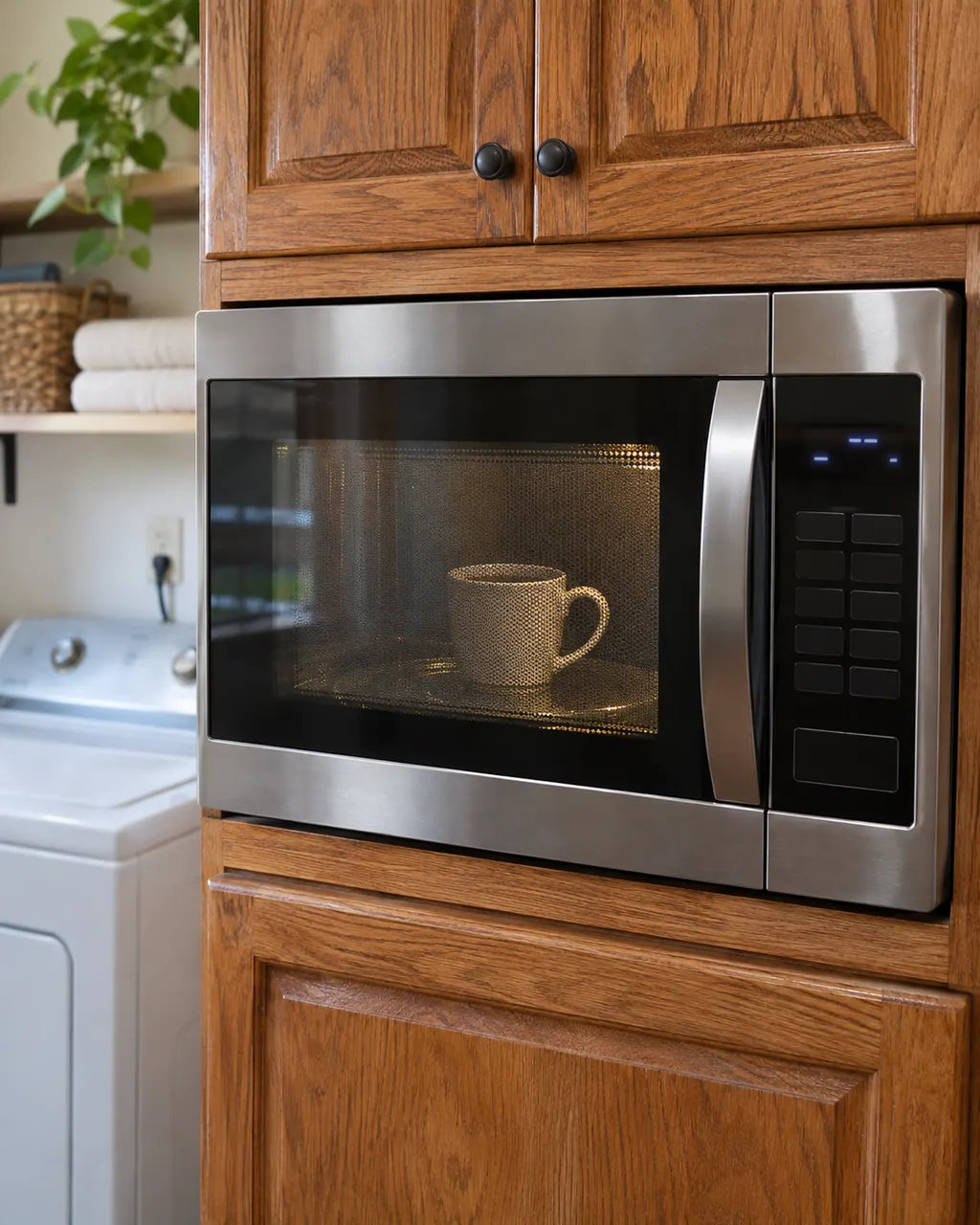
End whatever the microwave was running.

Then on, and monitor for one minute.

F1E1 blames the relay control board instead. Make sure your display says F1E4.

This tells you whether basic heating still works.
Do not open the microwave housing; sensors, boards and wiring sit behind high-voltage parts.
Give us the model and the checks you have run, then open your request right here.
Book a visit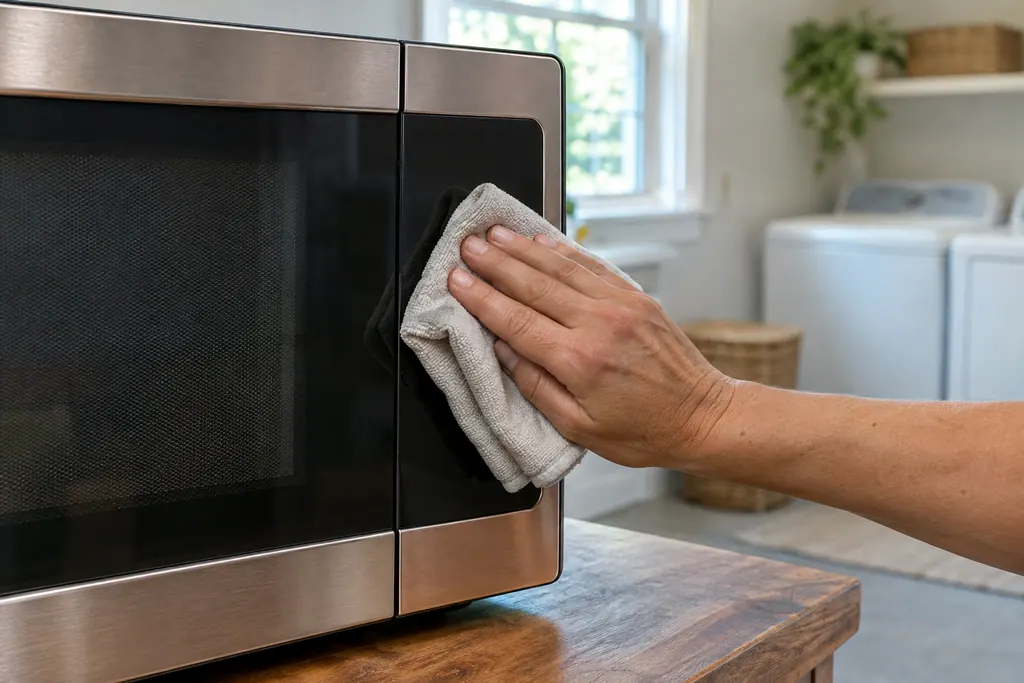
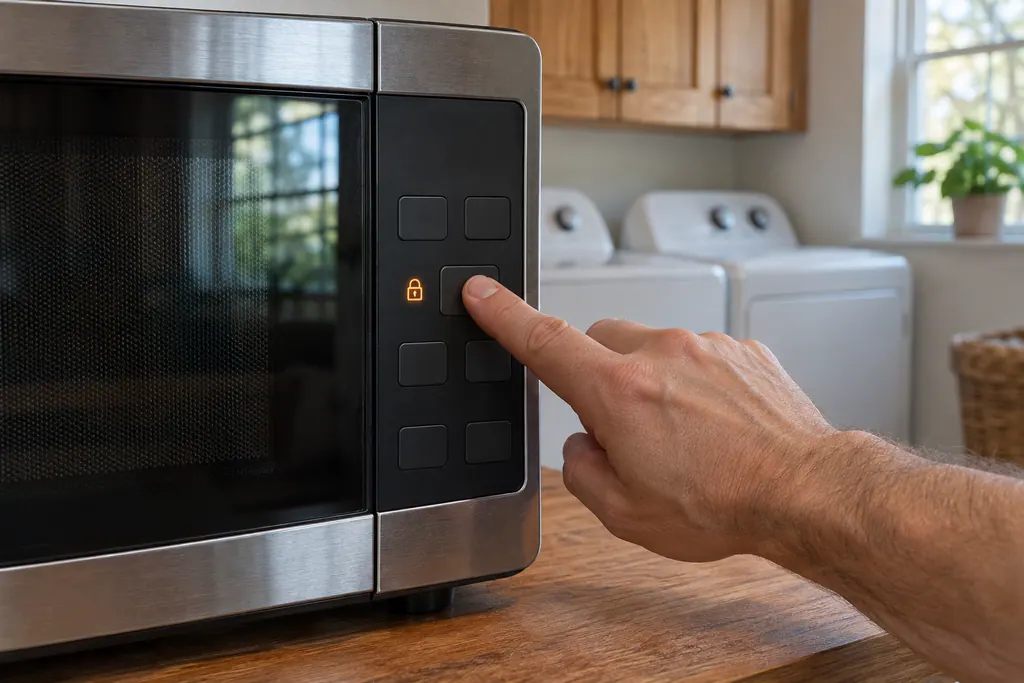
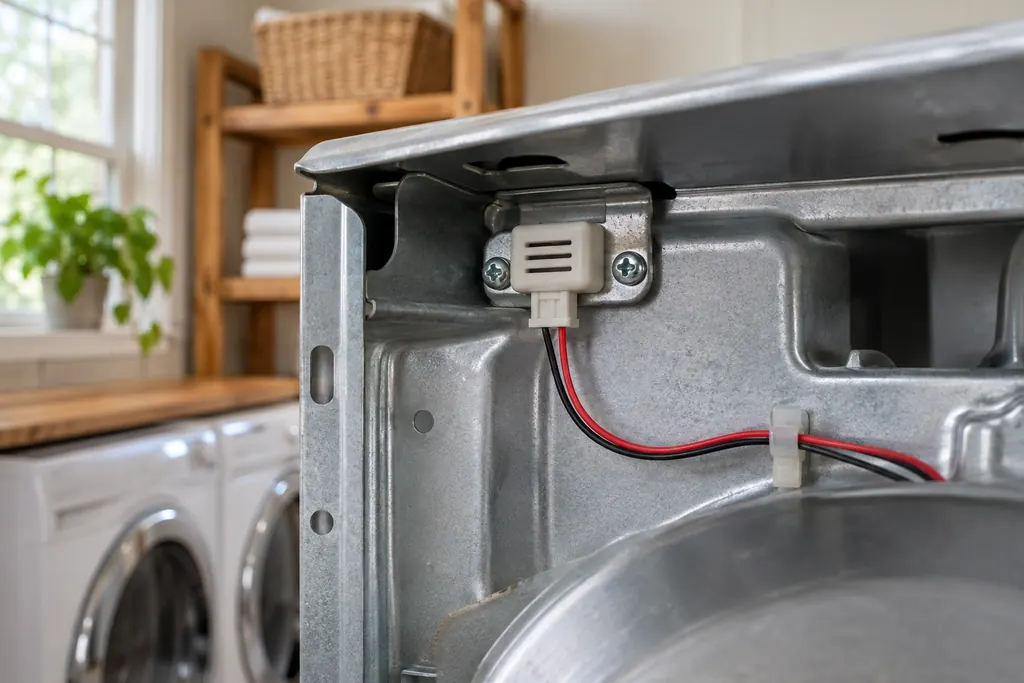
A rough sketch only, because a Maytag is laid out differently from model to model. Click a highlighted part to open its photo and the matching test.
The oven could not execute the function; the problem may be the appliance control board or the associated wiring.
Read the supporting manualF1E1 uses the same opening sentence but blames the relay control board or the wiring.
Read the supporting manualF6E0 prints the same board and the same sentence. Maytag draws no line between them.
Read the supporting manualThe reset, then a short manual time.
Read the supporting manualManufacturer document
Maytag Product Help (producthelp.maytag.com)
dateModified 2021-04-29; PH 10350 / PH 10350 (over-the-range microwave)
Manufacturer document
Maytag Product Help (producthelp.maytag.com)
dateModified 2021-04-29; PH 10349 / PH 10349 (over-the-range microwave)
Manufacturer document
Maytag Product Help (producthelp.maytag.com)
dateModified 2021-04-29; PH 10366 / PH 10366 (over-the-range microwave)
Product Help lists no models for this entry; the page covers the over-the-range microwave tree. Source: Product Help PH 10350, with the F1E1 and F6E0 pages.
Maytag does not say. The page only states that the oven could not execute the function and points to the appliance control board or the wiring, so note what the microwave was doing.
No. On this page the suspect is the appliance control board. The relay control board belongs to F1E1, which uses the same opening sentence but names a different board.
The wording and the named board match: both say the oven could not execute the function and list the appliance control board or the wiring. They remain separate pages, so tell us which code you saw.
Tell us the microwave model, the exact code and what the microwave was doing when it appeared. Mention whether the one-minute breaker reset cleared the code, even for a short time.
Maytag codes, symptoms, parts and service
Maytag's over-the-range microwave page words F1E1 like this: “The oven could not execute the function.” Switch the breaker off for a minute, then back on; schedule a visit if the code is still there.
If a Maytag microwave will not start, the display usually explains why: a door message, the LOC padlock icon, or Demo Mode. Reopen and reclose the door first, then check the lock and demo settings before you book a visit.
Book a diagnostic for your model, done at the machine.
Office details, and the entry information to pass along.