What it means
Maytag lists the electronic oven control or the wiring for F04 on the range. Reset the power first and watch the display; a returning the code is the cue to book us.
Maytag oven F04 / Control board
Maytag lists the electronic oven control or the wiring for F04 on the range. Reset the power first and watch the display; a returning the code is the cue to book us.
Also printed as F04
Maytag lists the electronic oven control or the wiring for F04 on the range. Reset the power first and watch the display; a returning the code is the cue to book us.
Turn the breaker off before you touch anything behind a panel.
F04 returns, or the range behaves oddly around the code.
Your Maytag to-do list, saved here on this device
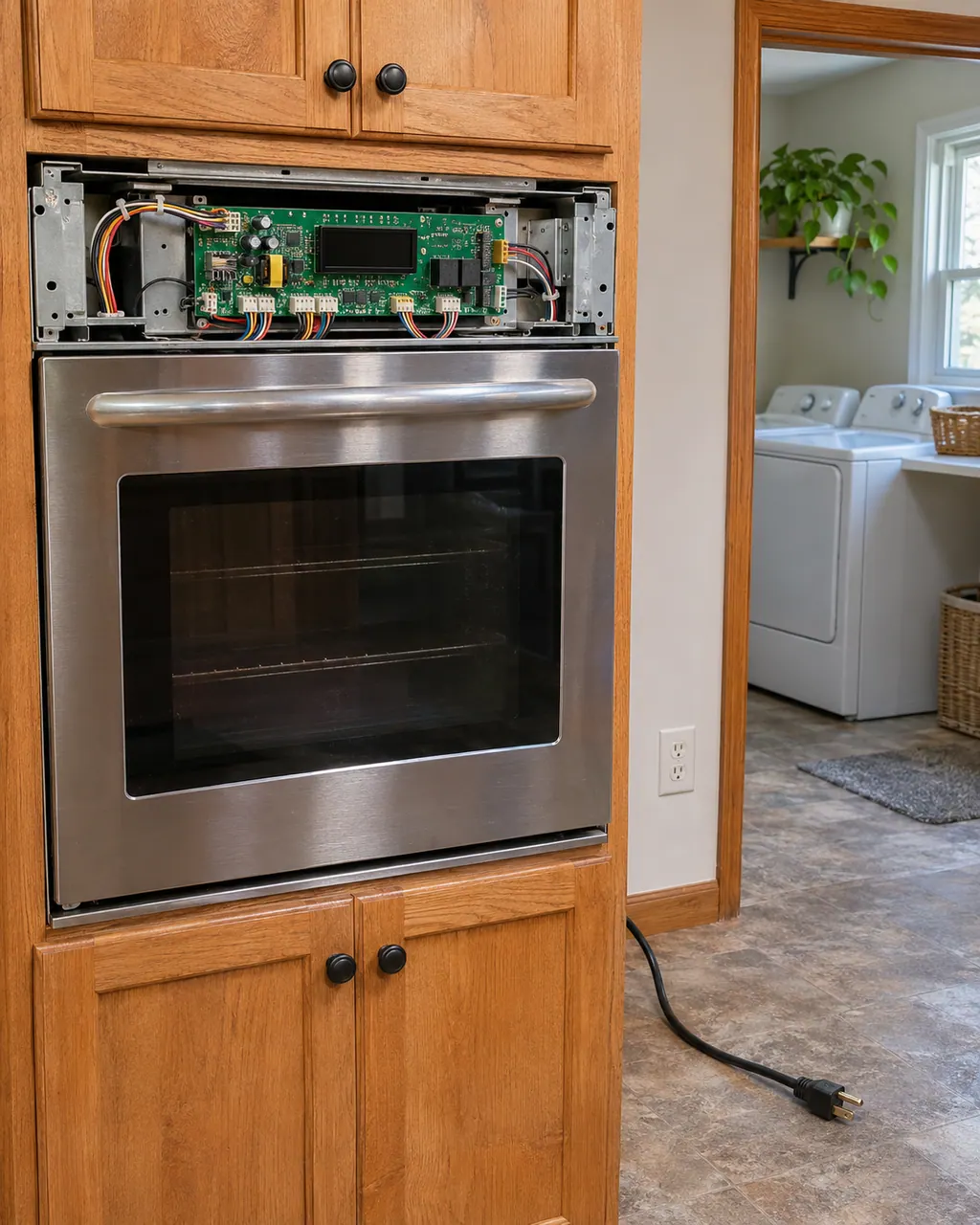
Turn the breaker off before you touch anything behind a panel. If you smell gas, leave the house and call your gas utility from outside.
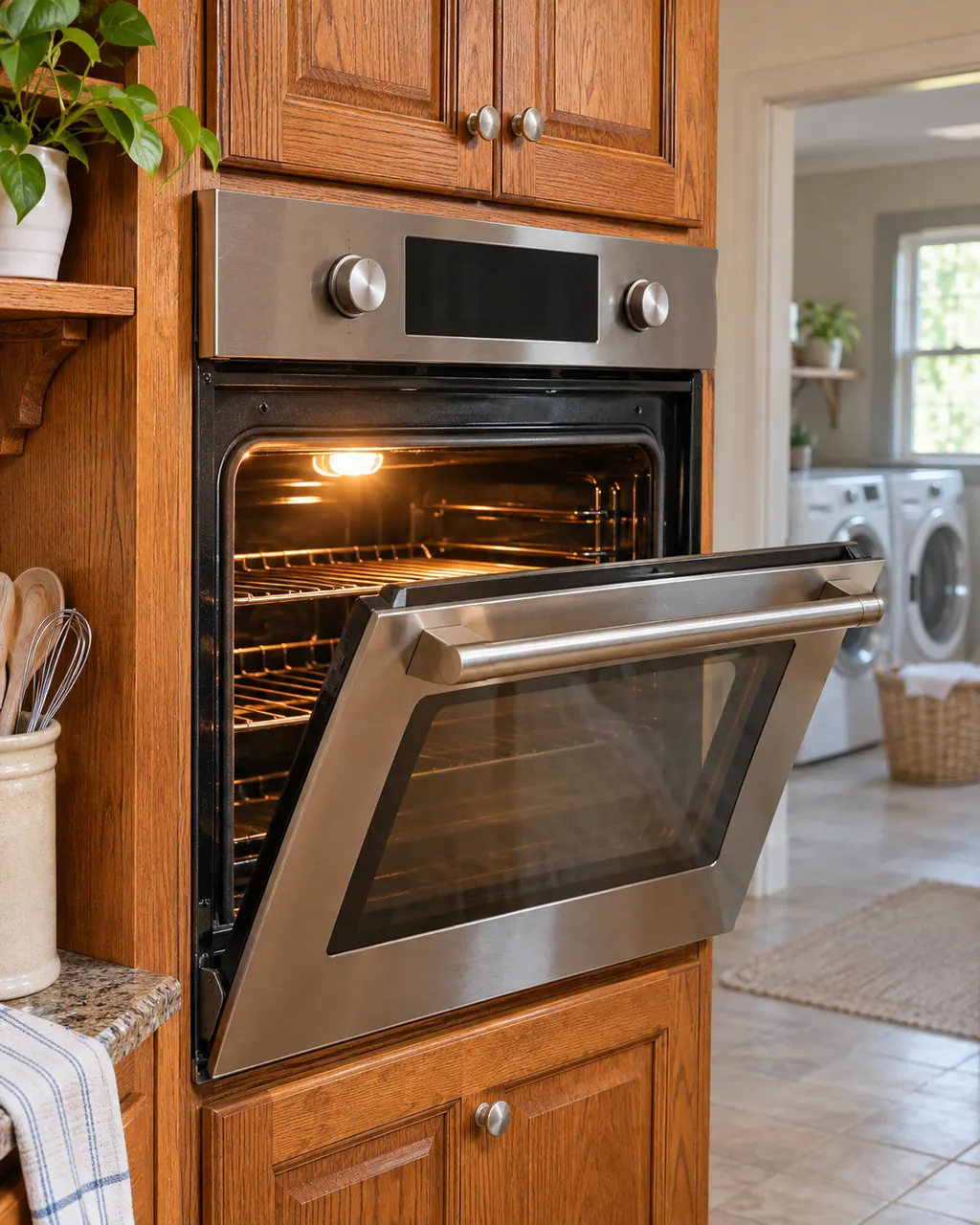
Record F04 character by character and note the product type: range.

Breaker off for one full minute, then back on, and look for F04.

Once power is back, keep an eye on the oven for about a minute for F04.

The control board lives behind panels on the range; keep them closed.
Keep the model number close and note when F04 appeared and what the range was doing.
Give us the model and the checks you have run, then open your request right here.
Book a visit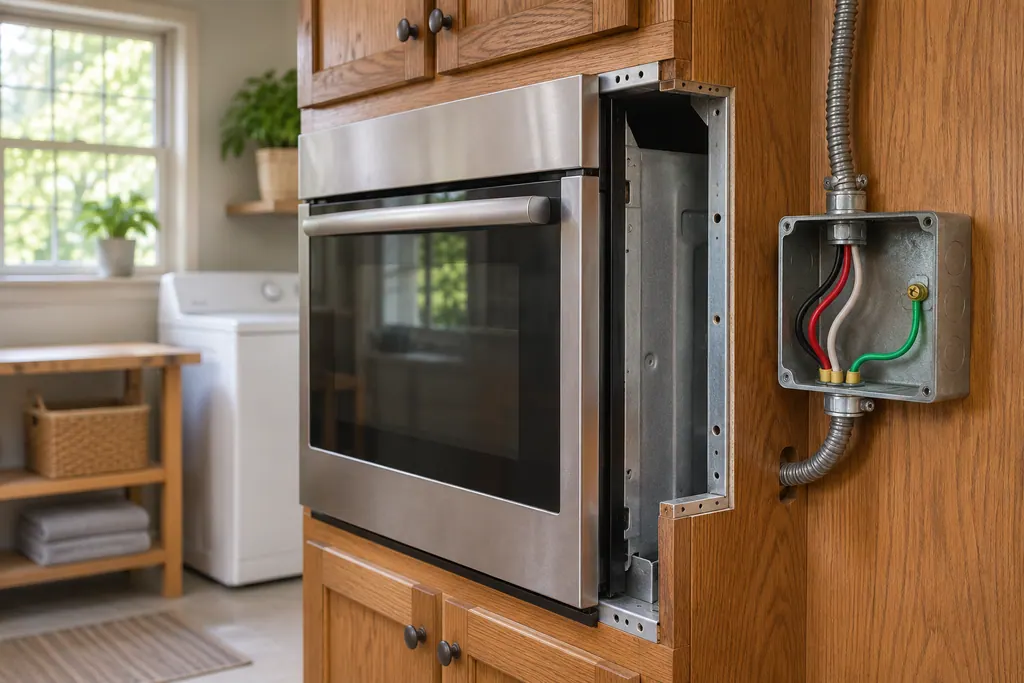
A rough sketch only, because a Maytag is laid out differently from model to model. Click a highlighted part to open its photo and the matching test.
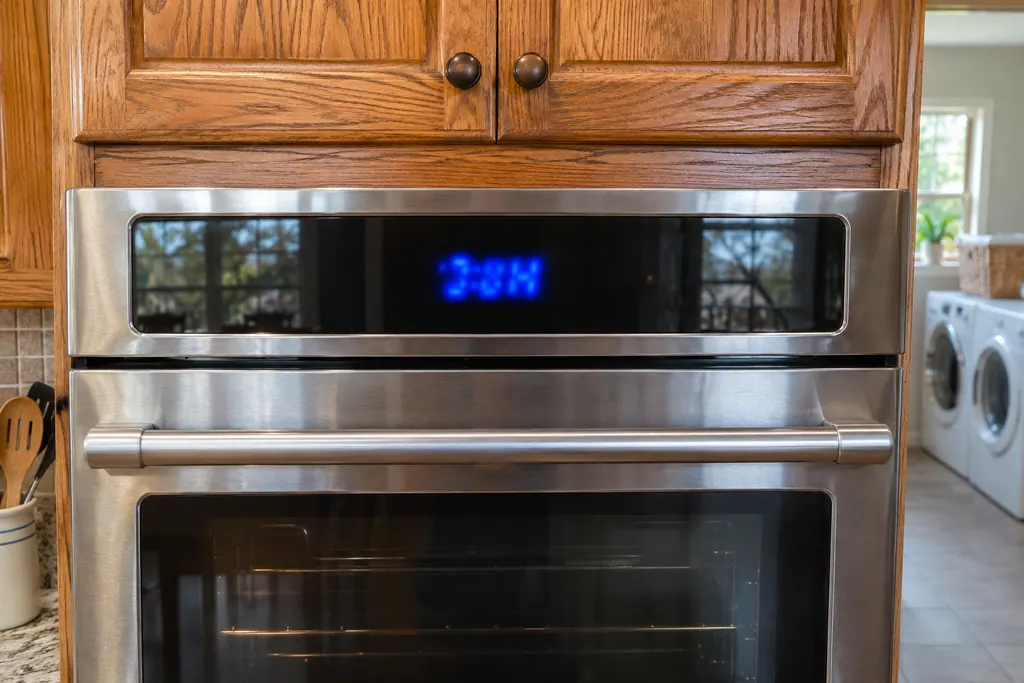
Component reference
Maytag range pages for F1-7, F3 and F6 point at the control board of the oven, or the wiring to it.
Read the definitionF04 is printed against the electronic oven control or the wiring. Maytag words it as a possible problem, not a finding.
Read the supporting manualTurn the oven's circuit breaker off for one minute, switch it back on, then keep an eye on the oven for a further minute to see whether F04 comes back.
Read the supporting manualF03 and F04 name the same suspects in the range list; quote the code you actually see when booking.
Read the supporting manualA control problem can stop heating or cause odd behavior, so stay near the range while it runs. If F04 keeps returning, stop and schedule a visit.
Read the supporting manualManufacturer document
Maytag Product Help (producthelp.maytag.com)
dateModified 2024-08-16; PH 13741 / PH 13741 (range)
Manufacturer document
Maytag Product Help (producthelp.maytag.com)
dateModified 2024-11-08; PH 14400 / PH 14400 (wall oven)
Scope for F04: Maytag range, PH 13741, checked November 2026. Maytag lists no models on the F04 page.
Maytag lists the electronic oven control or the wiring. It is a possible-cause list, not a confirmed failure.
It is the page's first step and costs nothing. A returning F04 afterward means schedule us.
Maytag names the electronic oven control or the wiring. Which one failed is for a technician with a meter to decide.
Model and serial numbers plus a note of what happened when F04 appeared.
Maytag codes, symptoms, parts and service
F03 on a range means Maytag suspects the electronic oven control or the wiring. Begin with the reset; if the code is back afterward, book a technician.
A Maytag steam wall oven asks you to "Empty and Refill Water Container" before each steam cycle, "Descale is needed" when it needs cleaning, and "Please remove and empty container" at the end of a descale. Treat each as a request rather than a breakdown, carry it out, and book a visit if one keeps returning.
Maytag range pages for F1-7, F3 and F6 point at the control board of the oven, or the wiring to it. F1-8 also names the keypad and its interface. The only home step printed is a one-minute breaker reset, followed by watching the oven.
Book a diagnostic for your model, done at the machine.
Office details, and the entry information to pass along.