What it means
The Maytag page for FCE2 on a over-the-range microwave states “The appliance could not connect to the router.” Switch the breaker off for a minute, then back on; schedule a visit if the code is still there.
Maytag microwave FCE2 / Wi-Fi and registration
The Maytag page for FCE2 on a over-the-range microwave states “The appliance could not connect to the router.” Switch the breaker off for a minute, then back on; schedule a visit if the code is still there.
Also printed as FCE2
The Maytag page for FCE2 on a over-the-range microwave states “The appliance could not connect to the router.” Switch the breaker off for a minute, then back on; schedule a visit if the code is still there.
Unplug the microwave or switch off its breaker before any panel comes off, and never open the casing, because it holds charge.
FCE2 returns, or the over-the-range microwave behaves oddly around the code.
Your Maytag to-do list, saved here on this device
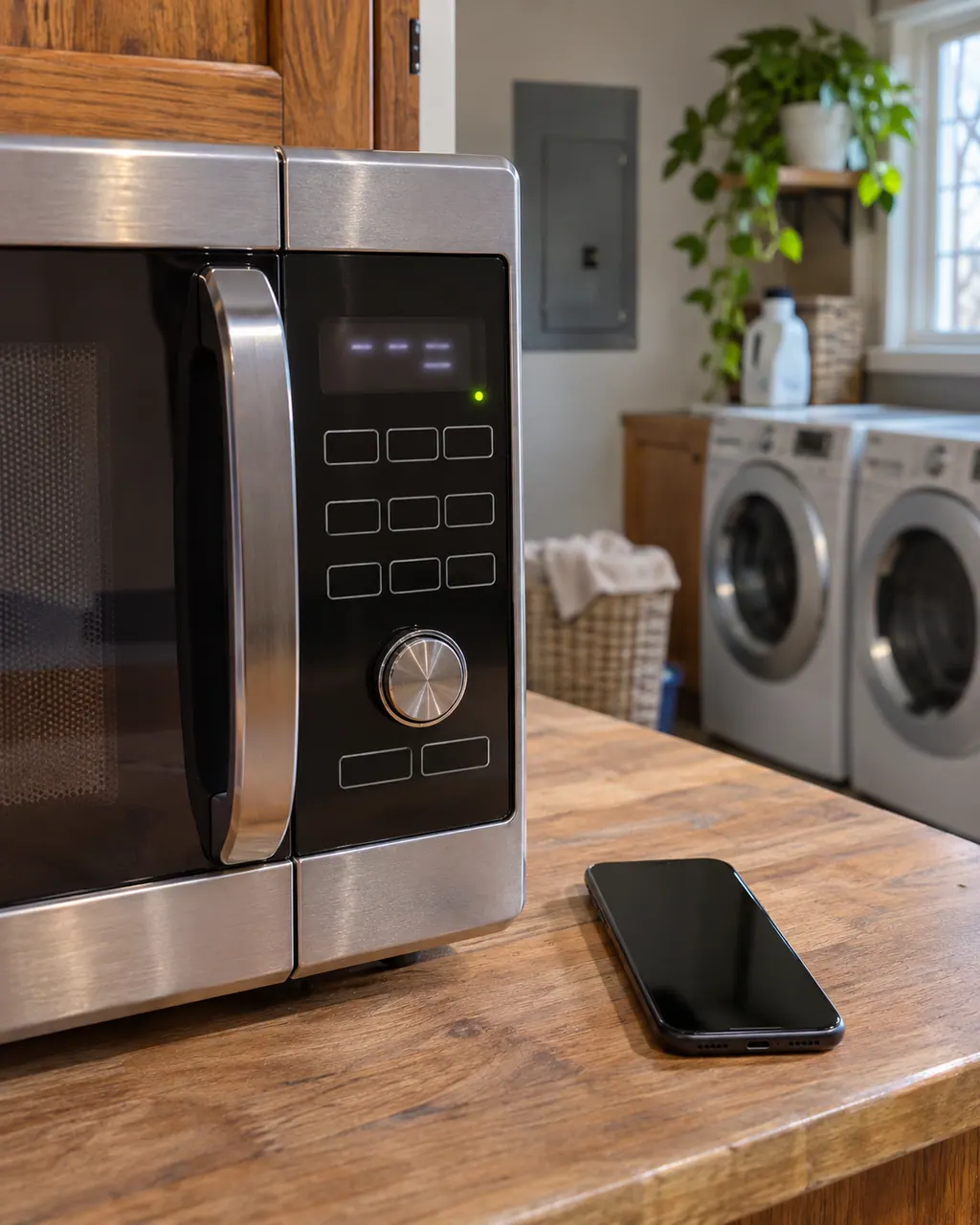
Unplug the microwave or switch off its breaker before any panel comes off, and never open the casing, because it holds charge.

Record FCE2 character by character and note the product type: over-the-range microwave.

Leave the breaker off a whole minute before checking for FCE2 again.

Once power is back, keep an eye on the microwave for about a minute for FCE2.
Restart the router as the page suggests, then restart the over-the-range microwave and try the connection again.
Keep the model number close and note when FCE2 appeared and what the over-the-range microwave was doing.
Give us the model and the checks you have run, then open your request right here.
Book a visit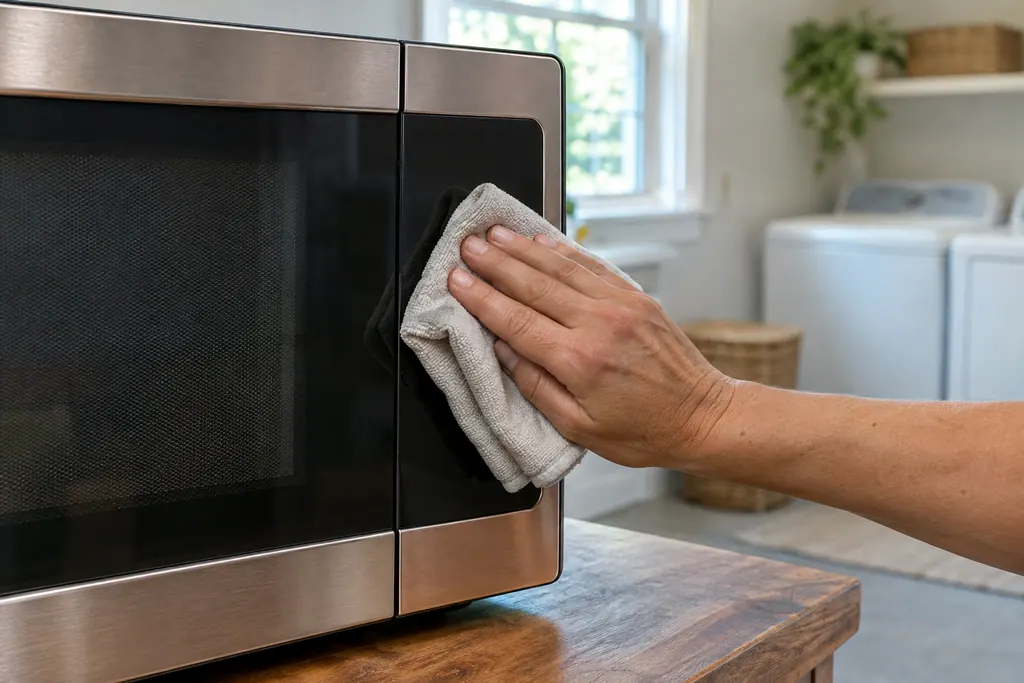
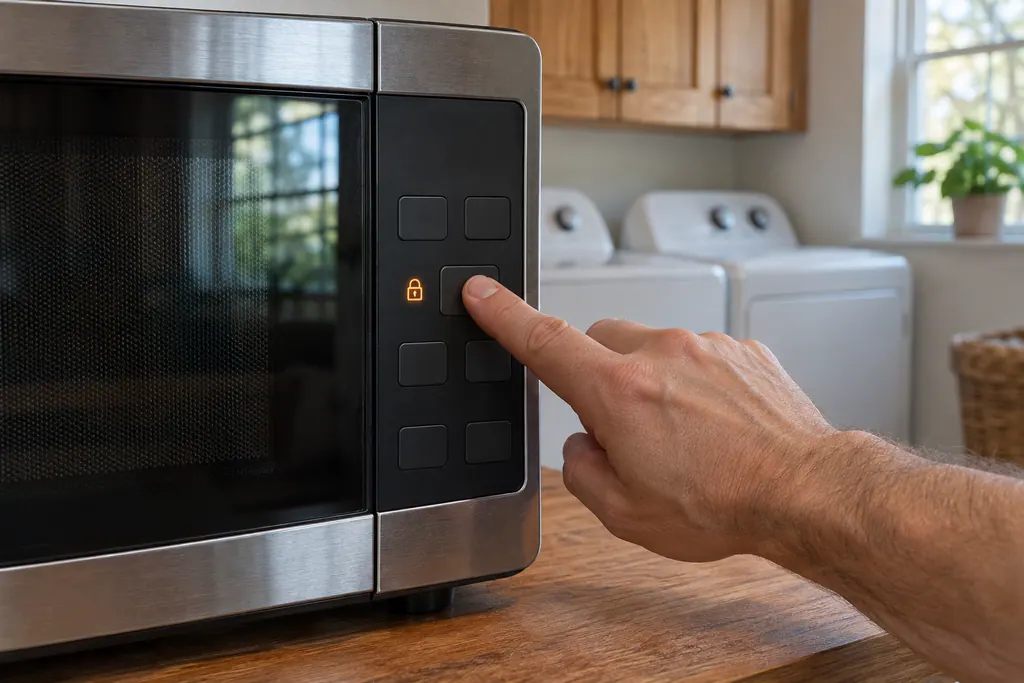
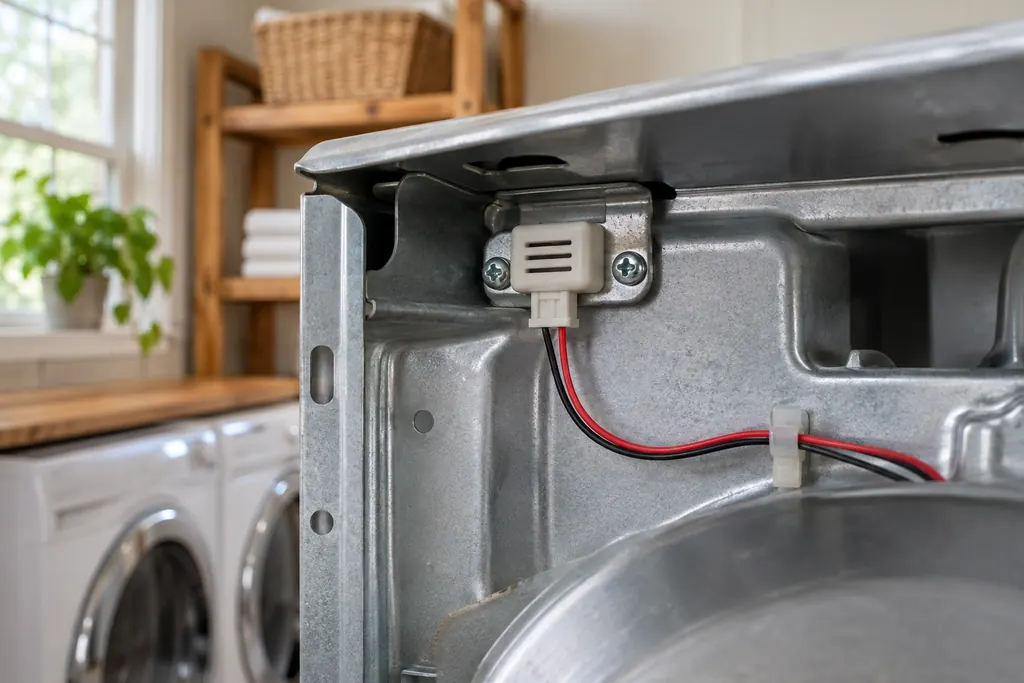
A rough sketch only, because a Maytag is laid out differently from model to model. Click a highlighted part to open its photo and the matching test.
The over-the-range microwave entry for FCE2 reads “The appliance could not connect to the router.” That is the whole explanation Maytag prints.
Read the supporting manualTurn the microwave's circuit breaker off for one minute, switch it back on, then keep an eye on the microwave for a further minute to see whether FCE2 comes back.
Read the supporting manualFCE1 is a separate entry from FCE2 on the over-the-range microwave page, with its own wording.
Read the supporting manualThe over-the-range microwave cooks or runs as usual without Wi-Fi; only the connected features pause. If FCE2 keeps returning, stop and schedule a visit.
Read the supporting manualManufacturer document
Maytag Product Help (producthelp.maytag.com)
dateModified 2023-08-16; PH 10317 / PH 10317 (over-the-range microwave)
Manufacturer document
Maytag Product Help (producthelp.maytag.com)
dateModified 2021-04-29; PH 10374 / PH 10374 (over-the-range microwave)
Facts for FCE2 are from the over-the-range microwave table (PH 10317) of Maytag Product Help, checked November 2026; no model list is printed.
The help page states “The appliance could not connect to the router.” Nothing else is added.
Yes, give it the whole minute. If FCE2 is still there afterward, schedule a visit.
No part is named for FCE2; the page gives only the wording above.
The model number, what FCE2 looked like, and whether the reset changed anything.
Maytag codes, symptoms, parts and service
Maytag's over-the-range microwave page words FCE1 like this: “The appliance could not connect to the router.” Try the one-minute breaker reset, and schedule a visit if the code returns.
If a Maytag microwave will not start, the display usually explains why: a door message, the LOC padlock icon, or Demo Mode. Reopen and reclose the door first, then check the lock and demo settings before you book a visit.
Book a diagnostic for your model, done at the machine.
Office details, and the entry information to pass along.