What it means
F8 means the surface cooking area ran too long and its automatic shutoff activated. Turn off the surface area, remove the utensils and let it cool. It is a protective shutoff, not a repair message.
Maytag cooktop F8 / Information
F8 means the surface cooking area ran too long and its automatic shutoff activated. Turn off the surface area, remove the utensils and let it cool. It is a protective shutoff, not a repair message.
Also printed as F8
F8 means the surface cooking area ran too long and its automatic shutoff activated. Turn off the surface area, remove the utensils and let it cool. It is a protective shutoff, not a repair message.
Turn the breaker off before you touch anything behind a panel, and leave wiring and supply connections to a technician.
F8 appears again soon after a short cooking time.
Your Maytag to-do list, saved here on this device
Switch the element that shows F8 off.

Take pots and pans off the area and let it cool.

Maytag’s page does not give a cool-down time for F8, so wait until the glass is comfortable to touch.

The page says the area has been in operation too long. An element left on is one example.
If F8 returns on a short cooking time, tell us how long the element was on.
Give us the model and the checks you have run, then open your request right here.
Book a visit
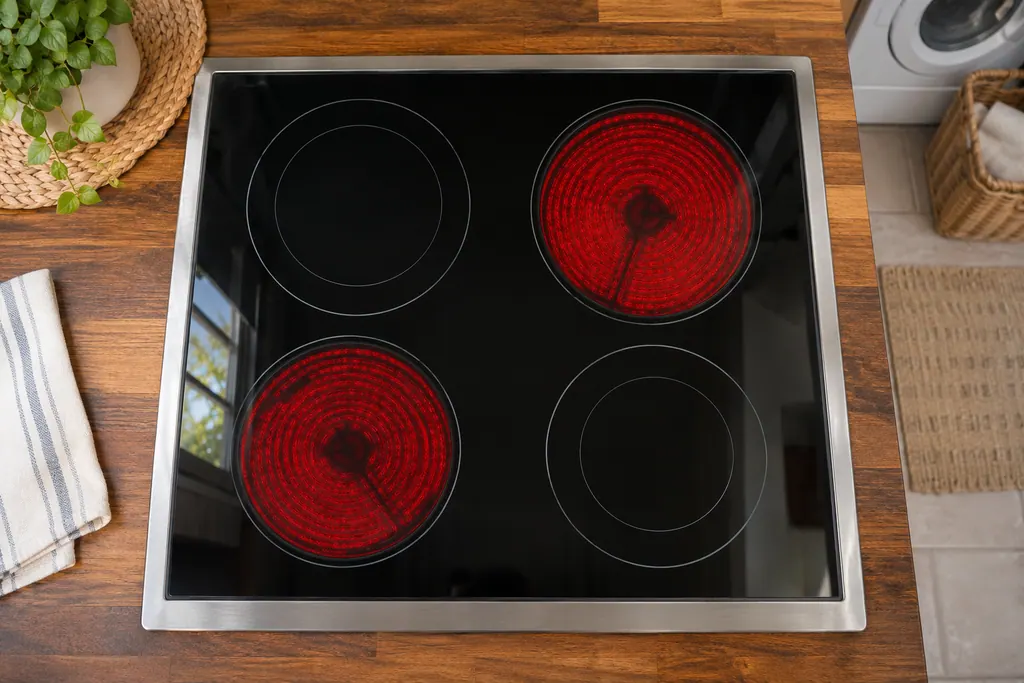
A rough sketch only, because a Maytag is laid out differently from model to model. Click a highlighted part to open its photo and the matching test.
Maytag prints that the surface cooking area has been in operation too long and that the automatic shutoff was activated. The remedy is to turn it off, remove utensils and allow it to cool.
Read the supporting manualF2 tells you the cooktop is still too hot: remove pans and the code disappears when the area has cooled; if it reappears after turning the area back on, the cooktop is still too hot. F8 is a time limit rather than a temperature.
Read the supporting manualF4 says a pot or pan is too close to the control panel; center it, check that nothing hot is on the touch panel, and wait 5 minutes. F8 has no five-minute wait.
Read the supporting manualNo breaker reset appears on the F8 pages. Both the electric and the electric and induction pages end with the cool-down.
Read the supporting manualManufacturer document
Maytag Product Help (producthelp.maytag.com)
dateModified 2024-01-22; PH 12858 / PH 12858 (electric cooktop)
Manufacturer document
Maytag Product Help (producthelp.maytag.com)
dateModified 2022-03-24; PH 12004 / PH 12004 (electric cooktop)
Manufacturer document
Maytag Product Help (producthelp.maytag.com)
dateModified 2024-01-22; PH 11984 / PH 11984 (electric cooktop)
Manufacturer document
Maytag Product Help (producthelp.maytag.com)
dateModified 2024-01-22; PH 12857 / PH 12857 (electric cooktop)
Maytag Product Help electric cooktop pages PH 12858 and PH 12004 for F8, with the F2 and F4 pages for comparison. Product Help lists no models for this entry, so the text applies to the cooktop type, not to a named model.
Not by the page. It is the automatic shutoff doing its job.
Maytag gives no time. Wait until the surface has cooled.
The F8 page does not ask for it; the fix is turning the area off and removing utensils.
F8 is about run time; F2 is about the cooktop still being too hot.
Maytag codes, symptoms, parts and service
On an electric cooktop, the entry for F6E4 says “There has been a loss of communication between the user interface, or keypad, and the user interface control.” Try the one-minute breaker reset, and schedule a visit if the code returns.
A Maytag electric cooktop that keeps beeping may have something on the control area, Control Lock being turned on or off, or a utensil left on an element too long. Clear and wipe the control panel first. Beeping for more than 15 minutes locks the panel and can show F1E0 on some models.
Book a diagnostic for your model, done at the machine.
Office details, and the entry information to pass along.