Maytag dryer F72 / Reset only

Maytag dryer
error code F72

Dryer / display reference

F72 appears on Maytag's commercial-grade residential dryer. Maytag's page covers F72 through F78 with one set of steps and no separate meaning for F72: switch the breaker off for 5 minutes, switch it on, start a time dry cycle and watch for one minute.
Also printed as F72

Last reviewed

Dryer / display reference
Meaning
F72 appears on Maytag's commercial-grade residential dryer. Maytag's page covers F72 through F78 with one set of steps and no separate meaning for F72: switch the breaker off for 5 minutes, switch it on, start a time dry cycle and watch for one minute.

Who handles it
Reset, then book
Related codes
Source
F72 through F78 - Error Code - Commercial Dryer - Product Help | Maytag

What Maytag dryer F72 means.

What it means

F72 appears on Maytag's commercial-grade residential dryer. Maytag's page covers F72 through F78 with one set of steps and no separate meaning for F72: switch the breaker off for 5 minutes, switch it on, start a time dry cycle and watch for one minute.

What you can safely check

Unplug the dryer or switch off its breaker before opening any panel, clean lint regularly, and if you smell gas leave the house and call your gas utility.

When to call a technician

F72 is still on the display after the 5-minute reset and the one-minute check.

Your Maytag to-do list, saved here on this device

Safe checks, in order.

0 of 5 checks done
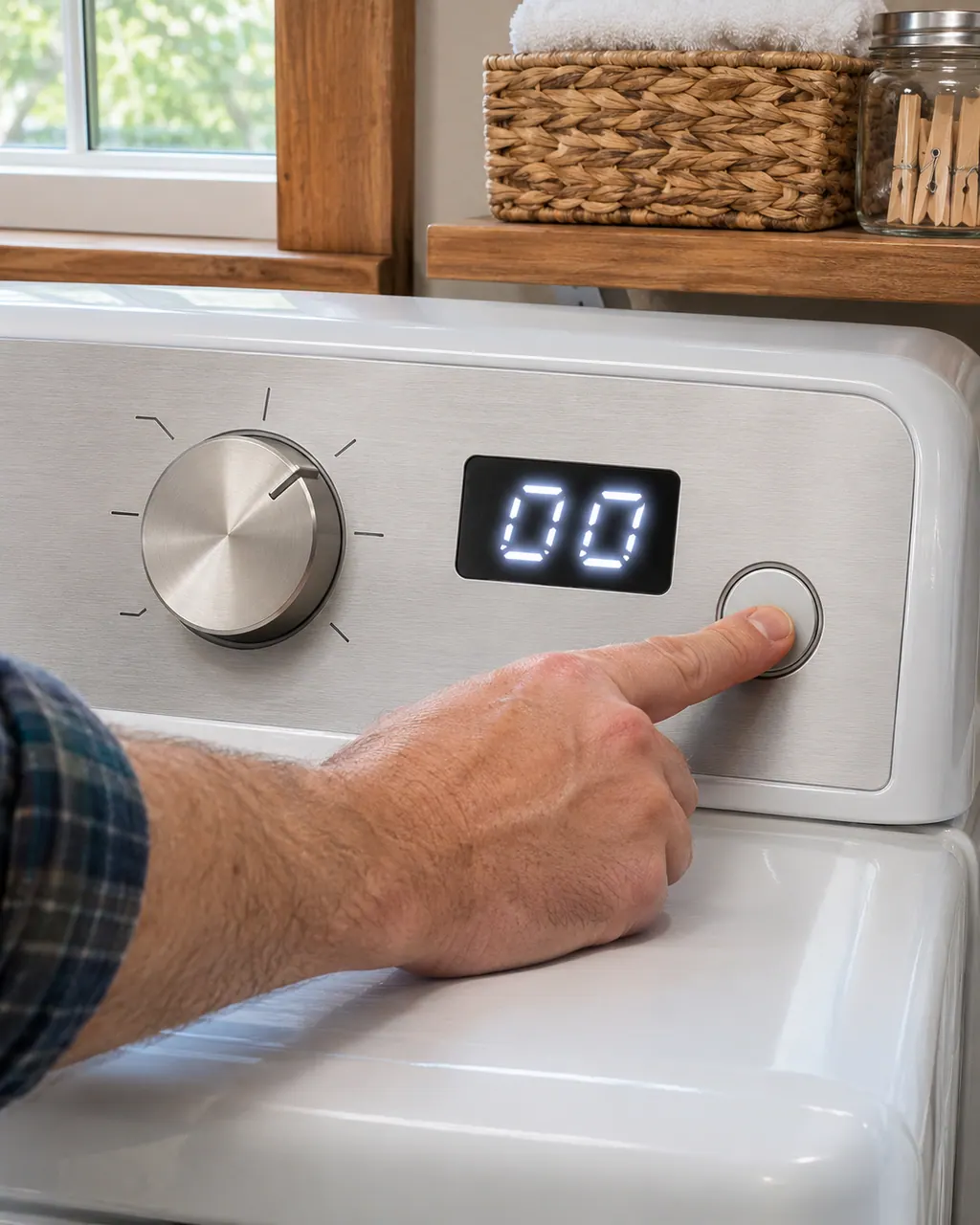
  1. Maytag dryer F72: Hand pressing the start button on a dryer control panel with a steel cycle knob beside a lit display reading 00
    Illustration. Follow your model’s instructions.
    Before you begin

    Safety first

    Switch the dryer off at its breaker before anyone opens a panel. If you smell gas, leave the house and call your gas utility.

  2. Dryers in a thoughtfully designed home
    Illustration. Follow your model’s instructions.
    Check 2

    Cut the power for 5 minutes

    Turn off the circuit breaker or breakers that feed the dryer and leave them off for the full 5 minutes. Time it.

  3. Close view of a washer control dial and cycle buttons
    Illustration. Follow your model’s instructions.
    Check 3

    Restore power and run a time dry cycle

    Turn the breakers back on and start a time dry cycle, as the page says.

  4. Over-the-shoulder view of a technician in a navy shirt holding a tablet with five empty checkboxes, a top-load washer behind
    Illustration. Follow your model’s instructions.
    Check 4

    Watch it for one minute

    Stay with the dryer for a minute. The page asks you to make sure F72 does not come back.

  5. A technician testing a dryer heating circuit
    Illustration. Follow your model’s instructions.
    Check 5

    Write down what you saw

    If the code returns, note the model number and when it appeared: at start, mid-cycle or after a power cut.

Does F72 keep coming back?

Give us the model and the checks you have run, then open your request right here.

Book a visit

Heat and its safety limits.

Conceptual Dryer sectionHeaterThermostat / fuseDrumControl1234
  1. 1Heater
  2. 2Thermostat / fuse
  3. 3Drum
  4. 4Control

A rough sketch only, because a Maytag is laid out differently from model to model. Click a highlighted part to open its photo and the matching test.

A little more context.

What does F72 mean on a commercial-grade residential dryer?

Maytag prints F72 in a range, F72 through F78, and gives the range a single set of steps without a meaning for any one code.

Read the supporting manual

What is the reset?

Turn off the circuit breaker or breakers for 5 minutes, turn them back on, start a time dry cycle and watch the dryer for one minute.

Read the supporting manual

How does F72 relate to the codes next to it?

F71 sits just below the range and has its own Maytag page with the same wording.

Read the supporting manual

The manual behind the message.

Manufacturer document

F72 through F78 - Error Code - Commercial Dryer - Product Help | Maytag

Maytag Product Help (producthelp.maytag.com)

dateModified 2021-07-28; PH 11833 / PH 11833 (commercial-grade residential dryer)

Facts come from the Maytag Product Help page "F72 through F78 - Error Code - Commercial Dryer" (PH 11833, modified 2021-07-28), written for commercial-grade residential dryers. Maytag prints seven codes under one set of steps. Household dryer pages are separate.

Here to help

Good questions.
Clear answers.

Talk to our team
Does Maytag give F72 its own meaning?

No. The page lists F72 through F78 together and prints one set of steps. It names no cause and no part for F72 on its own.

What exactly does the page tell me to do for F72?

Power the unit down by turning off the circuit breaker or breakers for 5 minutes, turn them back on, start a time dry cycle and watch for one minute.

Is F72 the first code in the range?

Yes, if you count from F72. The numbers run F72, F73, F74, F75, F76, F77, F78. Maytag treats them alike.

Is this page for a household dryer?

No. It covers the commercial-grade residential dryer. Household dryer codes have their own pages on this site.

Let’s take care of it.

A full hamper waits for no one.
Book the repair.